
In the early days of high-definition gaming, a "good" TV was simply one that had an HDMI port and didn't weigh as much as a small car. But as we move into 2026, the landscape has shifted dramatically.
With the PS5 Pro, Xbox Series X, and high-end PCs pushing the limits of graphical fidelity, your television is no longer just a window into a digital world—it’s a critical piece of hardware that can determine whether you win a firefight or lose to a laggy screen.
We’ve spent hundreds of hours testing the latest panels to answer the ultimate question: What actually makes a TV good for gaming? Whether you’re a casual player or a competitive pro, here is the definitive breakdown of the technology that matters.
The Need for Speed: Refresh Rate and Input Lag
If you take away nothing else from this article, remember these two terms. They are the "heartbeat" of a gaming TV.
Refresh Rate (Hz)
A TV’s refresh rate is how many times per second it updates the image on the screen.
- 60Hz: The old standard. Fine for movies, but "choppy" for modern gaming.
- 120Hz: The gold standard. This allows for fluid motion that feels buttery smooth.
- 144Hz and Beyond: Common in 2026 flagship models (like the LG C5 or Samsung S95F), these higher rates are primarily for PC gamers looking for that extra competitive edge.
Input Lag (The "Feel" of the Game)
Input lag is the delay between you pressing a button on your controller and the action happening on screen. In the past, TVs had lags of 50ms or more, making games feel "heavy."
Expert Tip: For a modern gaming TV, look for an input lag of under 10ms. The best OLEDs now achieve near-instantaneous response times of under 1ms, making the connection between player and character feel telepathic.
HDMI 2.1: The Essential Pipe
Think of HDMI 2.1 as a high-speed highway. Without it, your console cannot send enough data to the TV to enable 4K resolution at 120 frames per second (fps).
In 2026, many mid-range and premium TVs now offer four HDMI 2.1 ports. This is a massive win for enthusiasts who own multiple consoles and a soundbar. If a TV only has one or two 2.1 ports, you’ll find yourself constantly swapping cables to get the best performance.
The "Big Three" Features: VRR, ALLM, and HGiG
These acronyms might look like alphabet soup, but they are the secret sauce of a great gaming experience.
- VRR (Variable Refresh Rate): Traditionally, TVs refresh at a fixed rate. If a game’s frame rate drops during a heavy explosion, you get "screen tearing." VRR forces the TV to sync perfectly with the console's output, eliminating stutters and tears.
- ALLM (Auto Low Latency Mode): This tells your TV to automatically switch to "Game Mode" the moment you turn on your console. It ensures you’re always playing with the lowest lag without having to dive into menus.
- HGiG (HDR Gaming Interest Group): HDR (High Dynamic Range) makes colors pop, but it can sometimes make dark areas too dark or bright areas "blown out." HGiG ensures the TV and console talk to each other so that the HDR is mapped correctly for gaming specifically, preserving detail in shadows and highlights.
Panel Wars: OLED vs. Mini-LED vs. QLED
The "engine" under the hood of your TV determines its visual character.
|
Technology |
Best For... |
The Trade-off |
|
OLED |
Dark rooms, infinite contrast, instant response. |
Risk of "burn-in" over many years; lower peak brightness. |
|
Mini-LED |
Bright living rooms, "punchy" HDR, high peak brightness. |
Potential for "blooming" (light bleed) around bright objects. |
|
QLED |
Budget-conscious gamers, vibrant colors. |
Lacks the deep blacks of OLED or the precision of Mini-LED. |
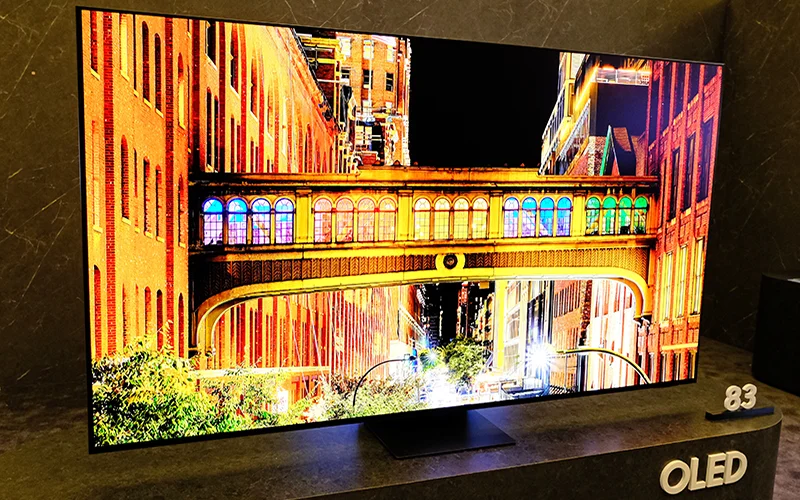
For most gamers, OLED remains the king due to its "per-pixel" lighting, meaning a torch in a dark cave won't have a gray haze around it. However, if you play in a sun-drenched living room, a high-end Mini-LED (like the Hisense U8 series) can hit 3,000+ nits of brightness to overpower the sun.
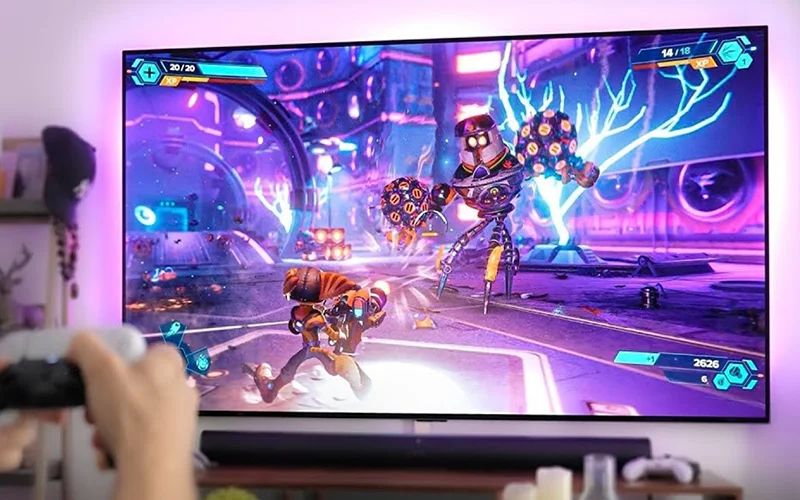
What to Look for in 2026
If you are shopping today, here is your "Cheat Sheet" for a great gaming TV:
- 4K Resolution with a 120Hz native panel.
- At least two (ideally four) HDMI 2.1 ports.
- Support for VRR (FreeSync/G-Sync) and ALLM.
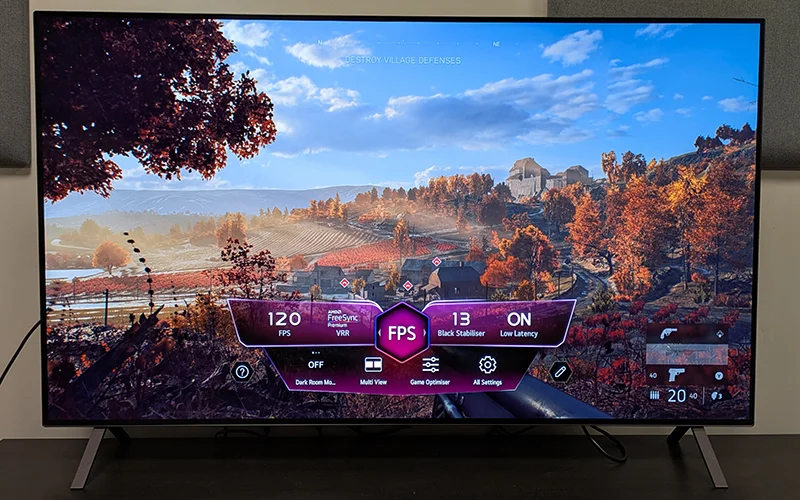
- Game Bar/Dashboard: A dedicated menu to see your current FPS and toggle settings on the fly.
- Low Input Lag: Aim for sub-10ms.
Buying a gaming TV is an investment in your hobby. While the technical specs can be daunting, focusing on these core pillars will ensure that your setup is future-proof for years to come.
Would you like me to compare the specific gaming performance of the top three OLED TVs currently on the market?