
What Size TV Should I Buy? Find the Right Size for Your Room
What size TV should you buy? If your eyes are about 6 feet from the screen, start with 55 inches. At 7 to 8 feet, 65 inches is a strong all-round choice. At 9 to 10 feet, look at 75 or 85 inches. Around 12 feet, a 98-inch TV starts to make sense if the wall, budget and delivery route allow it.
Those are starting points, not a rule that says your sofa must move. A movie fan may enjoy a larger screen at the same distance; someone who watches mostly news and older cable feeds may prefer the smaller end. Measure where your eyes actually sit, then decide how much of your view you want the picture to fill.
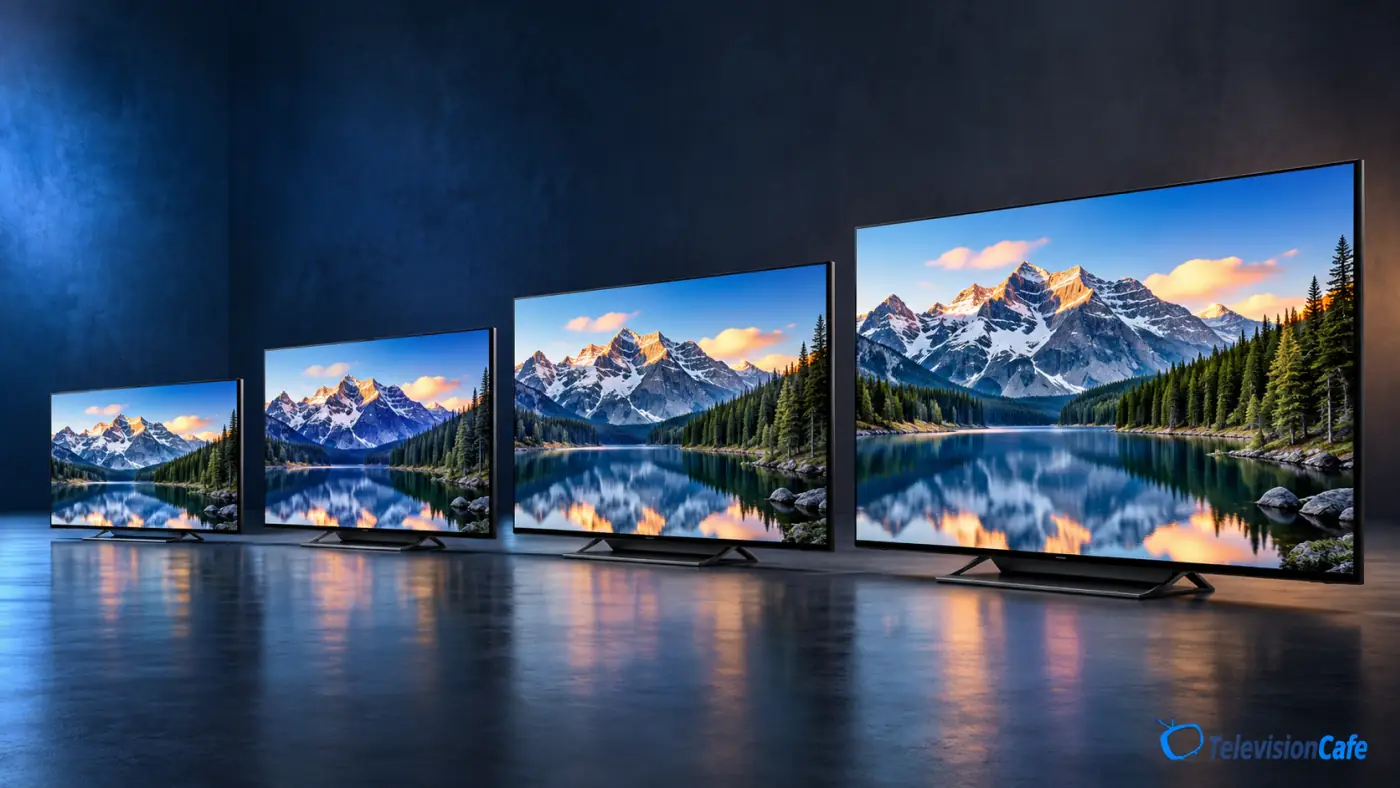
TV Size by Viewing Distance: The Quick Answer
Measure from your usual seat to the screen surface, not from the sofa to the wall behind the TV. Then use this table to make a shortlist:
| Eye-to-screen distance | Good sizes to compare | Where to start |
|---|---|---|
| 6 ft / 1.8 m | 48–55 inches | 55 inches |
| 7 ft / 2.1 m | 55–65 inches | 65 inches |
| 8 ft / 2.4 m | 65–75/77 inches | 65 inches for mixed use; 75/77 for movies |
| 9 ft / 2.7 m | 75–85 inches | 75 inches |
| 10 ft / 3.0 m | 75–98 inches | 85 inches |
| 12 ft / 3.7 m | 98–115 inches | 98 inches |
These are rounded choices for a typical 16:9 TV and roughly a 30–40° viewing angle, not minimum safety distances. If you sit between rows, compare both sizes in person or mark them out at home.
Why a 65-Inch TV Can Work at More Than One Distance
A TV's advertised size is its diagonal, not its width. What you feel from the sofa depends on how much of your view the screen occupies. Around 30° feels comfortable for a mix of shows, sports and games. Around 40° makes movies more involving.
Useful shortcut: For a relaxed starting point, take your eye-to-screen distance in inches and divide by about 1.6. At 8 feet, 96 ÷ 1.6 = 60, so a 65-inch TV is a sensible size to try. If you want a stronger cinema feel, compare a 75- or 77-inch set at that same seat.
For perspective, a 65-inch screen lands near a 40° view at about 6.5 feet and near 30° at about 8.8 feet. Both can be comfortable, but they do not feel the same. This range follows the field-of-view approach explained in RTINGS' TV size and distance guide.
55 vs. 65 vs. 75 vs. 85 Inches: What Actually Changes?
55 inches: Easy to fit in a bedroom or a close-seating living room. At about 6 feet, it feels substantial without dominating every show. From 9 feet away, though, it can seem small for movies and fine on-screen text.
65 inches: The dependable choice for many sofas roughly 7 to 8 feet from the screen. It gives sports, streaming and games some presence while still leaving room for furniture and speakers.
75 or 77 inches: A noticeable step up for an 8- to 10-foot seat. Movie subtitles, score graphics and game interfaces become easier to follow. The jump from 65 to 75 inches adds roughly one-third more screen area; it is more than a small change to the diagonal.
85 inches: Worth a serious look around 9 to 11 feet if the room supports it. It can be terrific for a film night, but make sure the exact set fits through the door and does not force the screen too high above eye level.
Will a Bigger 4K TV Look Blurry Up Close?
A larger 4K screen does not automatically look soft at ordinary living-room distances. What often gives away the upgrade is the source: a low-bitrate stream, old DVD, poor broadcast feed or heavily compressed sports channel can look rougher when it fills more of your view. A clean 4K movie usually holds up much better.
If most of your watching comes from older or lower-quality sources, give picture processing and upscaling real weight when comparing models. If you mainly stream good-quality 4K movies and play current console games, a larger size may pay off more. Do not buy an 8K badge just to solve a seating-distance question.
Check the Real Width Before You Buy
The diagonal on the price tag does not tell you whether the TV will fit your cabinet. For a typical 16:9 screen, these approximate screen-only widths help you plan:
- 55 inches: about 48 inches / 122 cm wide
- 65 inches: about 57 inches / 144 cm wide
- 75 inches: about 65 inches / 166 cm wide
- 85 inches: about 74 inches / 188 cm wide
- 98 inches: about 85 inches / 217 cm wide
Bezels, feet and wall-mount clearance vary by model.
Check the manufacturer's full dimensions, the spacing of the stand legs, the load rating of the furniture or mount, and the space for a soundbar.
For a very large TV, measure the packaging and the route through doors, stairs and elevators too.
Should You Buy a Bigger TV or a Better TV?
When both sizes fit, ask what you notice first from your sofa. If a 55-inch screen already feels distant at 9 feet, moving to 65 or 75 inches will change everyday viewing more than a modest picture-quality upgrade at 55 inches.
If you sit 6 feet away and mostly watch dark movies, a better 55- or 65-inch TV may give you more satisfying contrast and fewer distracting picture flaws than a much larger entry-level model.
Compare specific models at specific sizes. A TV's panel, screen finish or feature set can differ across its size range. If 65 inches is on your shortlist, browse our best 65-inch TVs under $1,000; for a room with difficult daylight, see our bright-room TV picks.
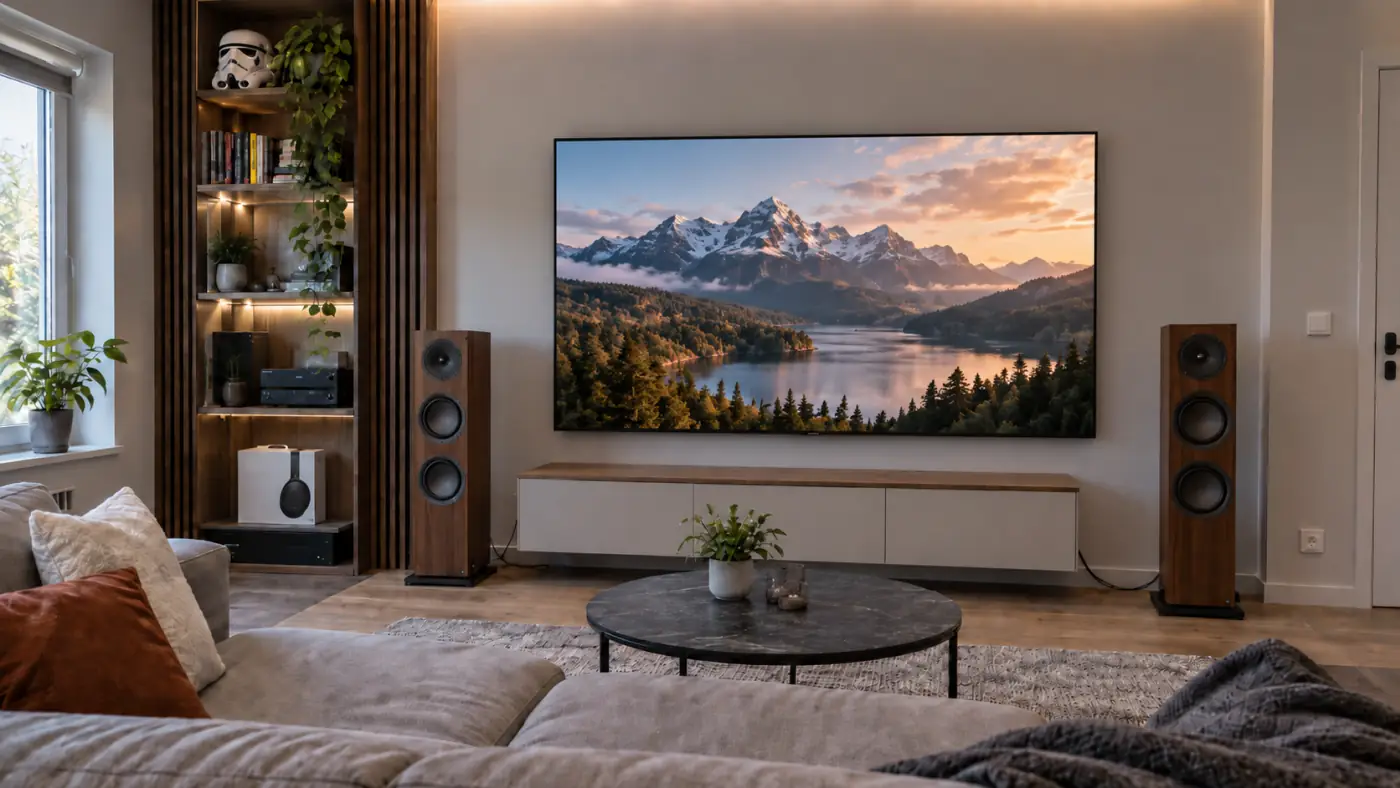
Adjust the Choice for How You Watch
Movies: Lean toward the larger end of the table if you enjoy an immersive image and can control reflections. That wide shot should feel wide.
Sports and everyday TV: Stay near the middle of the suggested range, especially when several people watch from different seats. Screen size does not cure weak viewing angles or a distracting window reflection.
Gaming: Consider whether you want to take in the whole screen at once or sink into a cinematic single-player game. A bigger screen makes HUD text easier to read from the sofa; sitting extremely close to a huge screen may make fast action harder to scan.
Bedroom: Measure from the pillow, not the foot of the bed. A 43-, 48- or 55-inch TV can be right in a compact room, depending on that distance and where the screen will sit.
The Five-Minute Test That Beats Guessing in a Store
- Sit in your normal spot and measure from your eyes to the planned screen position.
- Pick two sizes from the distance table.
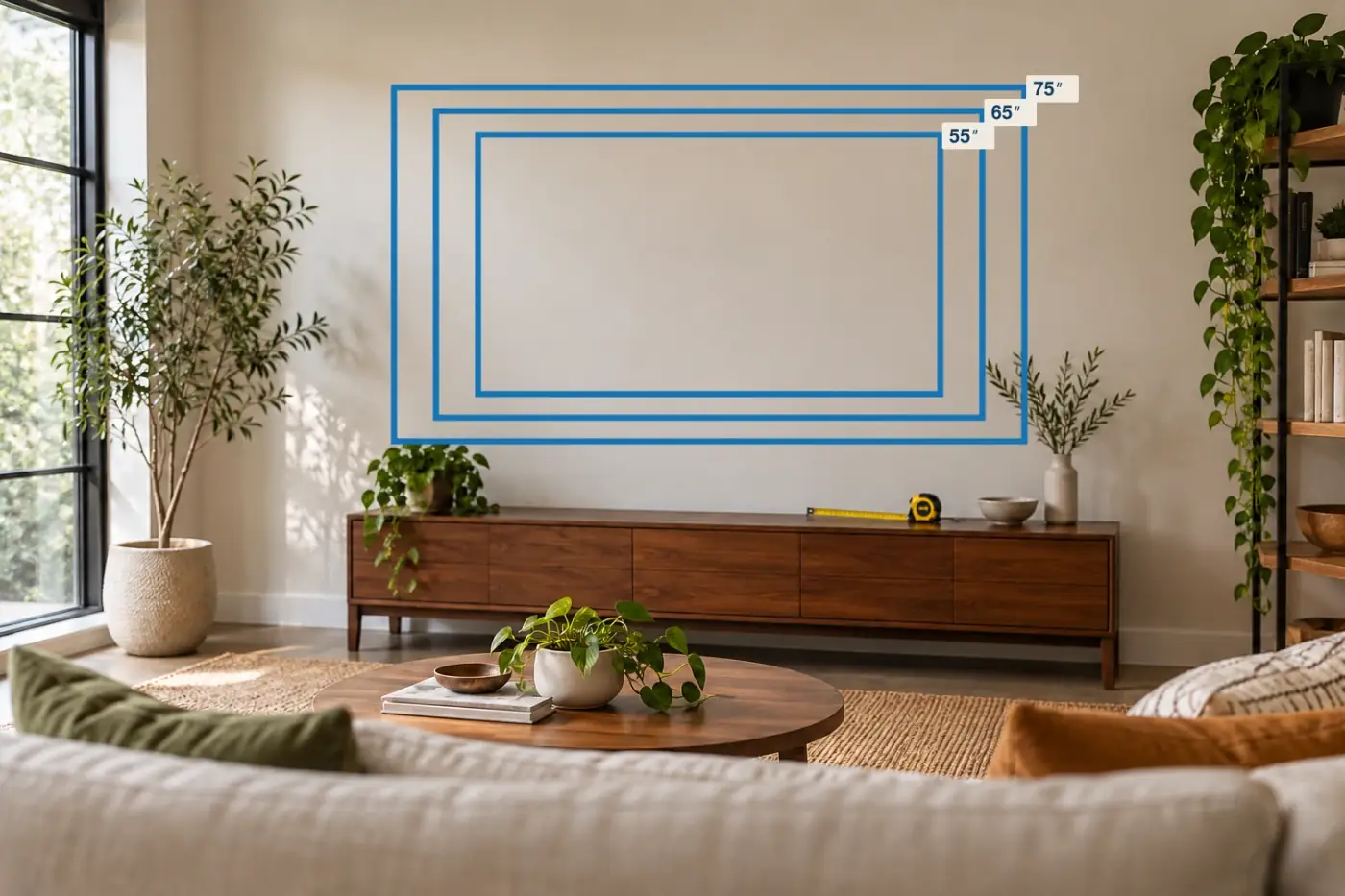
- Use painter's tape or paper to mark each screen's approximate outer width and height on the wall.
- Look at the outlines while seated, then check the view from the other seats you use.
- Check the exact TV's dimensions, stand layout and delivery access before ordering.
Store displays can make even a huge TV look modest under tall ceilings. Your own wall tells a more useful story.
Frequently Asked Questions
Is 65 inches too big for 8 feet?
No. At 8 feet, 65 inches is an excellent starting point for mixed viewing. If you want a stronger movie-theater effect and have room for it, compare 75 or 77 inches.
What size TV should I get for a 10-foot viewing distance?
Start with 85 inches. A 75-inch set is a calmer choice, while 98 inches delivers a more immersive picture if your room and budget can handle it.
Is a 75-inch TV too big for a small living room?
The room's floor area alone cannot answer that. If your eyes sit about 8 to 10 feet from the screen, 75 inches can work well. Check the wall width, screen height and sightlines from the sofa.
Do I need to sit farther back from a 4K TV?
Usually no. Sharp 4K content can look good from relatively close seats. Choose a distance that feels comfortable for your viewing habits, and remember that poor source quality can become more obvious on a bigger screen.
So, What Size TV Should You Buy?
For a quick decision: 55 inches at about 6 feet, 65 inches at 7–8 feet, 75 or 85 inches at 9–10 feet, and around 98 inches at 12 feet. Use the larger end if movie nights and big-screen games are the point; use the smaller end if everyday broadcasts, furniture space or budget matter more.
Then measure the actual wall and compare the exact models. The best size is the one that looks right from your seat, fits your room and leaves enough budget for a TV you will enjoy watching.