
F1 on Apple TV Gets Dolby Atmos: What You Need to Watch
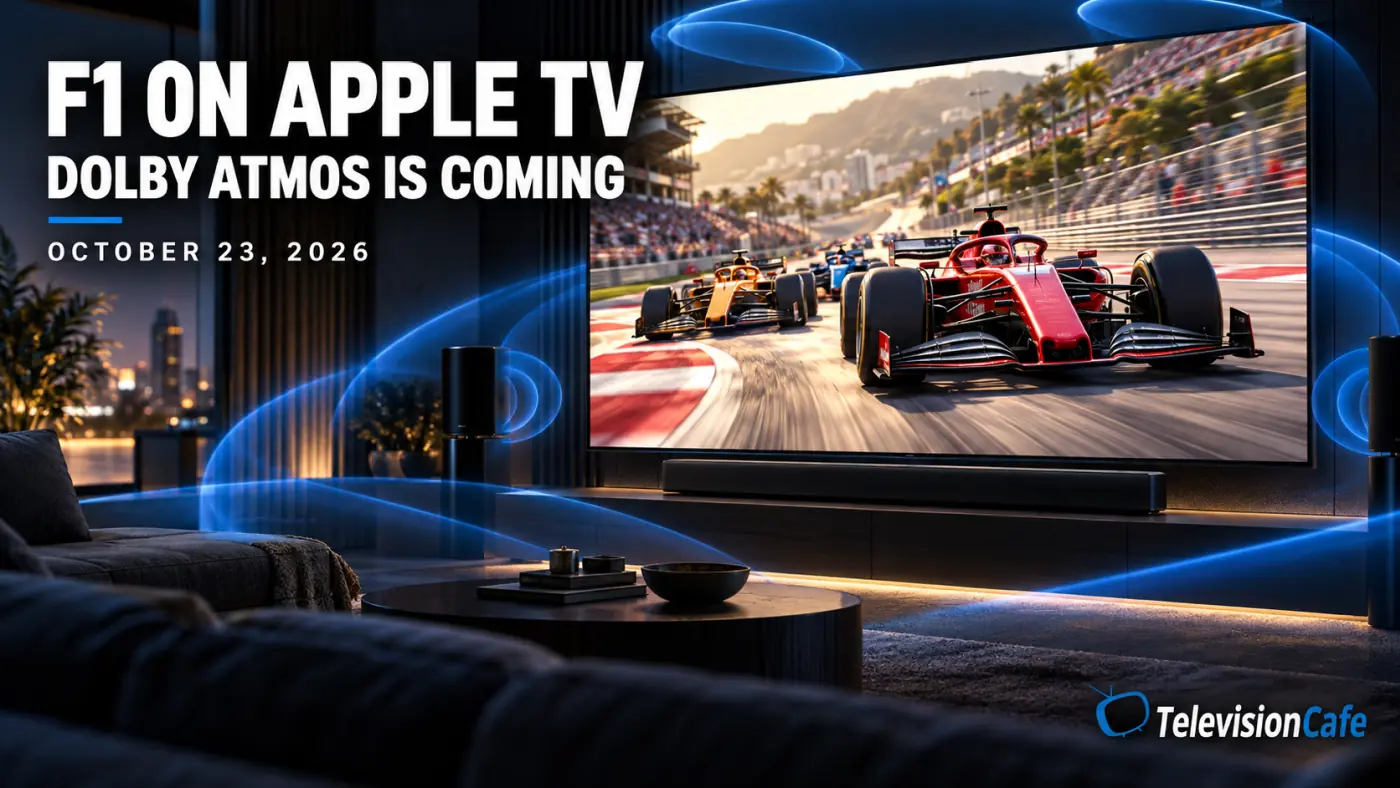
Formula 1 is getting a sound upgrade on Apple TV. Apple and Dolby announced on October 7, 2026, that Dolby Atmos will join the service’s existing Dolby Vision coverage, starting with the United States Grand Prix weekend on October 23.
For U.S. fans, that makes the living-room setup worth a quick check before race weekend. An Atmos-capable soundbar is a good start, but the app, playback device, and connections have to cooperate.
Here is what is changing, what you need, and how to avoid getting ordinary surround sound when you were expecting Atmos.
When Does F1 Get Dolby Atmos on Apple TV?
The announced start date is Friday, October 23, 2026. The upgrade applies to Apple TV’s U.S. F1 offering and requires a U.S. Apple TV subscription.
Dolby Vision is already part of the coverage. Apple launched its 2026 F1 broadcasts with 4K Dolby Vision video and 5.1 surround sound, so the upcoming addition is an audio upgrade rather than the debut of HDR racing.
Apple’s F1 coverage includes practice, qualifying, Sprint sessions, and races. However, the Atmos announcement is not a feed-by-feed compatibility list. Check the selected broadcast rather than assuming every onboard view or alternate feed carries the same audio.
What You Need to Watch F1 With Dolby Atmos
Before buying anything, check these four parts of your setup:
- Access: an active U.S. Apple TV subscription.
- Playback: the Apple TV app on a device that supports the required playback formats.
- Audio: an Atmos-compatible TV speaker system, soundbar, or AV receiver and speakers.
- Connections: an audio path that can carry the playback device’s output to your sound system.
You do not automatically need an Apple TV 4K box. Apple offers F1 through its app on smart TVs and other streaming devices. App availability, however, does not guarantee identical picture and sound support on every device.
Look up the exact model and its Apple TV app capabilities. “Dolby Atmos supported” somewhere in a TV’s specifications is not enough to confirm this particular app and signal path.
What Will Dolby Atmos Add to the Race?
Atmos can place sound around and above the listening position. With a suitable speaker layout, the benefit is a more enveloping sound field rather than simply louder engines.
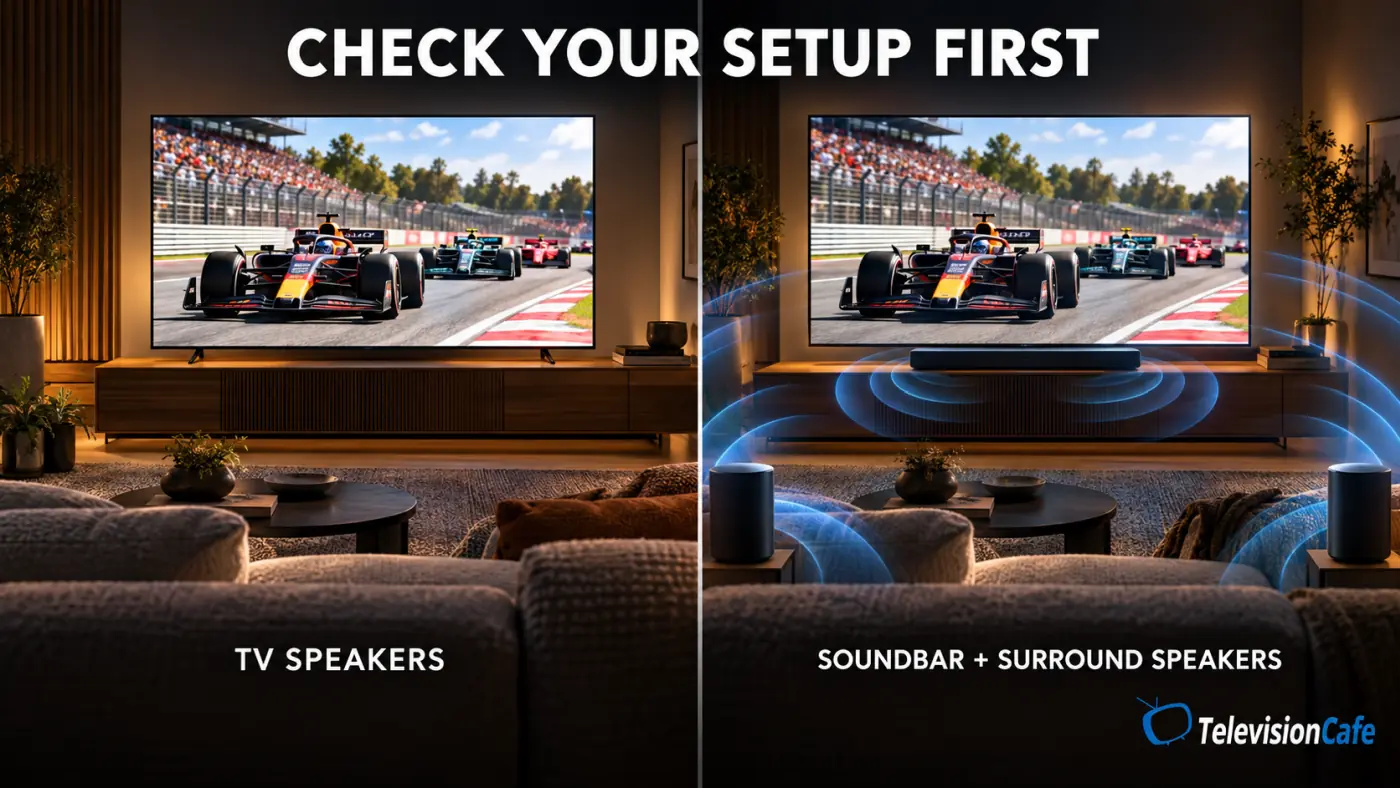
How convincing that feels depends on the hardware and room. A TV using virtualized Atmos through small built-in speakers will deliver a different experience from a system with surround and height speakers. Upward-firing speakers also depend on ceiling reflections and placement.
For race viewing, listen for a sense of space without losing commentary clarity. That is a better test than turning up the volume until everything sounds dramatic.
We have not evaluated the upcoming F1 Atmos broadcast. Its real-world impact will need to be assessed once it goes live.
Apple TV 4K, Soundbars, and the ARC Trap
If you use an Apple TV 4K box, pay attention to the HDMI route. Apple states that its high-bandwidth Atmos output does not work over standard ARC.
There are two connection options to check:
- Through the audio system: connect Apple TV 4K to a soundbar or receiver’s HDMI input, then connect that device’s HDMI output to the TV. Confirm that the audio system can pass the video format you want, including Dolby Vision.
- Through the TV: connect Apple TV 4K to the TV, then use eARC to the soundbar or receiver. The TV must support passing the incoming audio format; an eARC label alone does not establish compatibility.
Check your equipment manuals before moving cables. Some soundbars have no separate HDMI input.
For missing sound, dropouts, or connection problems, use our HDMI ARC/eARC troubleshooting guide.
How to Check Dolby Atmos on Apple TV 4K
On the Apple TV 4K box, open Settings > Video and Audio > Audio Format. Use the automatic or best-available format setting and enable Dolby Atmos when the option is available. Menu wording can vary with tvOS.
Forcing conversion to Dolby Digital 5.1 or stereo limits the output. Those settings can help older equipment, but they are not the choice for receiving Atmos.
Then test a known Atmos title before race weekend. Check the soundbar or receiver’s incoming-signal information, not just its selected surround effect.
One complication: Apple’s Continuous Audio Connection setting uses Dolby MAT, and some older receivers may show an Atmos indicator even when the original content is stereo or multichannel. A lit badge by itself is not conclusive. Compare the content’s format information with the receiver’s behavior.
Getting the Dolby Vision Picture Right
Dolby Atmos handles audio; Dolby Vision handles HDR video. A working sound setup does not establish that your TV is receiving Dolby Vision.
For Dolby Vision playback, check the display, source device, and any soundbar or receiver sitting in the video path. Confirm the active format in the TV’s signal information where available.
Apple recommends at least 25 Mbps for 4K streaming in its Apple TV app guidance. Treat that as general guidance, not a separately announced F1 minimum, and leave room for other devices using your connection.
If HDR looks unusually dim, our guide to why HDR can look too dark on your TV explains which settings to check.
Should You Upgrade Your Setup for F1?
If you already own Atmos equipment, start with the settings and connections. Spending a few minutes testing the system may be all you need.
If you use ordinary TV speakers, wait until the broadcast launches before treating it as a reason to buy a soundbar. Clear dialogue, sensible speaker placement, and reliable playback matter throughout the race, not just during the loudest moments.
At TelevisionCafe, our recommendation is to check what your current equipment can deliver first. Upgrade when you can identify a specific limitation you want to fix.
F1 on Apple TV With Dolby Atmos: FAQ
When does Dolby Atmos arrive for F1 on Apple TV?
It is scheduled to debut with the United States Grand Prix weekend, beginning October 23, 2026.
Is this F1 upgrade available outside the United States?
The announcement covers Apple TV’s U.S. F1 offering. It does not establish availability through other countries’ broadcasters.
Do I need an Apple TV 4K box to watch F1?
No. The service also supports other devices through the Apple TV app. Confirm Atmos support for your exact device and setup separately.
Do I need a soundbar for Dolby Atmos?
Not necessarily. Supported Atmos TV speakers are an option. A compatible soundbar or receiver-based speaker system provides other ways to listen.
Can Apple TV 4K send Dolby Atmos through regular ARC?
Apple says its high-bandwidth Atmos output does not work over standard ARC. Check a compatible eARC path or a direct HDMI connection to your audio system.
Does HomePod mini support Dolby Atmos with Apple TV 4K?
No. Apple supports Atmos home theater audio with compatible full-size HomePod speakers; HomePod mini does not support Dolby Atmos.