
Hisense U6SF Pro vs U7SG: Is the Upgrade Worth It?
The Hisense U6SF Pro vs U7SG decision starts with a tempting question: if the cheaper TV already has Mini-LED local dimming and a high-refresh panel, what are you actually getting for the extra money?
Quite a bit—but whether you need it depends on what plays on your screen. A movie night, a Sunday football game, and a fast racing game expose different weaknesses. The right purchase is the one that handles your favorites without stretching your budget for features you barely use.
The quick answer: The U7SG is the better all-around choice, especially for HDR, sports, and gaming. The U6SF Pro becomes interesting at a substantial discount for viewers who prioritize movies and everyday streaming and can tolerate its motion blur. If the prices are close, choose the U7SG.
Comparison scope: This guide focuses on the U.S. 65-inch Hisense 65U6SF Pro and 65U7SG. It combines manufacturer documentation with published independent testing, rather than hands-on testing by TelevisionCafe. Specifications checked October 9, 2026. Other sizes and similarly named models can differ.
Hisense U6SF Pro vs U7SG: Key Differences at a Glance
| Feature | Hisense U6SF Pro | Hisense U7SG |
|---|---|---|
| Display | 4K Mini-LED LCD with full-array local dimming | 4K Mini-LED LCD with full-array local dimming |
| Native refresh rate | 144Hz | 165Hz |
| HDR support | Dolby Vision IQ, HDR10+ Adaptive, HDR10, HLG | Dolby Vision / Dolby Vision IQ, HDR10+ / HDR10+ Adaptive, HDR10, HLG |
| Gaming features | VRR, ALLM, FreeSync Premium Pro | VRR, ALLM, FreeSync Premium Pro |
| HDMI inputs | Two HDMI 2.1 + two HDMI 2.0 | Four HDMI 2.1 |
| Smart platform | Fire TV | Google TV |
| Built-in speaker layout | 2.1 channels with built-in subwoofer | 50W, 2.1.2 channels |
| Screen treatment | Anti-glare / low-reflection treatment | Anti-glare / low-reflection treatment |
| Main buying argument | A lower price for movie-focused viewing | A more capable TV for mixed use |
The shared features make these TVs look closer on paper than they are in use. Refresh rate, HDR format support, and a Mini-LED badge describe capabilities; they do not tell you how cleanly a moving object appears or how well the backlight handles a difficult scene.
Picture Quality and HDR: What Does the U7SG Add?
Published testing from RTINGS gives the U7SG the advantage in brightness, color, and local dimming, with less haloing around bright objects. That is a meaningful upgrade for HDR movies, where a small light against a dark background can be more revealing than a bright daytime scene.
Think of headlights on a nighttime road or illuminated signs in a dark city. You want the light to stand out while the surrounding darkness stays convincing. A TV that simply brightens everything can lose the depth that makes those scenes interesting.
Both models support Dolby Vision and HDR10+, so format compatibility is not the main reason to spend more. The question is how effectively the hardware presents the content.
Our buying take: Choose the U7SG if HDR movies are a regular event and the premium fits your budget. Consider the U6SF Pro if the discount is substantial enough to justify its compromises. Neither choice requires judging a TV by a single advertised brightness number.
For more detail on each model, read our Hisense U6SF Pro review and Hisense U7SG review.
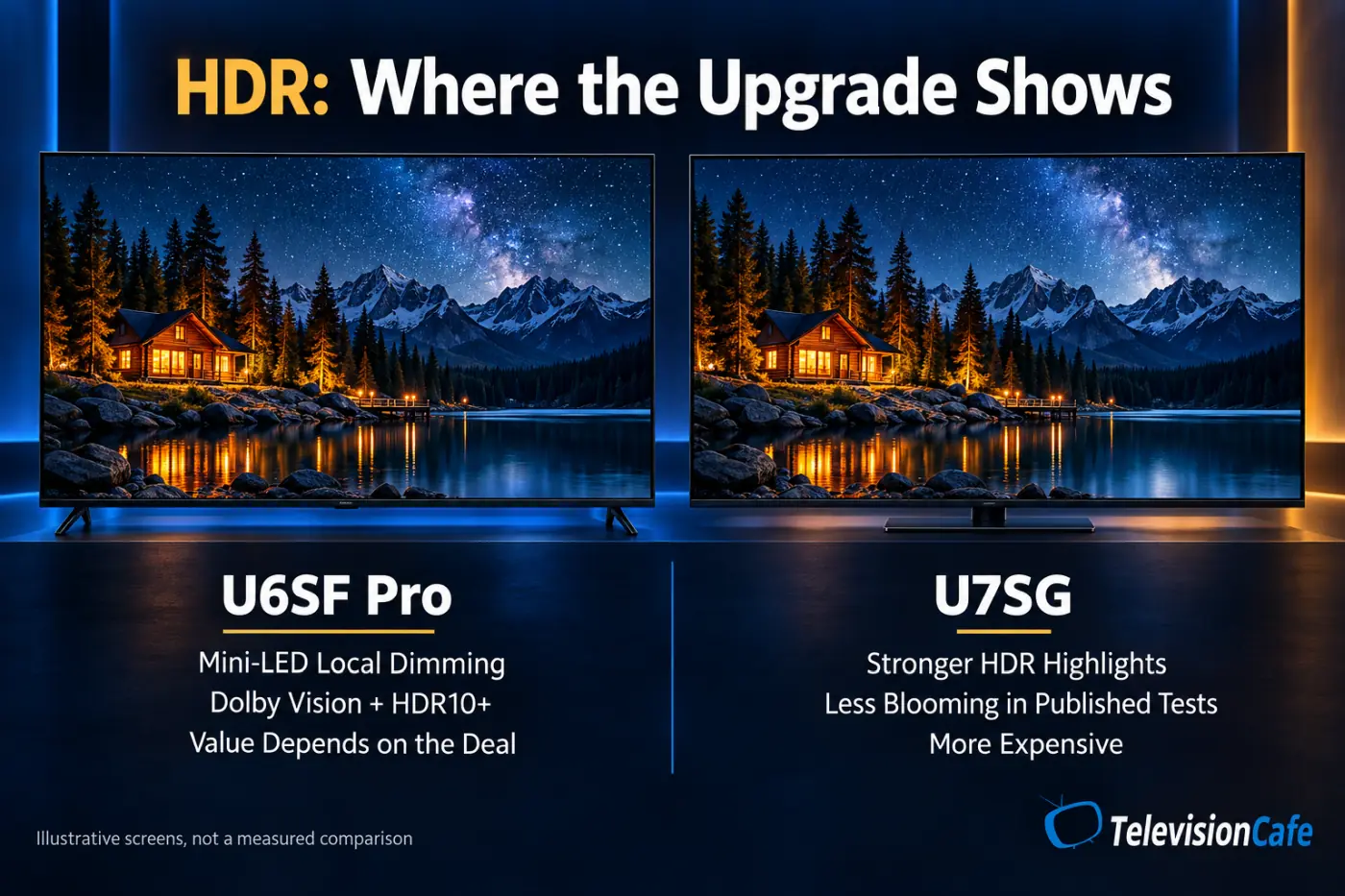
Sports and Motion: The Biggest Reason to Step Up
RTINGS identifies severe motion blur on its tested U6SF Pro. Its comparison finds the U7SG considerably clearer in sports and games. That makes motion a stronger reason to upgrade than the difference between the refresh-rate numbers alone.
The U7SG still has motion limitations. Its own review reports slow pixel transitions and visible artifacts. It is the stronger option in this pairing, but shoppers who are especially sensitive to blur should compare alternatives too.
A refresh rate tells you how often a screen can update. Pixel response describes how quickly it completes a change. A high-refresh TV can accept plenty of frames and still leave a blurry trail behind a moving player or car.
For a sports-first household, we would favor the U7SG. Before buying, watch a familiar game or race and concentrate on camera pans, moving jerseys, and details around the ball. A scenic demo clip gives you much less useful information.
Bright Rooms and Side Seats: Check More Than Brightness
Both 65-inch models have screen treatments intended to reduce glare. That gives the U6SF Pro a useful feature even at the lower tier; you do not have to move to the U7SG just to get an anti-reflection screen.
Room layout still matters. A window directly behind your seat creates a different problem from soft daylight entering from the side. Try to place the TV so the strongest light source does not land in the middle of the image.
Check side seats separately. RTINGS reports restricted viewing angles on these tested models, so a wide couch or an L-shaped seating arrangement deserves a closer look. Judge dark scenes from the seat you actually use.
Size warning: Do not extend the 65-inch screen-finish comparison to every U7SG. RTINGS reports glossy finishes on the 100- and 116-inch versions, rather than the matte finish on the smaller models. Recheck the exact size before buying for a sunny room.
Gaming: 144Hz vs 165Hz Is Only Part of the Story
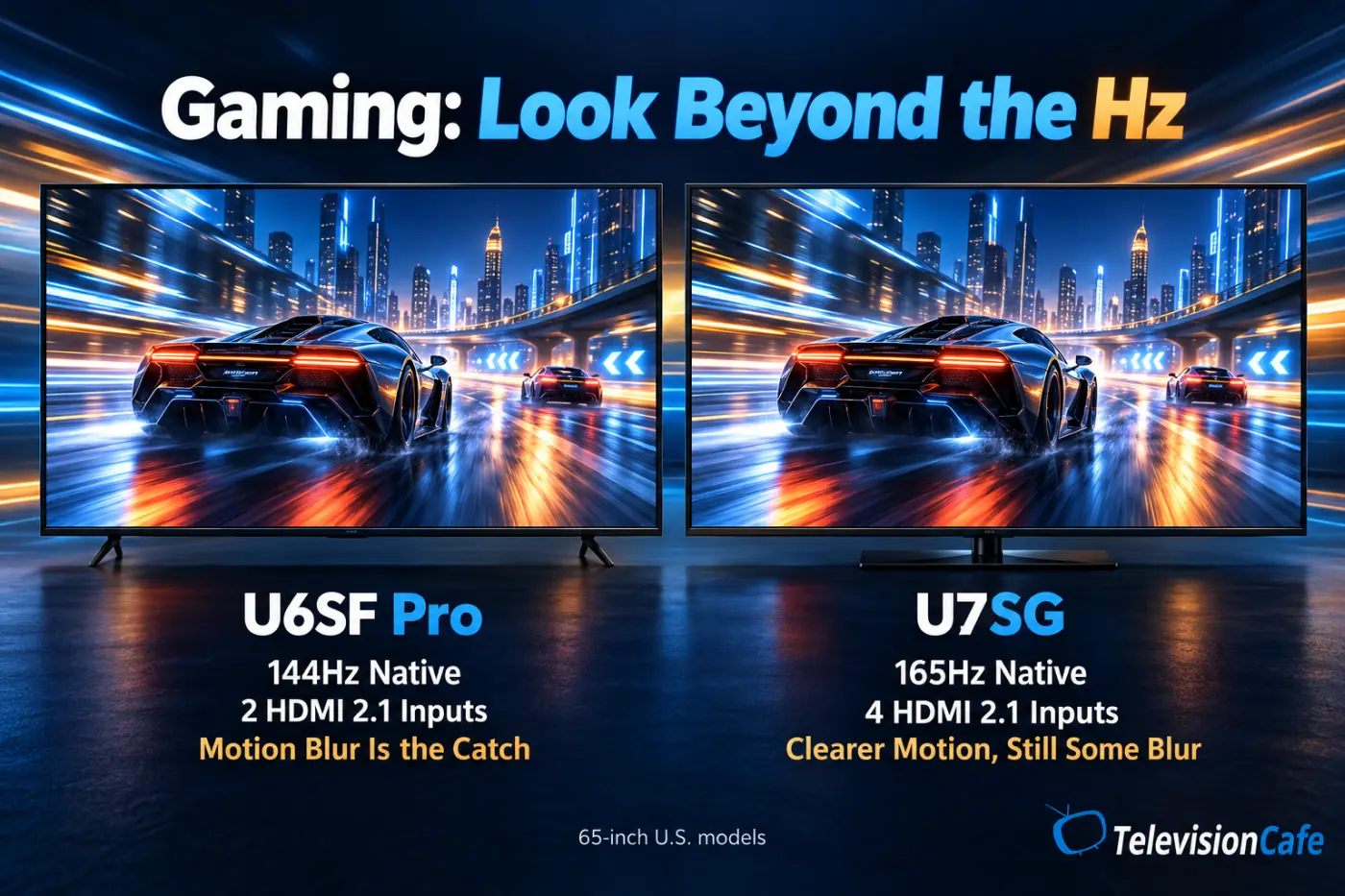
The native refresh-rate difference is most relevant to a compatible gaming PC. PS5 and Xbox Series X support output up to 120Hz, so neither console uses the full 144Hz or 165Hz ceiling. The game must also offer a suitable high-frame-rate mode.
For console players, focus on motion clarity, HDR presentation, and connections. Both TVs offer VRR and ALLM. The U7SG's extra HDMI 2.1 inputs are helpful when several devices need high-bandwidth connections.
Draw up your actual setup: console, second console, PC, streaming box, and audio equipment. A TV with enough total HDMI sockets can still have too few inputs that support the features your gaming devices need.
Gaming recommendation: Favor the U7SG for a mixed console-and-PC setup. Treat the U6SF Pro as a price-led option after checking whether its blur bothers you. Low input lag and sharp motion are separate qualities.
Fire TV vs Google TV: Which Fits Your Routine?
The U6SF Pro uses Fire TV; the U7SG uses Google TV. That changes the home screen, voice-control experience, and the way you find something to watch.
If your household already likes Fire TV, familiarity can make the cheaper model easier to live with. If you prefer Google TV, that preference adds to the case for the U7SG. Try opening your favorite apps, switching inputs, and finding a show before deciding which interface feels better.
Check any must-have app on the actual platform before ordering. A broad streaming-app selection does not guarantee that every niche service or feature works exactly as you expect.
If you already use an external streamer, give the built-in interface less weight. You will spend more time with the picture than with a home screen you rarely open.
For a closer look at everyday navigation, apps, and smart features, see our Google TV vs webOS vs Tizen comparison.


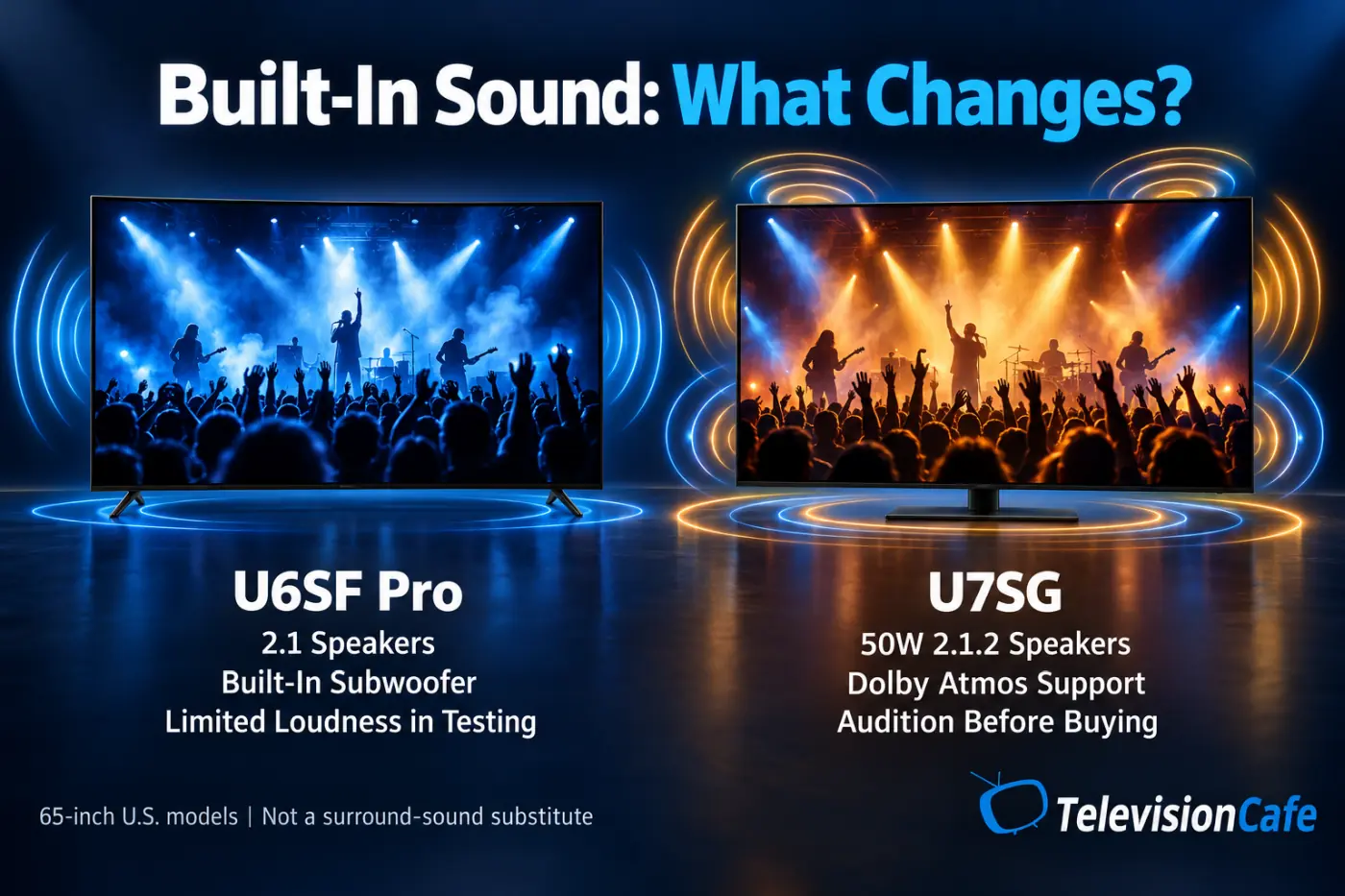
Built-In Sound: Does the U7SG Save You a Soundbar?
Hisense lists a 2.1-channel system with a built-in subwoofer for the U6SF Pro. The 65-inch U7SG has a 50W 2.1.2-channel system. Both support Dolby Atmos, but that badge does not establish how convincing the sound will be in your room.
RTINGS found limited loudness from the U6SF Pro's speakers, despite fairly intelligible dialogue at moderate levels. That makes an audition worthwhile if the TV must compete with household noise.
The U7SG has the more elaborate speaker configuration on paper. We would not promise that it replaces a soundbar or produces a better listening experience for everyone without a direct listening comparison.
Try a quiet conversation, a busy movie scene, and the volume you normally use. If you already own external audio, prioritize picture quality and connections; the difference between built-in speaker layouts becomes less important.
How Much More Is the U7SG Worth?
Compare the same screen size at the prices available when you buy. A launch price or a brief sale from last month can make an otherwise useful comparison misleading.
As an editorial rule of thumb, a $100–$150 premium at 65 inches makes the U7SG especially attractive for mixed use. At a $250–$300 premium or more, the U6SF Pro deserves another look if you mainly stream movies and have checked its motion. These are shopping guidelines, not measured break-even points.
For example, hypothetical prices of $700 and $900 create a $200 decision. You are paying about 29% more. That can be reasonable for a TV used daily for sports, games, and HDR; it is harder to justify for a lightly used guest room.
If you already own the U6SF Pro and enjoy it, there is no automatic reason to replace it. Upgrade when you can identify a problem the U7SG is likely to improve, rather than because its model number is higher.
Compare the wider market in our best 65-inch TVs under $1,000 guide before committing.
A Bigger U6SF Pro or a Smaller U7SG?
A 75-inch U6SF Pro and a 65-inch U7SG can pose a tougher question than two TVs of equal size. With the same 16:9 shape, a 75-inch screen has roughly 33% more screen area than a 65-inch screen.
If your current screen feels too small from the sofa, that extra area may make movies more involving. If fast action already looks distracting, a bigger screen will not solve the problem and may make it easier to notice.
Our preference would be the smaller U7SG for frequent sports and gaming, provided it still feels large enough from your seat. For movie-focused viewing farther away, put the larger U6SF Pro on the shortlist—but check its exact size and performance rather than assuming everything scales identically.
Measure first using our TV size and viewing-distance guide. Mark both screen outlines on the wall and compare them from your usual seat.
Best For / Think Twice If
| TV | Best For | Think Twice If |
|---|---|---|
| Hisense U6SF Pro | Movie-focused buyers with a meaningful discount, a preference for Fire TV, and tolerance for motion blur. | Sports and fast games dominate your viewing, you need several high-bandwidth inputs, or the U7SG costs only a little more. |
| Hisense U7SG | Households splitting time between HDR movies, sports, consoles, and a gaming PC. | The premium stretches your budget, you are especially sensitive to motion artifacts, or your room has very wide seating. |
Final Verdict: How Much TV Do You Really Need?
For a main living-room TV, we would choose the Hisense U7SG when the price premium is manageable. It is the more convincing fit for a household that switches between movie nights, live sports, and gaming.
The U6SF Pro makes sense when saving money is a real priority and you have checked its compromises. Buy it because the deal fits your needs, with particular attention to motion—not simply because its spec list resembles the U7SG's.
Already happy with a U6SF Pro? Keep enjoying it. Still shopping and finding the two at similar prices? Take the U7SG. The useful upgrade is the one you notice in the content you watch every week.
If you choose the cheaper model, our Hisense U6SF Pro picture-settings guide can help you find a sensible starting point. Settings can improve presentation, but they cannot remove a panel's physical response-time limits.
Hisense U6SF Pro vs U7SG FAQ
Is the Hisense U7SG worth more than the U6SF Pro?
Usually for mixed use, particularly when the premium is modest. The case is strongest if you regularly watch sports, play games, or want a more capable HDR presentation. A substantial U6SF Pro discount changes the value calculation.
Does 165Hz matter more than 144Hz for PS5 or Xbox?
Neither ceiling gives these consoles output above 120Hz. For console shopping, give more weight to motion clarity, picture quality, and the connections needed for your setup.
Is the U6SF Pro the same as the regular U6SF?
No. The U6SF Pro is a distinct model. Check the full model name on the listing and box; do not apply this comparison to the non-Pro U6SF.
Is the U7SG completely free of motion blur?
No. Published testing shows an improvement over the U6SF Pro, but the U7SG still has motion limitations. Buyers who are very sensitive to blur should compare other TVs as well.
Should I upgrade if I already like my U6SF Pro?
Only if there is a specific issue you want to improve and the cost makes sense. Enjoying your current TV is a good reason to keep it; a higher model number alone is not a reason to spend more.