
TCL QM7L Review (2026): Stunning HDR, Gaming Caveats
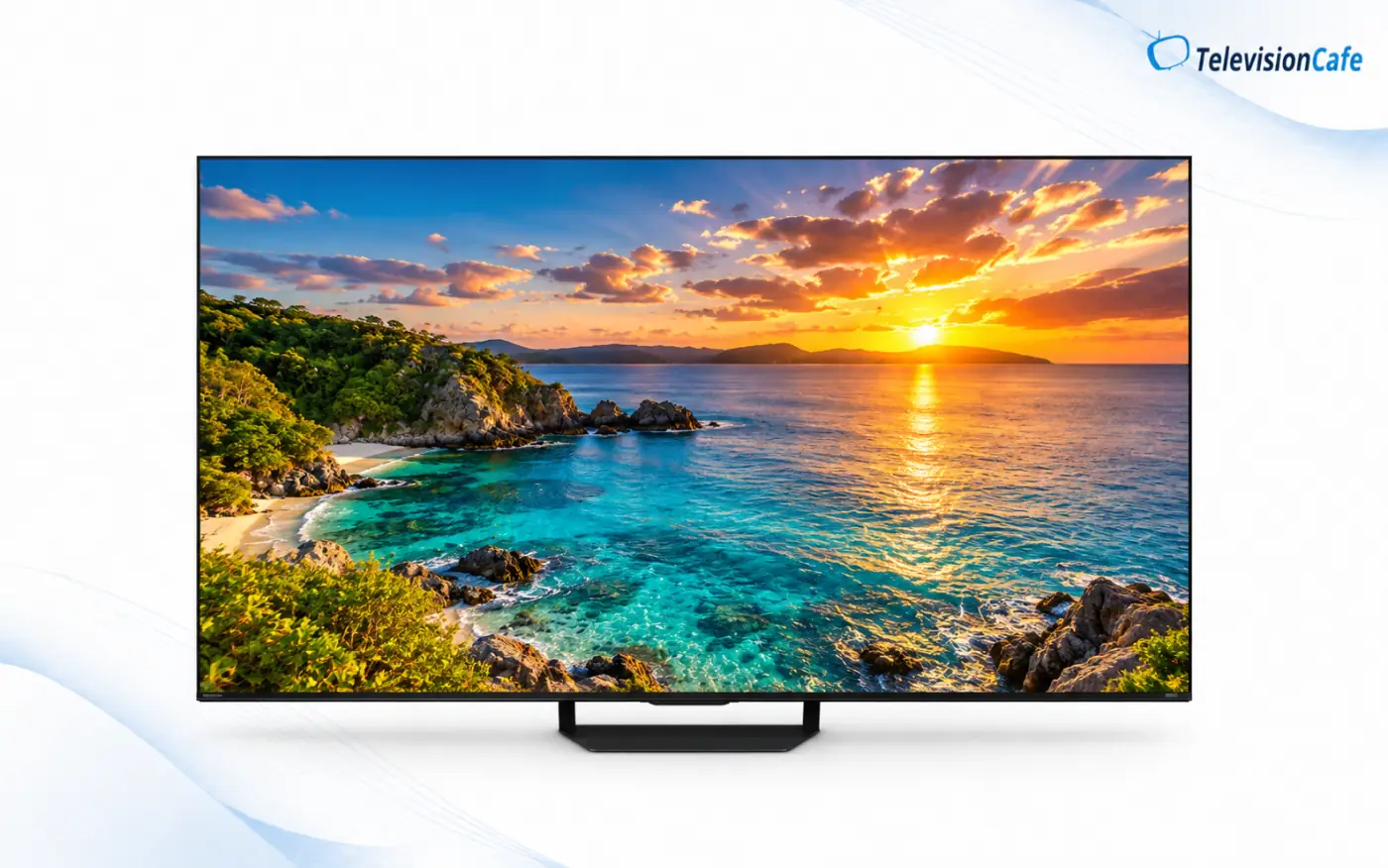
TCL QM7L review, 2026: If your idea of a great TV is a bright, colorful movie image with genuinely deep blacks, the QM7L deserves a look. TCL's SQD Mini LED display gives HDR highlights real force, while local dimming keeps nighttime scenes from turning gray. The 65-inch 65QM7L is particularly interesting when it costs less than $1,000.
There is a catch. Its 144Hz specification and 288Hz gaming mode sound irresistible, yet fast games can look unusually blurry in the low-latency mode. HDR also tends to look brighter than the creator intended. Here is where the QM7L excels, where it falls short, and who should buy something else.
Editorial note: This assessment draws on TCL's U.S. specifications and published independent testing of the 65-inch model. TelevisionCafe has not conducted a hands-on laboratory test of this TV.
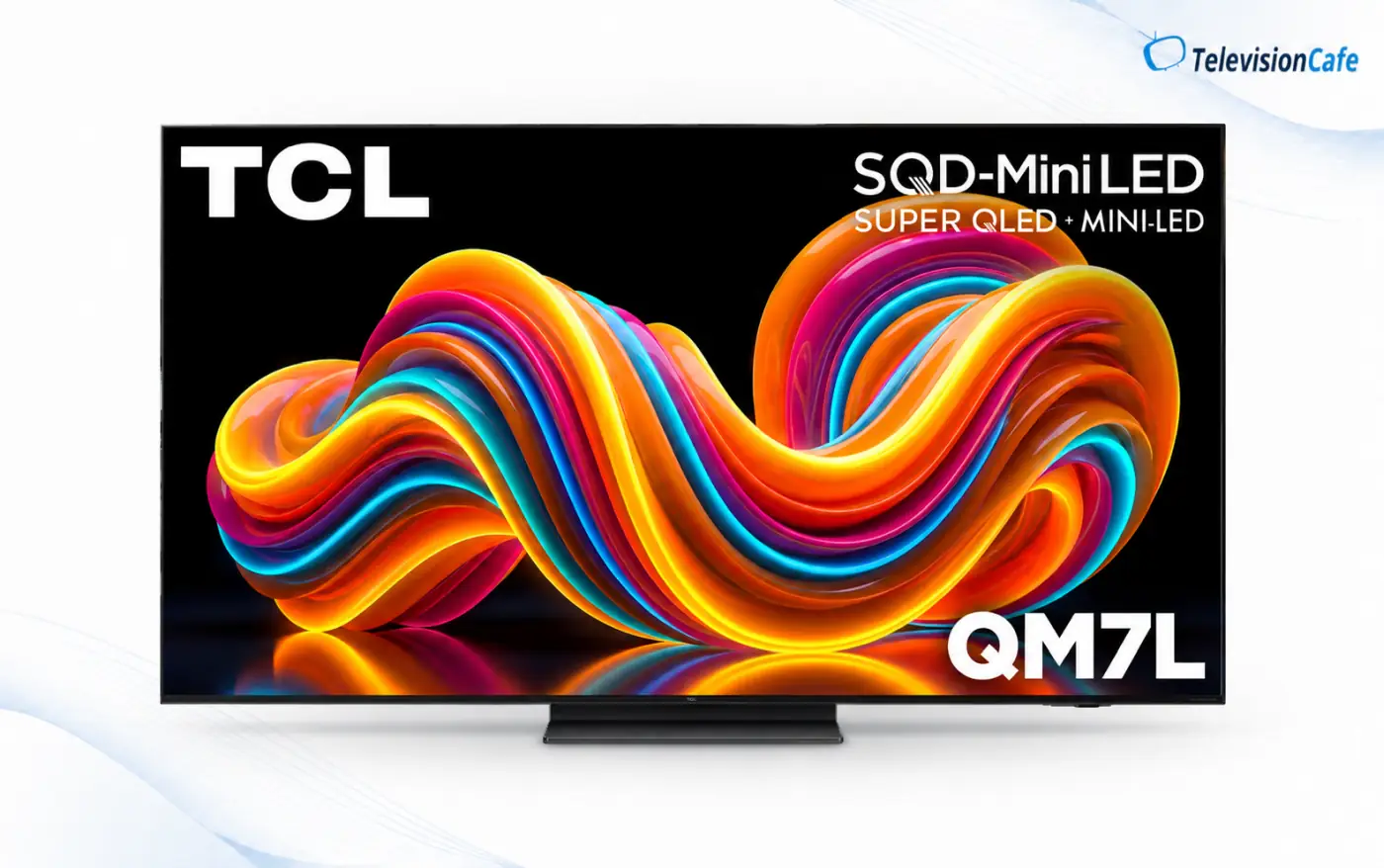
TCL QM7L at a glance
Quick verdict: Buy the QM7L for brilliant HDR color, high brightness and convincing Mini LED contrast. Think twice if accurate HDR, crisp competitive gaming motion, or a screen facing a bright window matters most.
- U.S. sizes: 55, 65, 75, 85 and 98 inches.
- Display: 4K SQD Mini LED LCD with local dimming and a native 144Hz panel.
- HDR: Dolby Vision IQ, HDR10+, HDR10 and HLG.
- Gaming: 4K at up to 144Hz, VRR, ALLM and 1080p at up to 288Hz on compatible PC setups.
- Smart TV and audio: Google TV and built-in Audio by Bang & Olufsen.
- Best fit: A mostly front-facing seat in a living room without a lamp or window directly opposite the screen.
What does SQD Mini LED actually change?
The QM7L is an LCD TV with a Mini LED backlight and TCL's Super Quantum Dot color system. Thousands of small backlights are grouped into independently controlled zones; quantum dots help produce saturated colors at high brightness. This is not an OLED, and it is not a self-emissive RGB Mini LED display.
The advantage appears in demanding HDR scenes: a brightly lit street, colorful animation or a flash of sunlight against a dark background. Independent testing of the 65-inch model found excellent black levels, strong HDR brightness and only minor halos around some bright objects. An OLED can still control individual pixels more precisely, but the QM7L's combination of brightness and black depth is compelling at its price.
Know the numbers: TCL advertises up to 2,100+ dimming zones and up to 3,000 peak nits for the series. Independent reporting lists 1,152 zones for the 65-inch model; the 2,100+ figure applies to the largest size. Peak brightness describes particular test conditions, not the brightness of every scene.
Picture quality: spectacular HDR, imperfect accuracy
Give the QM7L a good 4K HDR movie and its strengths arrive immediately. Bright highlights stand out, colors stay rich, and local dimming holds dark scenes together. Dolby Vision and HDR10+ support also means you are covered across the major dynamic HDR formats rather than tied to one ecosystem.
Colorful does not automatically mean faithful. Independent testing found that HDR on the 65QM7L is noticeably overbrightened, with disappointing out-of-box HDR color accuracy and some skin tones that look off. Even calibration did not fully correct its HDR color. The TV includes Filmmaker Mode and several Dolby Vision modes, but their presence alone does not erase those measured limitations. If you favor a vivid presentation, this may be easy to forgive; if you want movies reproduced closely to the mastering intent, it matters.
Already own the QM7L? Our TCL QM7L picture settings guide covers SDR, HDR10 and Dolby Vision, with separate recommendations for daytime and evening viewing.
Bright-room viewing, reflections and seating angle
The QM7L has enough SDR brightness for daytime television and enough HDR brightness to make highlights stand out even with the lights on. Ambient light does little to wash out its colors or black levels. That makes it a strong living-room choice for a couch directly in front of the screen.
A window or lamp reflected directly in the panel is different. Its glossy screen can show distracting mirror-like reflections during darker scenes. The image also loses quality quickly when viewed from the side, despite the panel's viewing-angle marketing. For a broad seating arrangement or a window facing the TV, check the room layout before buying.
Sports, cable and lower-quality streams
Sports benefit from the QM7L's high brightness, particularly daytime games and bright ice or field shots. Its processing smooths some compression artifacts in cable and streaming feeds without turning everything into a blur. Standard-definition or soft HD sources, however, do not gain the fine detail of a clean 4K stream.
During fast action, players and moving objects can show soft edges and visible transition artifacts. Motion interpolation can reduce judder or stutter, but a light touch is the sensible starting point for films. If hockey, soccer or fast camera pans dominate your viewing, judge motion quality ahead of the refresh-rate number on the box.
Gaming: strong features, blurry fast motion
On paper, the QM7L is ready for PS5, Xbox Series X and a high-frame-rate PC: native 144Hz, VRR, automatic low-latency mode, FreeSync Premium Pro and a useful Game Bar. Independent tests also found very low input lag. The picture remains bright and punchy in Game Master mode.
The important qualification is pixel response in that gaming mode. Published testing found very slow pixel transitions and substantial blur in fast movement, even though controller response is quick. A 144Hz refresh rate tells you how often the screen updates; it does not tell you how cleanly each frame appears. For single-player adventures, the color and HDR impact may be worth the compromise. For competitive shooters or racing games, look closely at the older TCL QM7K or another model with clearer game motion.
About “288Hz”: Game Accelerator can accept 1080p at up to 288Hz from a suitable PC. It does not turn 4K gaming into 288Hz, and a console will not output 288fps simply because the TV advertises this mode.
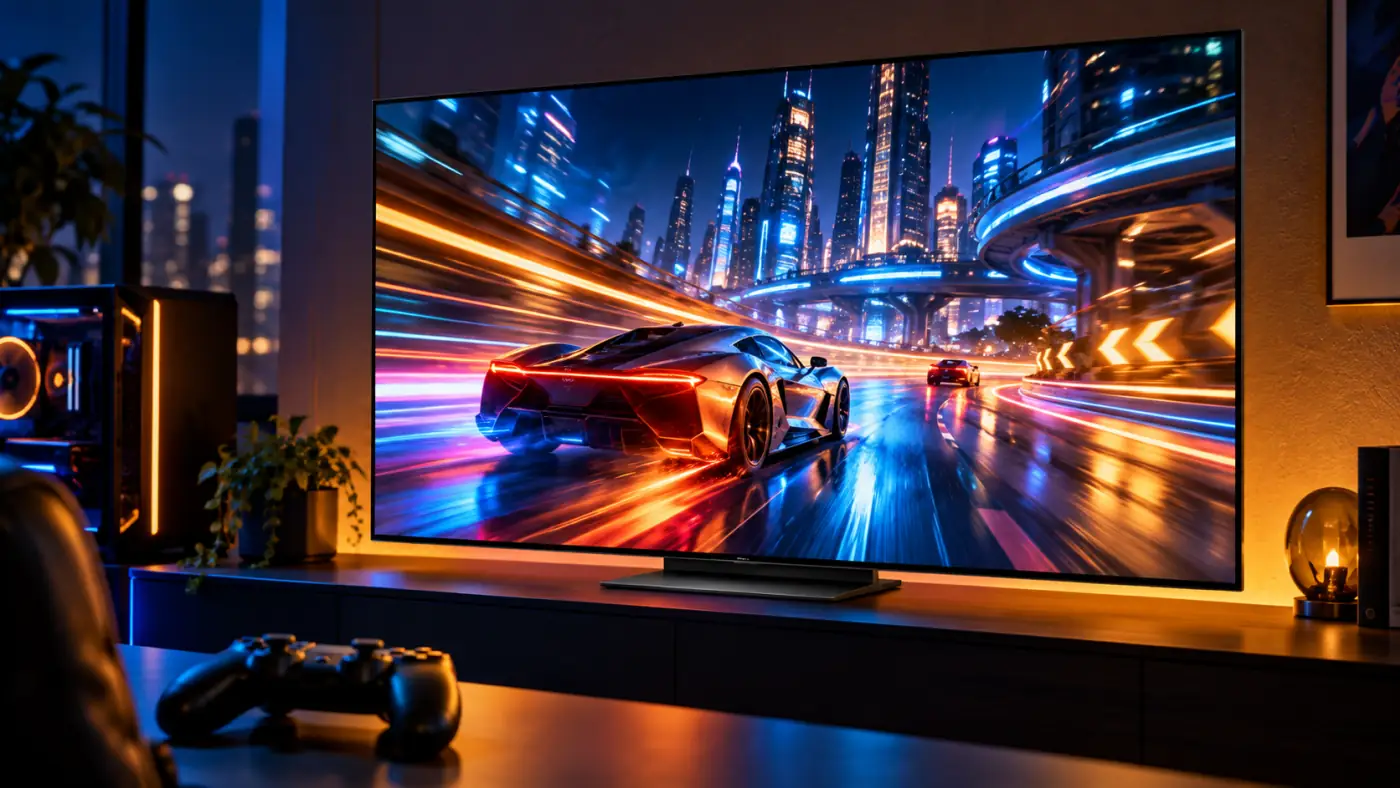
HDMI ports: which one should you use?
TCL lists four HDMI inputs, but their capabilities differ. HDMI 1 and HDMI 2 support 4K at up to 144Hz; HDMI 3 and HDMI 4 are limited to 4K at 60Hz. HDMI 4 is the eARC connection for a soundbar or receiver. Put a PS5, Xbox Series X or gaming PC on HDMI 1 or 2 if you want high-refresh-rate 4K. A streaming box can use HDMI 3, leaving HDMI 4 for audio.
Because eARC occupies a 60Hz port, a soundbar does not consume either high-bandwidth input. The flip side: an A/V receiver connected through eARC cannot use that same TV input as a 4K/120Hz video path. The QM7L also offers an optical audio output, Ethernet and two USB ports.
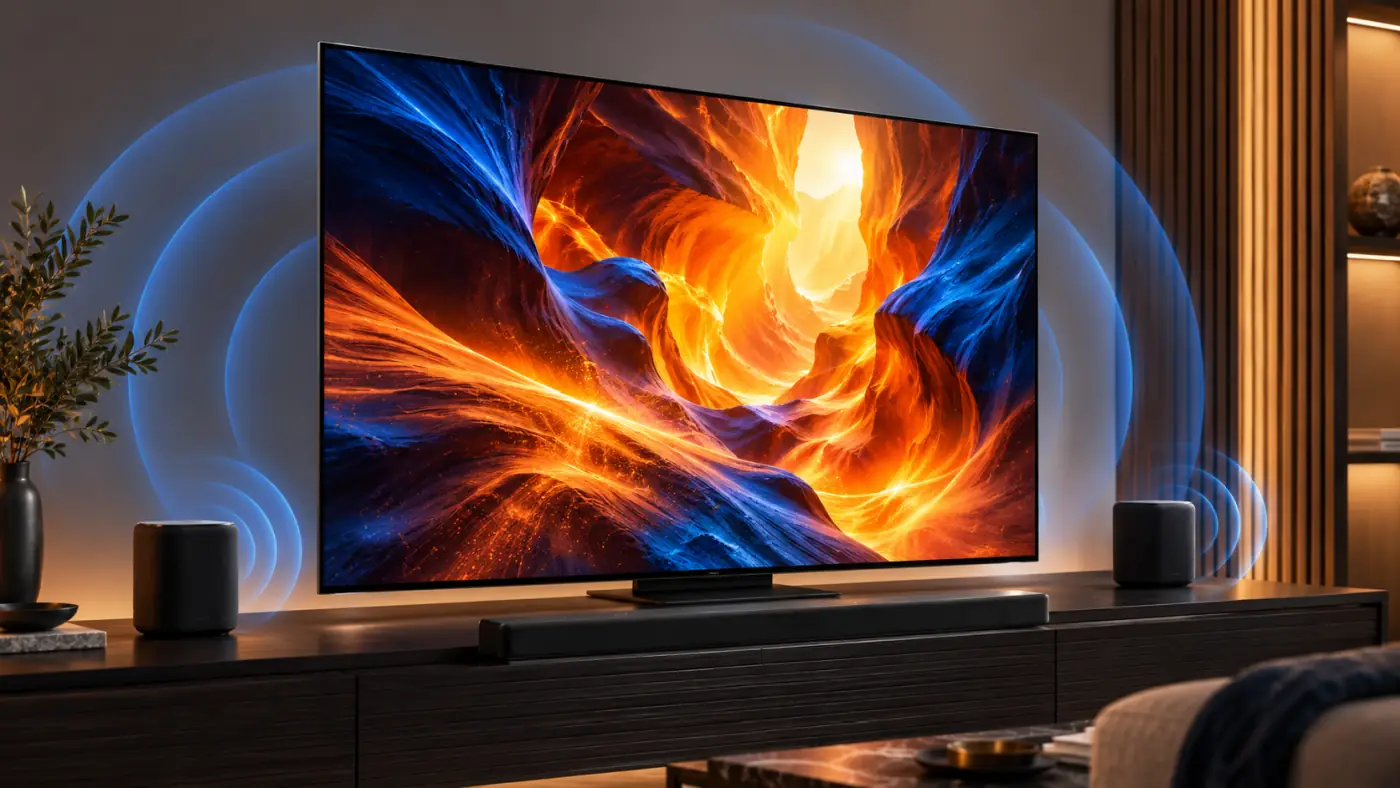
Sound: Bang & Olufsen tuning and upgrade options
The built-in audio carries Bang & Olufsen branding, with modes for speech, movies, music and gaming. Treat that as a useful starting point, not proof that the TV replaces a dedicated home-theater system. If dialogue sounds thin in your room or you want more bass, budget for a soundbar or external speakers.
TCL also advertises Dolby Atmos FlexConnect support with compatible optional Z100 speakers and a Z100-SW subwoofer. Those are separate purchases, not accessories included with the TV. The eARC output is the straightforward route for a conventional compatible soundbar or receiver.
Google TV and everyday usability
Google TV puts major streaming apps and recommendations on the home screen, while built-in casting and voice control make the QM7L easy to use without a separate streamer. The supplied voice remote is backlit, a small benefit you notice in a dark room. TCL specifies Wi-Fi 5, Ethernet and Bluetooth 5.4; check your network setup if you rely on a crowded wireless connection.
In the U.S., TCL specifies an ATSC 1.0 tuner. Do not buy it expecting a built-in ATSC 3.0 / NextGen TV tuner. App availability and software features can change with updates, so the display's picture performance should remain the main reason to choose it.

Design, stand and screen sizes
The QM7L comes in 55-, 65-, 75-, 85- and 98-inch U.S. versions. The 65-inch model has a central, height-adjustable pedestal, which is easier to accommodate on a narrower cabinet than widely spaced feet. Its adjustable clearance is also helpful if you intend to place a soundbar in front of the screen.
Check the exact model number before ordering: 65QM7L is the regular 65-inch TV discussed here. QM7L Pro is a separate variant with different processing and input capabilities. Dimming-zone counts also change with size, so do not assume every QM7L has the 98-inch model's backlight specification.
TCL QM7L vs. QM7K vs. Hisense U7SG
Against the TCL QM7K: The newer QM7L is brighter and produces more forceful HDR color. The 2025 QM7K retains an important advantage for gamers: clearer motion in its low-latency mode. It also follows HDR brightness more faithfully. If the QM7K is substantially cheaper, its value is hard to ignore.
Against the Hisense U7SG: At 65 inches, the U7SG's matte screen handles direct reflections much better. Independent comparisons also favor it for upscaling, out-of-box accuracy and gaming motion. The QM7L's appeal is its vivid, high-impact HDR presentation, provided your seating is centered and the room avoids reflected windows.
For current prices and a broader shortlist, see our best 65-inch TVs under $1,000 in 2026. Our Hisense U7SG review goes deeper on that alternative.
If both models are on your shortlist, our TCL QM7L vs Hisense U7SG comparison looks at the differences in reflections, HDR, gaming and HDMI connectivity.
TCL QM7L pros and cons
What works: Excellent HDR impact; rich, bright color; deep Mini LED blacks with limited haloing; high daytime brightness; low input lag; Dolby Vision and HDR10+; two 4K/144Hz inputs separate from eARC.
What needs work: Fast games look blurry in Game Master mode; HDR is overbrightened and less accurate than enthusiasts may want; direct reflections can be distracting; the picture fades from off-axis seats; the 65-inch price can put it uncomfortably close to stronger alternatives.
Is the TCL QM7L worth buying in 2026?
Yes, if bold HDR movies and shows are your priority and the price is right. The QM7L produces the kind of brightness, color and contrast that makes a new television feel like a meaningful upgrade. At the $999.99 U.S. price recorded for the 65-inch model in our September 2026 buying guide, it makes sense for someone who wants maximum HDR impact without crossing that guide's $1,000 listed-price ceiling.
It is a less convincing purchase for competitive gaming, painstakingly accurate HDR or a sofa spread far across the room. Check today's price for 65QM7L before ordering: a modest discount strengthens its case; a higher price makes the QM7K, U7SG and other nearby options more attractive. The best QM7L deal is the one that suits your room and viewing habits, not just the most impressive specification sheet.
TelevisionCafe verdict: a bright, colorful Mini LED TV with a real wow factor, and trade-offs buyers should know before checkout.
Frequently asked questions
Is the TCL QM7L an OLED TV?
No. It is a 4K LCD TV with an SQD quantum-dot color system and a Mini LED backlight. Its local dimming improves black levels, but OLED controls light at the individual-pixel level.
Does the TCL QM7L support 4K at 120Hz on PS5 and Xbox Series X?
Yes. Connect the console to HDMI 1 or HDMI 2, which support up to 4K/144Hz. HDMI 3 and HDMI 4 top out at 4K/60Hz; HDMI 4 also carries eARC.
Does 288Hz work at 4K?
No. The up-to-288Hz gaming mode applies at 1080p with a compatible PC signal. At 4K, the TV supports up to 144Hz through the appropriate HDMI inputs.
Is the 65-inch TCL QM7L under $1,000?
It was listed at $999.99 before tax when TelevisionCafe checked for its September 2026 buying guide. Prices change, and tax takes a $999.99 purchase above $1,000 at checkout. Verify the current 65QM7L price and seller.
Is QM7L Pro the same TV?
No. QM7L Pro is a distinct variant with different processing and advertised input capabilities. Match the complete model number to the review and retailer listing before buying.