
RGB Mini LED vs OLED: Which Is Better for Your Next TV?
A glowing neon sign, a dark movie scene, a hockey game in a sunny living room: each can expose a different weakness in a TV. That is why the RGB Mini LED vs OLED debate needs more than a brightness number or a spectacular store demo.
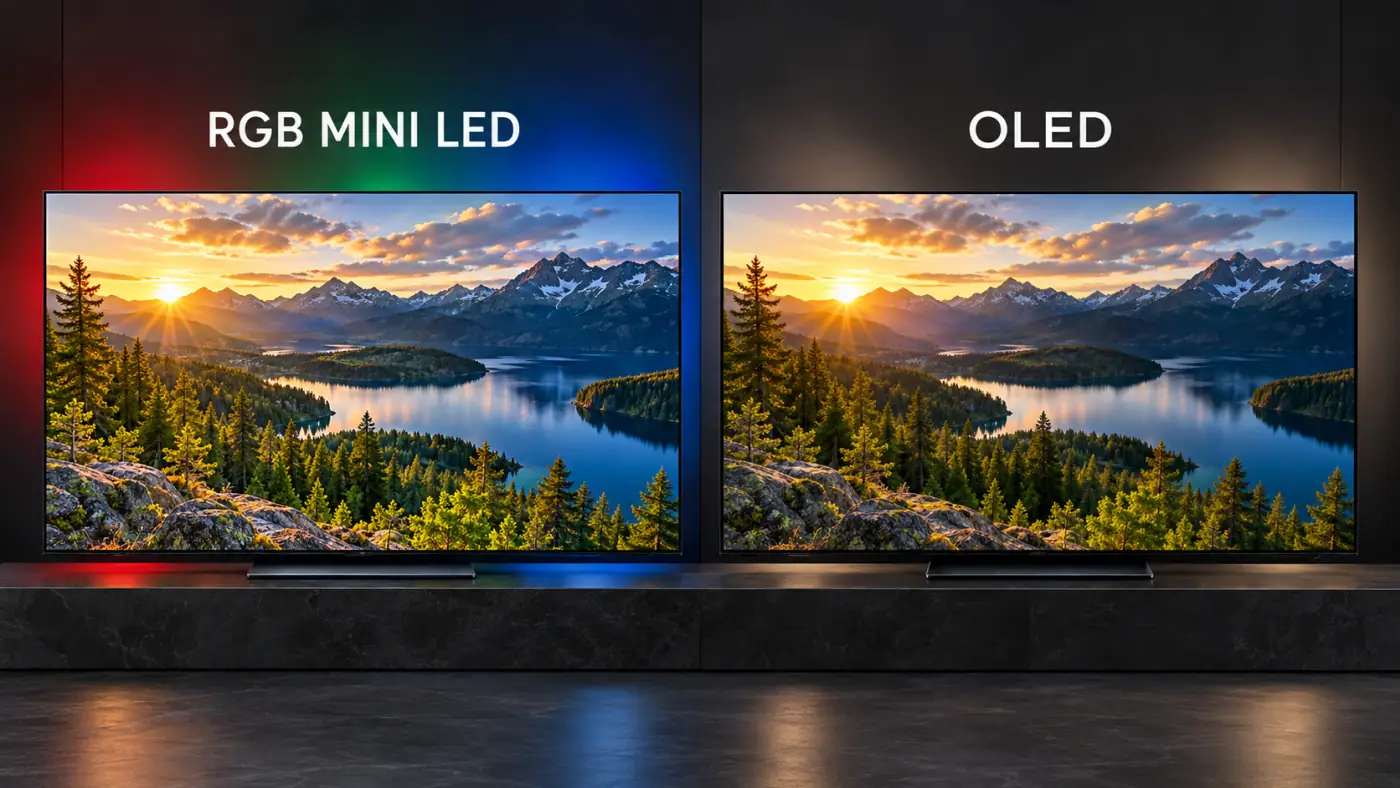
RGB Mini LED gives LCD TVs a different way to produce color, using separate red, green, and blue light sources in the backlight. OLED takes another approach: its pixels produce their own light, without a backlight behind them.
RGB Mini LED vs OLED, in brief: OLED has the structural advantage for black levels and precise contrast in a dark room. RGB Mini LED is worth considering for bright, colorful images and demanding daytime viewing. The better purchase depends on the actual TVs, their screen coatings, and what you watch.
What Is RGB Mini LED, and How Is It Different From Regular Mini LED?
RGB Mini LED is an LCD TV backlight technology that uses separate red, green, and blue LEDs. The LCD panel still controls the image in front of that backlight.
Many conventional Mini LED TVs use blue LEDs with phosphors or a quantum dot layer to produce the light needed for full-color images. RGB designs generate the three primary colors directly in the backlight, giving the TV another way to control both color and brightness.
The goal is purer primary colors and a wider range of bright, saturated shades. Think red stage lighting, brilliant green foliage, or the colored lights of a nighttime cityscape.
The crucial detail: RGB Mini LED does not turn those backlight LEDs into the screen's individual pixels. Current consumer RGB-backlit LCD TVs still rely on an LCD layer and local dimming. Their behavior is different from a self-emissive display.
For the broader comparison, our OLED vs Mini LED guide explains the foundations that still apply here.
What OLED Does Differently
OLED is a self-emissive display technology: each pixel produces its own light and can switch off independently. A black pixel beside a bright pixel does not need to share a backlight zone.
That precision is OLED's biggest advantage. Small stars, white subtitles, and thin highlights can remain distinct against darkness without backlight halos.
OLED is also a family of technologies. WOLED and QD-OLED differ in how they produce color, and newer panel generations can perform quite differently from older ones. Treating every OLED as equally bright or colorful makes the comparison less useful.
RGB Mini LED vs OLED: The Main Differences
| What Matters | RGB Mini LED | OLED |
|---|---|---|
| Light source | RGB backlight behind an LCD panel | Self-emissive pixels |
| Dark-room contrast | Depends on LCD contrast and local dimming | Pixel-level light control and true black |
| Blooming | Possible around bright objects | No backlight blooming |
| Bright scenes | Strong potential for large-area brightness | Output can fall as bright screen area increases |
| Color | Designed for wide gamut and strong color volume | Varies by panel; QD-OLED is particularly strong |
| Viewing angle | Depends on LCD panel and optical design | Generally wide |
| Pixel response | Depends on LCD transitions and tuning | Typically very fast |
| Static content | Avoids OLED's organic-pixel burn-in mechanism | Cumulative burn-in risk requires consideration |
Color Is RGB Mini LED's Biggest Talking Point
A TV can produce an intensely bright white highlight yet struggle to reproduce an equally bright, deeply saturated red. Color volume describes the range of colors a display can reproduce across different brightness levels. That is where RGB backlights aim to make a difference.
Do not confuse that with color accuracy. A wide-gamut TV can still make faces too orange or push ordinary grass into fluorescent green. Good processing and an accurate picture mode must keep the extra capability under control.
The comparison also changes depending on the OLED. QD-OLED uses quantum dots to convert light from an OLED source into red and green, and is especially capable with saturated colors. WOLED uses a different structure, typically including a white subpixel; its performance varies substantially by panel generation.
Read the fine print on “100% BT.2020.” Color-gamut area, gamut coverage, and HDR color volume are different measurements. A percentage for one cannot stand in for all three. Check the test method and measured performance of the exact TV.
Samsung advertises 100% BT.2020 color area for its Micro RGB technology, while Hisense advertises 100% BT.2020 coverage for the UR9. Those are manufacturer claims, rather than proof that every RGB TV delivers identical color performance.
Ordinary SDR material also does not suddenly gain new colors because a TV has a wider gamut. The benefit depends on what is actually present in the source.
Black Levels and Blooming: OLED Keeps Its Key Advantage
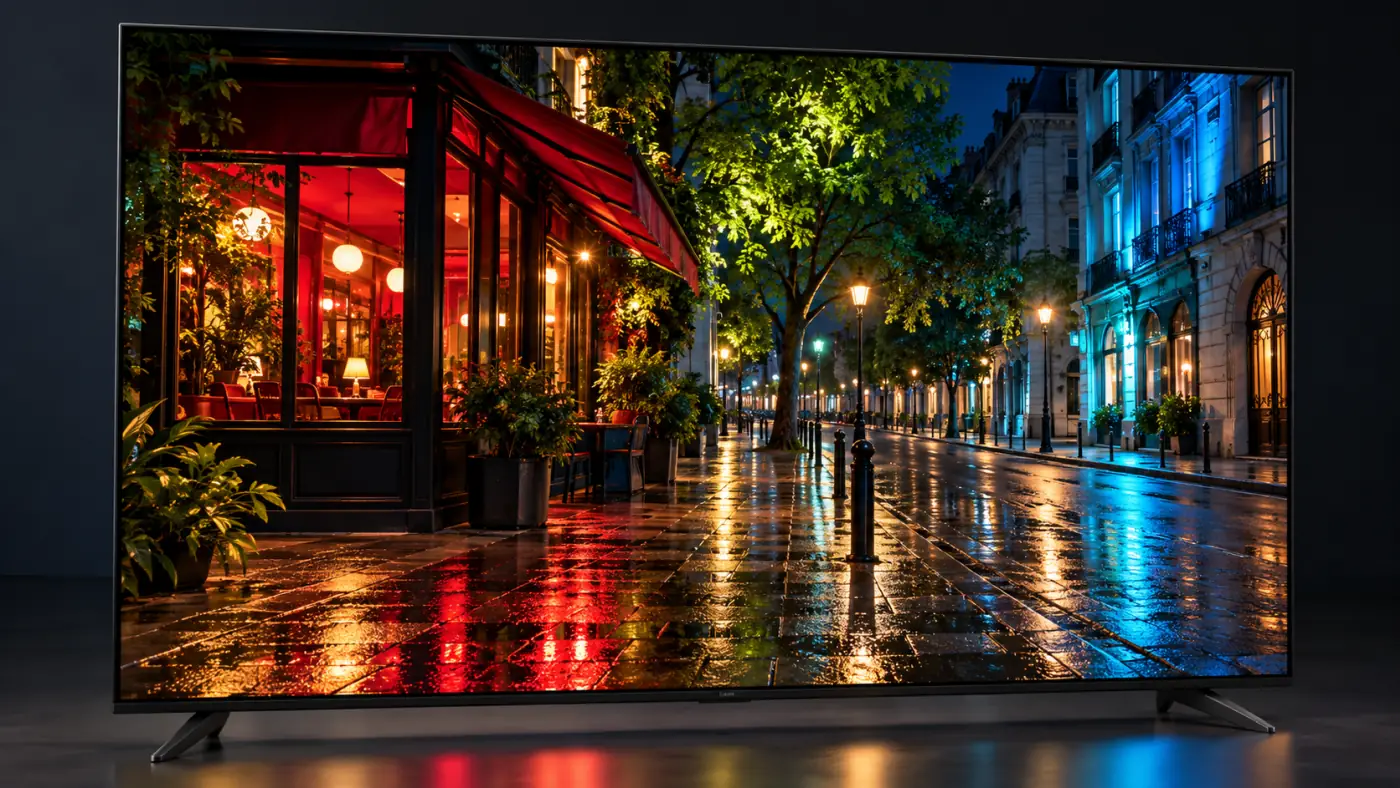
Put white subtitles over a nearly black scene. On an LCD TV, the backlight may need to illuminate an area larger than the letters, allowing a faint halo into the surrounding darkness. That is blooming.
An RGB backlight can improve control, but it still has to work with the LCD panel and the backlight's spatial limits. More dimming zones can help; the algorithm also matters. Aggressive dimming may hide halos by reducing small highlights or losing subtle shadow detail.
OLED avoids this backlight trade-off. Its pixels illuminate the letters while adjacent black pixels remain off.
That makes OLED especially appealing if you watch subtitled movies at night. It does not guarantee flawless near-black processing, however. Compression artifacts and poorly handled shadow detail can still appear on either technology.
Brightness and Reflections: Think Beyond the Peak-Nit Number
A small flash of sunlight and a bright hockey rink make very different demands on a display. A TV's maximum brightness on a tiny test window tells you little about how bright it stays when most of the screen lights up.
OLED output can decrease as the bright area expands. RGB-backlit LCD TVs can be attractive for large, bright scenes, but they also have power and thermal limits. Compare real-scene brightness and sustained output at several window sizes.
For daytime sports, I would put large-area brightness high on the shopping checklist. For dark-room movies, I would give more weight to contrast, shadow detail, and clean highlights.
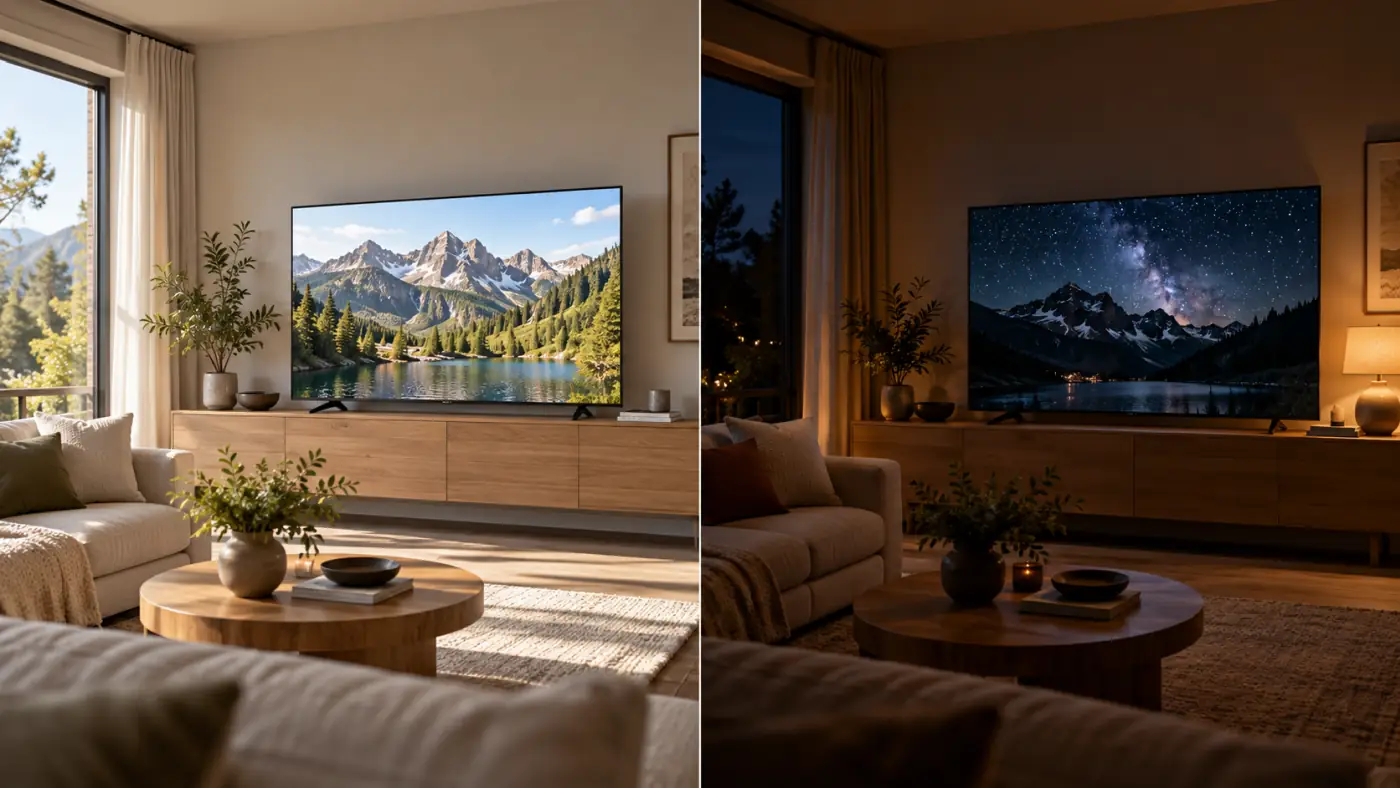
Reflections deserve a separate check. Extra brightness does not remove the reflection of a window directly behind your couch. The screen coating and your room layout may matter more than the panel label.
Our best TVs for bright rooms guide covers that buying problem. If your current picture seems unusually dim, check why HDR looks dark on a TV before deciding you need a new screen.
Viewing Angles: Check the Seats Everyone Actually Uses
OLED generally maintains color and contrast well when viewed from the side. That is useful for a wide couch or a room with chairs spread around the television.
RGB Mini LED's viewing angles still depend on the LCD panel and the optical layers in front of it. Some designs specifically improve off-axis performance; an RGB backlight alone does not guarantee it.
When comparing TVs, move to the side and replay a dark scene. Look for raised blacks, changing colors, and more obvious halos. A spectacular front-on demonstration is not enough if half your family watches from an angle.
Gaming and Sports: Fast Pixels Still Matter
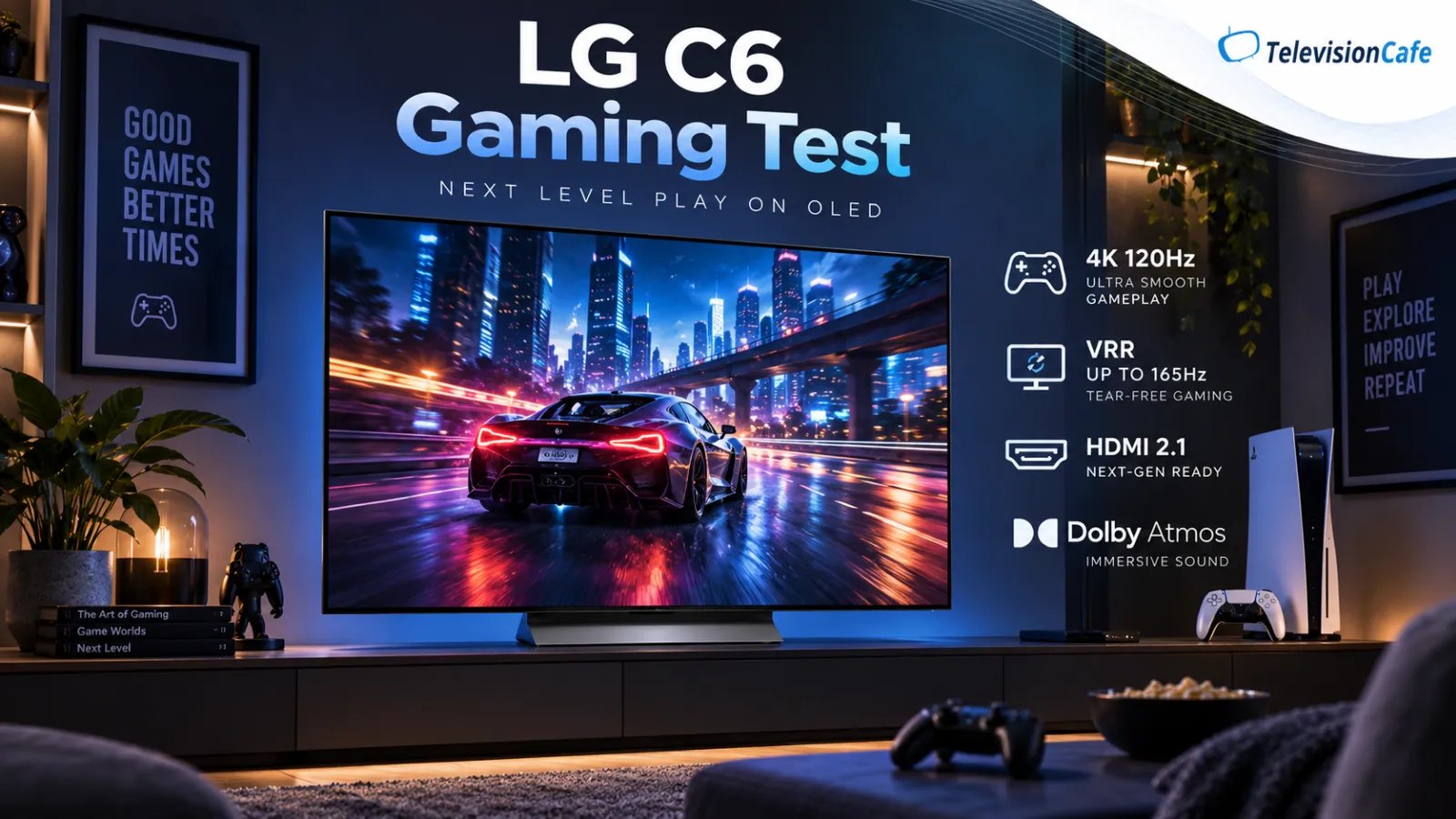
OLED's fast pixel response helps moving objects stay sharply defined, particularly at high frame rates. RGB Mini LED still depends on an LCD panel's response, which can vary between bright and dark transitions.
Neither label tells you the input lag, HDMI bandwidth, or VRR behavior. Pixel response time and input lag are different: one describes pixels changing state; the other describes the delay between an input and its visible result.
For an RGB-backlit LCD, check local dimming and picture quality in Game mode. Low-latency processing can change how a TV handles contrast. For either type, check VRR flicker and HDR performance with the features you intend to use.
Fast OLED response also has a trade-off: it can make the stepping of low-frame-rate movie pans easier to notice. It does not make a 24 fps film move like a high-frame-rate game.
Sports buyers should add screen uniformity to the checklist. A football field or hockey rink can reveal patches and bands that a colorful demo hides.
Burn-In and Daily Use: Match the Screen to Your Routine
OLED burn-in is permanent uneven wear that can develop when static elements repeatedly occupy the same areas of the screen. News tickers, channel logos, game HUDs, and desktop interfaces are the usual concerns.
Protection features reduce the risk; they do not eliminate it. Temporary image retention and permanent burn-in are also different, so a pixel-cleaning feature should not be treated as a guaranteed repair for permanent wear.
An RGB Mini LED TV avoids OLED's organic-pixel aging mechanism. For a screen that spends long hours showing the same dashboard or news channel, that gives LCD a practical advantage.
For varied movies, shows, and games, OLED remains a reasonable choice. Keep its protection features enabled and follow the manufacturer's care instructions.
There is no honest universal answer to which technology lasts longer. Backlights, electronics, and panels can all fail; the label alone cannot predict a particular TV's lifespan.
RGB Mini LED, Micro RGB, and MicroLED Are Not the Same Thing
Manufacturers use several names for RGB-backlit LCD technology. Hisense calls its approach RGB MiniLED, Samsung markets Micro RGB, and Sony uses True RGB.
U.S. examples include the Hisense UR9, Samsung's R95H and R85H series, and Sony's BRAVIA 9 II and BRAVIA 7 II. These are examples of the category, rather than a ranked list of recommendations.
Samsung describes Micro RGB as using LEDs smaller than 100 micrometers. That describes the backlight components; it does not mean each screen pixel is a self-emissive MicroLED.
The distinction that matters: RGB Mini LED and Micro RGB use a backlight behind an LCD panel. MicroLED is a self-emissive technology in which tiny inorganic LEDs form the image. Similar names do not mean the same display structure.
Which Should You Buy: RGB Mini LED or OLED?
My starting recommendation is OLED for movies watched mainly after dark, particularly if subtitles, black bars, or seating spread across the room are important to you.
I would shortlist RGB Mini LED for a bright living room, lots of daytime sports, or extended use with static content. Then I would compare its measured performance against an OLED at the same price and size.
- Mostly nighttime movies: prioritize clean contrast, shadow detail, and accurate picture modes.
- Mostly daytime TV: prioritize large-area brightness, reflection handling, and screen uniformity.
- Mostly gaming: compare response time, input lag, VRR, and Game-mode HDR.
- Mostly desktop or news-channel use: give extra weight to static-content demands.
For value, include conventional Mini LED in the comparison. A good non-RGB model may meet your needs at a better price. Paying for a newer backlight makes sense when its benefits show up in the content you actually watch.
Screen size matters, too. A larger, well-performing TV may be the more satisfying upgrade at your viewing distance. Use our TV size guide before spending your entire budget on a display label.
At TelevisionCafe, the buying priority is the complete picture: how it looks from your seat, in your room, with your favorite content.
RGB Mini LED vs OLED: Frequently Asked Questions
Is RGB Mini LED better than OLED?
It depends on the TVs and your room. OLED has pixel-level contrast without backlight blooming. RGB Mini LED is worth considering for bright-room viewing, strong color performance, and repeated static content.
Is RGB Mini LED still an LCD TV?
Yes. It uses an LCD panel illuminated by red, green, and blue LEDs in the backlight. The backlight LEDs are not the individual image pixels.
Does RGB Mini LED eliminate blooming?
No. It can improve backlight control, but halos can still appear because local-dimming regions cover multiple pixels. Performance depends on the complete panel and dimming system.
Is Samsung Micro RGB the same as MicroLED?
No. Micro RGB is an RGB-backlit LCD technology. MicroLED is self-emissive and does not use a separate backlight behind an LCD panel.
Does RGB Mini LED have the same burn-in risk as OLED?
It does not share OLED's organic-pixel burn-in mechanism. That makes it attractive for repeated static content, although it does not guarantee freedom from other panel or hardware problems.
Do RGB Mini LED TVs automatically support Dolby Vision?
No. Dolby Vision and HDR10+ support depend on the specific TV. An RGB backlight does not determine which HDR formats a manufacturer includes.