
OLED vs Mini LED: Which TV Is Better for Your Room?
A TV that looks incredible during a late-night movie can be a less convincing choice for Sunday football with the blinds open. That's why the OLED vs Mini LED decision should start with your room, your seating, and the hours you actually watch.
The quick answer: OLED is usually the better fit for dark-room movies and wide seating arrangements. A good Mini LED TV is often the more practical choice for bright daytime viewing and heavy use with static graphics. For a living room that does everything, compare the specific TVs' brightness, reflections, and viewing angles before choosing.
At TelevisionCafe, our recommendation is to shop for the conditions you live with every day. Here's how to work out which technology deserves a place on your wall.
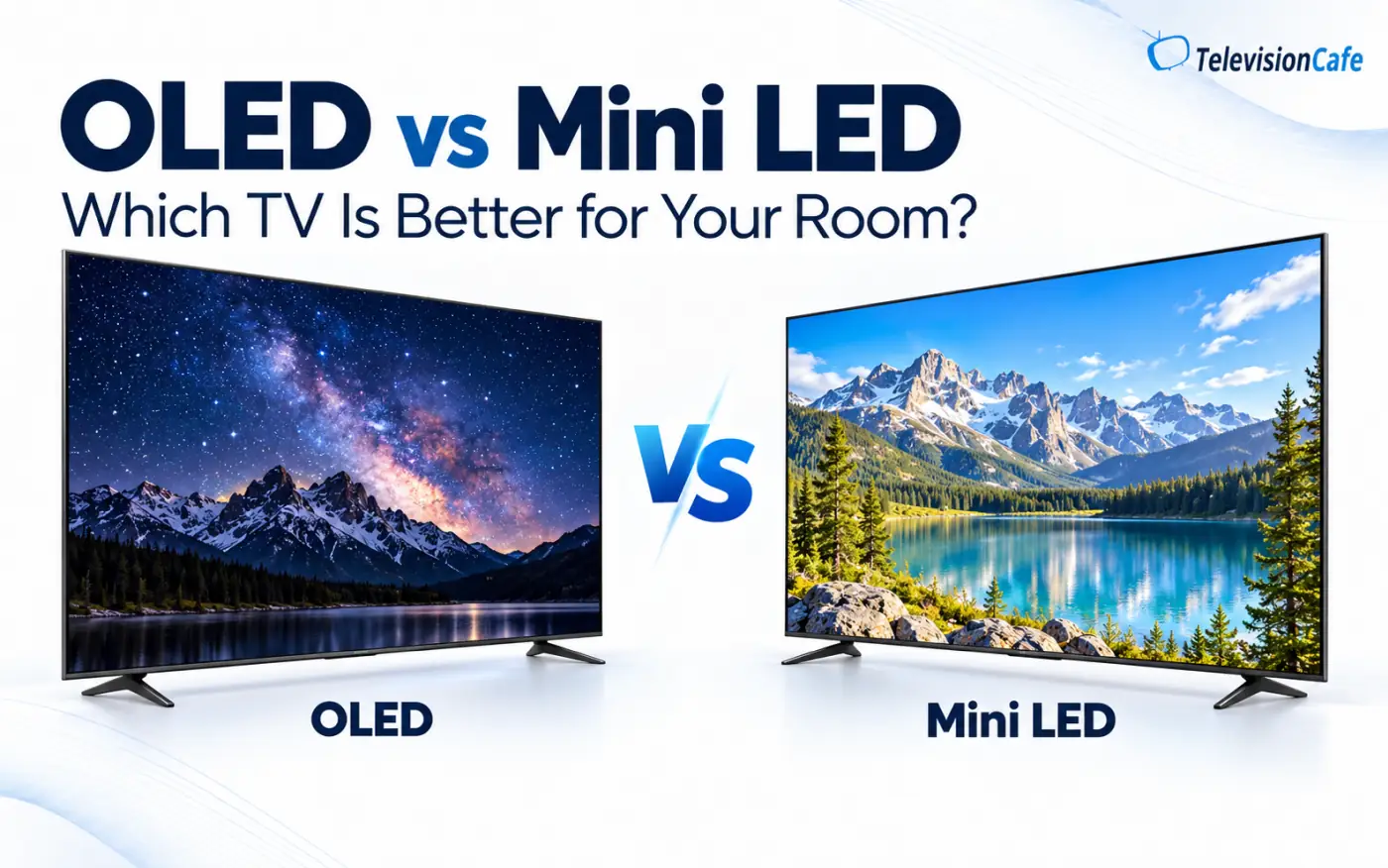
OLED vs Mini LED: What's Actually Different?
OLED creates light at the pixel level. Each pixel can switch off independently, so a bright object can sit next to true black without a backlight illuminating the surrounding area.
Mini LED is an LCD TV with a backlight made from very small LEDs. Local dimming controls groups of those lights in zones. This improves contrast, but a dimming zone still illuminates an area containing multiple pixels.
Think of a star against a black sky: OLED controls the star's pixels individually, while Mini LED must coordinate the LCD panel and the backlight zone behind it.
Don't confuse QLED with Mini LED. QLED refers to the use of quantum dots in an LCD TV; Mini LED describes its backlight. A TV can be both. QD-OLED is a different, self-emissive OLED technology.
Which TV Technology Fits Your Room?
| Your room or routine | Start with | Check before buying |
|---|---|---|
| Bright living room, mostly daytime TV | Mini LED | Sustained brightness and reflection handling |
| Dim bedroom or dedicated movie room | OLED | Low-light detail and motion with movies |
| Wide sectional with seats off to the side | OLED | Picture quality from your widest seat |
| Windows directly opposite the screen | Compare specific models | Direct reflections and possible placement changes |
| News channels or desktop work for hours daily | Mini LED | Static-content habits and suitable connections |
| Mixed daytime TV and nighttime movies | Either | Your main viewing time and ability to control light |
These are starting recommendations, not guarantees. Performance varies substantially between models within each category.
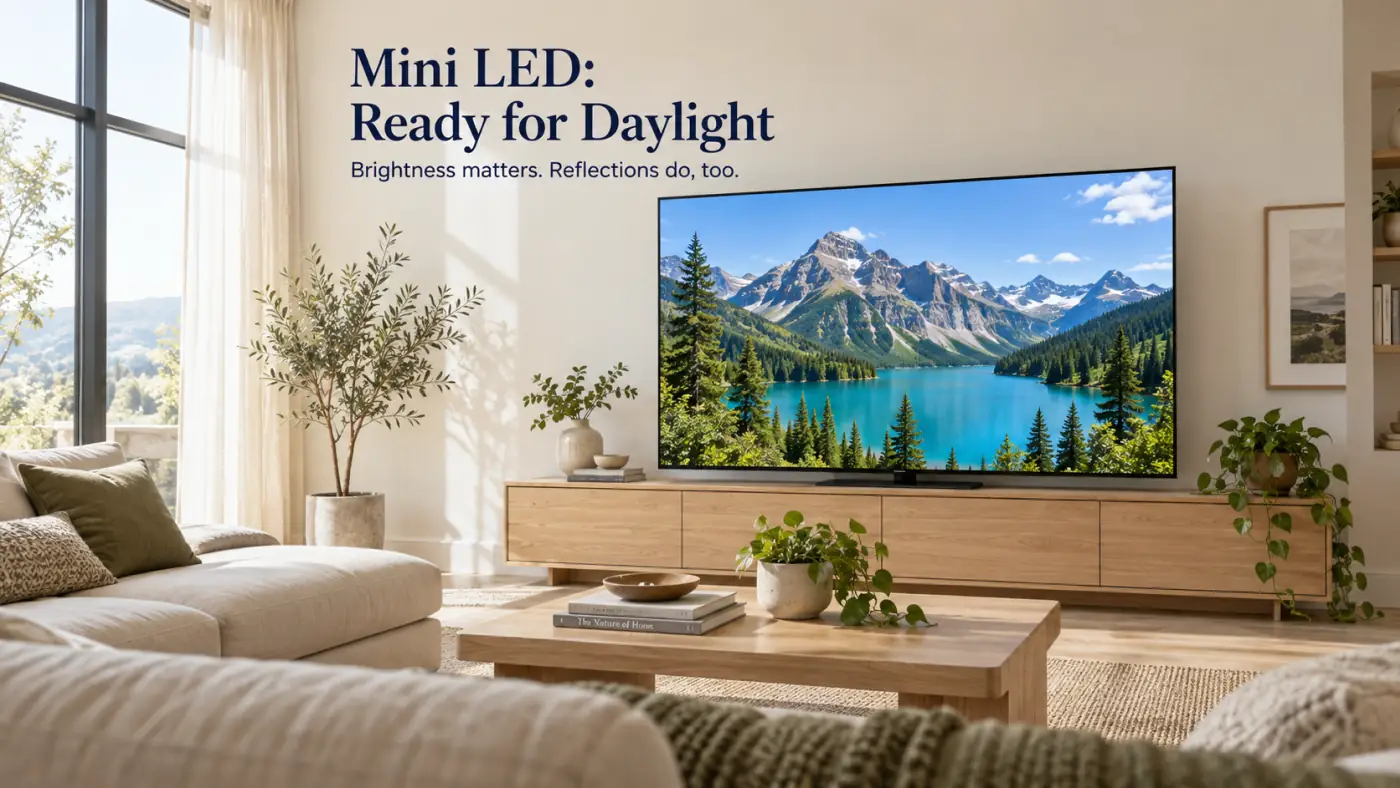
For a Bright Living Room, Look Beyond Peak Brightness
A capable Mini LED TV is a strong starting point for a room that stays bright throughout the day. Its advantage often shows up in large, bright scenes, such as a hockey rink or a sunlit landscape.
However, the biggest brightness number in an advertisement doesn't tell you how bright an entire football game will look. Peak HDR brightness may describe a small highlight, while daytime television also depends on SDR brightness and how much light the screen can sustain over larger areas.
OLED brightness can decrease as more of the picture becomes bright, particularly at high output levels. The amount varies by model and settings. That doesn't make OLED unsuitable for every bright room; it makes model-specific measurements essential.
Shopping tip: Compare real-scene SDR brightness and sustained large-window brightness, not just a tiny HDR highlight. Those measurements help explain what happens when most of the picture is bright.
Windows and Reflections Can Change the Winner
A bright room and a reflective room aren't necessarily the same problem. Daylight filling the room is different from seeing a sharp reflection of a window directly over an actor's face.
Neither OLED nor Mini LED automatically wins at reflection handling. The screen coating matters. Glossy finishes can show distinct, mirror-like reflections. Matte finishes spread reflections over a wider area, making them less sharply defined but potentially adding a visible haze under room lighting.
Ambient light can also make black areas look lighter, even on a display that produces perfect black in darkness. Check bright-room testing as well as dark-room contrast.
Before replacing your TV, sit in your usual spot with the screen off. Which windows and lamps can you see reflected? Try changing a lamp's position, adjusting blinds, or using another wall. Fixing a reflection at its source can be more useful than paying for extra brightness.
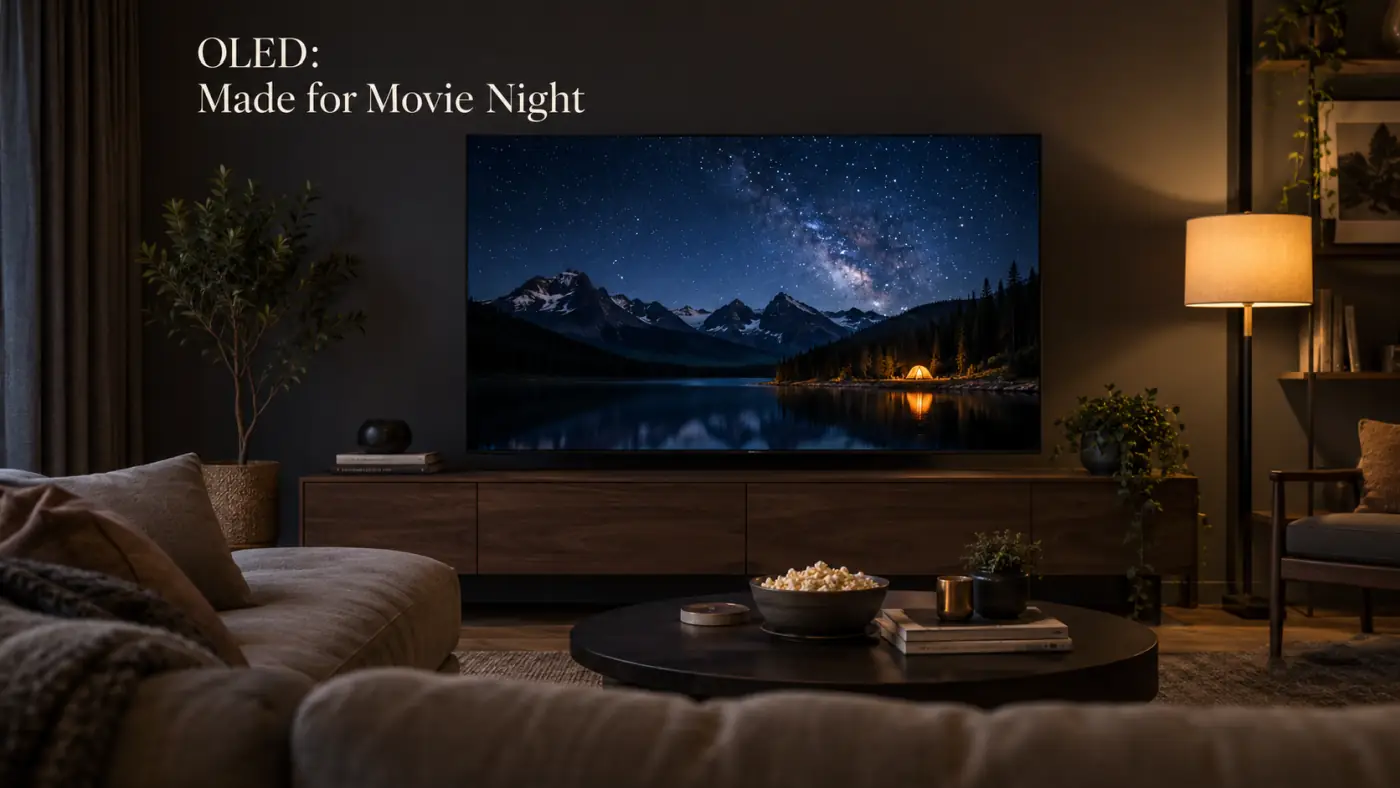
For Movie Nights, OLED Has the Clearest Advantage
Turn down the lights and OLED's pixel-level control becomes especially valuable. Subtitles, stars, and streetlights can appear against black without backlight blooming: the glow that can surround bright objects on a locally dimmed LCD.
Good Mini LED TVs can deliver excellent movie pictures, but zone count alone doesn't settle the comparison. The algorithms controlling those zones also affect halos, shadow detail, and how smoothly the lighting follows moving objects.
If you regularly notice glowing subtitles or lifted black bars, OLED is the more direct solution. For Mini LED, look for testing with difficult dark scenes rather than relying on the number of dimming zones.
There is one movie-related trade-off: OLED's fast pixel transitions can make the individual frames of 24 fps films more noticeable during slow camera pans. Mild motion interpolation may reduce that stutter, but stronger settings can change the film's appearance and introduce artifacts.
Have a Wide Sectional? Check the Seats at Both Ends
The person directly in front of the TV isn't always seeing the same picture as everyone else. Off to the side, some LCD TVs lose color saturation and contrast, making an impressive center-seat image look flatter.
OLED generally maintains picture quality better across a wide seating area. That makes it a useful starting point for family rooms with a large sectional, side chairs, or an adjacent dining area.
Mini LED viewing angles depend on the LCD panel and any viewing-angle enhancement layer. Some models are much more forgiving than others, so the backlight label alone won't answer this question.
Try a simple showroom check: stand where your furthest side seat would be and compare skin tones, dark areas, and brightness with the center view. If everyone at home sits almost straight ahead, this factor deserves much less weight.
For Sports, Screen Uniformity Deserves More Attention
For an afternoon game, start with the brightness and reflection checks above. Then watch a camera pan across the field or ice. Do faint dark patches appear to stay in the same place on the screen?
That's often called dirty screen effect, a form of uneven screen uniformity. It can be distracting during sports because large areas of similar color make those patches easier to notice.
Uniformity varies between models and individual units. Buying OLED or Mini LED doesn't remove the need to check it. Motion handling and the quality of the broadcast also deserve attention.
Our recommendation for a sports-heavy household: bring a familiar game into the comparison. Watch wide shots, follow fast movement, and check the picture from the seats your guests actually use. A glossy demo reel tells you far less about your next football party.
OLED vs Mini LED for Gaming: Separate Speed From Features
OLED's rapid pixel transitions help reduce smearing, making it appealing for fast games. But pixel response time and input lag are different measurements: one describes pixels changing, while the other describes the delay before an incoming signal appears on screen.
Both OLED and Mini LED TVs can offer responsive gaming. Check measured input lag in Game Mode, support for the resolution and refresh rate you want, variable refresh rate (VRR), and the number of suitable HDMI inputs. These are model features, not automatic benefits of either display technology.
For Mini LED, also check local dimming performance in Game Mode. The picture can behave differently when the TV reduces processing to keep latency low.
For OLED, consider your routine. A rotation of games and movies is different from spending most of every day in one game with the same bright interface. That brings us to the ownership question that matters most.
Burn-In Risk Depends on How You Use the TV
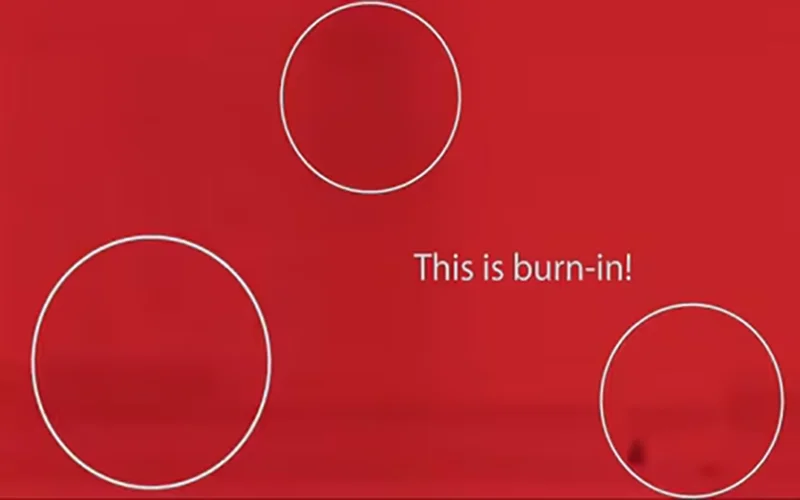
OLED burn-in is permanent uneven wear that can leave traces of frequently displayed elements. Repeated exposure to the same bright logos, tickers, or game interfaces increases the concern. Temporary image retention is different and may clear; permanent burn-in does not simply disappear after changing channels.
OLED TVs use protective features such as pixel shifting, logo dimming, and panel compensation routines, depending on the model. These help manage risk without making it zero.
If you alternate among movies, shows, and different games, OLED remains a reasonable option. If the television spends hours every day showing the same news channel, dashboard, or desktop layout, we'd lean toward Mini LED. Its LCD architecture avoids OLED's particular organic-pixel wear mechanism.
Practical ownership advice: Leave OLED protection features enabled and follow the manufacturer's instructions for automatic maintenance. Check the exact U.S. warranty terms before assuming burn-in is covered.
Neither technology comes with a universal lifespan guarantee. Overall reliability involves more than the panel alone.
Should You Buy a Smaller OLED or a Bigger Mini LED?
This is where the decision gets personal. Suppose your shortlist includes a smaller OLED and a larger Mini LED at prices you're comfortable paying. Which compromise will you notice every evening?
If you sit far back and constantly wish the action looked bigger, prioritize evaluating the larger screen. If your current size already feels right and distracting halos are your main complaint, give OLED more attention.
Mark each TV's actual width and height on the wall with painter's tape, then sit in your usual seat. Check the furniture, stand spacing, and clearance too. A diagonal measurement doesn't tell you whether the television fits your setup.
Compare the exact screen sizes you're considering. Don't assume a review of one size describes every version in the same series. Confirm the U.S. model number and specifications before ordering.
A Five-Minute Room Check Before You Buy
You don't need a light meter to make a more useful shortlist. Answer these questions from the room where the TV will actually live.
- When do you watch most? Think about your regular week, including daytime weekends.
- Can you control the light? Decide whether closing blinds is something you'll realistically do.
- Where are the reflections? Check the screen from your usual seat at your usual viewing time.
- How wide is the seating? Include side chairs and the ends of the sofa.
- What stays on screen? Consider repeated logos, news tickers, game interfaces, and computer windows.
Our buying rule: Choose for the viewing conditions you use most. If movies are your evening ritual, don't let an occasional afternoon show dictate the entire purchase. If the TV runs all day, give that routine the most weight.
OLED vs Mini LED FAQ
Is OLED good for a bright room?
It can be. Check the particular model's SDR brightness, reflection handling, and black levels under ambient light. Having windows doesn't automatically rule out OLED.
Does Mini LED have blooming?
It can show halos around bright objects against dark backgrounds. Visibility depends on the panel, local dimming system, content, and viewing conditions. More zones alone don't guarantee better results.
Is Mini LED the same as MicroLED?
No. Mini LED TVs use small LEDs to backlight an LCD panel. MicroLED displays use self-emissive inorganic LEDs to form the image, without that LCD backlight arrangement.
Is OLED always better for gaming?
No. Its fast pixel response is valuable, but input lag, supported refresh rates, VRR, room lighting, and static-content habits also affect the choice.
Can curtains change which TV I should buy?
Yes. If you're happy to control daylight, you may want to give dark-room performance more weight. Judge the room as you'll actually use it, including whether those curtains will stay open most days.
The Verdict: Choose for Your Room, Then Compare Models
Choose OLED if your priorities are movie nights, clean contrast around bright objects, and a consistent picture across a wide sofa.
Start with Mini LED if your priorities are bright daytime viewing or long daily sessions with repeated static graphics.
For a mixed-use living room, neither label makes the decision for you. Narrow the field using your room check, then compare the exact models for the weaknesses you would actually notice.
Ready to build a shortlist? Explore our TV reviews and TV comparisons to move from choosing a technology to choosing a television.