
Best TVs for Watching Sports in 2026: 4 Smart Picks
The LG C6 is our starting point for a sports TV in a typical living room. It combines clear fast action, useful processing for ordinary broadcasts, and a picture that holds up for people sitting off-center. If windows reflect across your screen, the Samsung S95H is the stronger premium option.
The right choice changes when budget or daylight takes priority. Below, we explain where the Hisense U7SG and TCL QM6K fit, and the compromises you should accept before buying either.
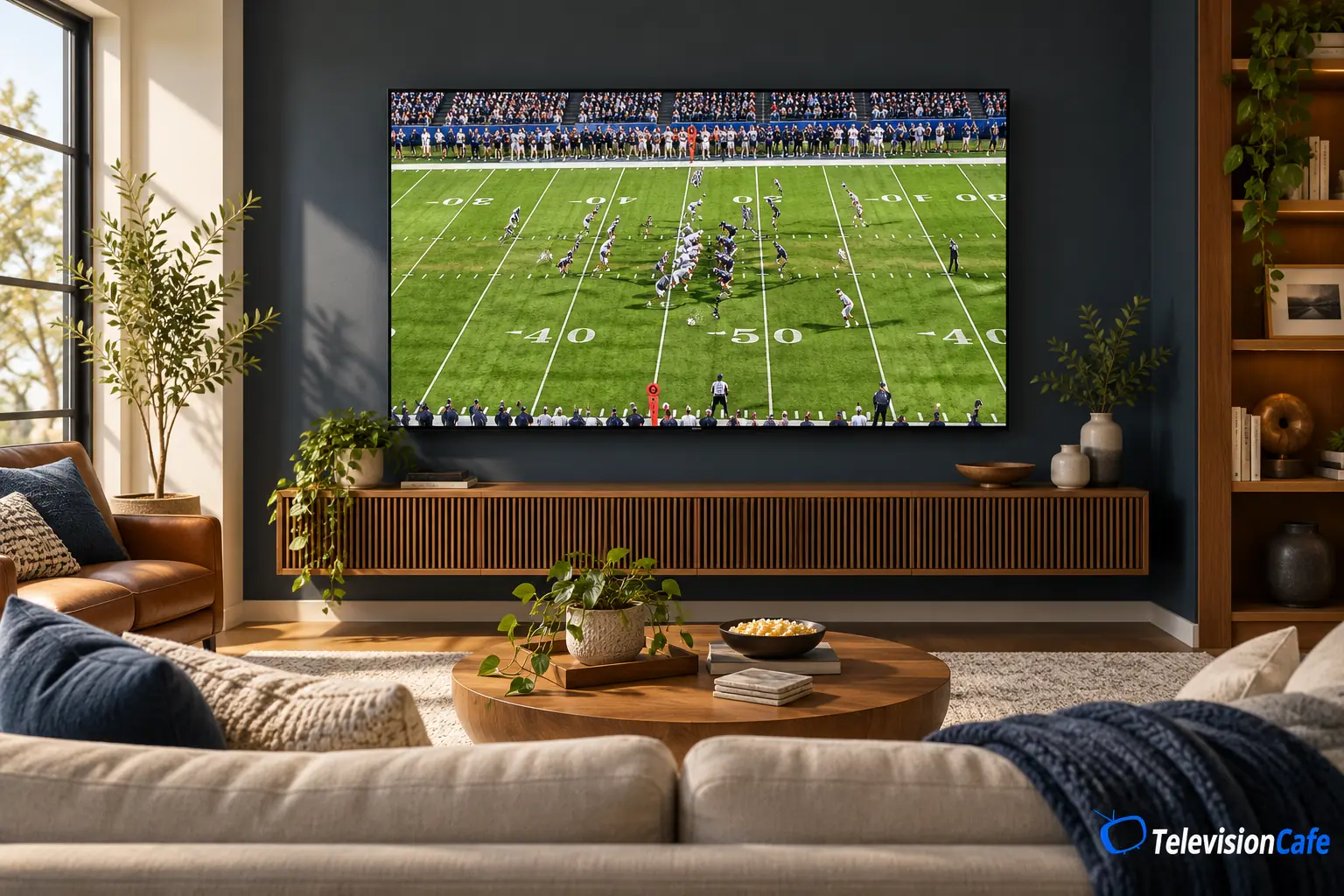
Best TVs for Watching Sports: The Shortlist
| TV | Choose It For | Main Compromise | Test Evidence |
|---|---|---|---|
| LG C6 OLED | Sports, cable, and evening movies in a room with manageable light | Direct reflections | 65-inch U.S. model |
| Samsung S95H OLED | Premium viewing with side seats and distracting reflections | Premium cost; weaker cleanup of poor feeds | 77-inch; findings also apply to 55 and 65 inches |
| Hisense U7SG | A bright room with mostly centered seating | Motion trails and panel uniformity | 65-inch U.S. model |
| TCL QM6K | A lower-cost family TV that also handles gaming | Off-angle picture and fast-motion artifacts | 75-inch; review covers most other sizes with caveats |
Performance evidence comes from RTINGS' individual reviews. These are use-based recommendations, not a claim that every size performs identically. The QM6K is a 2025 model still listed for sale in 2026.
As an Amazon Associate I earn from qualifying purchases.
Check the U.S. Model and Screen Size
Samsung: the U.S. S95H is sold as the S99H in the UK. A regional S95H/S95HF can have a different design and stand. The U.S. 83-inch S95H uses a different panel from the 55-, 65-, and 77-inch versions discussed here.
LG: our C6 recommendation focuses on 55 and 65 inches. The 42-inch model has different brightness capabilities, while the 48-inch and larger C6H versions use different panels. Don't apply the 65-inch findings to every C6 listing.
TCL and Hisense: the QM6K has a related C6K counterpart in Europe, with regional differences to check. Hisense's U7SF uses Fire TV rather than the U7SG's Google TV; we don't treat their test results as interchangeable.
LG C6: Our First Pick for Most Living Rooms
A sports TV often has to handle a compressed afternoon broadcast, a movie at night, and a console in between. The 55- or 65-inch LG C6 is the most balanced place to start on this list when you can manage direct light.
RTINGS' 65-inch C6 testing found fast pixel response, wide viewing angles, and effective cleanup of low-quality content. Those strengths matter when players cross the screen quickly or your usual channel looks rougher than a 4K demo.
Its glossy screen is the catch. A lamp or window reflected over the field can be distracting. Check the proposed TV location during the hours you actually watch; paying for an OLED won't move that reflection out of the way.
LG lists Dolby Vision and webOS 26, plus high-refresh gaming support. Those are useful extras, but the reason to choose it for sports is the combination of motion, processing, and seating flexibility.
Read our LG C6 OLED review for the wider buying decision.
TelevisionCafe · PRICE CHECK
LG C6 OLED · 65-inch
Compare the LG 65-inch C6 on Amazon. Check the selected size, seller, condition, and delivery total before ordering.
Paid link. We may earn a commission.
Samsung S95H: The Premium Pick for Reflections and Side Seats
The S95H in 55, 65, or 77 inches is worth considering when friends spread across the room and reflected light keeps interrupting the game.
In RTINGS' 77-inch test, its matte screen handled reflections extremely well, with a consistent picture from the sides and fast OLED response. The review says those results also apply to 55 and 65 inches. The 83-inch panel is different.
The trade-off is processing: poor-quality sports streams can still look messy. If your main problem is a low-bitrate channel, don't assume a flagship price will clean it up. Ambient light can also raise its black level, despite the effective reflection treatment.
We'd pay the premium for the room and seating advantages. In a light-controlled room with a smaller price gap to consider, the C6 is the more natural starting point. Samsung doesn't support Dolby Vision, which matters if this will also be your main movie screen.
Our Samsung S95H review covers its other strengths and limitations.
Hisense U7SG: A Bright-Room Alternative With a Motion Caveat
The U7SG earns its place for daylight visibility. Hisense's U.S. documentation confirms Google TV and a 165Hz gaming mode. Those specifications don't establish how clean a football or hockey broadcast looks.
RTINGS tested the 65-inch U7SG and found strong brightness and effective reflection control, alongside slow pixel response, narrow viewing angles, and visible dirty screen effect on its sample. Uneven patches can be particularly distracting as a camera pans across grass or ice.
That makes it a conditional recommendation: consider it for a bright room with centered seating when it costs meaningfully less than the OLED alternatives. If motion trails bother you, give them more weight than the advertised refresh rate. For a wide group or a motion-first purchase, we'd lean toward an OLED.
See our Hisense U7SG review. Check your own unit with live sports during the return period; uniformity varies between panels.
TelevisionCafe · PRICE CHECK
Hisense U7SG Mini LED · 65-inch
Considering the bright-room option? Check the 65U7SG Google TV listing, current seller, and return policy on Amazon.
Paid link. We may earn a commission.
TCL QM6K: A Lower-Cost Pick for Sports and Gaming
The QM6K is a practical option when this purchase also has to cover streaming and gaming. TCL's U.S. listing for the 65QM6K showed $649.99 on October 25, 2026. That's a displayed price for the new 65-inch model from TCL, not an Amazon quote or a guaranteed checkout total; tax, delivery, and stock can vary.
TCL specifies a native 144Hz panel and Google TV. RTINGS' 75-inch review sample handled indirect room light reasonably well, but showed fast-motion color trails, limited viewing angles, and weak control of direct reflections.
Keep the seats near the center and the windows out of the screen's reflection. This is a budget compromise we'd consider for mixed use, rather than our pick for someone especially sensitive to sports blur.
Size matters here, too: the 85- and 98-inch models have a different, matte screen treatment. Don't assume the 65-inch listing has it.
Our TCL QM6K review explains the broader picture-quality trade-offs.
Choose for the Room Before Chasing More Hertz
For afternoon football: look at the screen with the curtains in their normal position. Indirect daylight and a bright window reflected directly over the action are different problems. Moving a lamp or changing the TV location may improve viewing more than another step up the model range.
For group viewing: judge the TV from the side chair as well as the main sofa. A centered-only picture can be a poor fit for a room where half the guests sit at an angle. For LCD options, our guide to VA vs. IPS for wider seating explains the panel trade-offs.
For hockey and soccer: watch full-screen camera pans before the return window closes. Note whether a patch stays in the same place on the panel as the scene moves. Panel uniformity deserves more attention than a store's brightly colored demo loop.
For more options focused on lighting, see our best TVs for bright rooms.
120Hz, 144Hz, and 165Hz: What Actually Helps Sports?
A TV's maximum refresh rate tells you what the display can support, not how many unique frames your channel supplies. A 60 fps feed doesn't gain extra captured action simply because a TV accepts a 165Hz gaming signal.
Separate three things when shopping: the source frame rate, pixel response, and motion processing. A high-refresh LCD can still leave trails behind moving players. Fast OLED pixels also can't recover detail that was missing from the original stream.
Our TV refresh-rate guide explains the numbers. For a sports purchase, use real broadcast footage to judge the result.
Don't Buy Around the Sports Mode Label
Try a natural-looking Movie, Cinema, or comparable mode first, then adjust screen brightness for the room. Treat that as a starting point, not a universal calibration. Menu names and available controls vary by model, input, and firmware.
If motion interpolation is available, compare it off and at a modest setting using the same passage of play. Watch the ball, player outlines, and scoreboard edges. Reduce it if you see halos, broken outlines, or odd motion. Keep the previous settings so you can undo the change.
Check the Broadcast Before Replacing the TV
If the field turns into blocks only when the camera moves, first compare the same game through another available feed or device. A TV replacement can be expensive without fixing the source of the problem.
Check the streaming app's picture-quality setting, the connection used by the streaming device, and the actual video format being delivered. A stable Ethernet connection can help diagnose Wi-Fi trouble, but it won't improve a feed that's already heavily compressed by the provider.
Compare your usual channel with a high-quality recording on the same screen. If both show a similar trail around objects, investigate TV motion settings and panel behavior. If only one source falls apart, start with that service or device.
Our guide to why sports look blurry and what to try walks through the next checks. For soft-looking channels, see what TV upscaling can and can't fix.
Decide on Size With Your Actual Feed
A bigger screen makes the game easier to follow, but it also makes compression and rough edges easier to notice. Measure your viewing distance, check the stand or mount requirements, and leave room in the budget for installation. Use our TV size guide before choosing between 55, 65, and 75 inches.
How We Chose These TVs
TelevisionCafe selected these models using U.S. manufacturer documentation, product listings, and RTINGS' published tests. We weighed motion, broadcast processing, reflections, seating flexibility, and cost rather than treating a single specification as the winner. This is a research-based guide; we did not personally test these TVs.
The cited test units were a 65-inch LG C6, 77-inch Samsung S95H, 65-inch Hisense U7SG, and 75-inch TCL QM6K. Recommendations for other sizes follow the reviewers' stated applicability and the exceptions above.
Sources were reviewed October 25, 2026. Before buying, confirm the exact screen size, seller, condition, return policy, and delivered price.
Our Recommendation
Start with the 55- or 65-inch LG C6 if you want one TV for sports and everyday viewing and can manage direct reflections. Spend more on the Samsung S95H when side seating and reflected light are the reasons your current setup disappoints.
For a lower budget, choose the compromise you can live with: the U7SG prioritizes daylight visibility, while the QM6K is worth considering as a lower-cost mixed-use purchase. If fast-motion artifacts are what you're trying to escape, don't choose either on refresh rate alone.