
LG C6 OLED Review: A Smart Buy or Too Close to the C5?
The LG C6 OLED is an appealing upgrade if you want evening movies without glowing subtitle halos, flexible seating, and enough HDMI connections for a busy gaming setup. The harder question is whether it deserves your money over a discounted C5.
The answer depends on screen size as well as price. A 48-inch C6, a 65-inch C6, and a 77-inch C6H are not simply the same television stretched to different dimensions. Understanding that difference matters more than choosing by model year alone.
Our buying assessment: Shortlist the C6 for a room where you can manage reflections and for a setup that benefits from its connections. At 55 or 65 inches, compare the same-size C5 before paying extra. At 48, 77, or 83 inches, investigate the different panel configuration first.
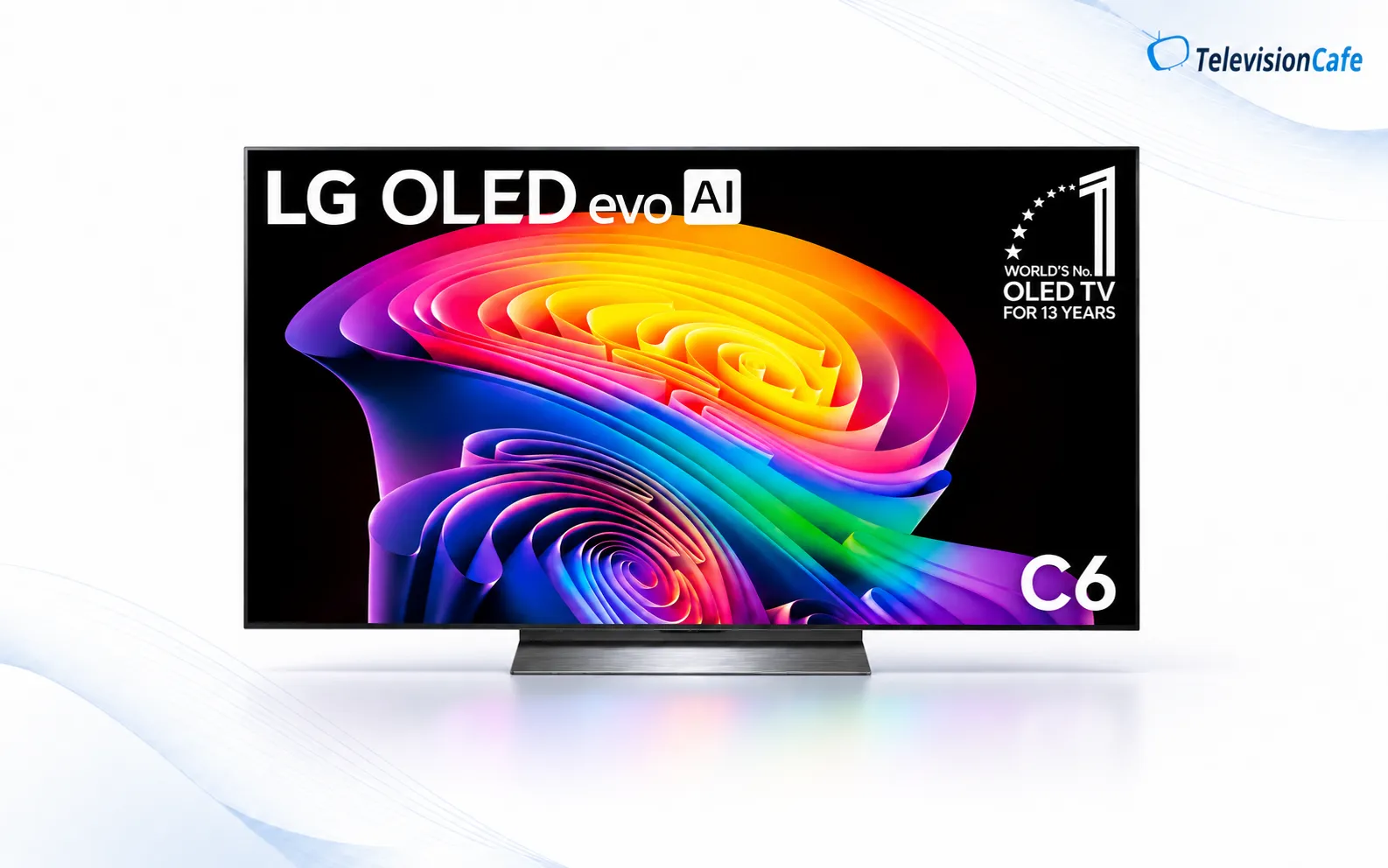
TelevisionCafe · PRICE CHECK
LG C6 OLED · 55-inch
Considering the LG C6 OLED? Check the current price and delivery options for the 55-inch OLED55C6PUA model on Amazon.
Paid link. We may earn a commission.
LG C6 Specs and Sizes: Check the Exact Model
The reference model for the main performance discussion is the U.S. 65-inch OLED65C6PUA. LG lists the following core specifications for that model.
| Feature | Specification |
|---|---|
| Display | 4K OLED, 3840 × 2160 |
| Processor | Alpha 11 AI Processor 4K Gen3 |
| Refresh rate | 120Hz native; VRR up to 165Hz with a compatible PC |
| HDR formats | Dolby Vision, HDR10, HLG |
| Gaming features | VRR, ALLM, NVIDIA G-SYNC Compatible, AMD FreeSync Premium, Game Optimizer |
| HDMI connections | Four inputs supporting 4K/120Hz; eARC on HDMI 2 |
| Smart platform | webOS 26 |
| Built-in audio | 2.2-channel speaker system; Dolby Atmos support |
Sources: Specifications come from LG’s U.S. documentation. Performance analysis draws on published testing by RTINGS and AVForums, with screen sizes and regional versions identified alongside the findings.
The important differences within the U.S. C6 family
| Size | U.S. model | What to know |
|---|---|---|
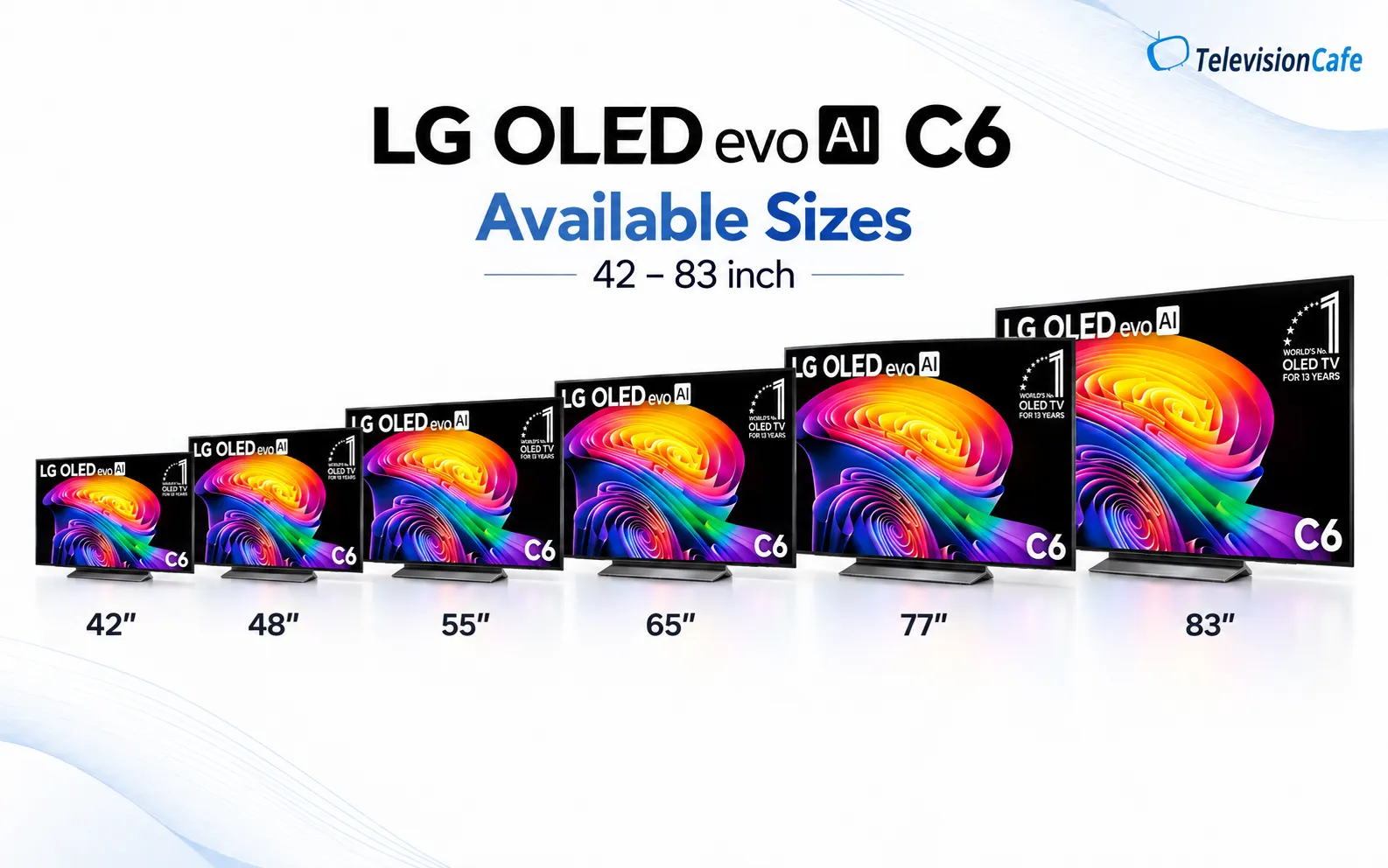
| 42 inches | OLED42C6PUA | LG does not list Brightness Booster for this size. |
| 48 inches | OLED48C6PUA | RTINGS identifies a tandem OLED panel in its separately tested 48-inch sample. |
| 55 inches | OLED55C6PUA | Standard C6 with Brightness Booster. |
| 65 inches | OLED65C6PUA | Standard C6; the main independent TV test referenced here. |
| 77 inches | OLED77C6HUP | C6H with Hyper Radiant Color Tech and Brightness Booster Pro. |
| 83 inches | OLED83C6HUP | C6H; evaluate separately from the standard 65-inch C6. |
RTINGS tested the 48-inch C6 as a monitor using different settings and methodology. Its results should not be directly compared with the site's TV-test measurements. LG's 48-inch product page lists Brightness Booster but does not explicitly identify the panel structure.
RTINGS also tested the 77-inch C6H separately and found higher brightness and stronger HDR color than the standard C6. That finding belongs to the tested 77-inch model. It is not a measurement of every C6 size.
Retail listings may use different suffixes. Confirm the full model number and size, especially when a store groups C6 and C6H under one product listing.
Picture Quality: OLED Contrast With a Few Dark-Scene Caveats
OLED pixels produce their own light, so the C6 does not need a backlight zone to illuminate a bright subtitle beside a black background. That is its clearest advantage for someone already bothered by LCD blooming.
AVForums observed occasional near-black overshoot and visible dithering on its regional 65-inch C6, including limitations in dark Dolby Vision viewing.
When comparing TVs, use a familiar dark scene with faces and textured clothing. Check whether you can follow the action without raising the picture until black areas look gray. Then try white subtitles over the same scene.
Avoid judging only by an all-black screen or a bright store demo. Neither tells you how comfortably you will watch a dimly lit conversation for ten minutes.
HDR: Small Highlights and Bright Landscapes Are Different Tests
RTINGS found strong small HDR highlights on the 65-inch C6, with lower output as more of the screen became bright. Bright saturated colors also lost some intensity.
That distinction matters when choosing between a movie-focused OLED and a TV for a sunlit room. A headlight against a dark road and a snow-covered landscape ask different things of the display. Compare both before deciding that one peak-brightness claim settles the purchase.
For your own evaluation, look for texture in bright clouds and readable detail around lamps. A picture that makes every bright surface look equally white can seem punchy at first while hiding information in the scene.
Dolby Vision support is useful when your source provides it, but the badge does not guarantee accurate color or ideal settings. If you already own the television, our LG C6 picture settings guide offers starting points for different content types. Treat those as adjustments to evaluate, not an individual calibration.
Bright Rooms and Wide Seating: Look at the Room Before the Spec Sheet
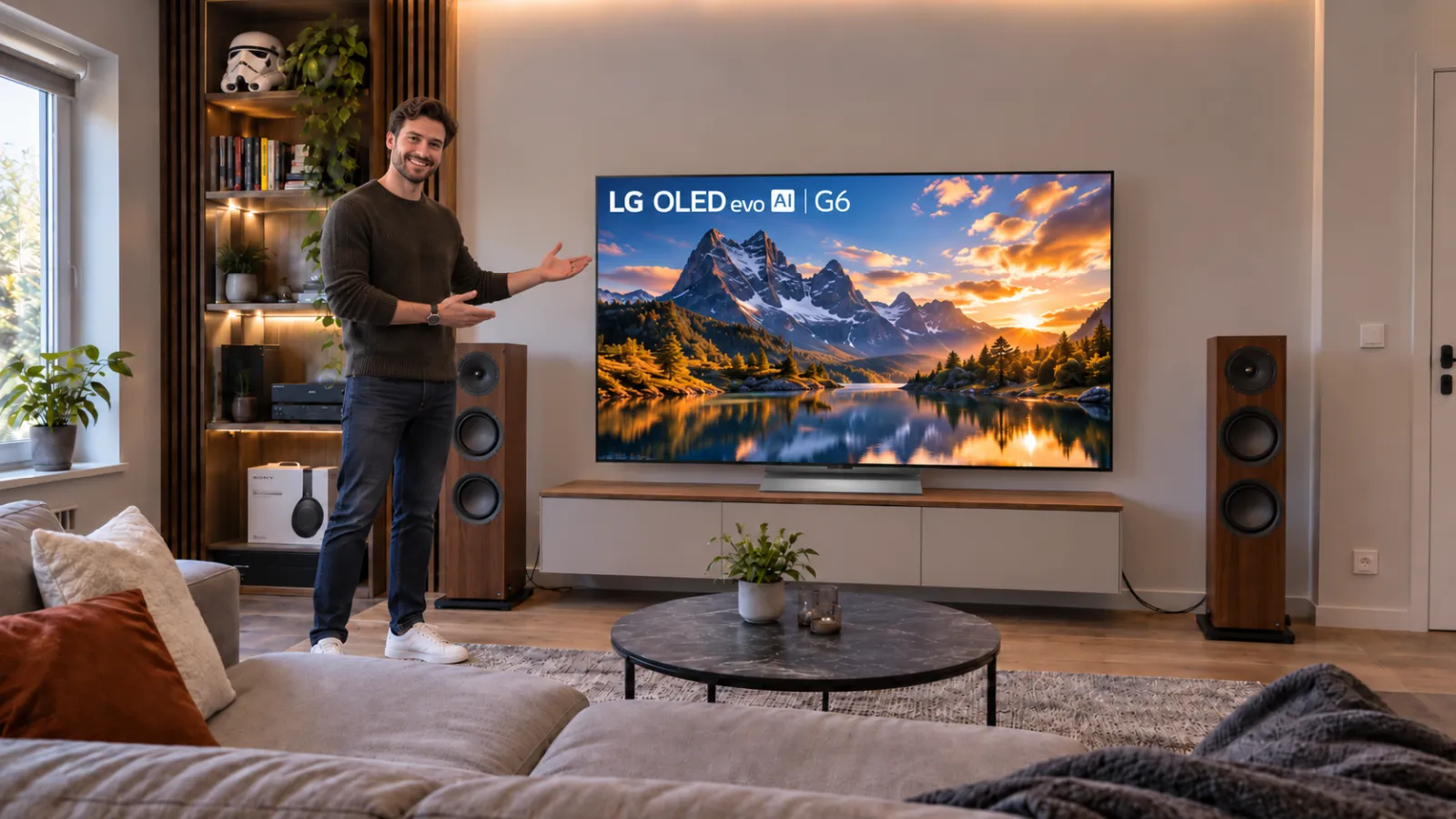
RTINGS reported adequate brightness for moderate lighting, distracting direct reflections, and wide viewing angles on its 65-inch sample.
Our recommendation follows that combination: consider the C6 when several people watch from different seats and you can control the light reaching the screen. Be more cautious when a large window sits directly opposite the TV.
Before shopping, turn your current television off at your usual viewing time. Note the windows and lamps reflected in it. Then see whether moving a lamp or closing a blind solves enough of the problem to keep your options open.
A useful showroom check: View a dark scene from the center and each regular seating angle. Assess reflections as well as the image. A television that looks convincing directly in front of you may fit your room poorly once everyone sits down.
For a room you cannot darken, include a brighter alternative with independently tested reflection performance. Choosing by “OLED” or “Mini LED” alone leaves out the screen treatment and your actual lighting.
Sports, Movies, and Streaming: Separate Motion From Source Quality
AVForums praised upscaling on its regional 65-inch sample. RTINGS noted visible stutter in slow movie pans on its U.S. 65-inch C6.
Fast pixel transitions and comfortable film motion are different things. A low-frame-rate movie can look unusually choppy on a display that changes pixels quickly. That is worth checking if you prefer films with motion smoothing turned off.
Compare a familiar camera pan with smoothing disabled and with a modest adjustment. Watch for unnatural movement or distortion around people. The useful setting is the one whose compromises bother you least.
For sports, use your regular streaming service or broadcast source. Follow the ball and watch the playing surface during pans. A clean 4K demonstration will not reveal every weakness of the feed you watch at home.
Processing cannot recover all detail missing from a heavily compressed stream. If Netflix looks soft while other sources look sharp, work through our blurry Netflix troubleshooting guide before blaming the display.
Gaming: The HDMI Layout Matters More Than the 165Hz Headline
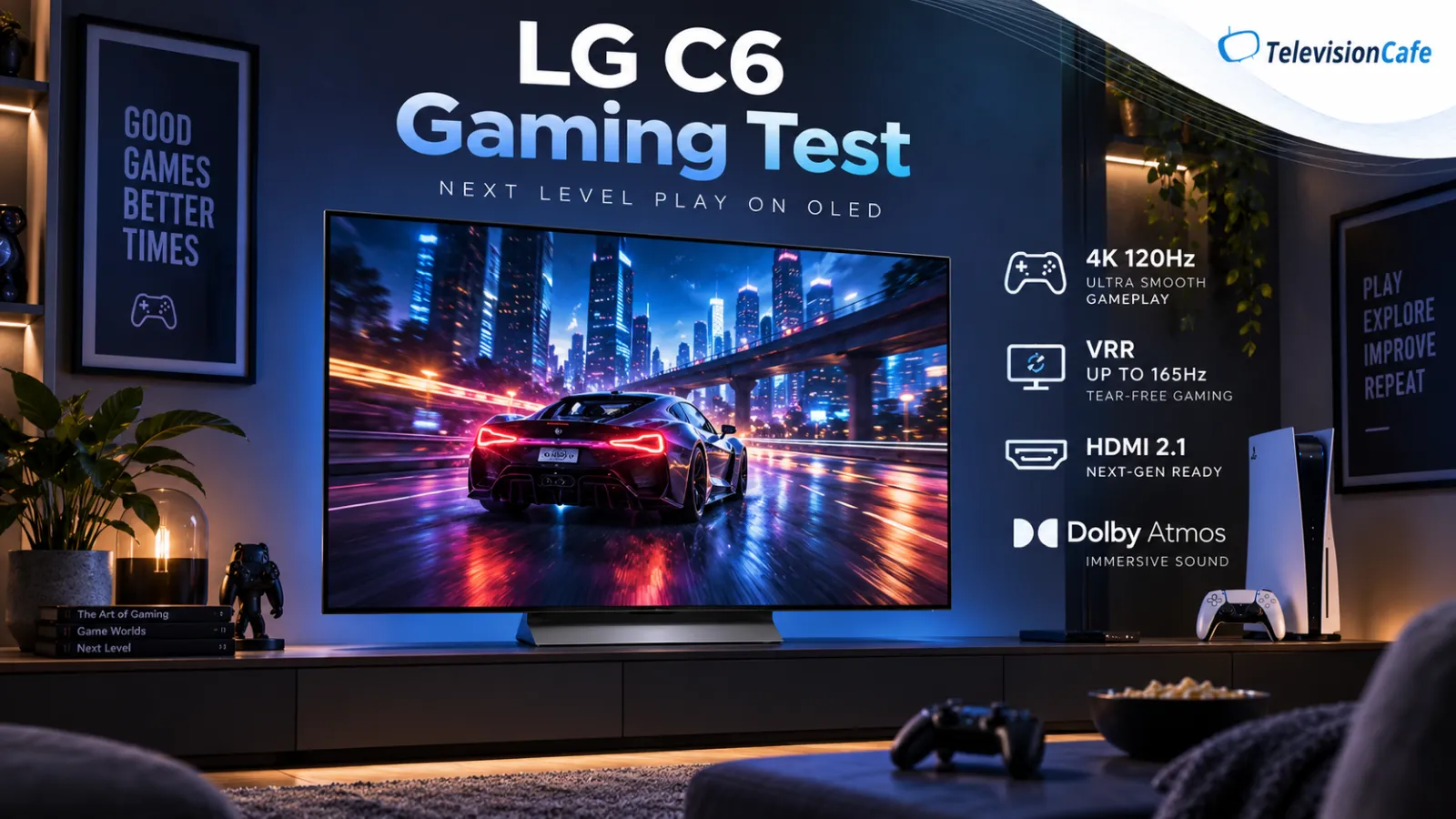
LG advertises VRR up to 165Hz for a compatible PC. PS5 and Xbox Series X gaming instead uses up to 120Hz in supported titles; buying a 165Hz television does not make a console produce 165 frames per second.
RTINGS found low input lag and fast response on its 65-inch C6, with minor inverse ghosting in shadow transitions. That supports a gaming recommendation without treating motion as completely artifact-free.
The connection layout is especially practical. With an eARC audio system on HDMI 2, three inputs remain for video sources. Two consoles and a gaming PC can stay connected without reserving the only high-refresh input for one device.
For PC buyers: Check your GPU's HDMI output and cable compatibility before budgeting around 4K/165Hz. A higher refresh-rate ceiling is useful only when the connection supports it and your games run at frame rates that benefit from it.
During the return period, test dark games, your normal frame-rate limits, and HDR. RTINGS noticed VRR flicker on its separately tested 48-inch monitor sample, so evaluate that size with your actual PC rather than borrowing the 65-inch verdict.
AVForums also reported intermittent flickering and softness at 165Hz on its regional 65-inch sample and PC setup, without establishing the cause. That is a reason to check your own connection, not evidence that all C6 units share a confirmed defect.
Buying with GTA 6 in mind? See how the LG C6 compares for GTA 6 against our bright-room and budget alternatives, including what remains unconfirmed about the game's performance modes.
webOS 26: Buy for the Apps You Use
The C6 ships with webOS 26 and an AI Magic Remote. LG's product notes describe software updates for up to five years and account requirements for network-based smart services.
That is a software commitment, not a promise that every future app or streaming feature will remain available. Check the U.S. versions of your essential services before ordering.
Try the remote if possible. Pointer navigation can be convenient, but your household's comfort with the controls matters more than the number of AI features on the box.
If you already like your external streaming player, keep it unless there is a specific playback or usability problem to solve. Count its HDMI input and subscription costs in the complete setup.

Sound and Audio Formats: Check the Entire Signal Path
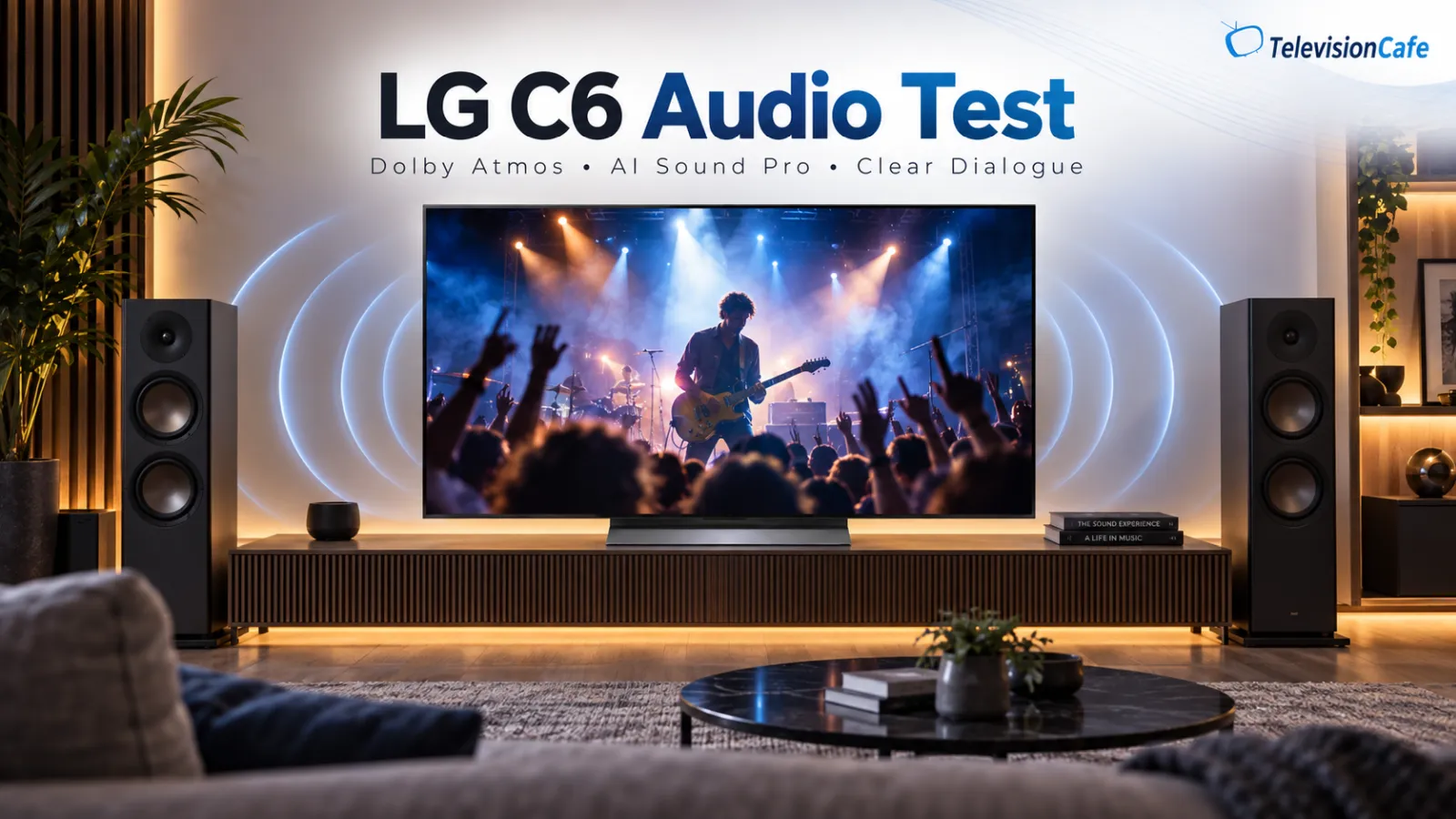
The 65-inch C6's speaker configuration and Dolby Atmos support describe capabilities, not proof of strong bass or convincing sound behind your seat.
Try familiar dialogue at your normal volume before buying additional audio. Then play a scene with louder effects and see whether speech stays understandable without repeatedly reaching for the remote.
RTINGS confirms that the C6 lacks DTS passthrough and HDR10+ support. The DTS limitation matters if your disc player sends that format through the TV to an audio system.
A compatible receiver or soundbar connected directly to the player may offer a suitable audio route. Verify the equipment's supported formats and video passthrough first. An eARC connection by itself does not guarantee support for every soundtrack.
For a buying checklist covering dialogue, placement, and TV connections, see how to choose a soundbar for your TV.
For streaming, check the formats delivered by your actual app and device. Do not buy or reject the television over an unsupported format you never use.
Installation: Budget for the Setup, Not Just the Screen
LG lists an included stand for the U.S. 65-inch C6. Check the package for your exact size and retailer offer rather than assuming the stand arrangement is identical throughout the series.
Measure cabinet depth, cable clearance, and any soundbar position. For wall mounting, confirm the model's weight, mounting pattern, bracket compatibility, and access to the ports before scheduling installation.
Moving to a larger size can also mean changing furniture or paying for delivery and mounting. Mark the screen outline on the wall and assess it from your normal seat. Our TV size guide helps you compare the screen with your seating distance.
Keep packaging until you have checked the panel, connections, and your regular sources. A manageable return is part of the value of the deal.
OLED Care and Burn-In: Your Viewing Routine Matters
LG identifies prolonged static images, including channel logos and paused games, as burn-in risks. OLED Care does not make the C6 immune to permanent image retention.
A household rotating movies, shows, and games has different needs from a screen displaying one news channel or the same desktop interface all day. If your use is dominated by static elements, include an LCD alternative in the comparison.
Leave the television connected to power in standby so automatic Pixel Cleaning can finish. LG advises allowing normal automatic maintenance and using manual cleaning when an issue or notification calls for it, rather than making it a frequent routine.
Read the actual warranty and any optional protection plan before buying. Do not assume a general panel warranty automatically covers every form of image retention.
LG C6 vs C5, G6, and Samsung S90H: Where the Money Goes
The C5 uses LG's Alpha 9 Gen8 processor and offers a 144Hz PC refresh-rate ceiling. The C6 moves to Alpha 11 Gen3 and 165Hz support. Those differences do not establish a dramatic improvement in every movie or game.
RTINGS describes the tested standard C6 as a modest overall improvement over the C5. At 55 or 65 inches, our advice is to compare the same-size price gap with something tangible: better audio, installation, or savings you would rather keep.
At equal prices and comparable purchase terms, the newer C6 is the straightforward choice. If the C5 costs substantially less, ask which C6 feature you would actually miss. Our LG C5 vs C6 comparison explores that decision in more detail.
For the flagship alternative, RTINGS' 65-inch G6 testing reports greater brightness and better reflection handling than the standard C6. Read our LG G6 OLED review if those are the problems you need to solve. Compare the complete installed price, not just the TV discount.
For the same-size price decision, our LG C6 vs G6 comparison explains when the upgrade is worth paying for.
For Samsung, use our LG C6 vs Samsung S90H comparison and check the exact size. Panel differences, HDR formats, and connections deserve more attention than choosing a brand winner.
Considering Sony's OLED instead? Our LG C6 vs Sony BRAVIA 6 comparison covers the price gap, Google TV, and audio support.
Price reference: On October 14, 2026, LG's U.S. product page displayed $1,499.99 for the 65-inch OLED65C6PUA. This is a dated advertised price from one seller, not a guaranteed checkout price or our buying target. Recheck stock, delivery, promotions, and return terms before ordering.
Check our LG C6 Black Friday offer for the Amazon deal details and screen sizes covered, then confirm the price and availability on the retailer's listing.
Should You Buy the LG C6 OLED?
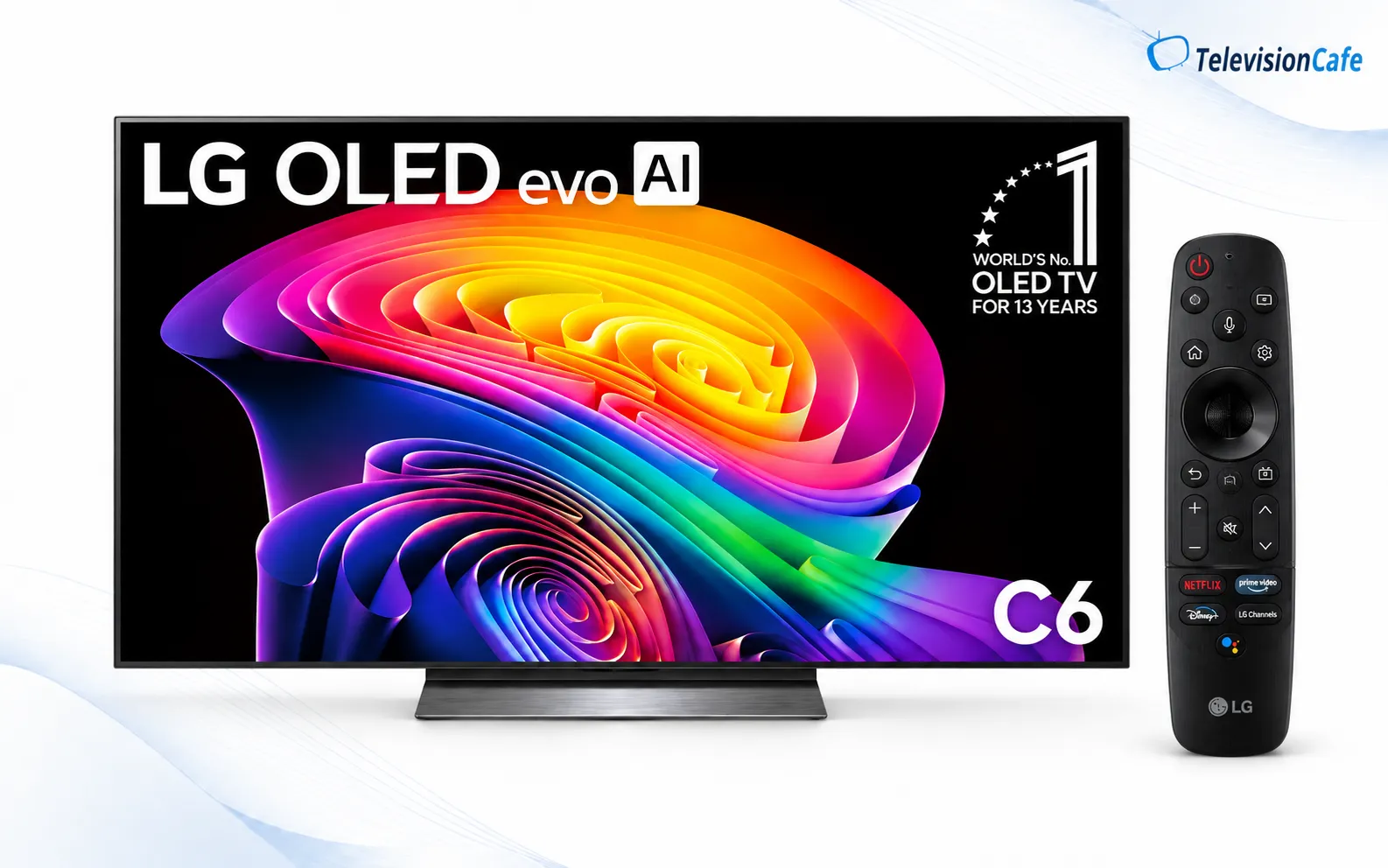
At TelevisionCafe, we would make the final decision with three checks: the exact size and model, reflections during your normal viewing hours, and the same-size alternatives at today's price.
If those checks favor the C6, it earns its place on the shortlist. If they point toward a cheaper C5, a different panel size, or a television better suited to your lighting, follow that evidence. The right purchase is the one whose advantages you will use every day.
Already own a recent OLED that meets your needs? Identify a specific limitation before replacing it. A newer processor and a higher refresh-rate number are not, by themselves, reasons to start over.
LG C6 OLED Review FAQ
Does the LG C6 support Dolby Vision 2?
RTINGS lists Dolby Vision support but not Dolby Vision 2 for the C6 as of our October 14, 2026 source check. Buy for confirmed features rather than assuming a future update will add it.
Should I copy another C6 owner's calibration values?
Do not treat another screen's white-balance values as universal calibration. Save your original settings and evaluate changes carefully. Individual calibration requires measurements of your own television.
Is an open-box C6 automatically the better deal?
Compare condition, included accessories, warranty eligibility, and return terms as well as price. Ask about prior use and inspect the panel with normal content. A discount is less useful if resolving a problem becomes difficult.