
LG C6 vs Sony BRAVIA 6: Which OLED Is the Better Buy?
Quick Verdict
Choose the LG C6 at a similar price. Consider the BRAVIA 6 for a dark room when its discount is meaningful, or when Google TV and DTS audio support fit your setup particularly well. Don't pay a Sony premium here expecting the same processing hardware as its higher-end OLEDs.
The LG C6 is the better buy when it costs about the same as the Sony BRAVIA 6. Sony's lower-priced OLED has a useful mix of Google TV, Dolby Vision, and broad audio support, but the C6 gives you more room to grow with a gaming PC and a stronger case for mixed daytime and evening viewing.
The more interesting decision comes when the Sony is substantially cheaper. Saving enough to cover a soundbar can matter more than an extra feature you'll never use. Here's where the differences actually affect that choice.
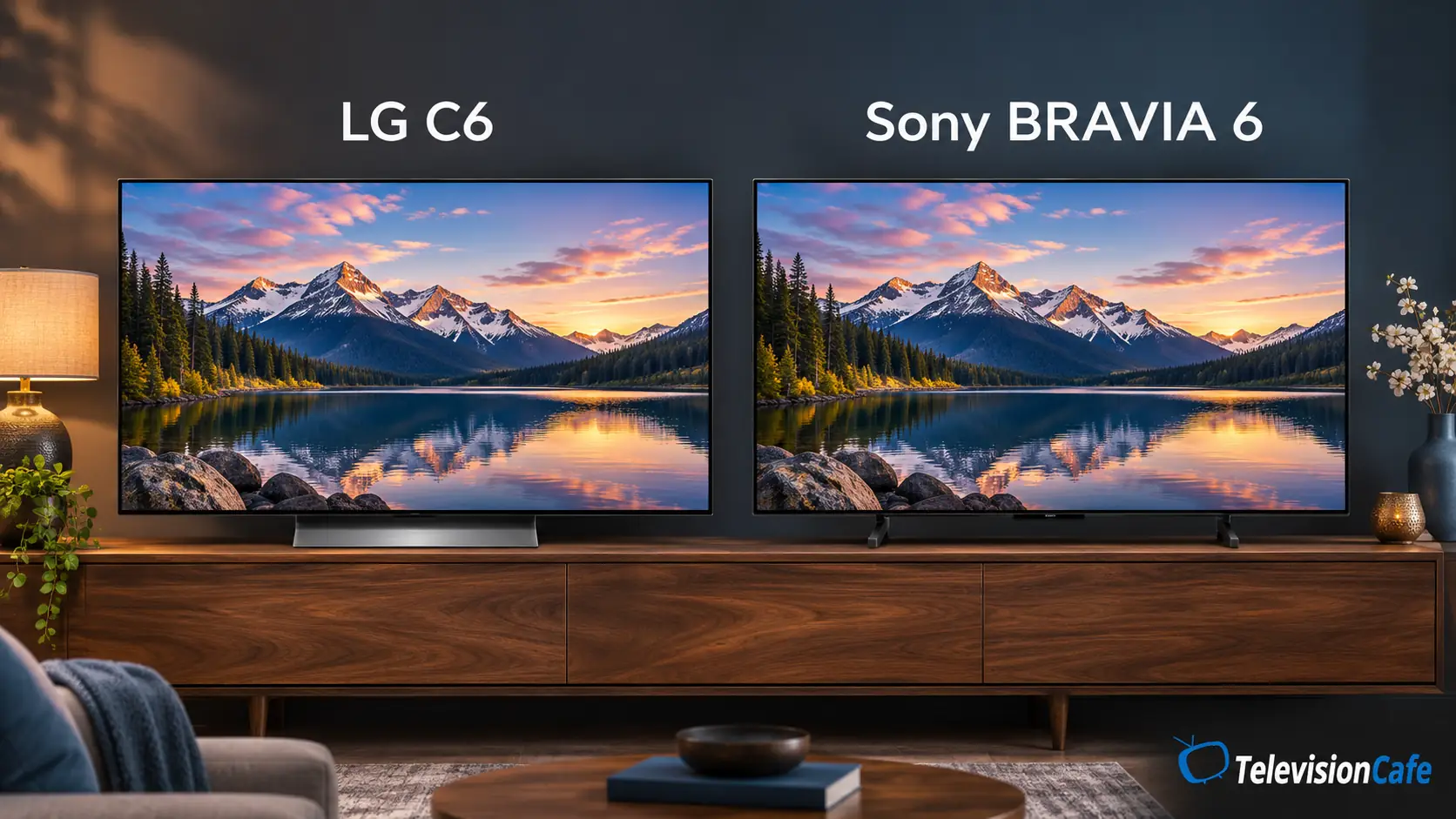
Model names and sizes: check these before buying
This comparison focuses on the 2026 U.S. LG OLED55C6PUA and OLED65C6PUA against the Sony K-55A60 and K-65A60. RTINGS tested the 65-inch versions of both TVs and includes their 55-inch models within the applicable results.
Outside the U.S., the C6 also appears with regional codes such as OLED55C65LA in the UK. Sony lists European BRAVIA 6 models within the A60 family under A62, A65, and A69 codes, depending on country. These names identify the corresponding families; they don't guarantee identical tuners, apps, accessories, or warranties.
The LG's 77- and 83-inch versions use different panel technology and are commonly called C6H, although some listings still say C6. The 42- and 48-inch versions also need separate consideration. Don't apply the 55/65-inch buying advice to every size automatically.
LG C6 vs Sony BRAVIA 6: Key Differences
| Feature | LG C6 | Sony BRAVIA 6 |
|---|---|---|
| U.S. models covered | OLED55C6PUA / OLED65C6PUA | K-55A60 / K-65A60 |
| Display | 4K OLED | 4K OLED |
| Maximum 4K input refresh rate | Up to 165Hz with a compatible PC | Up to 120Hz |
| HDMI 2.1 inputs | Four | Four |
| Gaming support | VRR, ALLM, G-SYNC compatibility, FreeSync Premium | VRR and ALLM |
| HDR formats | Dolby Vision, HDR10, HLG | Dolby Vision, HDR10, HLG |
| Smart TV system | webOS | Google TV |
| Dedicated picture processor | Alpha 11 AI Processor Gen3 | No Sony XR co-processor |
| DTS audio passthrough | Not supported | Supported |
Both TVs can connect a soundbar through HDMI eARC. Using that connection leaves three HDMI inputs available for other devices.
Picture Quality: OLED Black Levels Aren't the Whole Story
Both TVs switch off individual pixels for deep blacks without backlight blooming. That makes a dark movie scene with subtitles a good reason to consider either one. HDR also needs bright highlights, though, and this is where the comparison becomes less even.
RTINGS found strong HDR highlight brightness on the 65-inch C6, while its 65-inch BRAVIA 6 had limited HDR brightness and struggled with glare even in a moderately lit room. The C6's own direct-reflection handling was only okay. That favors LG for varied lighting, but a window reflected in the screen can still be distracting.
For evening movies, the Sony's lower brightness is easier to accommodate by dimming the room. For afternoon football with the blinds open, it's a harder compromise to accept. A lower price can't change the light in your room.
If you regularly watch with a bright window opposite the TV, compare the room advice in our OLED vs Mini LED guide before choosing either OLED. Positioning the screen away from that reflection may be more useful than changing picture modes.
Processing and Motion: Don't Buy on Brand Reputation
The BRAVIA 6 doesn't include Sony's XR co-processor. Its built-in chipset still processes the picture, but this isn't the hardware package you get simply by moving down from a premium BRAVIA.
In RTINGS' tests, the C6 cleaned up low-quality streams while retaining fine detail; the Sony's smoothing could make details look waxy. Both scaled lower-resolution material well. For compressed cable and streaming, those findings give no reason to pay extra for this Sony just for processing.
Movie cadence needs a separate check. RTINGS found that BRAVIA 6 couldn't remove film judder from 60p sources. C6 handled that conversion, though occasional micro judder remained. If you use an external streamer, matching its output frame rate to the film can avoid an unnecessary conversion. Both OLEDs can still show stutter in slow camera pans.
Neither TV can restore detail that never reached it. If one streaming app looks unusually soft, work through our blurry Netflix troubleshooting guide before assuming the screen is the problem.
Gaming: The C6's Extra Headroom Is for PC Players
The C6 accepts up to 4K at 165Hz from a compatible PC. BRAVIA 6 tops out at 4K 120Hz. LG also lists G-SYNC compatibility and FreeSync Premium, alongside VRR and automatic low-latency switching.
That makes the C6 more flexible for a PC capable of pushing beyond 120 frames per second. It doesn't turn a console game into a 165fps game: your console, the game's performance mode, and its actual frame rate still set the limit.
BRAVIA 6 has an advantage over an assumption buyers often make about Sony: all four HDMI inputs support HDMI 2.1 gaming features. You aren't restricted to two high-refresh-rate connections. Both TVs are practical for a multi-device setup with a console, PC, and eARC soundbar.
For a console-only buyer, the Sony's 120Hz ceiling is less of a reason to spend extra. For a PC buyer who will use 165Hz, it is a concrete reason. Our HDMI cable guide explains what to check when connecting high-bandwidth sources.
Once the TV is installed, our LG C6 picture settings guide provides starting points for SDR, HDR, and gaming.
Google TV, Audio, and the Space Under the Screen
Pick the interface you'll actually use
Sony uses Google TV, with Google Cast built in. LG uses webOS and its Magic Remote. If your household already knows Google TV, that familiarity has value; if you like LG's pointer-style control, switching platforms may feel like an inconvenience.
Check your must-have apps on the exact U.S. model before buying, especially regional sports services. If you normally watch through an Apple TV or another streamer, the built-in home screen should carry less weight. Our Google TV vs webOS comparison goes into everyday navigation.
DTS can change the connection plan
BRAVIA 6 supports DTS formats; C6 doesn't pass them through. That's useful when a disc player or another external source sends DTS audio through the TV to a compatible soundbar or receiver. Dolby Atmos support alone doesn't settle this question.
With the C6, a compatible receiver or soundbar with its own HDMI input may let you connect the player directly and route video onward to the TV. Check that device's video capabilities before putting a gaming source through it. Our PCM, bitstream, and pass-through guide explains the audio options.
Measure the furniture, including soundbar clearance
The 55- and 65-inch C6 use a central pedestal; BRAVIA 6 uses two blade-style feet. Sony specifies a stand width of approximately 31.69 inches for both U.S. sizes covered here. Check depth, cabinet stability, and the height of your soundbar as well as screen width. Don't assume the bar will fit just because the TV does.
How Much Cheaper Does the Sony Need to Be?
At equal prices, buy the C6. A small saving on the BRAVIA 6 isn't enough to change our recommendation for a main living-room TV.
As an editorial buying threshold, we'd start considering the Sony at roughly 20–25% less than a same-size C6 for a dark room. For example, a $750–$800 Sony against a $1,000 LG creates a meaningful budget decision. Those are comparison examples, not verified current offers or MSRP figures.
The threshold isn't a rule for every household. A dedicated DTS setup can make Sony worth considering at a smaller gap; a bright room can make it unsuitable even at a larger one. Compare the same size, seller, condition, delivery cost, and return terms. A renewed unit isn't the same offer as a new TV.
If a 65-inch Sony is competing with a 55-inch C6 within your budget, viewing distance becomes part of the decision. Our TV size guide will help you decide whether the larger screen matters more than LG's advantages. You can also browse our Black Friday TV buying guide for other models to compare.
TelevisionCafe · PRICE CHECK
LG C6 OLED · 55-inch
Our preferred pick at a similar price. Open the OLED55C6PUA listing to confirm the seller, condition, and current price.
Paid link. We may earn a commission.
TelevisionCafe · PRICE CHECK
Sony BRAVIA 6 OLED · 55-inch
Check the K-55A60 offer against a same-size C6. A substantial discount matters more here than the Sony badge.
Paid link. We may earn a commission.
Which Should You Buy?
The LG C6 is our choice for most buyers comparing the 55- or 65-inch U.S. models. It's the easier purchase to justify at a similar price, especially for a main TV used across different lighting conditions or with a high-frame-rate gaming PC. Read our LG C6 review for more on the model.
Buy BRAVIA 6 when a substantial same-size discount fits your budget and you mainly watch in a dark room, or when its Google TV and DTS support solve a specific need. If the price gap disappears, the case for choosing Sony gets much weaker.