
Streaming Devices
TV reviews. Your screen. Our expertise
Keep the Screen. Rethink How You Stream.
A TV can still have a great picture long after its menus start feeling slow or its apps become frustrating to use. A separate streaming device gives you another way to enjoy that screen, with a different interface, remote, and app experience.
Explore our guides to Apple TV, Roku, Fire TV, and Google TV devices to understand what each option could bring to your setup. Whether you want easier access to your favorite shows, a more responsive experience, or help getting 4K and HDR working properly, begin with the things you use every day. The right player should make getting to your entertainment feel simple.
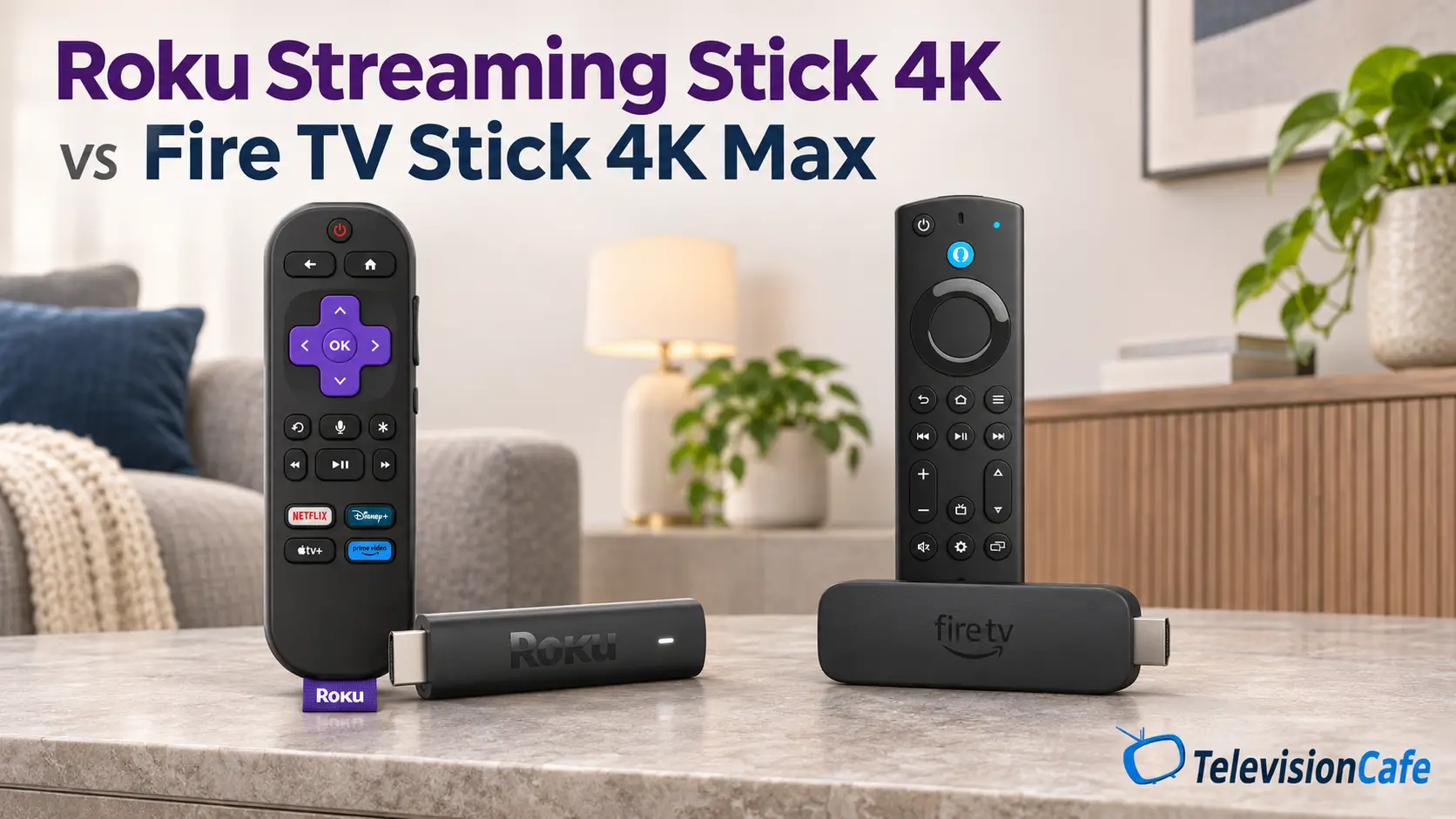
Roku Streaming Stick 4K vs Fire TV Stick 4K Max: Which to Buy?
The Fire TV Stick 4K Max is the stronger choice if you want Alexa, direct Bluetooth headphone pairing, or Xbox Cloud...
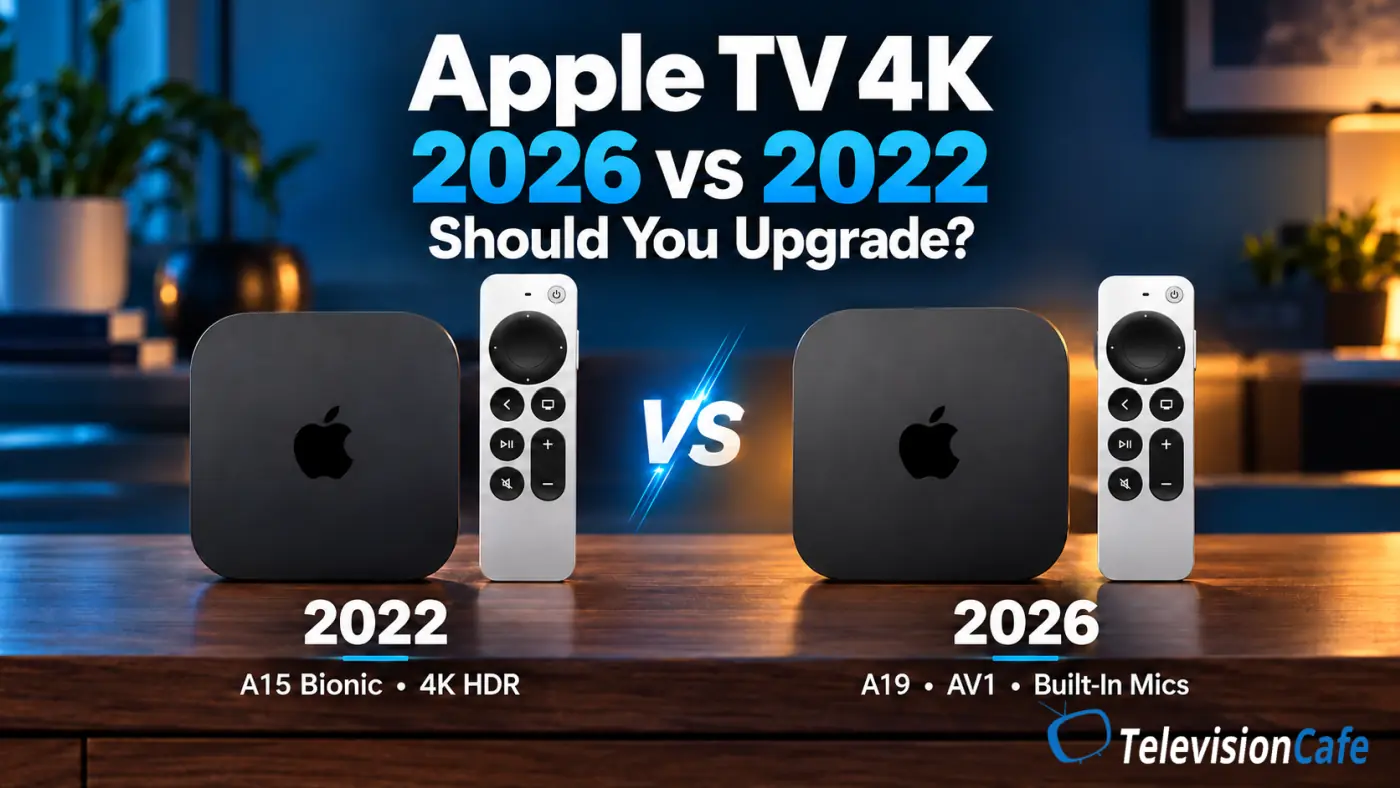
Apple TV 4K 2026 vs 2022: Should You Upgrade?
Most Apple TV 4K owners with the 2022 model should keep it for now. The 2026 Apple TV 4K adds hardware AV1 decoding,...
Best Streaming Devices for Your TV in 2026: What to Buy
Roku Ultra is our pick for a main living-room TV if you want a backlit, rechargeable remote and built-in Ethernet. The Roku...
Do You Need a Streaming Device With a Smart TV?
You bought a smart TV with streaming apps built in. So why would you plug another streaming device into it? You do not need...
Pick a Streaming Player Around What You Watch
Start with your regular viewing lineup: the services you pay for, the free apps you enjoy, and any live TV or sports you follow. Check that those apps are available on the exact device you are considering in the U.S. Budget for subscriptions separately, too. Buying a streaming player does not automatically include access to paid services.
Next, consider the experience you want when you pick up the remote. Button layout, voice search, home-screen recommendations, and how easily you can find your apps all deserve attention. If several people share the TV, think about how comfortable everyone will be using it. Check connection options such as Ethernet if a wired network is part of your plan.
Picture and sound features need to work across your setup. To watch in 4K or HDR, you need a compatible player, television, and content, along with a streaming plan that includes those formats where required. Check the exact HDR and audio formats supported by each device, including any soundbar or receiver in the connection path.
If your TV’s built-in apps already do everything you need, an external player is optional. Look for a specific improvement - easier navigation, an app you are missing, or a feature your current setup cannot deliver - before deciding to add another device.
Our guide to Xbox app support on 2020 Samsung TVs shows why you should check the exact replacement device before buying.