
Roku Streaming Stick 4K vs Fire TV Stick 4K Max: Which to Buy?
The Fire TV Stick 4K Max is the stronger choice if you want Alexa, direct Bluetooth headphone pairing, or Xbox Cloud Gaming. The Roku Streaming Stick 4K makes more sense if AirPlay matters or you already prefer Roku and want a compact player for your usual streaming apps.
Both support 4K video, Dolby Vision, and HDR10+. The decision is mostly about what happens around the movie: finding an app, connecting headphones, using your phone, and keeping the connection stable.
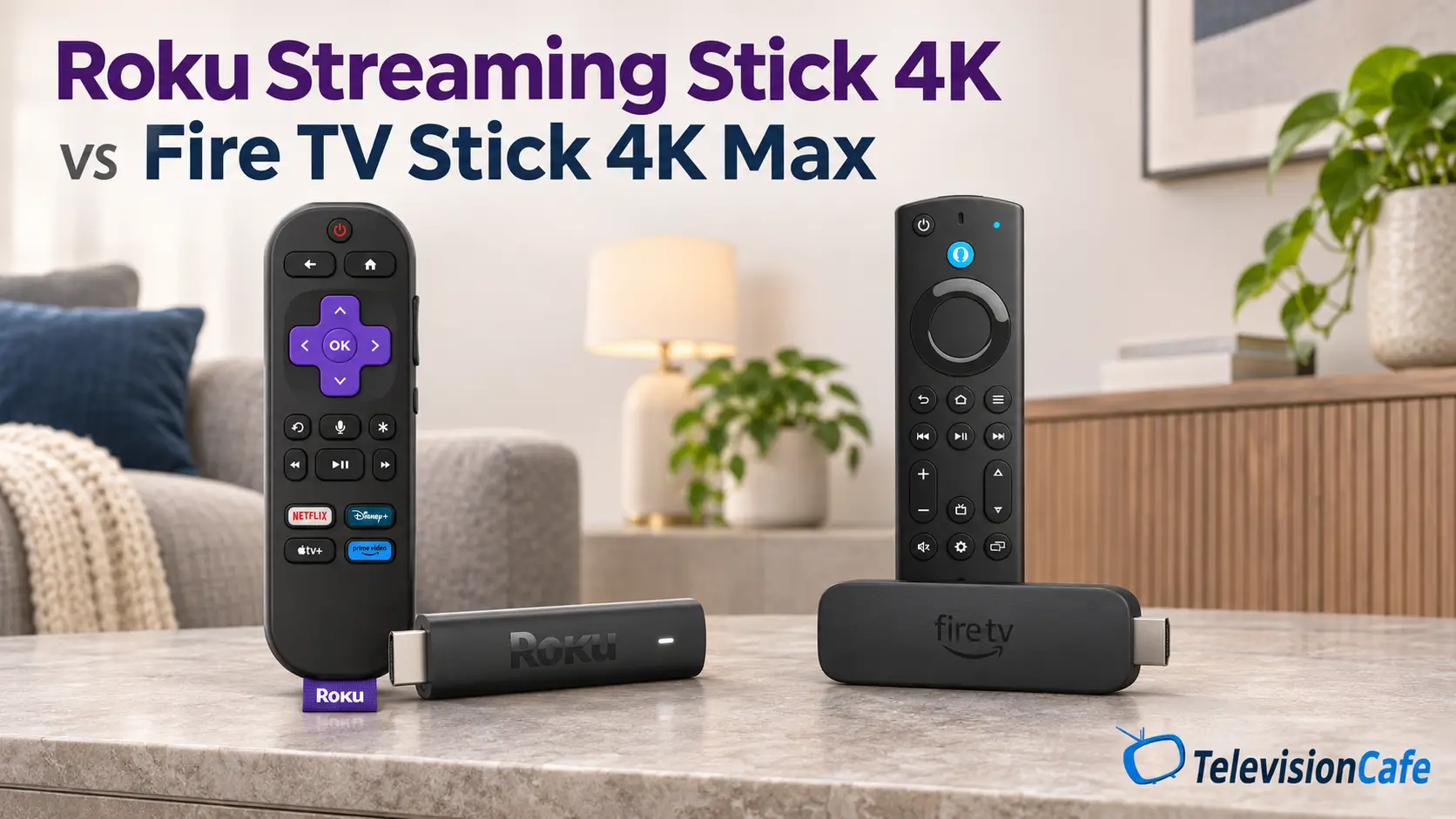
Models covered: the U.S. Roku Streaming Stick 4K, currently listed by Roku as model 3820R2, and the 16GB Fire TV Stick 4K Max, 2nd generation (2023). Roku Streaming Stick Plus and Amazon's newer non-Max Fire TV Stick 4K are different products. Overseas versions can have different app catalogs, services, and remote shortcut buttons.
Quick Verdict: Buy for the Features You'll Use
At the same price, we'd choose Fire TV Max for its broader feature set unless AirPlay or a preference for Roku settles the decision. Wi-Fi 6E, a direct headphone connection, and cloud-gaming support give you more ways to use the TV. Those extras don't establish better movie picture quality.
Choose Roku for an Apple-friendly streaming setup. AirPlay and HomeKit support are useful additions without moving to a more expensive Apple TV box. If Roku is meaningfully cheaper and you only open a handful of supported apps, there's little reason to pay extra for features you'll leave unused.
Roku vs. Fire TV Max at a Glance
| Feature | Roku Streaming Stick 4K | Fire TV Stick 4K Max (2nd Gen) |
|---|---|---|
| Video output | Up to 4K at 60fps | Up to 4K at 60fps |
| HDR formats | Dolby Vision, HDR10+, HDR10, HLG | Dolby Vision, HDR10+, HDR10, HLG |
| Wi-Fi | Wi-Fi 5: 2.4GHz and 5GHz | Wi-Fi 6E: 2.4GHz, 5GHz, and 6GHz |
| Apple integration | AirPlay 2 and HomeKit | No equivalent native AirPlay feature listed |
| Headphones | Roku mobile app; headphones connect to your phone | Compatible Bluetooth headphones pair with the stick |
| Included remote | Roku Voice Remote with TV controls | Alexa Voice Remote Enhanced with TV controls |
| Wired networking | No Ethernet port | Separate Ethernet adapter required |
| Storage | Not a user-selectable storage tier | 16GB total; usable space is lower |
| Xbox Cloud Gaming | Not an officially supported Roku player | Supported; service and control requirements apply |
These are device capabilities. App support, subscription tiers, your TV, and your audio system determine which formats you actually receive.
The Home Screen: Don't Buy on an Old Screenshot
Roku's current interface has moved beyond the old app grid that appears in many earlier comparisons. Roku now describes a home screen with personalized recommendations, Quick Access, and an Apps section farther down. It says the previous layout can't simply be restored.
You can still arrange your apps, and Roku documents controls for recommendation rows and Quick Access. That's a better reason to consider it than expecting an untouched, ad-free menu. Roku also displays home-screen and screensaver advertising.
Fire TV's redesigned interface groups content into areas such as movies, shows, and sports, with recommendations across supported subscriptions. It's worth considering if you enjoy browsing for something to watch rather than always opening the same app.
Our preference here depends on the household. Put the apps you use every day within easy reach on either platform. For someone who already knows Roku or Fire TV, that familiarity may be worth more than a small specification advantage. Software updates and account settings can change what appears on screen.
Check the Apps That Could Make or Break the Purchase
Before ordering, confirm your live-TV provider, local sports app, and any smaller specialty service on the exact U.S. player. Look beyond the app's name: check its 4K, HDR, surround-sound, and subscription requirements too. Owning a stick doesn't include paid streaming plans or remove sports blackouts.
Remotes, Headphones, and Your Phone
Late-Night Listening Is More Direct on Fire TV Max
Max pairs with compatible Bluetooth headphones, so your phone doesn't have to carry the TV audio. It's a practical advantage if you regularly watch after someone else has gone to bed.
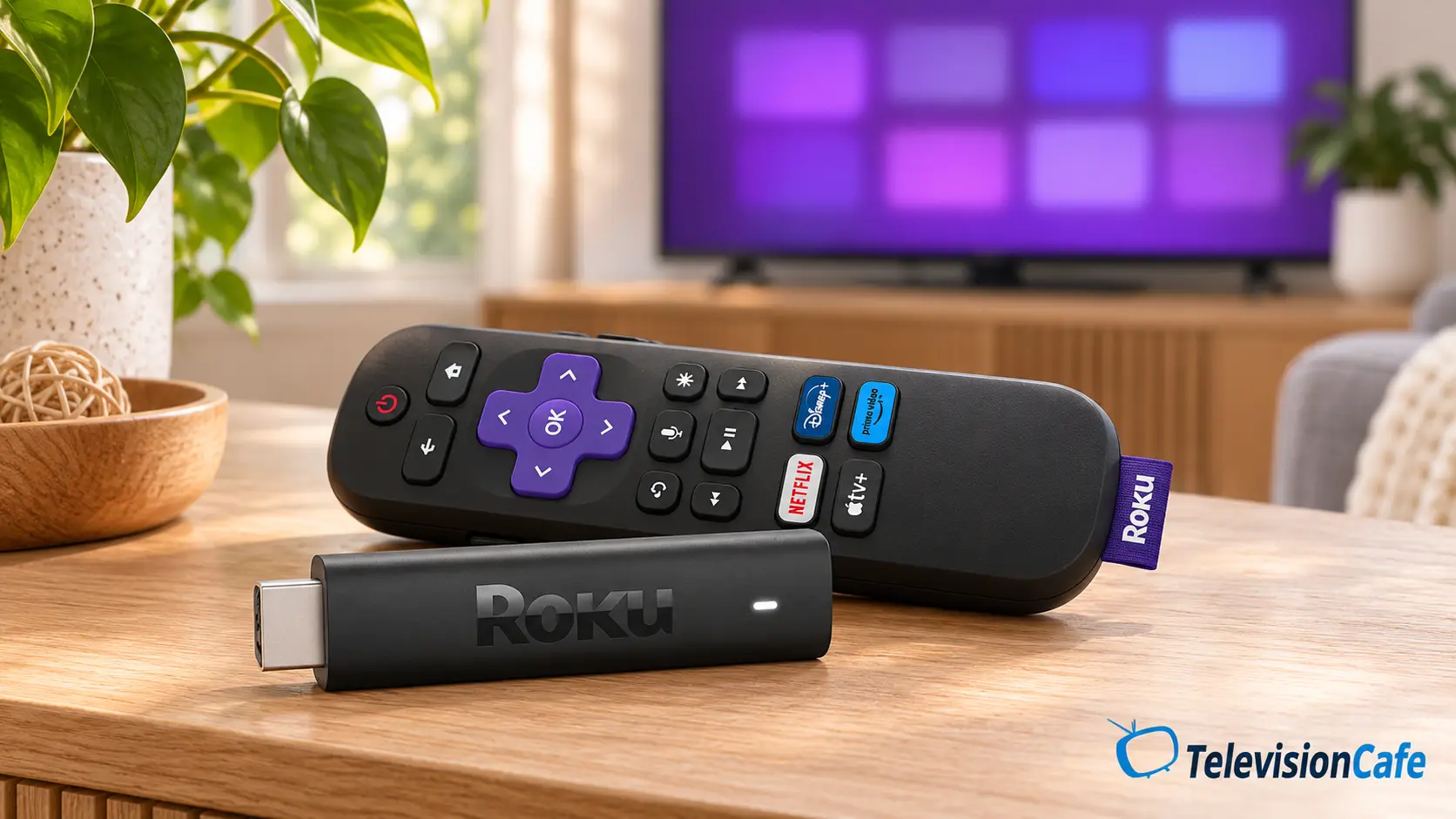
Roku Streaming Stick 4K doesn't support direct Bluetooth Headphone Mode. You can use Headphone Mode in the Roku mobile app, with headphones connected to your phone and both devices on the same network. That works differently from pairing headphones to the stick itself.
Roku Has the More Useful Apple Connection
AirPlay 2 lets a compatible iPhone, iPad, or Mac share supported content with Roku. Some apps restrict what can be sent, so treat it as a convenient extra rather than a replacement for every native streaming app.
Max's appeal is Alexa and its connection to Amazon's ecosystem. Consider it if you already use compatible Echo or smart-home devices. Feature availability can depend on your account, software, and region; don't base the purchase on a newly announced Alexa feature reaching every device immediately.
Both included remotes offer voice control and TV power and volume functions for compatible equipment. Neither bundle should be confused with a premium remote upgrade. Keep the original TV remote nearby for picture settings and other television controls.
Picture and Sound: The Format Logos Are Only the Start
Both sticks cover the major HDR formats in this comparison. That gives either one a useful starting point for a compatible TV, but it doesn't make one automatically sharper, brighter, or more accurate. The stream and the television still do much of the work.
For example, Dolby Vision support won't add Dolby Vision to a TV that doesn't accept it. And a 4K output signal doesn't prove that the original program contains native 4K detail. When switching from the TV's own apps, check the HDMI input's picture preset before judging any difference.
Dolby Atmos Needs the Whole Chain to Cooperate
Amazon lists Dolby Atmos support for Max. Roku lists passthrough of Dolby-encoded audio over HDMI. With Roku, confirm Atmos support in the particular app and setup you plan to use; don't assume every service behaves identically.
The title, subscription plan, app, TV passthrough, and soundbar or receiver must all support the intended format. A streaming-service Atmos track also isn't a promise of the same format support as a local movie file.
If you're unsure which audio output to select, use our PCM, bitstream, and pass-through guide to check the options against your sound system.
If sound disappears when you add a player, work through our HDMI ARC/eARC troubleshooting guide before replacing hardware.
Wi-Fi 6E Is Useful in the Right Room
Fire TV Max can connect to a 6GHz network with a compatible Wi-Fi 6E router. Roku uses dual-band Wi-Fi 5 and puts its long-range receiver in the supplied power cable. Keep that Roku cable with the player; it isn't just a generic charging lead.
We'd give Max's networking feature more weight near a compatible router in a busy wireless home. For a bedroom several walls away, the 6GHz label alone doesn't establish stronger reception. Placement, walls, interference, and the network band matter.
If your current connection already delivers a stable stream at the service's intended quality, a newer Wi-Fi standard won't automatically make the picture better. Check reception where the TV sits, not just beside the router.
For a wired setup, add the cost of an Ethernet adapter to Max. Roku Stick 4K has no built-in Ethernet port; if wired networking is a priority, compare a box with Ethernet instead. Our best streaming devices guide covers alternatives.
For Xbox Cloud Gaming, Choose Fire TV Max
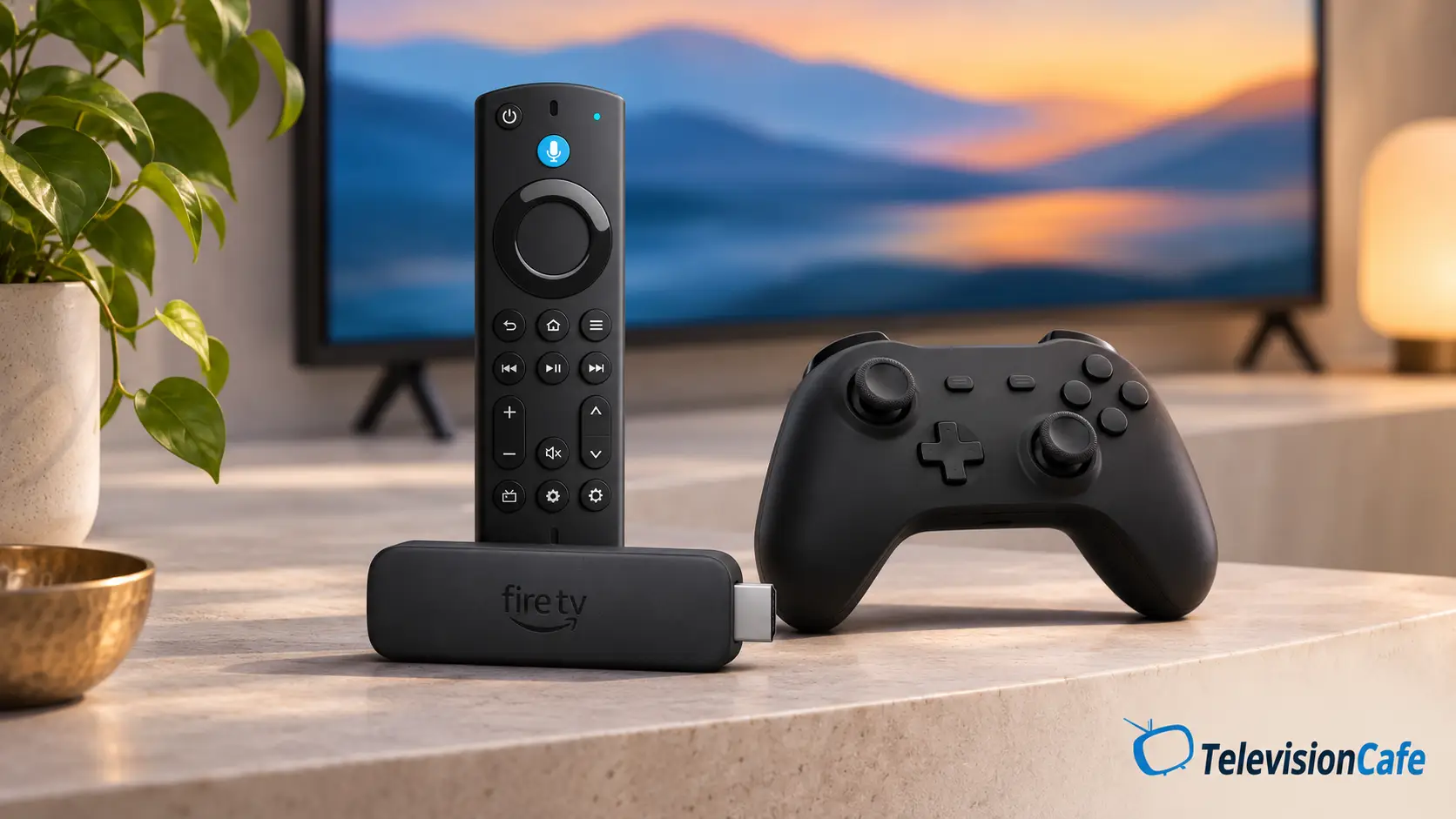
Fire TV Stick 4K Max, 2nd generation, is an officially supported Xbox Cloud Gaming device. Roku Streaming Stick 4K isn't an officially supported alternative for the Xbox app.
You'll still need the appropriate Xbox account and service access, compatible controls, and a dependable internet connection. Check the requirements for the games you want to play; a controller or subscription can cost more than the stick.
Cloud gaming streams the game from a remote system. It doesn't turn Max into a console running those games locally, and network conditions affect responsiveness. If that feature is the reason you're buying, test it during your return window in the same room where you'll actually play.
For owners moving away from an unsupported television app, our guide to Xbox Cloud Gaming options for 2020 Samsung TVs explains the alternatives.
What Price Makes Either Stick Worth Buying?
Our target is $40 or less for either stick. That's an editorial buying threshold, not a verified current offer or MSRP. Compare the final checkout price for the exact model and included remote.
At equal prices, Max earns our preference if you'll use Bluetooth headphones, Alexa, or cloud gaming. Roku earns its place when AirPlay or familiarity matters more. If Roku is around $10–$15 cheaper and your needs stop at supported streaming apps, we'd keep the savings.
Already happy with your TV's apps? You may gain little by adding either player. Spend the money when you're solving a specific limitation, such as a missing service, an interface you dislike, or a headphone connection you need.
TelevisionCafe · PRICE CHECK
Roku Streaming Stick 4K with Voice Remote
A compact Roku player with Dolby Vision, HDR10+, AirPlay, and a voice remote with TV controls. Check the exact model and included remote.
Paid link. We may earn a commission.
TelevisionCafe · PRICE CHECK
Fire TV Stick 4K Max — 2nd Generation, 16GB
Wi-Fi 6E, Dolby Vision, Dolby Atmos, and compatible Bluetooth headphones. Choose the second-generation Max for the features covered here.
Paid link. We may earn a commission.
Four Checks After You Plug It In
- Use the supplied power equipment. Follow the instructions for these exact models. Don't assume that TV USB power features advertised for newer sticks apply here.
- Update and sign in. Install the apps you use, then check whether your existing subscriptions work through their native apps.
- Play a familiar title. Confirm the TV receives the intended HDR format and your sound system receives the expected audio. Check the picture preset on that HDMI input.
- Try your everyday routine. Test headphones, TV volume control, Wi-Fi reliability, and any gaming service before the return period ends.
Which Should You Buy?
Choose Fire TV Stick 4K Max at a similar price if you want a compact player with more useful extras, especially direct Bluetooth headphones or Xbox Cloud Gaming. Its main compromise is committing to Fire TV's interface and services; the additional features won't necessarily improve an already good movie stream.
Choose Roku Streaming Stick 4K when AirPlay, an existing preference for Roku, or a meaningful discount makes it the better fit. Configure its current home screen around your apps, and plan on using your phone for headphone listening. If reliable Ethernet is the deciding requirement, compare the complete cost with a streaming box that includes it.