
Buying a TV? Start Here: 7 Things That Actually Matter
You walk into a store looking for a television and leave wondering whether you need OLED, Mini LED, 165Hz, or a processor with three different kinds of AI. Meanwhile, the question you came in with is still unanswered: which TV should you actually buy?
Start with your budget, seating distance, room lighting, and what you watch. Then compare the exact TVs that meet those needs. That order makes the purchase much easier than starting with a brand or the biggest discount.
This TV buying guide is aimed at U.S. shoppers choosing a main television for movies, sports, streaming, or gaming. You do not need to understand every specification. You need to identify the few that will affect your evenings on the couch.
Before browsing: Write down your maximum total spend, your distance from the screen, your three most-used viewing activities, and the devices you need to connect. That small list is your shopping brief.
1. Set a Budget for the Whole Setup
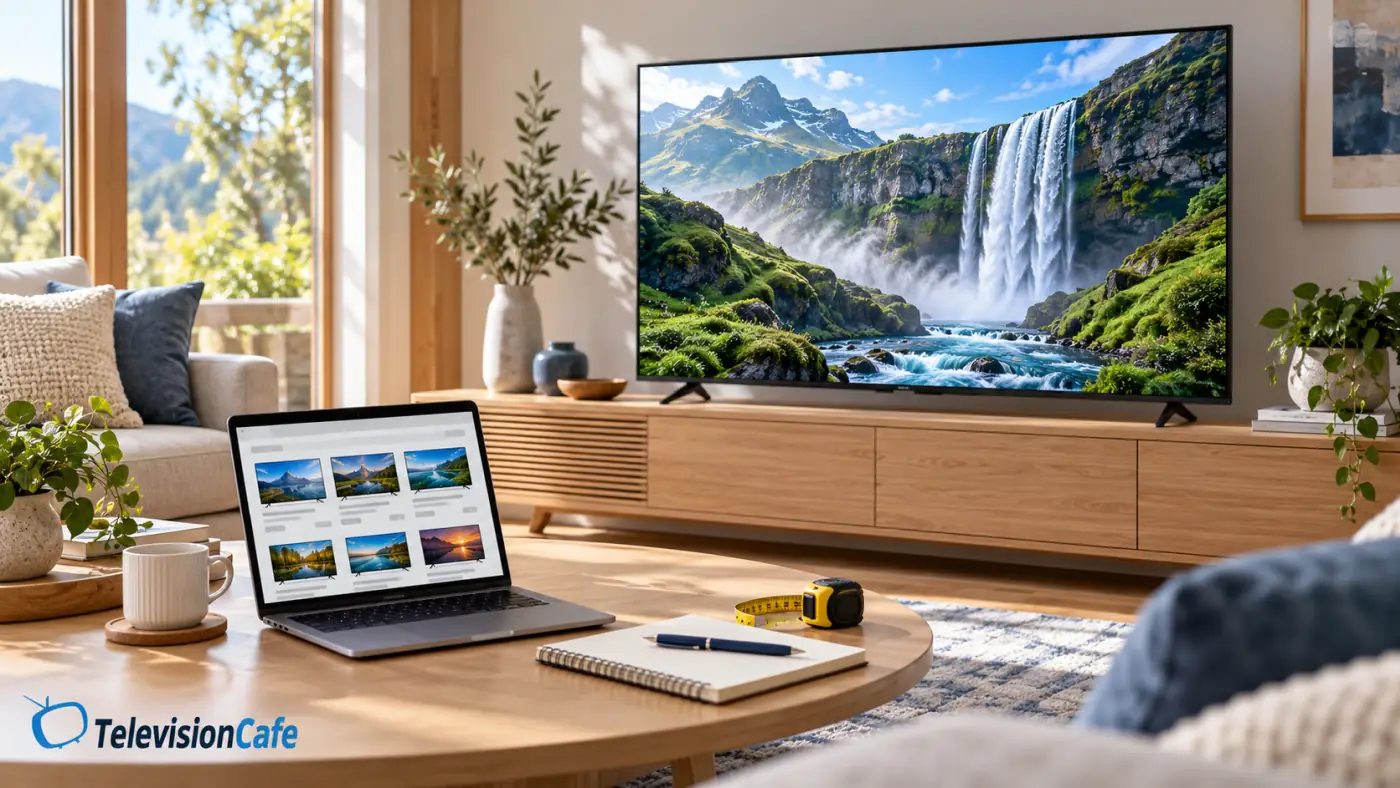
Decide what you are comfortable spending before the television aisle starts making decisions for you. Include sales tax, delivery, installation, and any mount, stand, or audio equipment you need.
For example, a $1,000 total budget does not necessarily mean shopping for a $999 TV. Leave room for the costs that apply to your setup instead of discovering them at checkout.
Next, decide where an upgrade would make the biggest difference. If the current screen feels tiny from your sofa, size deserves attention. If movie dialogue is difficult to hear, spending the entire budget on a slightly better picture may leave your main complaint unresolved.
It helps to set two limits: the price you would like to pay and the absolute ceiling you will not cross. Only stretch toward that ceiling for a benefit you can explain in a sentence.
For a practical shortlist at a defined price point, start with our best 65-inch TVs under $1,000. Check current prices before deciding; a guide's budget category is not a permanent price guarantee.
2. Choose the Screen Size Before the Model
Measure from your eyes in your usual seat to the screen position. The distance from the sofa's back to the wall is less useful.
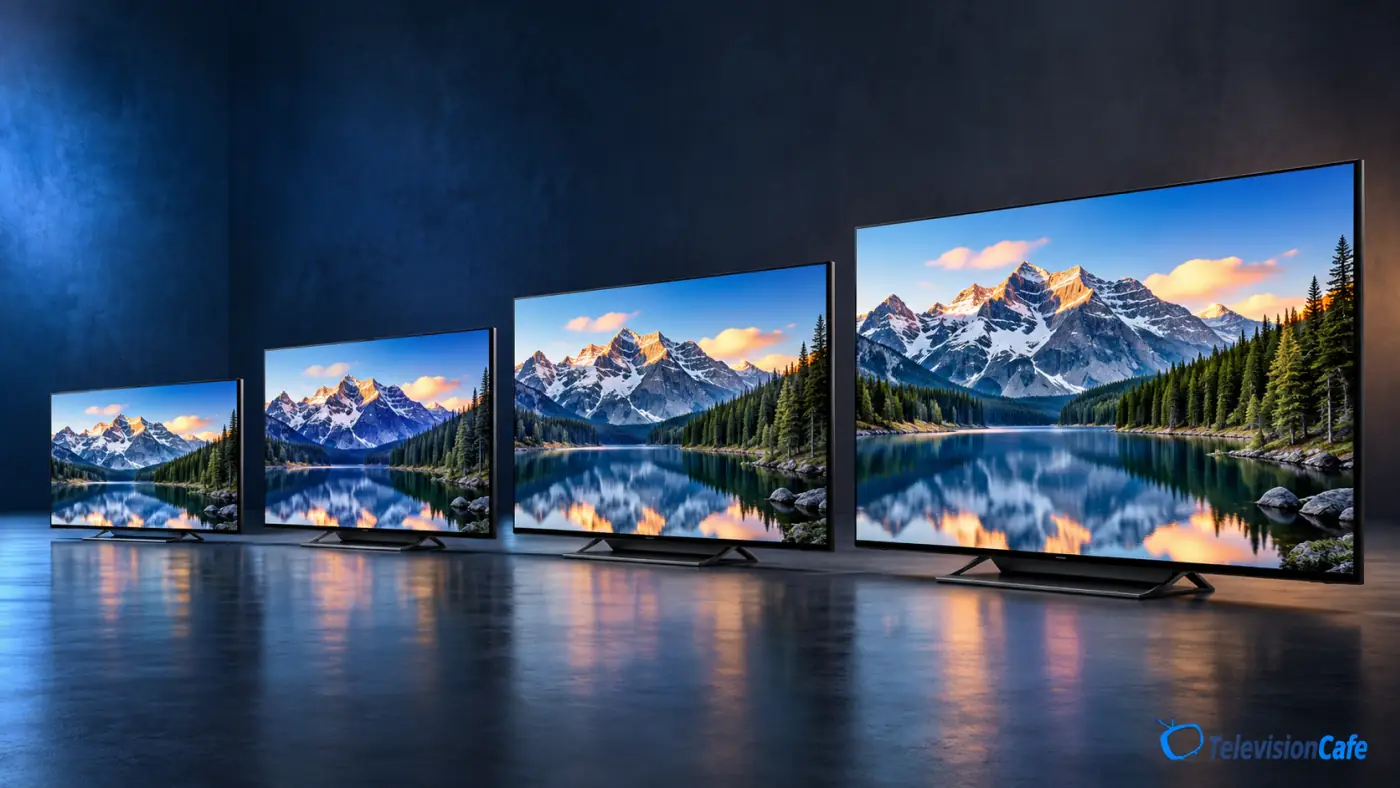
The ranges below are rounded starting points for a 16:9 TV, spanning roughly a 40-degree cinematic view to a 30-degree mixed-use view. The closer end feels more immersive; the farther end feels less commanding.
| Screen size | Approximate seating range |
|---|---|
| 55 inches | 5.5–7.5 feet |
| 65 inches | 6.5–9 feet |
| 75 inches | 7.5–10 feet |
| 85 inches | 8.5–11.5 feet |
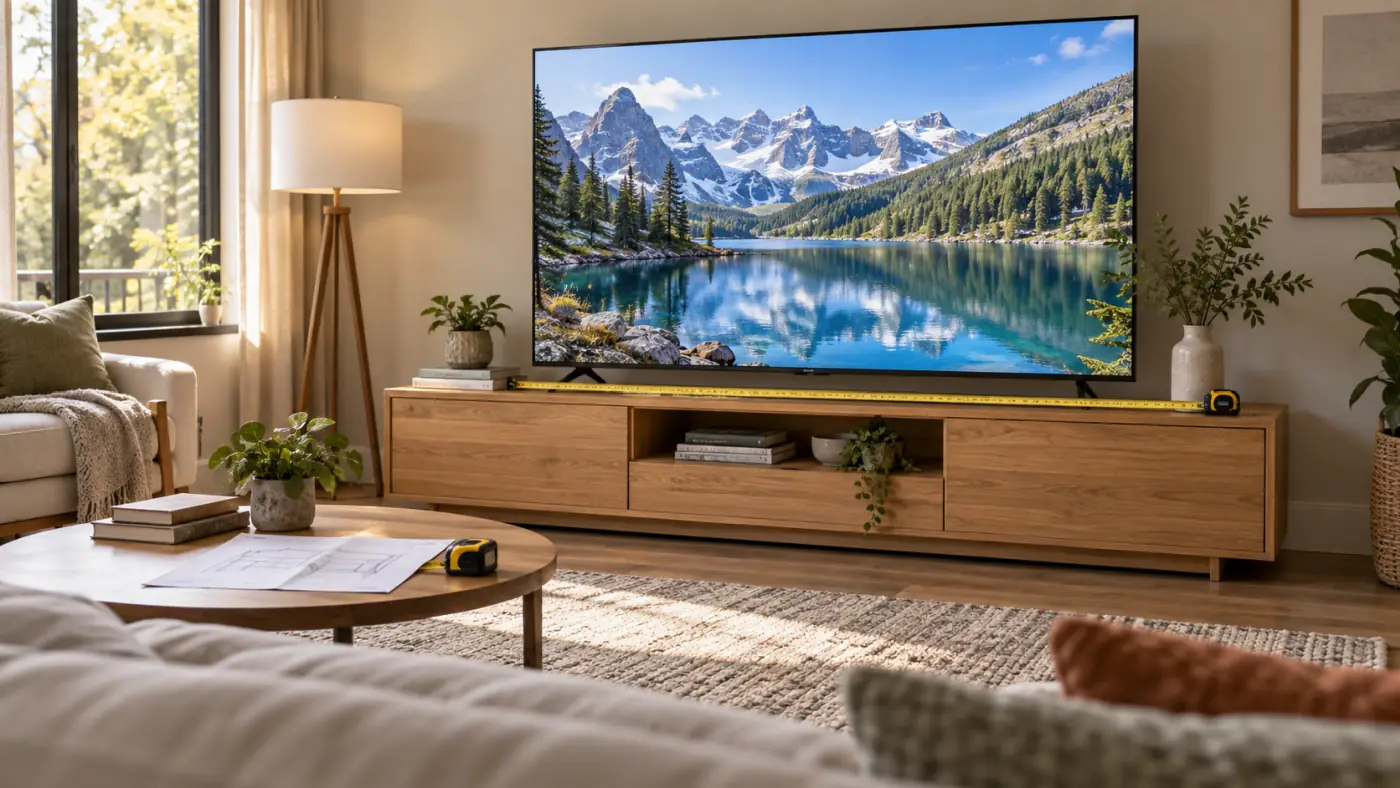
Before committing, mark the TV's actual width and height on your wall with painter's tape. Sit down and check how it feels. Also measure the cabinet and stand spacing; the screen's diagonal measurement does not tell you whether its feet will fit your furniture.
Do not automatically pick a smaller premium TV over a larger, less expensive one. Consider the compromise you would notice most often, then compare picture quality at the sizes you can afford.
Our TV size and viewing-distance guide goes further into room measurements and choosing between nearby sizes.
3. Check Your Room at the Time You Actually Watch
A TV that looks wonderful at night can be frustrating at two in the afternoon. Before shopping, look at your current screen from your normal seat with the room lit as you usually keep it.
Where do the windows appear in the reflection? Is a lamp directly behind the sofa? Will you really close the blinds for every weekend game?
For a bright room, investigate both useful brightness and reflection handling. One does not substitute for the other. A very bright TV can still reflect a window, and an anti-reflection treatment does not create unlimited brightness.
Check the seating arrangement as well. If people regularly watch from side chairs or the ends of a wide sectional, look for reviews that discuss viewing angles. Judge the actual model rather than assuming every TV with the same display label behaves alike.
A useful room test: Take a photo of your screen from your usual seat during your brightest viewing period. Use it to remind yourself which reflections and seating positions the new TV needs to handle.
For models to investigate, see our best TVs for bright rooms.
4. Understand OLED, QLED, and Mini LED Without the Sales Pitch
These names are not three equivalent tiers of picture quality. They describe different technologies, and some overlap.
- OLED: The pixels produce their own light and can switch off individually. That gives OLED its deep blacks and precise contrast around bright objects in dark scenes.
- LED TV: Usually an LCD screen illuminated by an LED backlight. The quality of that backlight and its control varies considerably.
- QLED: An LCD TV using quantum dots. The label alone does not tell you its local dimming quality, refresh rate, or overall performance.
- Mini LED: An LCD TV with smaller backlight LEDs, commonly used with local dimming. A television can be both QLED and Mini LED.
For movie nights in a dim room, we would put OLED on the shortlist. For frequent daytime viewing, investigate a capable Mini LED alongside bright-room-friendly OLED models. These are starting points, not automatic winners.
Mini LED can show halos around bright objects against a dark background, often called blooming. Check how the particular model handles subtitles and dark scenes rather than selecting it solely by its advertised number of dimming zones.
Your routine also matters. If the TV will repeatedly display the same news ticker, game interface, or computer desktop for long periods, consider OLED burn-in risk before buying. Keep its protection features enabled and check the manufacturer's care instructions and warranty.
For a closer comparison, read OLED vs Mini LED. Our OLED burn-in guide explains the ownership question in more detail.
5. Match the Features to Movies, Sports, or Gaming
A bedroom TV for occasional streaming and a living-room TV connected to two consoles do not need the same shopping checklist.
Movies and streaming: Look at contrast, shadow detail, color, and real HDR performance. High dynamic range can make bright highlights and dark scenes more convincing, but accepting an HDR signal does not guarantee that a TV displays it well.
Check format compatibility too. Dolby Vision and HDR10+ are distinct HDR formats, and support varies. Match the television to the content and playback equipment you use; do not let a format logo outweigh weak overall picture quality. Our HDR guide explains the differences.
Sports and everyday broadcasts: Investigate motion handling, upscaling, reflections, and viewing angles. If possible, watch a live broadcast rather than judging everything from a pristine store demo. Look at camera pans and whether detail holds together in the picture.
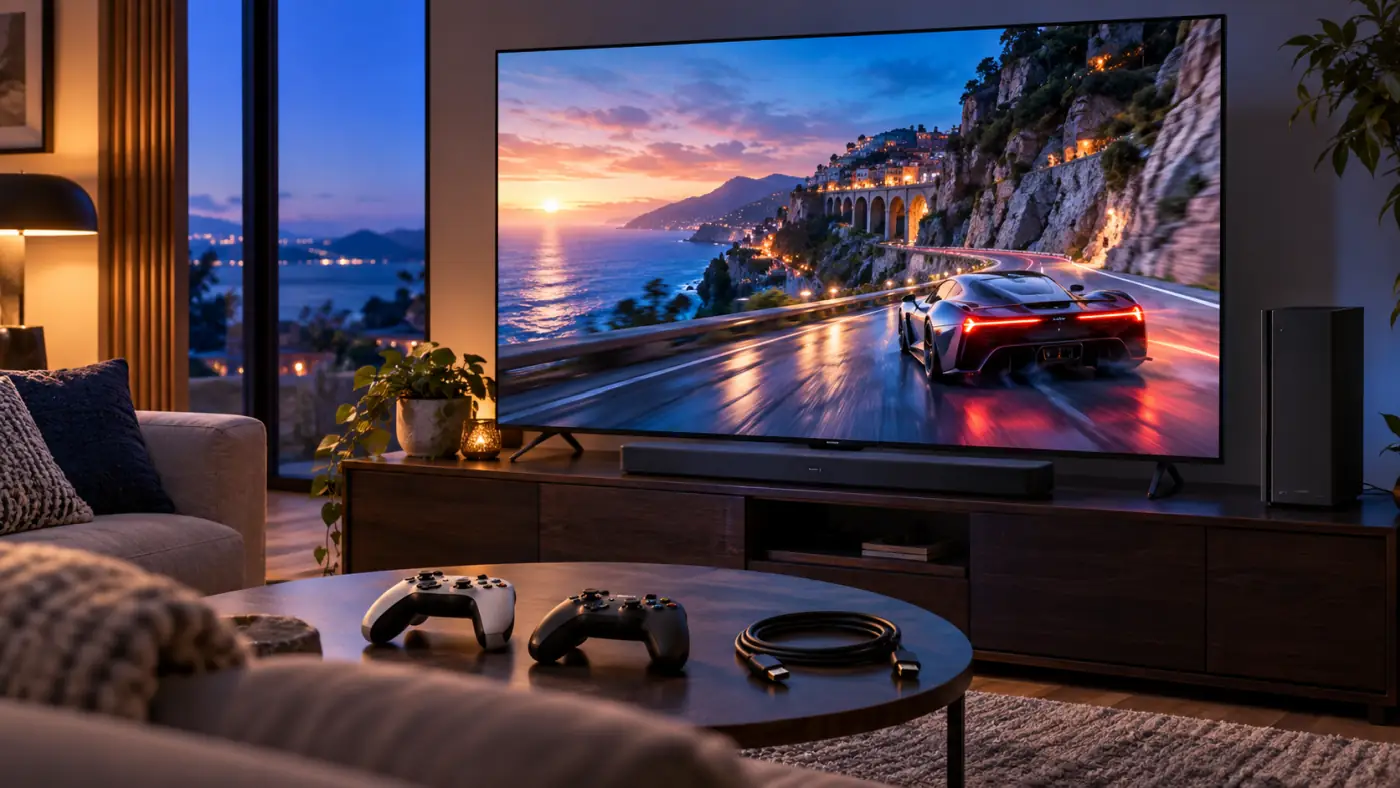
Gaming: Check low input lag in Game Mode, support for your desired resolution and refresh rate, variable refresh rate (VRR), and automatic low-latency mode (ALLM). VRR helps the display follow changing game frame rates; ALLM allows compatible equipment to switch the TV into its low-latency mode.
For PS5 or Xbox Series X, verified 4K/120Hz support is a useful target when high-frame-rate gaming matters to you. Games vary in the frame rates and resolutions they deliver. A 144Hz or 165Hz headline is mainly relevant to compatible PC gaming, not a reason by itself to pay more for a console setup.
Do not stop at “HDMI 2.1.” Its features are optional. Check whether the specific input supports the 4K/120Hz, VRR, and other functions you need.
6. Count Your Connections and Check Everyday Usability
List what you will connect: consoles, a streaming box, a cable box, a computer, a disc player, and a soundbar or receiver. Count the required HDMI inputs, then confirm which ones support your most demanding devices.
If the soundbar connects through HDMI ARC or eARC, it uses one of the TV's HDMI inputs. Check whether that is also an input you would otherwise need for gaming. Two TVs with four HDMI sockets can still leave you with different connection options.
eARC supports higher-bandwidth audio than ARC, but the television, audio equipment, and signal path must support the formats you want. Our HDMI ARC/eARC guide is useful when planning or troubleshooting that connection.
For 4K/120Hz connections, use a suitable cable, such as a certified Ultra High Speed HDMI cable. A console's supplied cable may already meet your needs, so check before buying extras.
Then think about daily use. Are your essential apps available on the U.S. version? Is the remote comfortable? Can everyone in the household find their shows? If you use an external streaming device, built-in app design may matter less—but it does not change the panel or add unsupported HDMI features.
Listen to dialogue if you can. Treat audio as part of the purchase rather than assuming the newest television will also solve your sound complaints.
7. Compare the Exact Model, Screen Size, and Selling Price
Once you know your requirements, narrow the field to two or three televisions. Comparing twelve models at once usually creates more uncertainty than useful information.
Match the full U.S. model number and screen size to the information you read. Panel type, backlight design, or features can vary within a series. A review of a different size or regional version may not describe the television in your cart.
Compare prices available on the same day. Putting an older TV's sale price next to a newer model's original launch price can make the difference look larger than it really is.
Our LG C5 vs C6 comparison explores the previous-generation-versus-new-model decision. If two current Mini LED models make your shortlist, our TCL QM7L vs Hisense U7SG comparison shows the kind of trade-offs to examine.
Keep new, open-box, refurbished, and display-unit offers separate. Check the seller, condition, warranty, delivery terms, and return process before deciding that one price is better.
If the upgrade can wait, set a target price and follow it. Our best time to buy a TV guide explains the main U.S. shopping windows.
We would not pay extra for 8K resolution, a bigger AI feature list, or a higher advertised peak-brightness number without first identifying the benefit for our own viewing. Ask what each upgrade would actually improve in your room.
Your Final TV Buying Checklist
Before ordering, you should be able to answer these questions without opening another dozen browser tabs:
- Does the TV and everything needed to install it fit my total budget?
- Have I checked the screen size from my normal seat and measured the furniture?
- Does the model suit my lighting and seating arrangement?
- Does it support the features my games, movies, and devices need?
- Have I checked the exact U.S. model number and intended screen size?
- Are there enough suitable HDMI inputs after connecting the soundbar?
- Am I comfortable with the seller, warranty, and return arrangements?
If the answers are clear, you are ready to make a decision. You do not need the most expensive TV or every available feature to make a purchase you will enjoy.
At TelevisionCafe, our buying advice starts with your room and your routine. Choose a television that solves the things you notice every day, then look for a good price on that television.
TV Buying Guide FAQ
What should I look for first when buying a TV?
Start with your total budget, seating distance, room lighting, and main viewing activities. Use those requirements to narrow the screen size and features before comparing individual models.
Should I buy OLED or Mini LED?
We would shortlist OLED for movie-focused viewing in a dim room and investigate Mini LED for bright daytime viewing or prolonged static content. Compare the exact models; the display technology alone does not settle the choice.
Is QLED the same as Mini LED?
No. QLED describes the use of quantum dots in an LCD TV, while Mini LED describes its backlight technology. A TV can use both.
Do I need a 120Hz TV?
For a casual streaming setup, we would not make 120Hz a requirement. For compatible high-frame-rate gaming, check for a suitable panel and explicit support for the resolution and refresh rate you want.
Is a bigger TV always the better buy?
No. Size should suit your seating distance, comfort, available space, and budget. Compare the benefit of a larger picture with any compromises in picture quality or features.
Does HDMI 2.1 guarantee 4K at 120Hz?
No. HDMI 2.1 features are optional. Verify the supported resolution, refresh rate, and gaming features of the particular HDMI input on the exact TV you plan to buy.