
TCL QM6K vs Hisense U6SF Pro: Which Should You Buy?
The TCL QM6K vs Hisense U6SF Pro decision gets interesting when the two TVs cost about the same. Both put Mini-LED backlighting and high-refresh gaming within reach of a tighter budget. But the feature lists hide a trade-off that matters more than the model year.
Published testing favors the Hisense for picture quality and the TCL for motion clarity. Your choice should start with what fills your evenings: movies, live games, or a console.
This TelevisionCafe comparison focuses on the US models and explains how to weigh those differences before you buy.
About this comparison: This is a research-based assessment using TCL and Hisense documentation and published independent testing. We have not tested these TVs side by side. RTINGS tested a 75-inch QM6K and a 65-inch U6SF Pro; screen size, firmware, and picture mode can affect results.
TCL QM6K vs Hisense U6SF Pro: The Quick Verdict
At a similar price, our pick is the Hisense U6SF Pro for movie-first viewing and the TCL QM6K for sports or fast-paced gaming. That is a recommendation based on their different strengths, rather than a universal winner.
| Your Priority | Our Pick |
|---|---|
| HDR movies and dark-room contrast | Hisense U6SF Pro |
| Daytime viewing at 55–75 inches | Hisense U6SF Pro |
| Sports and fast-moving games | TCL QM6K |
| Google TV preference | TCL QM6K |
| Best value during a sale | Compare the same size and final checkout price |
For the individual assessments, read our TCL QM6K review and Hisense U6SF Pro review.
Specs at a Glance: Similar Features, Different Results
| Feature | TCL QM6K | Hisense U6SF Pro |
|---|---|---|
| Model year | 2025 | 2026 |
| Display | 4K quantum-dot LCD, Mini-LED local dimming | 4K quantum-dot LCD, Mini-LED local dimming |
| Native refresh rate | 144Hz | 144Hz |
| Maximum 4K refresh rate | 144Hz with a compatible PC | 144Hz with a compatible PC |
| HDR support | Dolby Vision, HDR10+, HDR10, HLG | Dolby Vision, HDR10+, HDR10, HLG |
| HDMI inputs | Four total; two support 4K 144Hz | Four total; two support 4K 144Hz |
| Gaming features | VRR and auto low-latency mode | VRR and auto low-latency mode |
| Smart TV platform | Google TV | Fire TV |
| Screen finish | Glossy at 50–75 inches; matte at 85 and 98 inches | Matte anti-reflective screen |
Check the exact listing: The U6SF Pro is a different model from the standard U6SF. Retailer variants of the QM6K can also differ. A similar name is not enough to establish identical specifications.
Picture Quality and HDR: Why the Hisense Has the Edge
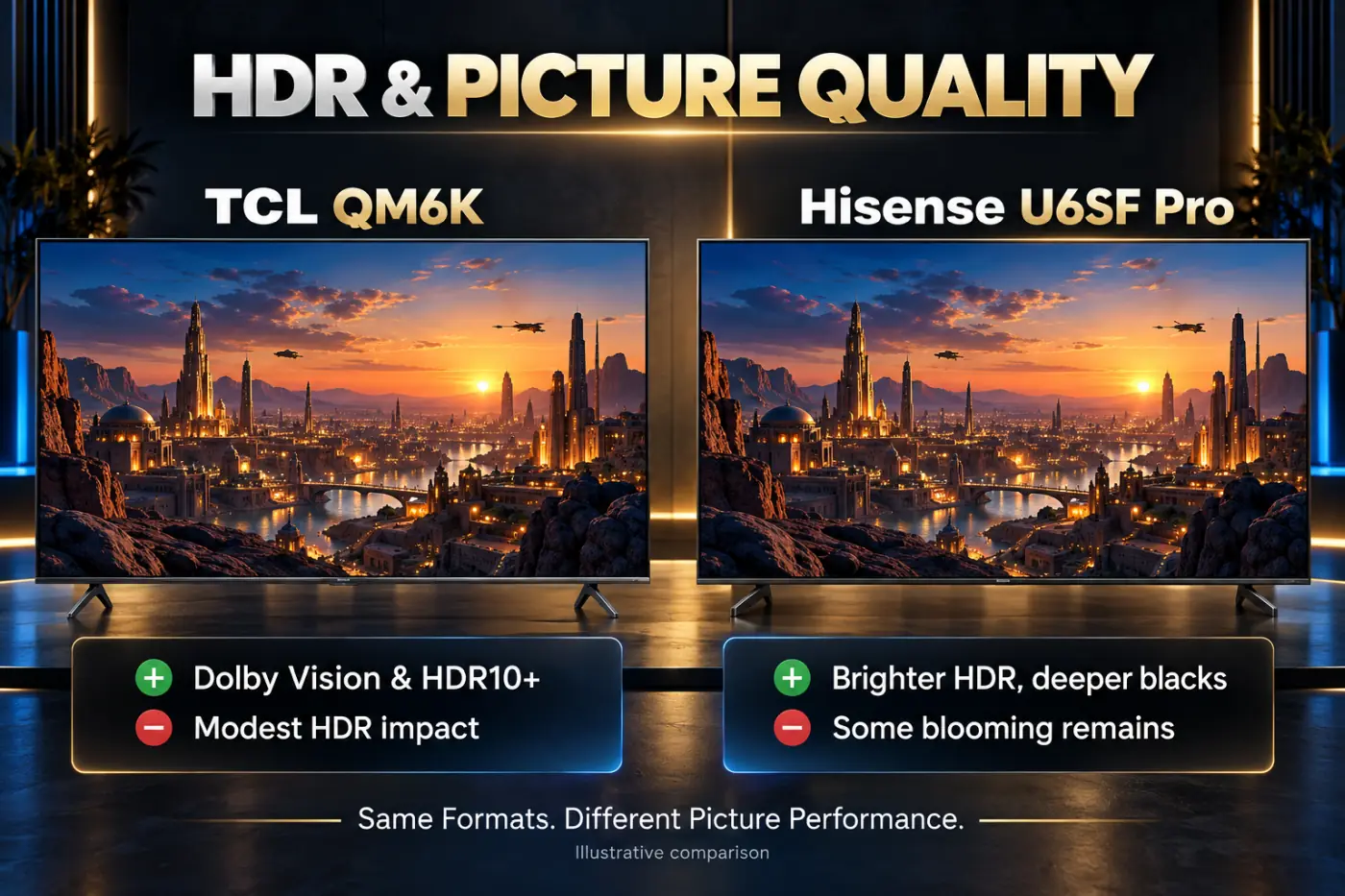
RTINGS' direct comparison reports higher brightness, stronger color, deeper blacks, and less blooming on the U6SF Pro. Those are meaningful advantages for HDR movies, particularly when bright objects share the screen with a dark background.
Blooming is the glow you may see around a subtitle or a small light. Mini-LED TVs control groups of pixels through their backlight zones, so keeping a bright object visible while its surroundings remain dark takes careful backlight control.
The QM6K can still be an enjoyable movie TV. Tom's Guide found its restrained picture modes much more convincing than presets that exaggerated colors. Give either TV a sensible setup before judging it from a vivid store demonstration.
For a movie-first buyer, our recommendation is to prioritize contrast and HDR over a longer gaming feature list. Compare a familiar night scene with subtitles, then a bright outdoor scene. You want readable dark clothing and textured clouds, not simply the most dazzling white screen.
A useful HDR check: Dolby Vision and HDR10+ support tell you which formats a TV can play. They do not establish how well its panel and backlight will reproduce the picture.
Bright Rooms: Pay Attention to the Screen Size
The U6SF Pro's matte anti-reflective screen is a practical reason to consider it for daytime viewing. Hisense specifies an anti-glare layer and a low-reflection layer; independent testing also finds effective reflection handling.
The standard QM6K needs a more size-specific answer. Its 50- through 75-inch versions have a glossy finish, while the 85- and 98-inch models use a matte coating. The glare comparison at 65 inches therefore should not be copied unchanged into a comparison at 85 inches.
Before paying extra for either screen treatment, look at the room with your current TV switched off. A reflected window across the middle of the screen is a placement problem worth solving with blinds, lighting changes, or a different position.
Also check from the side seats. Published testing finds limited viewing angles on both models. A less reflective screen does not automatically preserve picture quality across a wide sectional sofa.
Sports and Motion: The Main Reason to Choose the TCL
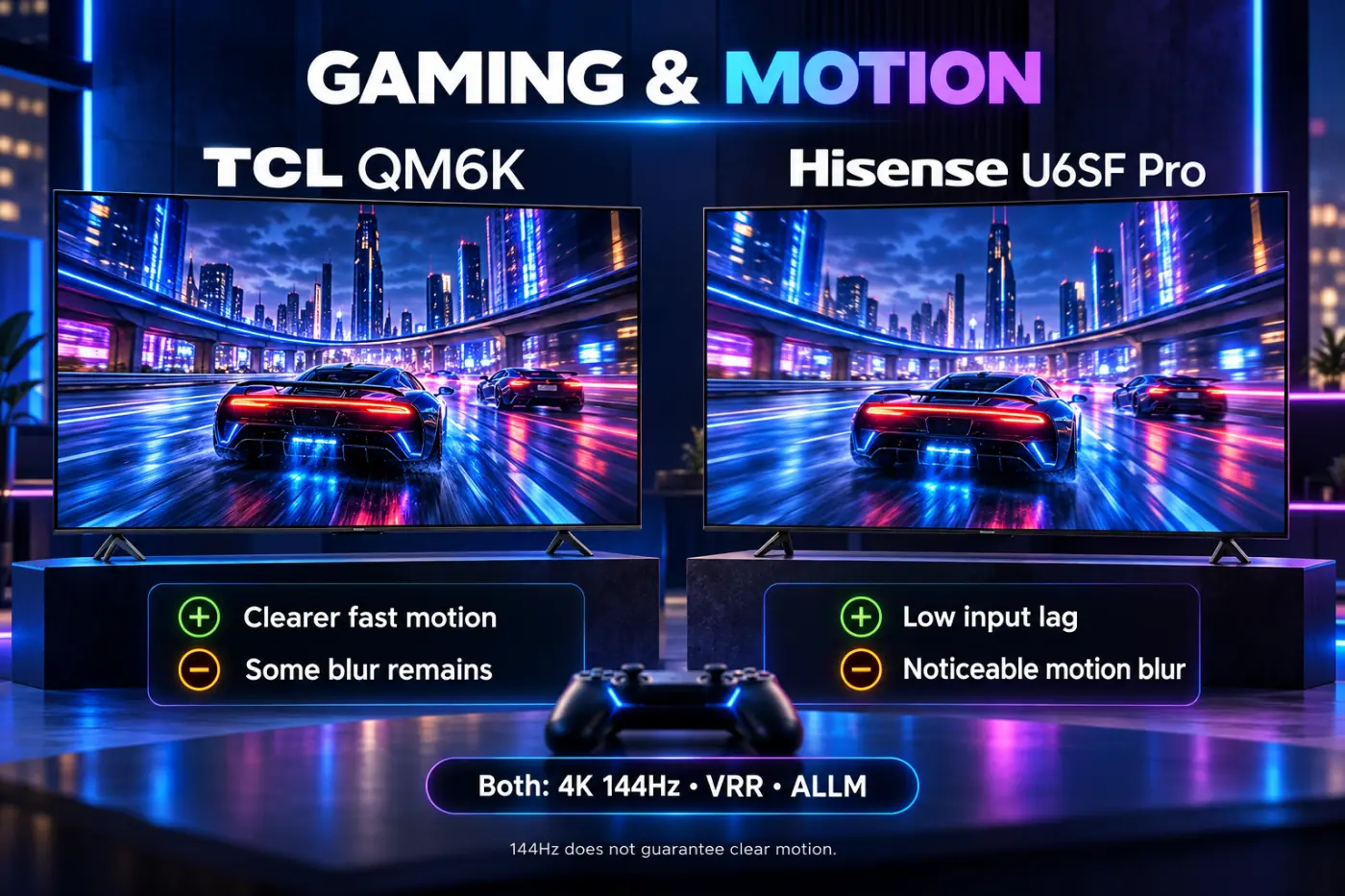
RTINGS finds substantially clearer fast motion on the QM6K than on the U6SF Pro. The Hisense's slow pixel transitions are a significant weakness for action-heavy viewing, even though its specification sheet includes a native 144Hz panel.
The TCL still has motion blur and transition artifacts of its own. It is the stronger option here, rather than a promise of perfectly sharp action.
Three different things: Refresh rate describes how often the screen can update. Pixel response describes how quickly a pixel changes shade. Input lag describes the delay before your action appears. A high refresh rate and low input lag cannot make slow pixels change faster.
If sports dominate your viewing, assess a real broadcast instead of a slow-moving demo. Follow players during a camera pan and look for trailing around their outlines. Use your usual channel or streaming service so the source quality resembles what you will actually watch.
Gaming: Choose for Motion, Not Just the 144Hz Badge
Both TVs support up to 4K 144Hz with compatible hardware. PS5 and Xbox Series X gaming uses up to 120Hz in supported titles; the extra headroom mainly matters for PC use.
For this matchup, we would choose the QM6K for shooters, racing, and other games with frequent camera movement. A player who mostly enjoys slower adventures may place more weight on the Hisense's movie-oriented picture strengths. That is a preference to check with the games you actually play.
The lower-resolution speed modes deserve a separate explanation: published testing reports up to 1080p 288Hz on the TCL and 1080p 240Hz on the Hisense. Neither figure describes 4K performance, and selecting the mode does not make a game render more frames.
On the QM6K, use HDMI 1 or HDMI 2 for high-refresh gaming. Confirm the active resolution, refresh rate, and VRR on the connected device after setup.
Our TCL QM6K picture settings guide and Hisense U6SF Pro picture settings guide cover the setup in more detail.
Google TV vs Fire TV: Which Will You Enjoy Using?
The QM6K uses Google TV, while the U6SF Pro uses Fire TV. That difference affects what you see every time you open the home screen, browse recommendations, or find an app.
Our advice is to check your must-have services before buying, particularly regional sports and live TV apps. Then look at how easily each platform lets you reach them. A familiar remote and a straightforward route to your favorite app can matter more than another row of recommendations.
If you already use an external streaming device, give the built-in platform less weight. It remains relevant for setup and TV controls, but it does not need to decide the purchase.


Built-In Sound and HDMI: Plan the Whole Setup
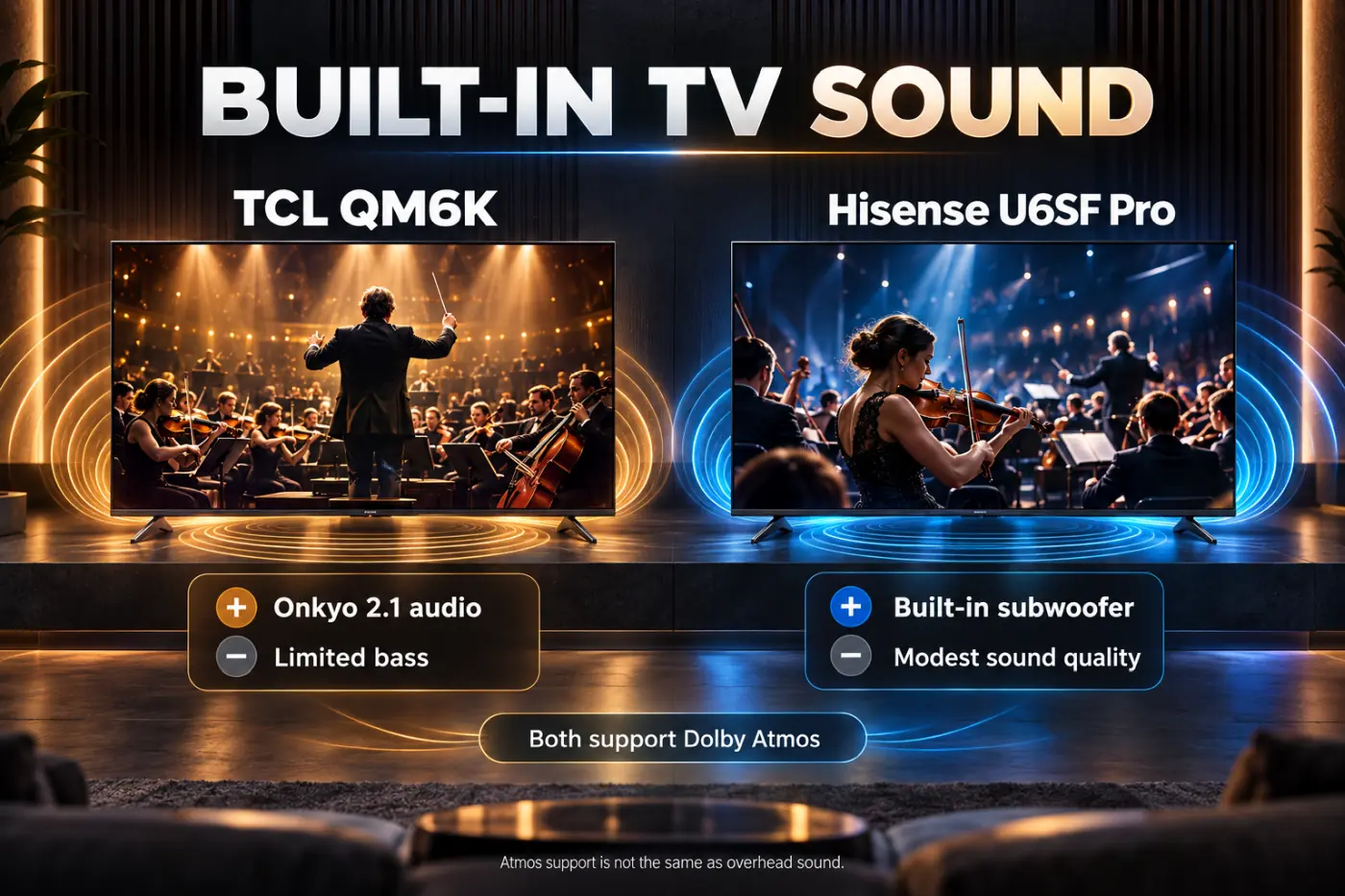
TCL advertises Onkyo audio, while Hisense's US documentation describes a 2.1-channel system with a built-in subwoofer for the 55- through 85-inch U6SF Pro models. Those labels are useful specifications, but listening quality deserves its own assessment.
TechRadar was unimpressed with the QM6K's speakers, and RTINGS also flags limitations in the Hisense's built-in sound. We would leave room in the budget for an audio upgrade if dialogue clarity or movie sound is a priority.
The TCL's eARC connection is on HDMI 4, separate from its two high-refresh gaming inputs. You can connect a compatible soundbar there and keep HDMI 1 and HDMI 2 available for a console and PC.
For either TV, measure the space in front of the screen before adding audio equipment. Check the exact size's stand dimensions and screen clearance, rather than relying on a product photo.
Price and Value: Compare the Deal You Can Actually Buy
The QM6K is a 2025 model competing with a 2026 Hisense. That makes a discounted TCL worth considering, but the older model year alone does not make it a bargain.
Compare the same screen size, new condition, delivery cost, return policy, and warranty. A cheaper open-box offer with a different return window is a different purchase.
Here is how we would weigh a price gap:
- Start with your use: A lower price is less helpful if the compromise affects what you watch every day.
- Set a total budget: Include a mount, delivery, and audio equipment if you need them.
- Price the next tier: If a higher-tier TV is close, compare it before committing to either budget model.
For example, a hypothetical $100 premium matters much more against a $500 budget than a $1,000 budget. It is still worth paying only if the improvement solves a problem you care about. These are example amounts, not current retail quotes.
For a wider shortlist, see our best 65-inch TVs under $1,000.
Which One Should You Buy?
Choose the Hisense U6SF Pro when movies and everyday daytime viewing take priority, and you can accept its motion compromise. Before the return window closes, watch a fast scene as well as a beautiful HDR scene.
Choose the TCL QM6K when sports or fast games lead your viewing habits, especially if the discount is meaningful. Plan its placement carefully if you are buying a smaller glossy version.
Keep shopping if you want strong HDR and clear fast motion without having to choose between them. A higher-tier TV may be the more satisfying purchase than spending on a model whose main weakness already concerns you.
Our recommendation: buy around your most demanding use, then use the price to choose among TVs that meet it.
TCL QM6K vs Hisense U6SF Pro FAQ
Is the Hisense U6SF Pro better than the TCL QM6K?
It has the advantage for HDR picture quality in published testing. The TCL is the stronger choice for fast motion. The better purchase depends on your viewing habits and the same-size price.
Are both TVs native 144Hz models?
Yes. US manufacturer documentation specifies native 144Hz panels for both. That describes refresh capability, rather than guaranteeing equally clear moving images.
Do both support Dolby Vision and HDR10+?
Yes. Both support Dolby Vision and HDR10+, along with HDR10 and HLG. Their picture performance still differs.
Is every TCL QM6K screen matte?
No. Standard US 50- through 75-inch models are glossy; the 85- and 98-inch models have a matte anti-reflective coating. Check retailer variants separately.
Is the U6SF Pro the same TV as the U6SF?
No. The Pro and non-Pro are distinct models. Check that the listing includes the full U6SF Pro model name before applying this comparison.
Can a streaming device fix the Hisense's motion blur?
It can change the app interface and playback options, but it cannot change the panel's pixel response. An external streamer is not a hardware fix for slow pixel transitions.