
Vizio Mini LED Quantum 4K Review: Can It Challenge TCL?
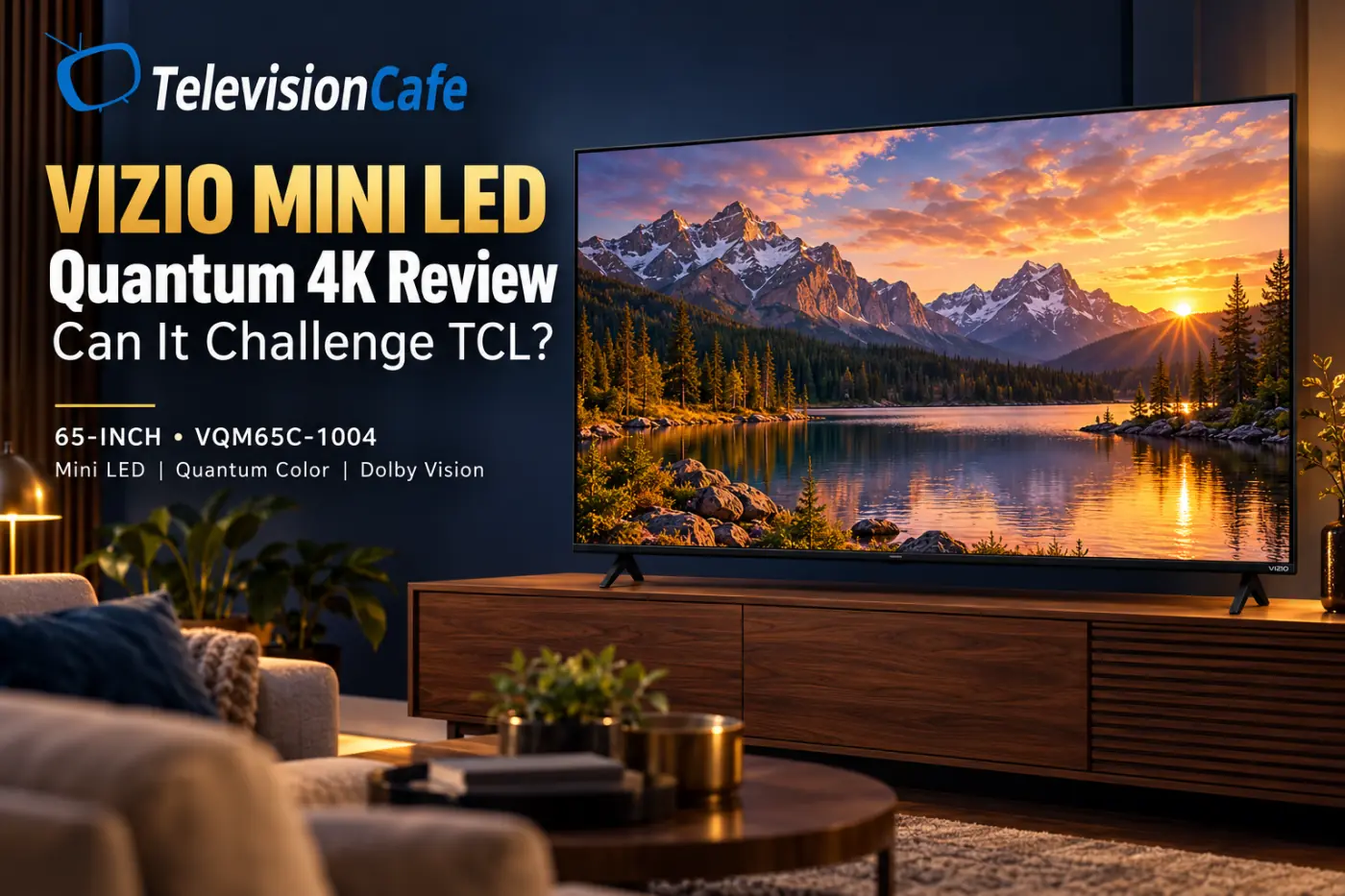
A 65-inch Mini LED TV for around $400 is an easy offer to notice. The Vizio Mini LED Quantum 4K brings local dimming and broad HDR support into a price bracket where shoppers often settle for a basic LED television.
The harder question is whether the savings are worth the compromises. A Mini LED badge tells you how the backlight is built; it does not tell you how well the television handles a dark movie, a fast football play, or your console.
This review focuses on the U.S. 65-inch VQM65C-1004. It is a genuine budget alternative to consider alongside the TCL QM6K, but the decision should start with the actual selling price and the features you will use.
About this review: This is a research-based assessment using Vizio specifications and published testing from RTINGS and Tom's Guide. TelevisionCafe has not conducted its own hands-on test or laboratory measurements. Performance observations and measurements below are attributed to their original testers.
The Quick Verdict: Shop the Price Gap, Not the Mini LED Label
Our assessment: Put the Vizio on your shortlist if a large screen and a firm spending limit matter more than high-refresh 4K gaming. Compare the TCL QM6K before buying if you have room to spend more.
U.S. Walmart listings checked on October 12, 2026 put the 65-inch Vizio around $358–$398. Prices and offers can vary, so treat that as a snapshot rather than a guaranteed checkout price. Confirm the model, seller, condition, and current total before ordering.
For a household with a strict $400 TV budget, a $150 difference is meaningful. For someone planning to keep a main gaming TV for years, that same difference may be easier to justify. The right answer depends on what the extra money buys you.
Need a broader starting point? Our TV buying guide helps you narrow the budget, size, and features before choosing a model.
Vizio VQM65C-1004 Specs at a Glance
| Model year | 2026 |
|---|---|
| Resolution | 3840 × 2160 |
| Display | LCD with Mini LED local dimming |
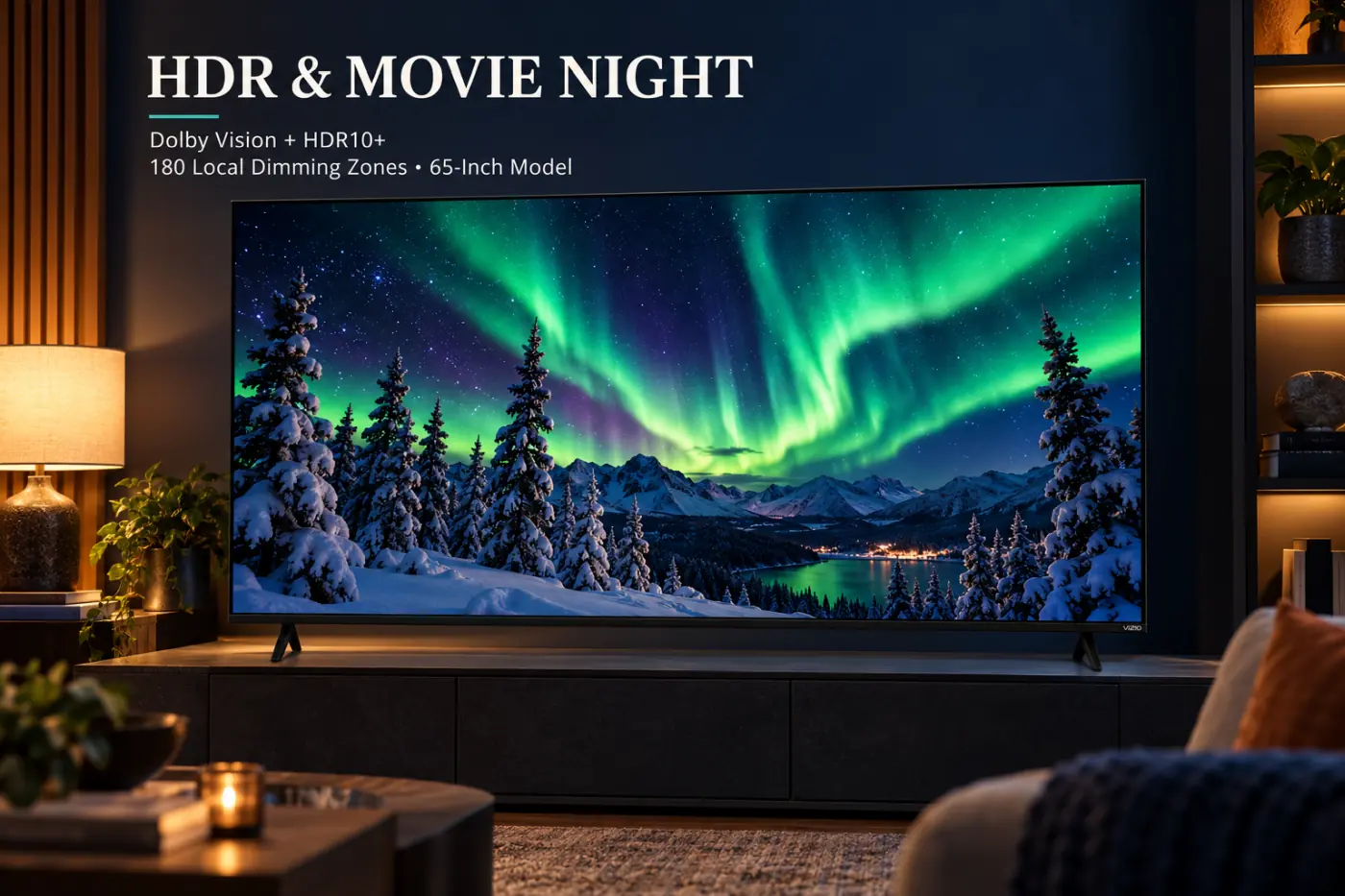
| Dimming zones | 180 |
| 4K refresh rate | Up to 60Hz |
| Higher-refresh gaming | Up to 120Hz at 1080p |
| HDR formats | Dolby Vision, HDR10+, HDR10, HLG |
| Smart platform | VIZIO OS |
| Connections | 3 HDMI inputs; dual-band Wi-Fi 6 |
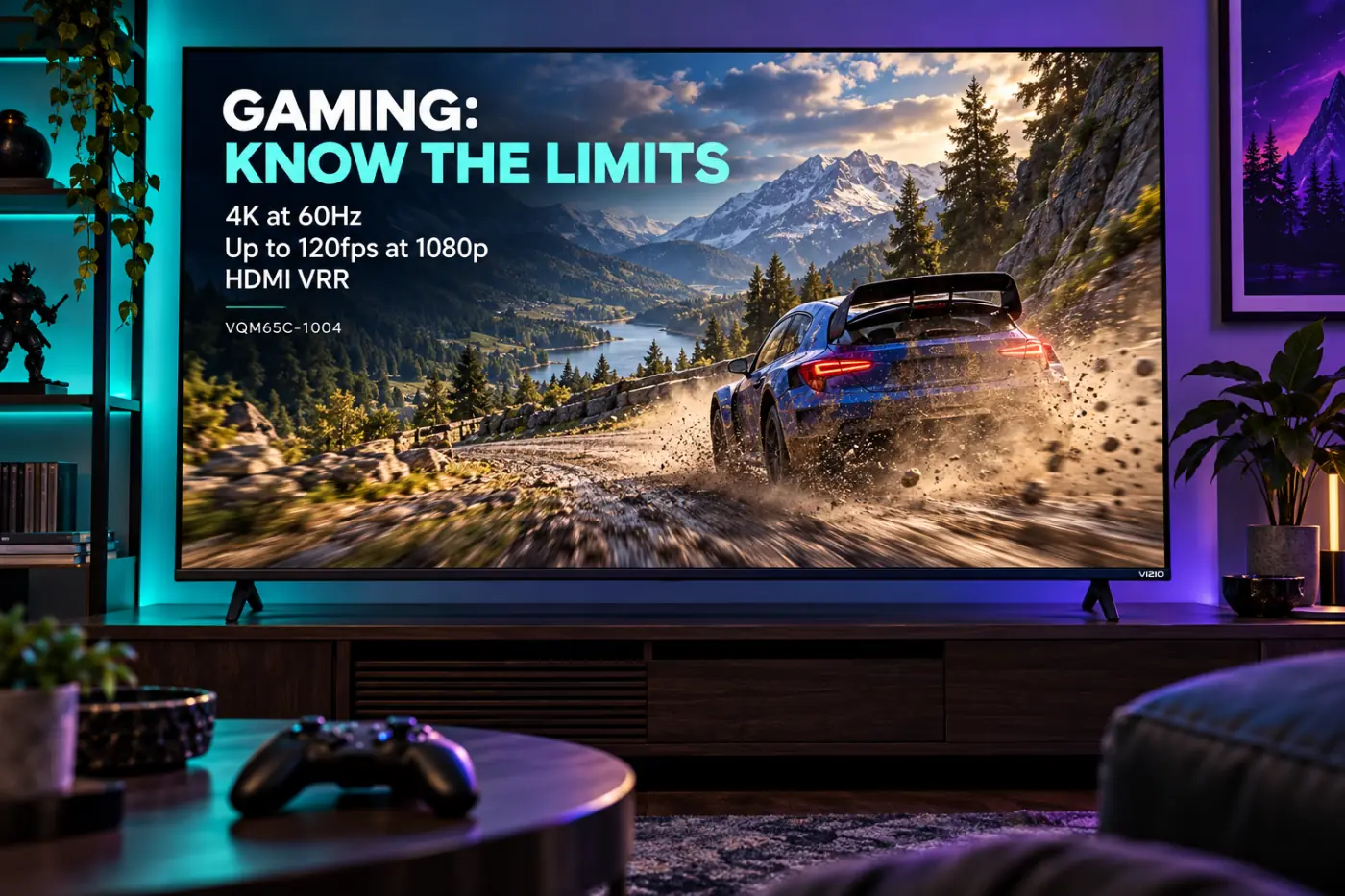
The most important line for gamers is the resolution attached to the refresh rate. This 65-inch television does not offer 4K/120Hz.
Screen Size Changes More Than the Price
Do not assume every Mini LED Quantum 4K behaves like the 65-inch version. RTINGS identifies IPS panels in the 43-, 55-, 65-, and 75-inch models, with VA panels in the 50- and 85-inch versions.
| Size and U.S. model | Zones | Gaming refresh |
|---|---|---|
| 55-inch VQM55C-1004 | 128 | 4K/60Hz; no advertised 1080p/120Hz mode |
| 65-inch VQM65C-1004 | 180 | 4K/60Hz; 1080p/120Hz |
| 75-inch VQM75C-1004 | 260 | 4K/60Hz; 1080p/120Hz |
For the 85-inch version, verify accepted signals separately: Vizio's listed refresh rate and the published independent variant table differ. We are not extending the 65-inch gaming findings to that size.
Before comparing picture quality, make sure the screen fits your seat and furniture. Our TV size guide explains how to check that without guessing from the diagonal alone.
Picture Quality: The Backlight Helps, but There Are Limits
Tom's Guide measured approximately 781 nits of HDR brightness on a 10% window in Calibrated Dark mode on its 65-inch sample. That is useful context for a low-cost TV, not a promise about the brightness of every scene or every unit.
RTINGS reports weak native contrast, visible subtitle halos, and limited processing on its 65-inch sample. Those findings temper the appeal of the Mini LED specification.
These reports answer different questions. A small-window brightness measurement tells you about one test condition. It does not tell you whether a face looks natural, a subtitle lights up its surroundings, or a low-quality stream looks clean.
A useful showroom check: Ask for a dark scene with subtitles, then a familiar face and a slow camera pan. Watch from your normal seating angle. A bright demo reel is only one part of the purchase.
If glowing text is a particular distraction for you, our guide to TV blooming and subtitles explains the checks worth making.
Bright Rooms and Sports: Check Your Seat and Your Source
RTINGS finds good SDR brightness and wide viewing angles on the tested 65-inch model, but poor handling of direct reflections and blurred fast movement.
Our buying advice is to examine your room before treating any inexpensive television as a daytime solution. Sit in your usual spot with the current screen turned off. If a window appears right in the middle, consider whether you can change the TV position or control the light.
For sports, compare the same broadcast or stream on your shortlisted TVs. Look at players during a camera pan, not just the scoreboard when the action stops. A clean demonstration video will not show you what your usual service delivers.
Already struggling with blurry games? Our sports motion blur guide helps separate source problems from picture settings.
Gaming: Read the Fine Print on 120Hz
The VQM65C-1004 supports 4K at up to 60Hz and a higher-refresh 1080p mode. Vizio also lists HDMI VRR. That gives casual players useful options, but it is not the feature package to choose for 4K/120Hz gaming.
Tom's Guide measured 9.9ms input lag on its sample. Input lag describes delay; it is different from pixel response and moving-image clarity. RTINGS reports poor motion clarity despite low lag.
If your preferred game runs at 60 fps and you mainly want a bigger screen, the Vizio deserves consideration at the right price. If you specifically want to use a console's 120Hz mode without dropping to 1080p, start with a TV that supports the required 4K signal.
Before checkout: Write down the resolution and refresh rate you want. “120Hz gaming” and an HDMI version label are not substitutes for confirmed 4K/120Hz support.

VIZIO OS: Check the Apps and Account Requirement
VIZIO OS includes built-in streaming apps and WatchFree+, Vizio's free, ad-supported entertainment service. The supplied voice remote and Wi-Fi 6 connectivity round out the basic streaming setup.
A Walmart account is required for smart TV functionality and product updates, according to Vizio. That requirement deserves attention before purchase, particularly if you prefer to use a television mainly with an external streaming device.
Tom's Guide also criticized the busy interface and its default Scenic Mode. If you buy the TV, review the screensaver and recommendation settings rather than accepting every default.
Check your household's actual apps before ordering. An external player can change the menus you use, but it cannot add missing panel performance or turn this model into a 4K/120Hz display. Include the player's cost when comparing the total setup.
Design, Connections, and Sound: Plan the Whole Setup
The 65-inch TV is approximately 56.89 inches wide and uses a 300 × 300mm VESA mounting pattern. Check the stand footprint as well as the cabinet width; a screen that fits the wall may still need different furniture.
There are three HDMI inputs. Tom's Guide confirms an eARC connection for a compatible audio system. Count a soundbar, console, cable box, and external streaming player before assuming three inputs will cover everything.
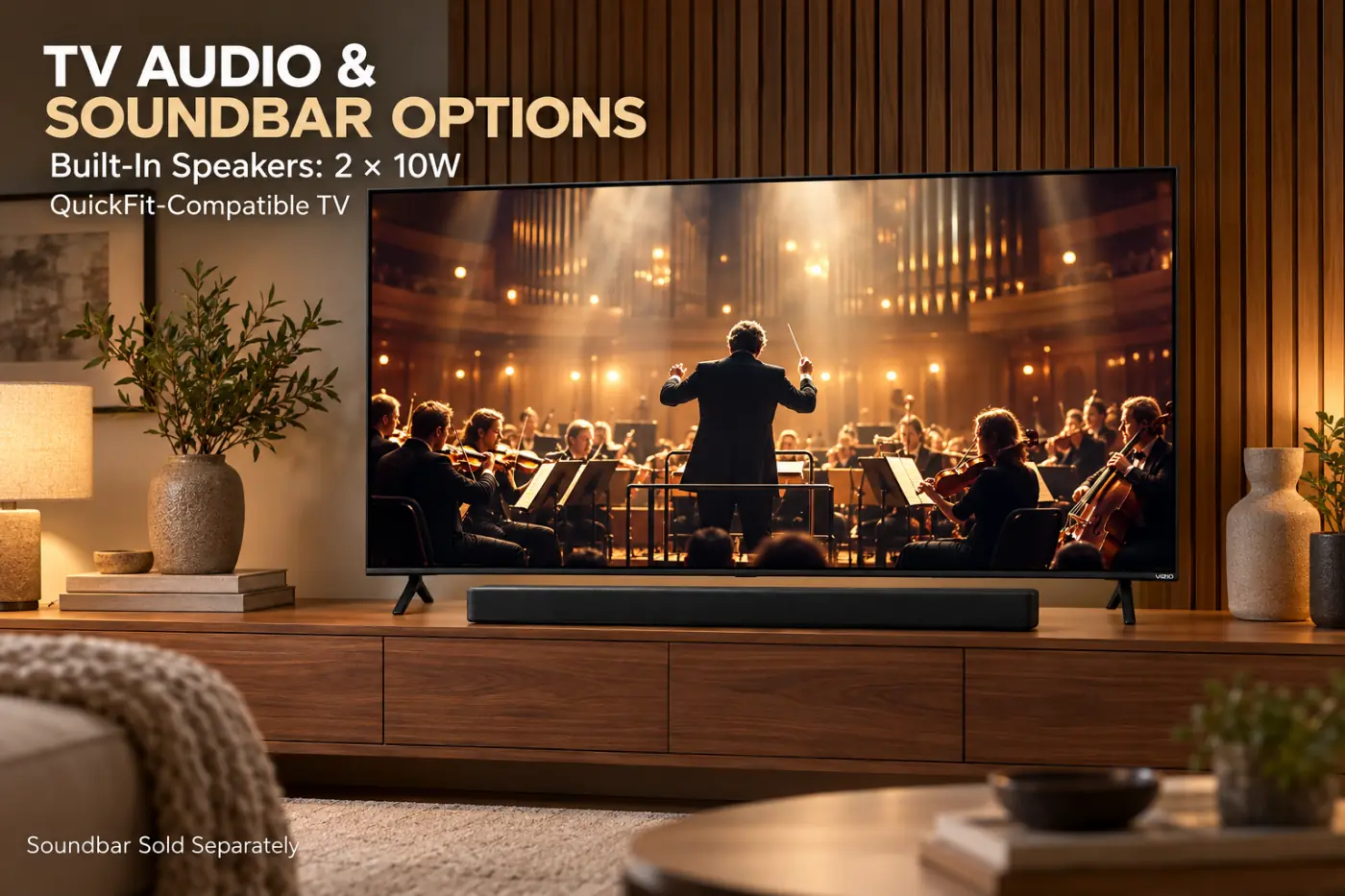
Vizio lists two 10-watt speakers. Tom's Guide found the basic sound serviceable but less convincing with demanding, bass-heavy material. Our advice is to reserve part of the budget for audio if dialogue or movie sound is one of your main reasons to upgrade.
The model also supports Vizio's QuickFit mounting system for compatible soundbars. Check the specific soundbar's compatibility rather than assuming any bar will attach.
For connection problems, use our HDMI ARC and eARC troubleshooting guide.
Vizio Mini LED Quantum 4K vs TCL QM6K
The TCL QM6K is the comparison we would make before buying. For the 65-inch models, the clearest specification differences are:
| Feature | Vizio VQM65C-1004 | TCL 65QM6K |
|---|---|---|
| October 12, 2026 price check | About $358–$398 in Walmart listings | $549.99 in TCL's U.S. listing |
| High-refresh 4K | No; up to 4K/60Hz | Up to 4K/144Hz |
| HDMI inputs | 3 | 4 |
| Smart platform | VIZIO OS | Google TV |
| Dolby Vision and HDR10+ | Both supported | Both supported |
RTINGS' separate QM6K testing finds good black levels and strong gaming features, although it also identifies blooming and limited HDR impact. The TCL is not a shortcut to flagship picture quality.
Our recommendation: Prefer the QM6K if high-refresh gaming and the extra connection matter enough to justify the price difference. Keep the Vizio in contention if the spending ceiling is firm and those features would go unused.
These conclusions use published specifications and separate tests, not a side-by-side test conducted by us. Read our full TCL QM6K review before deciding.
Picture Setup: A Better Starting Point Than the Default
Begin by comparing Calibrated Dark with the available brighter-room presets using a scene you know. Tom's Guide found the default Bright mode exaggerated the picture and used Calibrated Dark for its measurements.
From there, change one setting at a time. Adjust light output for your room, inspect faces and subtitles, and keep a note of the original values. Check SDR and HDR separately instead of expecting one adjustment to suit every source.
For gaming, confirm the signal on the console or PC and use the TV's appropriate gaming settings. Do not copy another owner's white-balance values as if they were a calibration for your individual panel.
Should You Buy the Vizio Mini LED Quantum 4K?
Consider it if: your priority is an inexpensive 65-inch screen, your total budget is close to $400, and high-refresh 4K gaming is not a requirement.
Compare alternatives first if: movie-night contrast, fast-motion clarity, or a more capable gaming setup is central to the purchase.
At TelevisionCafe, we would treat this as a price-led shortlist candidate. Check the Vizio and TCL totals on the same day, including delivery and anything you need to connect or mount them.
The Vizio can compete for the budget buyer's attention. Whether it earns the purchase depends on how much cheaper it is and whether its compromises affect the things you watch most. A low price is useful only when the television suits the job.
Vizio Mini LED Quantum 4K Review FAQ
Is the Vizio Mini LED Quantum 4K a 2026 TV?
Yes. This review covers the 2026 U.S. series and focuses on the 65-inch VQM65C-1004. Match the full model number when shopping.
Does the 65-inch Vizio support 4K at 120Hz?
No. The VQM65C-1004 supports up to 4K/60Hz. Its higher-refresh gaming mode works at 1080p/120Hz.
Does it support Dolby Vision and HDR10+?
Yes. The 65-inch model supports Dolby Vision, HDR10+, HDR10, and HLG. Format support alone does not guarantee excellent HDR picture quality.
Do I need a Walmart account?
Vizio requires a Walmart account for smart TV functionality and product updates. Review that requirement before purchase.
Are all screen sizes the same?
No. Panel type, dimming-zone count, and supported gaming modes vary. In particular, the 55-inch version does not advertise the 65-inch model's 1080p/120Hz mode.
Should I choose this Vizio or the TCL QM6K?
Compare the current prices. We would favor the TCL for high-refresh 4K gaming; the Vizio is worth considering when the budget is firm and its lower price leaves room for other setup costs.