
LG C5 vs Samsung S90H: Which OLED Is the Better Buy?
The LG C5 is the better buy when its price is meaningfully lower and you mainly watch movies in a room where you can control the light. The Samsung S90H earns its premium when reflections are a daily nuisance or you want 4K PC gaming above 144Hz.
That’s the useful way to compare a 2025 LG OLED with a 2026 Samsung. The newer model year alone doesn’t settle it. Neither does a Dolby Vision badge. Your room, screen size, and the actual price gap matter more.
This comparison focuses on the U.S. models, especially the 55- and 65-inch versions. The 77-inch S90H needs separate consideration because it uses a different panel.
Jump to: Quick Verdict · Models and Sizes · Picture Quality · Bright Rooms · Gaming · Price and Value · Which Should You Buy?
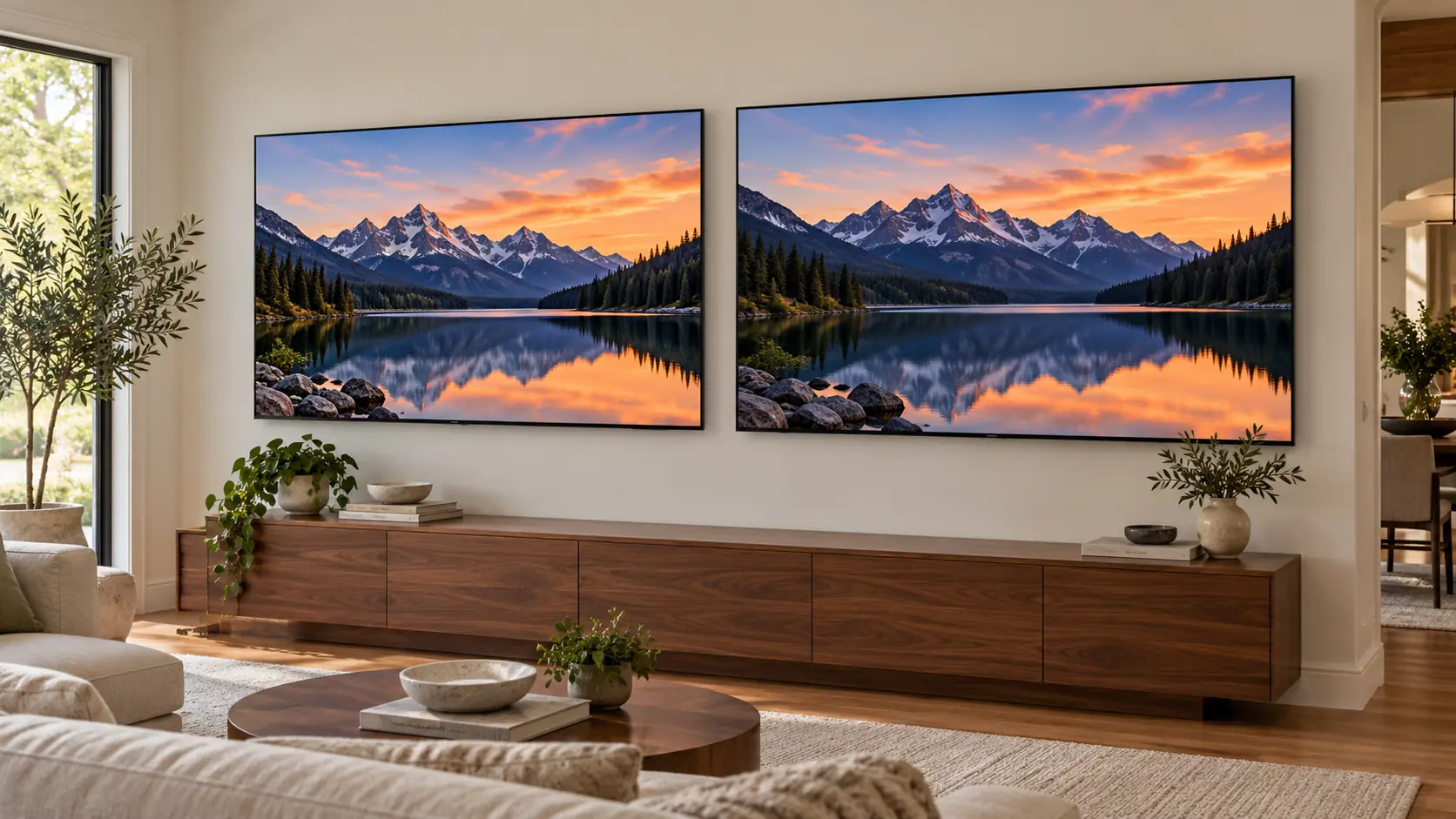
Check the Size and Regional Model First
U.S. reference models: LG OLED65C5PUA and Samsung QN65S90HAEXZA. Both families also include 42-, 48-, 55-, 77-, and 83-inch sizes, but performance isn’t identical across that range.
According to RTINGS’ panel identification, the North American S90H uses standard WOLED at 42, 55, 65, and 83 inches, while the 48- and 77-inch versions use RGB Tandem panels. Don’t assume a U.S. S90H is QD-OLED because an earlier Samsung S90 model was.
Outside the U.S.: LG still calls this family C5, with codes such as OLED65C54LA in the U.K.; local variants can differ in finish, tuners, and bundled features. Samsung also keeps the S90H name, using codes such as QE65S90HAEXXU in the U.K. RTINGS reports QD-OLED variants in some other regions, so an overseas S90H review may describe different hardware.
Quick Verdict
Buy the LG C5 for Value and Dolby Vision
Choose the C5 if you watch mostly in the evening, want Dolby Vision, and can get the same screen size for substantially less. Its 144Hz PC support already goes beyond what a PS5 or Xbox Series X needs for 120Hz gaming.
The catch: the glossy screen can show distracting lamps and windows. A big discount is less convincing if you’ll spend every afternoon staring at a reflection.
Buy the Samsung S90H for Glare Control
The S90H’s Glare Free matte finish is its clearest practical advantage. It also supports up to 4K at 165Hz with a compatible PC.
The catch: there’s no Dolby Vision, and the S90H name covers different panel hardware across sizes and markets. Check the version you’re buying before applying a review’s conclusions.
LG C5 vs Samsung S90H: The Useful Differences
| Feature | LG C5 | Samsung S90H |
|---|---|---|
| Model year | 2025 | 2026 |
| Screen finish | Glossy | Matte Glare Free |
| HDR formats | Dolby Vision, HDR10, HLG | HDR10+, HDR10, HLG; no Dolby Vision |
| Maximum 4K PC refresh rate | 144Hz | 165Hz |
| HDMI | Four HDMI 2.1 ports; eARC | Four HDMI 2.1 ports; eARC |
| Gaming essentials | VRR and ALLM | VRR and ALLM |
| Smart TV system at launch | webOS 25 | 2026 Tizen |
| Main buying reason | A worthwhile discount plus Dolby Vision | Reduced direct reflections |
Core comparison: U.S. 65-inch versions. High refresh rates require a compatible source and game; they don’t turn ordinary video into high-frame-rate content.
Movies and HDR: Start With Your Content
Both are self-emissive OLED TVs, so bright subtitles don’t need a backlight zone that also illuminates the surrounding black. That makes either a compelling choice for films in a dim room.
The format difference is straightforward: LG supports Dolby Vision; Samsung supports HDR10+ instead. On the C5, compatible Dolby Vision titles can use their dynamic metadata. On the S90H, playback depends on the formats offered by the app, device, and title, including HDR10+ or HDR10.
Dolby Vision support doesn’t automatically make every scene look better. The source and the television’s processing still matter. But if much of your library is in Dolby Vision and you want to retain that playback option, the C5 is the easier fit.
RTINGS’ 65-inch C5 review reports strong HDR highlights and effective cleanup of compressed content. Its 65-inch S90H review also finds good HDR performance. Those findings don’t justify naming one a universal picture-quality winner across every mode and size. Our LG C5 review and Samsung S90H review cover the individual models in more detail.
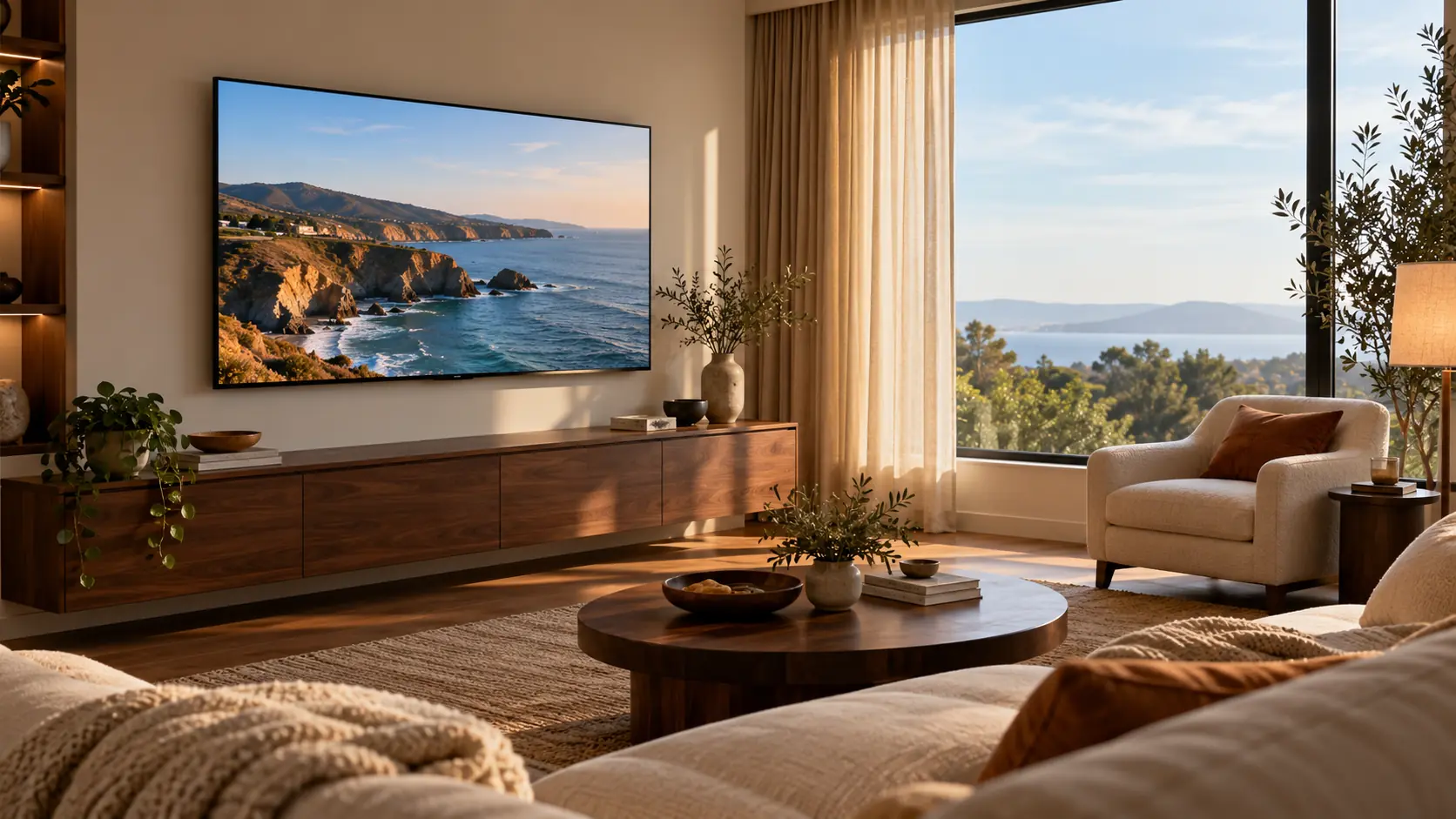
Bright Rooms: The S90H Has the Stronger Case
Think about where your windows appear from your seat. A window beside the television is different from one reflected in the middle of the picture. For the latter problem, Samsung’s matte finish is a concrete reason to spend more.
RTINGS’ 65-inch S90H testing finds substantially reduced direct reflections, while its C5 review notes visible lamps and windows on the glossy screen. The practical benefit is fewer sharp reflections competing with dark scenes during the day.
Matte coatings spread reflected light over a broader area, so they don’t make room lighting disappear. If you can close curtains or move a lamp, compare that simple fix with the Samsung’s extra cost. If the room has to stay bright for family viewing, the S90H’s finish becomes much more valuable.
For either TV, place the screen where sunlight won’t fall directly on it. A better coating is no substitute for sensible placement.
Gaming: 165Hz Matters Most to PC Players
Both have the connections and variable-refresh support expected of a serious gaming OLED. You can connect multiple gaming devices without choosing a single high-bandwidth HDMI port.
For a PS5 or Xbox Series X, the S90H’s 165Hz ceiling isn’t a reason on its own to pay more: those consoles top out at 120Hz output. Pick the TV around your room, supported HDR format, and price instead.
A powerful PC changes the calculation. Samsung’s 165Hz mode offers additional headroom over LG’s 144Hz, provided the GPU and game can deliver it. That matters more for fast games than for a demanding single-player title running well below either limit.
RTINGS notes that the tested C5 loses some HDR brightness in Game Optimizer compared with its movie modes. Check gaming-specific results rather than treating movie-mode brightness as a promise for games. For setup help after buying, see our LG C5 picture settings and Samsung S90H settings guide.
Sports, Streaming, and Everyday Use
For afternoon sports, start with glare and the seats people actually use. For evening streaming, look at your usual apps and sources. Don’t pay extra for a processor’s marketing name without a practical reason tied to what you watch.
Fast OLED pixel response doesn’t remove the uneven motion of a slow camera pan in a 24fps film. RTINGS reports noticeable movie stutter on both tested 65-inch sets. Try a restrained motion-smoothing setting if that bothers you, and check faces and moving objects for unwanted artifacts.
webOS and Tizen are different enough that a quick hands-on look at their menus is worthwhile. Check your must-have apps, account requirements, and remote preferences. Our smart TV platform comparison explains the tradeoffs.
If you already own a streaming player, bring its capabilities into the decision. Likewise, check your soundbar or receiver’s supported formats and connections before assuming a TV badge guarantees the audio path you want.
Why the 77-Inch Comparison Is Different
RTINGS tested the 77-inch S90H separately and found its RGB Tandem panel delivers brighter, more vibrant colors than the standard-panel version. That gives the larger Samsung a stronger picture-performance argument than you’d get by simply scaling up the 65-inch review.
The 48-inch S90H is also identified as RGB Tandem, but that alone doesn’t establish that it matches the 77-inch model’s brightness. Samsung’s own HDR branding differs for the smaller sizes. The C5’s 42- and 48-inch versions also lack the larger C5 models’ Brightness Booster.
When choosing between a discounted 77-inch C5 and a smaller Samsung, consider viewing distance before chasing a feature. A larger screen can be the more noticeable improvement for films, provided the room and budget suit it.
How Much More Is the S90H Worth?
Compare the same size, condition, and warranty. A clearance C5, an open-box C5, and a new S90H with an extended warranty are three different offers.
For the 55- and 65-inch models, these are our editorial spending guidelines, not current retail prices:
- C5 at least $300 cheaper: favor LG for evening movies and mixed console use, unless reflections are a persistent problem.
- Prices within about $100: favor Samsung for daytime viewing; choose LG if Dolby Vision and a glossy finish better suit your use.
- S90H $200–$300 more: pay the difference when glare control solves a real problem or your PC can use the higher refresh rate.
For example, a hypothetical $1,200 C5 against a $1,500 S90H creates a meaningful $300 saving. Spending that difference on sound or keeping it in your budget can make more sense than buying the newer TV. Change the room to a bright living room with a window reflected in the screen, and the Samsung premium becomes easier to defend.
Price-check note, October 27, 2026: we couldn’t confirm consistent live U.S. pricing for both models. Confirm price, seller, delivery, and return terms before buying. Our Black Friday TV buying guide can help put offers in context.
Which Should You Buy?
Choose the LG C5 when a same-size discount is substantial and your room lets you enjoy it. For evening movies, Dolby Vision streaming, and console gaming, that saving is a good reason to buy the older model. Its main compromise here is visible direct reflections.
Choose the Samsung S90H when you regularly watch with the lights and curtains open. Its matte screen addresses a problem you’ll notice every day, and 165Hz adds appeal for compatible PCs. At 77 inches, reassess the comparison around that model’s RGB Tandem panel rather than applying the 65-inch verdict.
TelevisionCafe · PRICE CHECK
LG C5 OLED · 65-inch
Search Amazon for the 65-inch OLED65C5PUA. Confirm the model, seller, condition, and current delivery options before ordering.
Paid link. We may earn a commission.
TelevisionCafe · PRICE CHECK
Samsung S90H OLED · 65-inch
Search Amazon for the 65-inch QN65S90HAEXZA. Check the exact size and model code when comparing offers.
Paid link. We may earn a commission.