
How High Should You Mount a TV? A Practical Height Guide
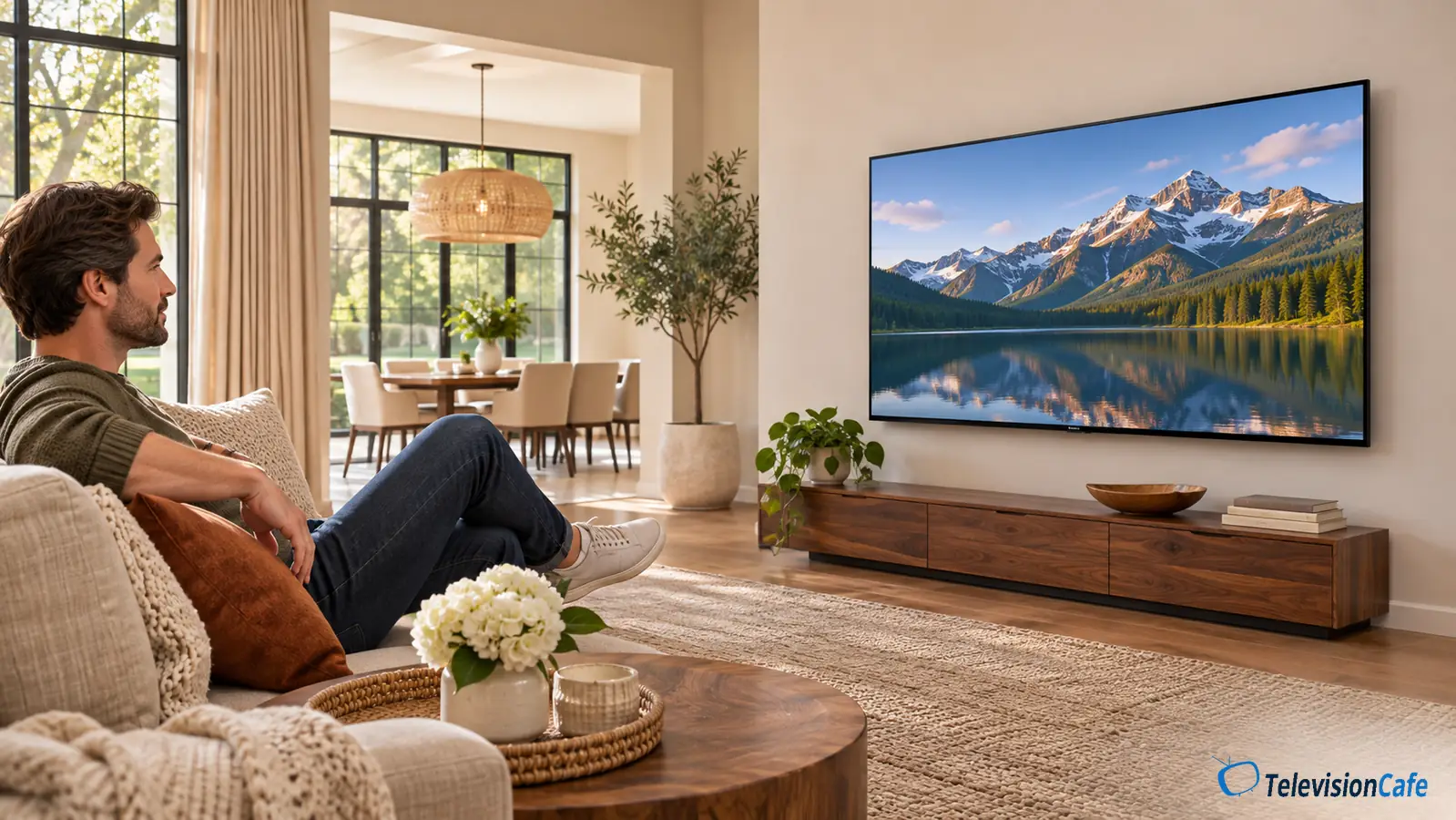
Mount your TV so the center of the screen is close to your eye level when you're sitting in your usual viewing position. About 42 inches from the floor to the screen's center is a useful starting point for a couch, but your seat and posture matter more than that number.
A 65-inch TV with its center at 42 inches has its lower screen edge roughly 26 inches above the floor. Putting the bottom of that TV at 42 inches would place the center around 58 inches high—a very different setup.
This guide shows how to find your height, account for the size of your TV, and leave room for the furniture and soundbar underneath.
Start With Your Seat, Then Choose the TV Height
Sit down where you actually watch TV, with your normal cushions and back support. Let your shoulders relax and look straight ahead. Have someone measure from the floor to your eyes. That measurement is your starting target for the center of the screen.
Sony's mounting guidance also puts the screen's center at the viewer's eye level, while recognizing that seating and personal preference affect the result. A low sectional and a tall, upright sofa shouldn't automatically get the same mounting height.
Measure in the position you use most
If you watch upright, measure upright. If you normally recline, try the proposed position while reclining with your head supported. A slightly higher screen may suit that posture, but check it from the chair before making it permanent.
For a shared couch, measure the regular viewers and test a center height between those measurements. You don't need to hit everyone's exact eye line. You do want everyone to see the whole picture without having to hold their chin up.
The number to remember: 42 inches means floor to screen center. It does not mean floor to the bottom of the TV, the wall plate, or the mounting holes.
TV Mounting Height Chart: 43 to 98 Inches
The table below keeps the screen center at 42 inches above the floor. A larger screen extends farther downward as well as upward; it doesn't automatically need a higher center.
| TV size | Screen height | Lower screen edge above floor |
|---|---|---|
| 43-inch | 21.1 | 31.5 |
| 50-inch | 24.5 | 29.7 |
| 55-inch | 27.0 | 28.5 |
| 65-inch | 31.9 | 26.1 |
| 75-inch | 36.8 | 23.6 |
| 77-inch | 37.8 | 23.1 |
| 83-inch | 40.7 | 21.7 |
| 85-inch | 41.7 | 21.2 |
| 98-inch | 48.0 | 18.0 |
These are calculated screen dimensions, rounded to the nearest tenth of an inch. They exclude the bezel and stand and aren't model-specific installation measurements. Measure your actual TV before marking its outline or positioning the bracket.
If your chosen center is 45 inches rather than 42, add 3 inches to the lower-edge figures. If it's 39 inches, subtract 3. For viewing distance and wall space, use our TV size guide alongside this chart.
How to Measure Your TV Mounting Height
Choose the screen position before choosing the wall-plate position. The two measurements are connected by the hardware on the back of your particular TV.
- Measure seated eye height. Use your main viewing seat and normal posture.
- Find the screen's center. Use the visible screen, rather than assuming the mounting holes identify its middle.
- Work out the lower edge. Subtract half the screen height from your target center height.
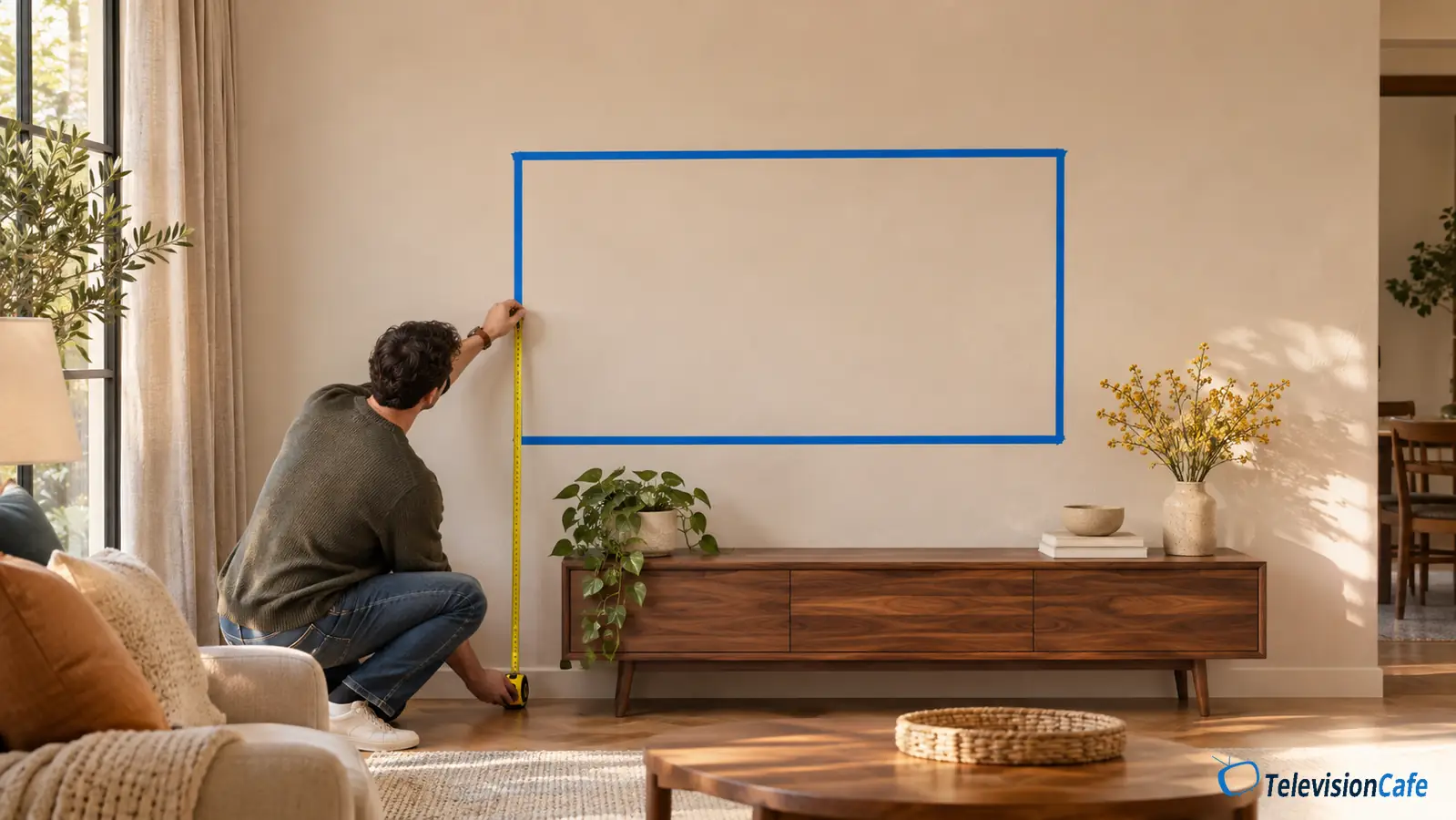
- Tape out the TV's full outer dimensions. Include the bezel, then mark the screen center inside that outline. Check the view from every regular seat.
- Add the furniture and soundbar. Check their actual heights, clearance requirements, and access to the TV's connections.
- Translate the outline to the bracket. Follow the mount's template and instructions, accounting for the TV brackets and their selected hanging position.
A simple 65-inch example
Suppose your seated eyes are 42 inches above the floor. A 65-inch 16:9 screen is approximately 31.9 inches tall. Half is about 15.94 inches, so the lower screen edge lands at roughly 42 − 15.94 = 26.06 inches, or 26.1 inches when rounded.
A 75-inch screen at the same center height has its lower screen edge around 23.6 inches above the floor. If that conflicts with your cabinet, test the smallest practical height increase or consider lower furniture.
The wall plate may sit above or below your center mark
VESA holes can be offset from the screen's center. The TV brackets also change where the set hangs relative to the wall plate. A measurement copied from another 65-inch TV can therefore put yours at the wrong height.
Use the exact TV and mount manuals. Where the instructions call for measuring the assembled brackets on the TV, do that before drilling. The screen-center calculation tells you where you want the picture; the mount's instructions tell you how to put it there.
Leave Room for the Console and Soundbar
Check what's going beneath the TV before committing to an eye-level center. A tall cabinet can occupy the space where the lower part of a large screen needs to go.
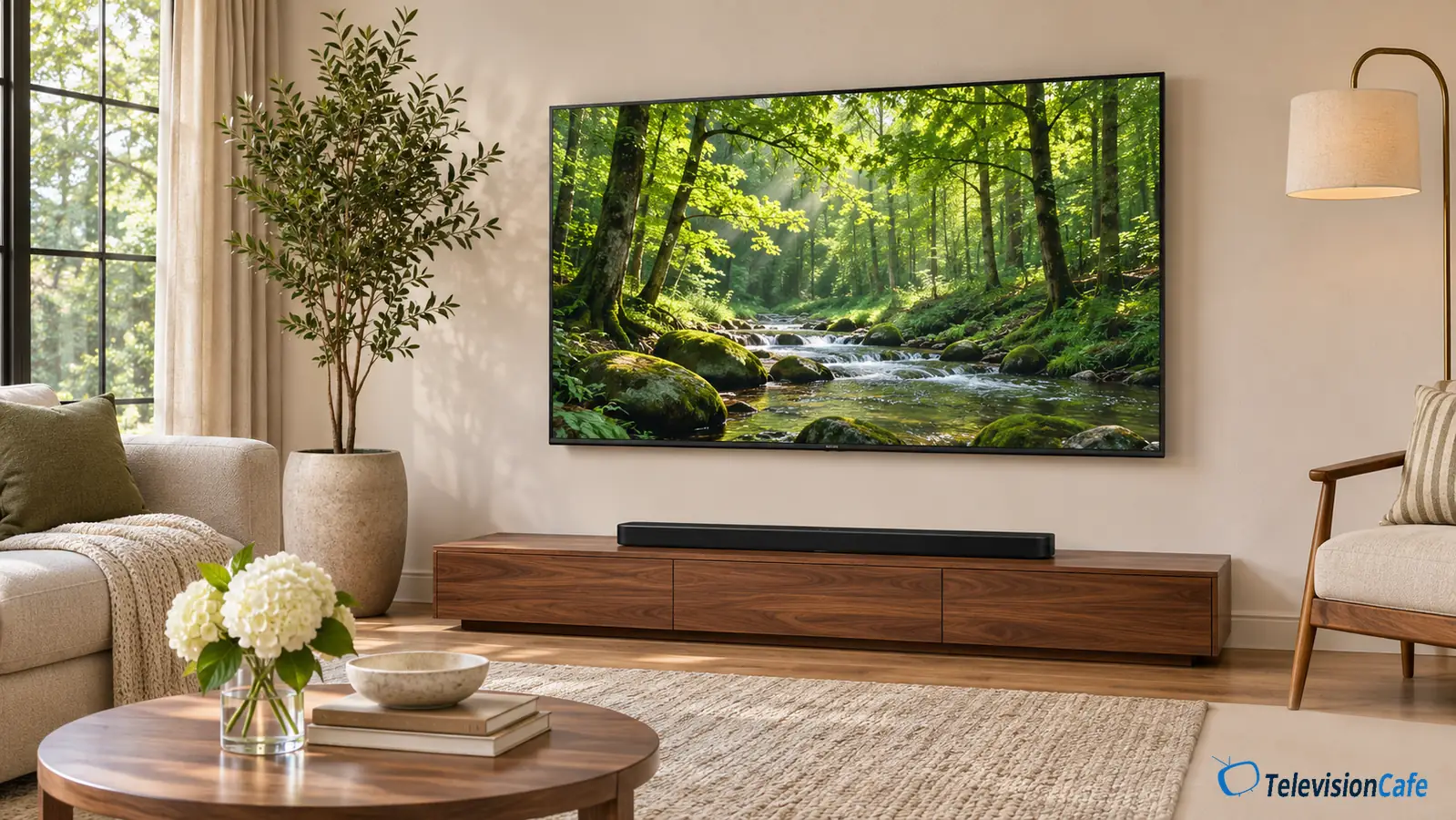
For a soundbar sitting on a console, add the console height, soundbar height, and the clearance specified in the soundbar's instructions. Compare that total with your proposed TV bottom edge. If the numbers don't fit, change the furniture or soundbar arrangement, or test a modestly higher screen.
For example, a 24-inch console plus a 3-inch soundbar already reaches 27 inches before any gap. That won't fit beneath the approximately 26-inch lower screen edge in our 65-inch example.
Give the soundbar's speakers space
Keep the screen and remote sensor unobstructed. If the bar has upward-firing speakers, follow its placement guidance so the TV or a shelf doesn't sit over their sound path. There is no single clearance that works for every soundbar.
A bar attached to the TV or its mount also adds weight and occupies space below the screen. Include the accessory bracket and speaker when checking the mount's load limit and movement. Our soundbar buying guide explains the other fit and connection checks.
Bedrooms, Recliners, and TVs Above a Fireplace
In a bedroom, test from the bed
The couch-based 42-inch starting point may not suit a tall bed or a reclined viewing position. Set up your usual pillows and look toward a taped outline on the wall. Check that your feet, blankets, or footboard won't block the lower screen.
A higher position can make sense here. Judge it from the bed with your head supported, including whether you'll need to turn toward one side for a whole movie.
For standing viewing, use standing eye height
A kitchen, workout room, or home bar may need a different position from a living room. Measure from the place you'll actually watch. If both seated and standing viewing matter, test both before settling on the compromise.
Above a fireplace, height isn't the only problem
Samsung advises against mounting a TV over a fireplace, citing heat as well as the high viewing position. A mantel doesn't automatically make the location suitable. Follow the specific TV and fireplace installation requirements.
For a room used mainly for seated viewing, try another wall first. If you're considering a pull-down mount, check its permitted operating conditions, travel, load capacity, and clearance around the mantel. Follow its restrictions on fireplace use; lowering the screen doesn't remove a heat problem.
Does Tilting a High TV Fix the Height?
A downward tilt changes the direction the screen faces. It can help aim a higher screen toward your seat, but your eyes still have to look upward to reach it. Treat tilt as a useful adjustment after you've chosen a workable height.
Distance changes that upward angle, too. With a screen center 12 inches above your eyes, the angle to its center is about 7 degrees from 8 feet away and about 11 degrees from 5 feet away. Those are geometry examples, not comfort limits or a guarantee that either setup will suit you.
Try the position from your nearest seat as well as the main one. If you already own the TV, compare a familiar dark scene from those seats before final installation. Off-center picture changes depend on the exact TV, and a panel label alone won't tell you how forgiving it will be.
Before You Drill: Check the Whole Setup
- Test the outline while seated. Check subtitles near the bottom, the top corners, and the view from side seats. Move the tape if you keep lifting your chin.
- Check the wall and hardware. Confirm the mount's TV size, weight, VESA pattern, wall construction, and fastener requirements. Follow the TV's screw-depth instructions.
- Plan the connections. Leave access to power, HDMI, Ethernet, and any external connection box. A full-motion mount needs enough cable slack throughout its permitted travel.
- Keep ventilation clear. Use the spacing in your TV's manual, including any requirements for a recessed installation.
- Plan cable concealment properly. Use an appropriate listed in-wall power solution or an electrician for a recessed outlet. Don't run an ordinary TV power cord or extension cord inside the wall.
- Arrange help for the lift. Follow the handling instructions for your screen size. If the wall or fastening method is uncertain, use a qualified installer.
Check your cable runs before the TV goes up. Our HDMI cable guide covers choosing a cable for 4K video, high-refresh-rate gaming, and eARC.
Our Recommendation
For a living-room TV, start with its center at your measured seated eye height. Use 42 inches only as a planning reference, then tape out the actual set and check it from your couch. That test is more useful than copying a mounting height based on diagonal size alone.
If the cabinet or soundbar forces the screen much higher, reconsider what sits underneath it before drilling. A bedroom or standing-viewing area can justify a different position; choose it from the posture you'll use most. For the next setup steps, explore our TV Setup guides.