
HDMI vs Optical for Soundbars: Which Should You Use?
You have a new soundbar, two possible cables, and a TV menu that makes a simple connection feel like homework. Should you use HDMI or optical?
Use HDMI ARC or eARC when both your TV and soundbar support it. You get a more flexible audio connection and, with HDMI-CEC enabled, usually easier volume and power control from your TV remote. Choose eARC when both devices offer it.
Optical is still a useful option for older equipment and straightforward setups. It can carry stereo and supported compressed 5.1 audio, but it cannot deliver Dolby Atmos.
The important detail: HDMI, ARC, and eARC are not interchangeable labels. Here is what each connection actually changes.
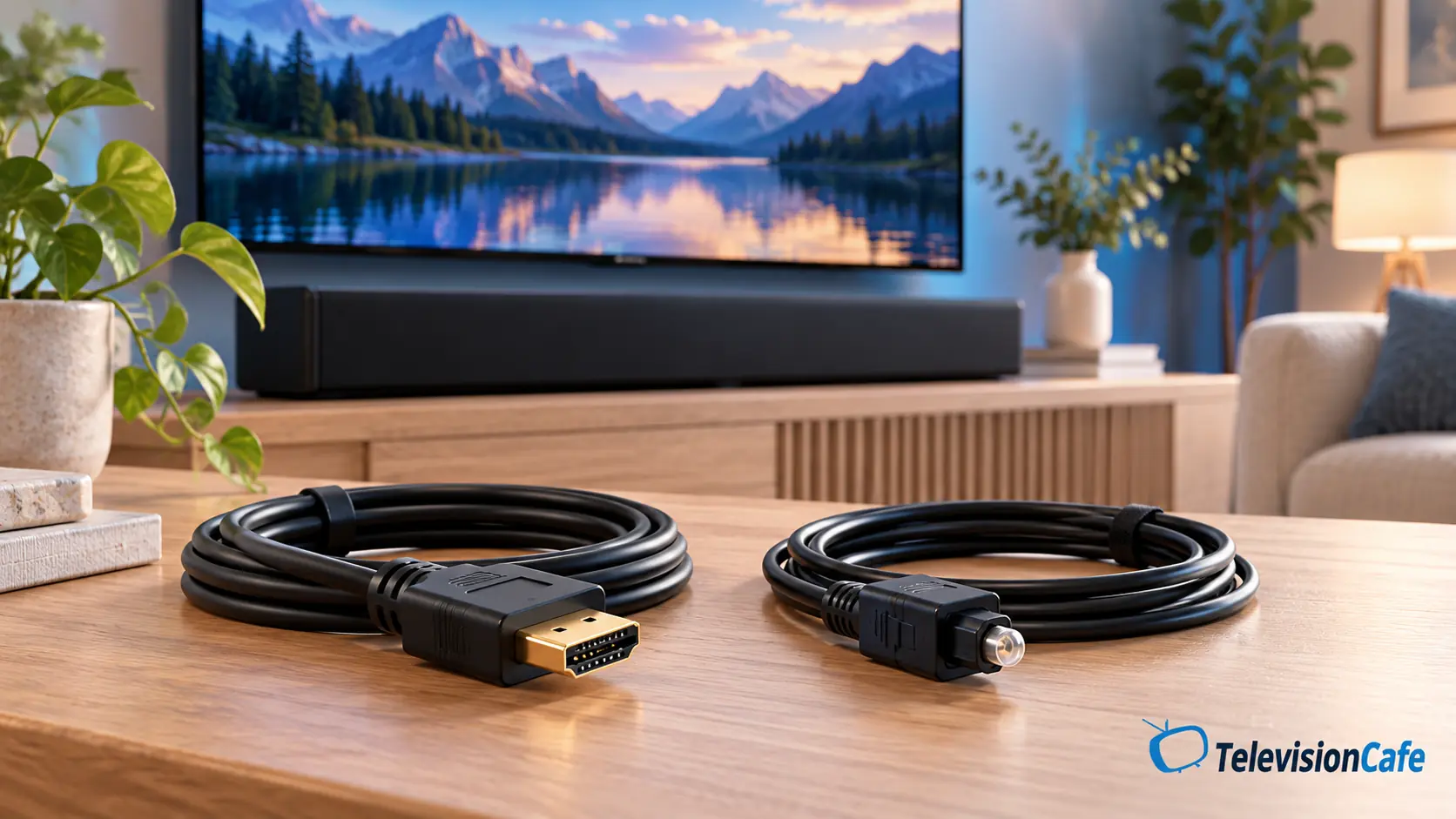
Which Connection Should You Use?
Choose HDMI eARC
Your TV and soundbar both support it, and you want the widest audio-format support. It is especially useful for compatible Blu-ray players, consoles, and higher-bandwidth Atmos sources.
Choose HDMI ARC
One or both devices lack eARC, but both support ARC. It is a good everyday choice for TV apps and can carry Dolby Digital Plus Atmos on compatible equipment.
Choose Optical
Your TV or soundbar lacks ARC, or you want a dependable fallback for stereo or supported Dolby Digital 5.1. Accept the format and control limitations.
HDMI ARC, eARC, and Optical: The Actual Difference
Optical, also called TOSLINK or digital optical, carries digital audio using light. It sends audio from the TV’s optical output to the soundbar’s optical input. It carries no video or HDMI control commands.
ARC means Audio Return Channel. It lets the TV send sound back through its designated HDMI ARC port to a compatible soundbar. That includes sound from the TV’s own apps and supported audio from devices connected to the TV.
eARC means Enhanced Audio Return Channel. Its extra bandwidth makes room for formats such as Dolby TrueHD and multichannel PCM that standard ARC cannot carry. The HDMI organization’s eARC overview explains those capabilities.
For this TV-to-soundbar connection, use the TV port labeled ARC or eARC and the soundbar port labeled TV, HDMI OUT (ARC/eARC), or its equivalent. An ordinary HDMI socket does not automatically provide audio return.
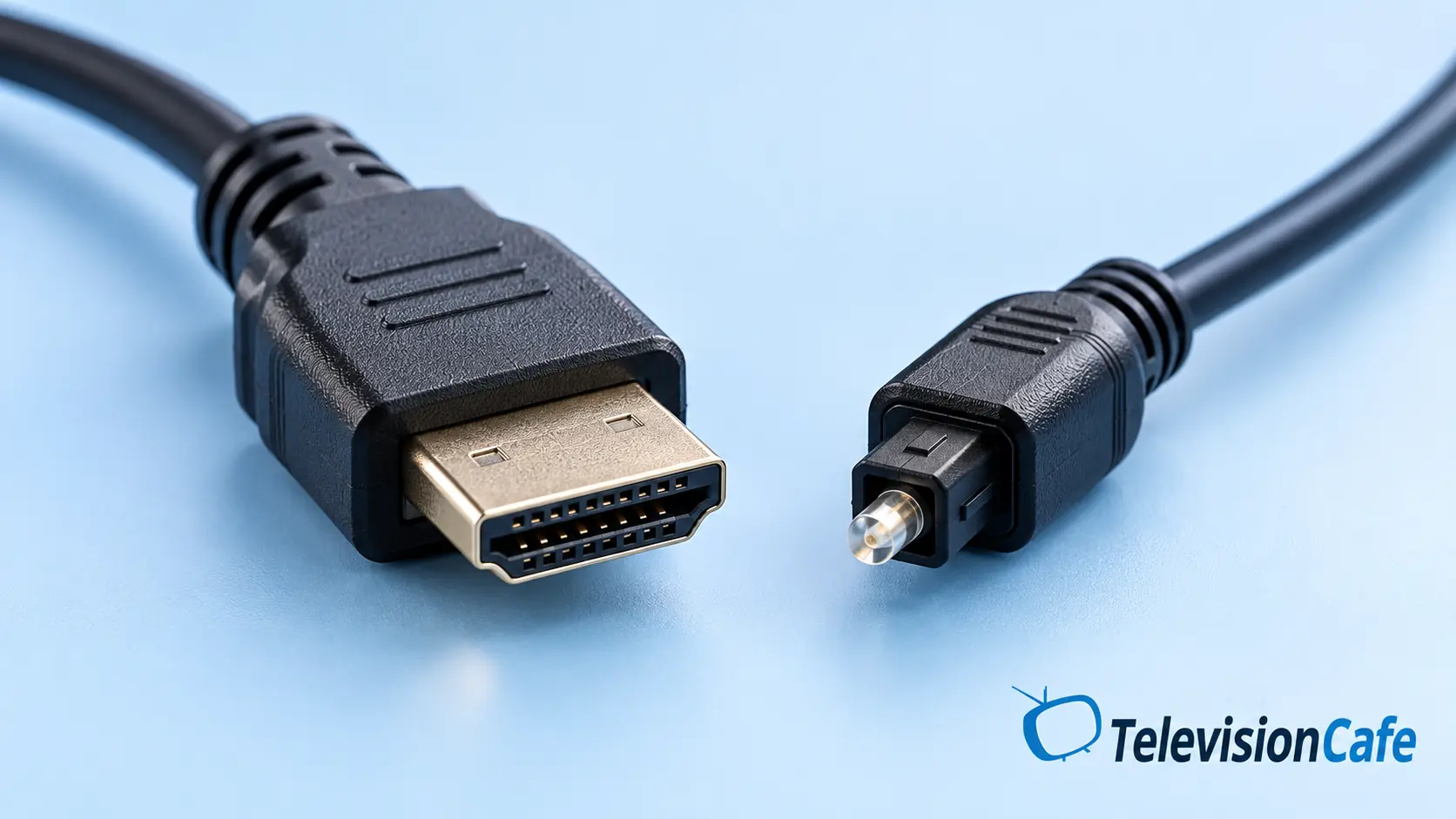
HDMI vs Optical for Soundbars at a Glance
This table shows connection capabilities. Your TV must also pass the format, and your soundbar must support decoding it.
| Feature | Optical | HDMI ARC | HDMI eARC |
|---|---|---|---|
| Stereo PCM | Yes | Yes | Yes |
| Dolby Digital 5.1 | Yes* | Yes* | Yes* |
| DTS Digital Surround | Possible* | Possible* | Possible* |
| Dolby Digital Plus / DD+ Atmos | No | Possible* | Possible* |
| Dolby TrueHD / TrueHD Atmos | No | No | Possible* |
| Multichannel PCM 5.1 / 7.1 | No | No | Possible* |
| TV-remote control via HDMI-CEC | No | Usually* | Usually* |
*Requires compatible devices, settings, and content. DTS passthrough and Dolby Digital Plus over ARC vary by model. An eARC label does not guarantee every codec is supported.
Does HDMI Actually Sound Better Than Optical?
Sometimes, but swapping the cable does not automatically transform the sound.
If both connections deliver the same stereo PCM or Dolby Digital signal to the same soundbar, the connection alone is not a reason to expect clearer dialogue or deeper bass. Speaker quality, placement, sound modes, and the soundtrack still do the heavy lifting.
HDMI’s advantage becomes meaningful when it carries a format optical cannot. A compatible eARC setup can preserve multichannel PCM from a console or a Dolby TrueHD soundtrack instead of forcing a simpler output.
For a basic stereo bar, convenience may be the biggest upgrade. For a capable surround system, format support can be the bigger deal. Neither cable adds rear speakers or upward-firing drivers that your soundbar does not have.
Dolby Atmos: When ARC Is Enough and When You Need eARC
Atmos describes an immersive audio format, but the way it travels matters. Treating every Atmos soundtrack as the same signal causes a lot of unnecessary cable shopping.
Streaming Atmos
Many streaming services deliver Atmos using Dolby Digital Plus. Compatible TVs and soundbars can pass this over standard ARC, so eARC is not always necessary.
The app, subscription tier, selected soundtrack, and both devices still need to support it.
TrueHD and Dolby MAT
Dolby TrueHD Atmos from a compatible disc player needs eARC when the sound travels through the TV. PCM-based Dolby MAT Atmos, used by some players and consoles, also needs eARC on that return path.
Some soundbars offer a separate HDMI input for a direct source connection; check the manual.
Optical does not carry either Atmos route. A soundbar may still apply virtual surround processing, but that is different from receiving an Atmos soundtrack. Check its app or information display to see what format is arriving.
One Remote Is a Good Reason to Choose HDMI
HDMI-CEC lets compatible devices exchange control commands. In a well-behaved setup, turning on the TV wakes the soundbar, and the TV remote handles the volume.
Manufacturers use names such as Anynet+, SIMPLINK, and BRAVIA Sync. You may need to enable that setting as well as select the TV’s HDMI audio output. Sony’s audio connection guide describes linked power functions and notes that available features depend on the soundbar.
Optical itself has no CEC control channel. Some soundbars learn infrared commands, and some TV remotes can be configured to control external audio equipment. That can still give you one-remote volume control; it simply works separately from the optical connection.
Already using optical without any daily annoyances? You do not need to replace it just because HDMI is newer.

How to Connect Your Soundbar the Right Way
With HDMI ARC or eARC
- Connect the TV’s ARC/eARC HDMI port to the soundbar’s matching TV/ARC/eARC port. On many bars, this is labeled HDMI OUT.
- Select the soundbar’s TV or HDMI ARC input.
- Set the TV’s sound output to HDMI ARC, receiver, or audio system.
- Enable HDMI-CEC as the manuals recommend. If both devices support eARC, set eARC to On or Auto.
- Start with Auto or Pass Through for digital audio, then check the received format on the soundbar.
Menu wording varies by brand and model. Pass Through preserves compatible source audio; it cannot add a codec the TV or bar does not support.
Our guide to PCM, bitstream, and pass-through settings explains which option to use for your soundbar, source device, and connection.
With Optical
- Remove any protective caps and connect Optical Out on the TV to Optical In on the bar. Align the connector; do not force it.
- Select Optical or D.IN on the soundbar.
- Select the TV’s optical or external-speaker output.
- Try PCM for broad stereo compatibility.
- If both devices support Dolby Digital 5.1, select a compatible Dolby Digital or bitstream output and verify the result.
Do not choose Dolby Digital Plus for an optical-only path. Sony documents this limitation in its optical audio guidance.
For Gaming, Check the Audio and Video Paths Separately
A practical starting point is console → TV → soundbar, with eARC handling the return audio. That keeps the console connected to a TV input that supports the video features you need.
With compatible equipment, eARC can carry multichannel PCM without requiring the console to encode it as Dolby Digital. Optical and standard ARC do not carry 5.1 or 7.1 PCM.
Connecting the console directly to a soundbar’s HDMI input can be useful, but check the bar’s video passthrough specifications first. An eARC port does not prove the bar passes 4K at 120Hz, VRR, or every HDR format.
No connection guarantees zero lip-sync problems. If speech or game audio arrives late, our TV audio delay guide explains how to work through the settings.
Do You Need a New or Expensive Cable?
Start with the cable supplied with the soundbar and follow its manual. If your existing cable delivers the required format reliably, there is no sound-quality prize for replacing it with a more expensive one.
When buying for eARC, a certified Ultra High Speed HDMI cable is a straightforward choice. Choose the length you need, rather than paying for an unnecessarily long run. Older cable types may work, but do not assume every cable will support your setup reliably.
For optical, choose the correct TOSLINK connectors and enough length to avoid tight bends behind the TV. A premium optical cable does not unlock Atmos or increase the port’s format capabilities.
Check the ports before shopping. A passive optical-to-HDMI cable cannot turn an optical output into an eARC source. Specialized active adapters and extractors have their own compatibility requirements and cannot restore formats absent from the original signal.
Our HDMI cable guide explains the certification labels and what to check for 4K/120Hz and eARC.
No Sound, Dropouts, or Only Stereo? Start Here
No Sound
Confirm the exact ports, TV audio output, and soundbar input. Try stereo PCM to establish a working signal, then restore the format your equipment supports.
For HDMI, restart both devices and reseat the cable. For optical, check that the protective caps are removed.
Only Stereo
PCM over optical or standard ARC is normally stereo. Check the TV’s digital-output setting and the source soundtrack before assuming the cable is faulty.
Try supported Dolby Digital for optical 5.1, or compatible multichannel PCM over eARC.
Intermittent Dropouts
Try a known-good cable, check firmware, and test a TV app separately from an external player. That helps identify which part of the chain is failing.
Our ARC/eARC troubleshooting guide covers the next steps.
Our Pick: HDMI First, Optical When It Fits
For most people, HDMI ARC or eARC is the connection to use. It makes everyday control easier and leaves more room for the formats modern soundbars support. If both devices have eARC, use it.
Optical remains sensible for older TVs, basic soundbars, and setups where stereo or Dolby Digital 5.1 does everything you need. A stable optical connection can be a better everyday experience than an unresolved HDMI compatibility problem.
Choose based on your equipment and what you watch. If you are still choosing the bar itself, our guide to how to choose a soundbar for your TV puts connections alongside dialogue, room size, and speaker layout.
Frequently Asked Questions
Can optical carry 5.1 surround sound?
Yes. Optical can carry compatible compressed formats such as Dolby Digital 5.1 and DTS Digital Surround. The TV, source, and soundbar must support the format. Optical PCM is limited to two channels in typical TV setups.
Can I get Dolby Atmos through optical?
No. Optical does not carry the Dolby Digital Plus, Dolby TrueHD, or Dolby MAT paths used for Atmos. A soundbar’s virtual surround mode does not change that limitation.
Do I need eARC for Netflix Atmos?
Not always. Dolby Digital Plus Atmos can work over ARC on compatible equipment. The TV app, plan, content, settings, and soundbar must all support it. eARC is needed for higher-bandwidth Atmos formats traveling through the TV.
Can I connect HDMI and optical at the same time?
Most setups need just one connection for TV audio, and the soundbar selects one input at a time. Connecting both does not combine quality or bandwidth. Follow the manual if your particular equipment calls for a different arrangement.
Will an eARC soundbar work with an ARC TV?
Many eARC soundbars also support standard ARC, but check the exact model’s manual. When operating through ARC, the connection has ARC’s format limits; an eARC soundbar cannot upgrade the TV’s port.
Does optical always have less audio delay?
No. Delay depends on audio processing in the source, TV, and soundbar. Either connection can have lip-sync problems, and switching cables alone may not fix them.