
Prime Video HDR10+ Advanced: Does Your TV Support It?
Your TV can support HDR10+ and still miss out on Prime Video's newest picture upgrade. That is the first thing to check before getting excited about the HDR10+ Advanced badge.
Prime Video began rolling out the format globally on supported titles in August 2026, initially on select Samsung 2026 televisions. By September 2, HDR10+ Technologies reported thousands of available movies and series. This has moved beyond a future-format announcement: there is content to watch.
Does your TV support it? Look for explicit HDR10+ Advanced support for your exact model. Samsung has confirmed selected 2026 models, including the S95H, S90H and S85H. An HDR10+ or HDR10+ Adaptive specification alone is not confirmation. Samsung also says Advanced is not supported with Filmmaker Mode enabled.
The appeal is easy to understand: better use of a TV's brightness and more selective motion processing. The compatibility rules deserve just as much attention as the picture-quality promises.
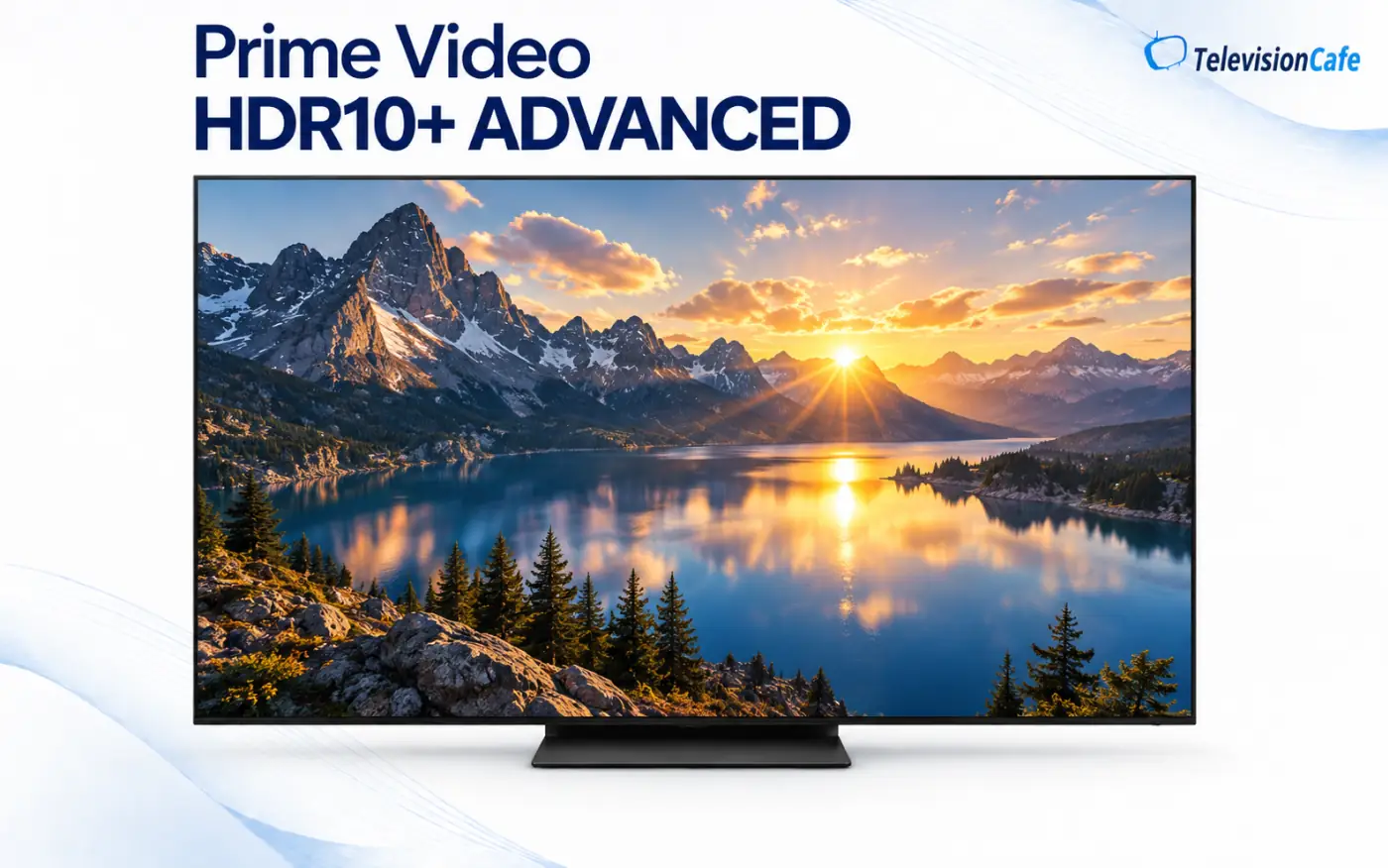
What Does HDR10+ Advanced Actually Change?
HDR10+ Advanced extends the information sent alongside the video. These instructions, known as metadata, help a compatible television decide how to present the picture.
The Prime Video launch highlights two capabilities:
- Enhanced Overall Brightness: richer brightness information helps compatible TVs make better use of their available light output.
- Intelligent Motion Smoothing: scene-level instructions let the TV vary motion processing instead of applying one approach throughout a movie or show.
The wider specification also adds tools for local tone mapping, genre-based optimization and advanced color control. Local tone mapping gives different areas of a scene their own brightness treatment; genre information can guide processing for different types of content.
Those are capabilities of the format. They do not mean every Prime Video title uses every feature, or that every television produces the same result.
For viewers, the useful question is whether the image becomes easier to watch while keeping convincing contrast, color and movement. A brighter picture is welcome only if it still looks good.
Which TVs Support HDR10+ Advanced on Prime Video?
Samsung's Australian launch announcement explicitly names the following 2026 models. Treat this as a documented regional list, then check the corresponding model sold in your country.
| Model codes | Published status |
|---|---|
| S95H, S90H, S85H | Named in Samsung's HDR10+ Advanced rollout |
| R95H, R85H | Named in Samsung's HDR10+ Advanced rollout |
| LS03HW, LS03H | Named in Samsung's HDR10+ Advanced rollout |
| QN80H | Named in Samsung's HDR10+ Advanced rollout |
This is not a complete worldwide compatibility database. Screen sizes, regional model codes and service availability still need checking. Samsung's UK specifications for the 65-inch S90H, for example, explicitly list HDR10+ Adaptive, Gaming and Advanced.
If the S90H is on your shortlist, our Samsung S90H review covers the television beyond its HDR format support.
What About Older Samsung TVs and Other Brands?
Do not assume an existing HDR10+ television gains Advanced support automatically. Look for a manufacturer announcement or specification that names both your model and HDR10+ Advanced. A general software update or an HDR10+ logo is not enough evidence.
The same check applies to LG, Sony, TCL, Hisense, Panasonic and Philips models. Brand names and support for other HDR formats do not answer the question for an individual television.
There is reassuring news for owners who are staying with their current TV: the official HDR10+ Advanced white paper describes backward compatibility with HDR10+ and HDR10 devices. Compatible older displays can show the content within their existing capabilities, without the additional Advanced processing.
Your existing TV is still useful. Backward compatibility lets older HDR displays remain part of the ecosystem. It does not turn them into HDR10+ Advanced displays.
HDR10+ Adaptive vs. Advanced: Similar Names, Different Jobs
HDR10+ Adaptive responds to the lighting in your room. Advanced expands the information available for picture processing, including brightness and motion.
| Format | Main distinction |
|---|---|
| HDR10+ | Dynamic metadata guides HDR tone mapping as the content changes. |
| HDR10+ Adaptive | Adds adaptation to ambient lighting conditions. |
| HDR10+ Advanced | Adds enhanced metadata tools for brightness, motion and other picture processing. |
A television can list several of these technologies together. That makes reading the full specification worthwhile: seeing the word Adaptive should not end your compatibility check.
Which Prime Video Movies and Shows Have HDR10+ Advanced?
HDR10+ Technologies' September 2026 announcement names titles including Fallout, Reacher, The Boys, The Lord of the Rings: The Rings of Power, The Marvelous Mrs. Maisel and Project Hail Mary.
The organization says thousands of movies and series are available globally. That does not promise an identical catalog in every country, or establish that every episode and version of a listed title carries the format.
Look for the HDR10+ Advanced logo on the title's detail page using a compatible television or display. It is a more useful starting point than a generic HDR label.
Choose something you already know well. Familiar scenes make it easier to judge whether the presentation suits you, rather than letting an unfamiliar movie's photography do all the impressing.
The Filmmaker Mode Catch You Should Know About
Samsung explicitly states that HDR10+ Advanced is not supported when Filmmaker Mode is enabled. A supported TV and an eligible title are therefore not the entire story.
This matters if you normally use Filmmaker Mode for movies. Switching modes to try Advanced may change several picture settings at once, so any difference you see is not necessarily caused by the format alone.
Try it, then choose. Check your model's guidance for an eligible picture mode. Compare familiar scenes at comfortable brightness and return to Filmmaker Mode if you prefer its presentation. Advanced availability does not make one mode the right choice for everyone.
S90H owners can use our Samsung S90H picture settings guide as a starting point, while keeping this Advanced restriction in mind.
Will Intelligent Motion Smoothing Create the Soap Opera Effect?
The aim is more selective processing. HDR10+ Advanced lets content providers communicate motion guidance scene by scene, including how much smoothing is permitted. The television interprets that information within its own capabilities.
That is more nuanced than simply turning a single smoothing setting up for an entire film. It is also not a guarantee that every viewer will like the result.
Watch a slow camera pan, then a scene with people moving across a detailed background. Does movement look more comfortable? Do faces and edges stay convincing? Does the movie retain the rhythm you enjoy?
Those observations matter more than the feature name. If you strongly prefer the original motion presentation, make that preference part of your comparison.
How to Check Your TV and Prime Video Setup
Start with the display, then work toward the app and the title. This avoids buying another streaming device before you know whether the television supports the format.
- Find the full model code. Use the TV's information menu or rear label, including the screen size and regional suffix.
- Check the manufacturer's local product page. Look specifically for HDR10+ Advanced. The official certified-products directory is another reference; check the Advanced field rather than assuming any HDR10+ listing qualifies.
- Update the TV and Prime Video app. Updates are sensible troubleshooting, but they do not establish support for an otherwise unconfirmed model.
- Try the TV's built-in Prime Video app first. This simplifies troubleshooting by removing an external player and its connection from the test.
- Find a title with the Advanced badge. Check it on the device you intend to use, with your own account and local catalog.
- Check the picture mode. On Samsung's announced implementation, Filmmaker Mode prevents Advanced support.
If you prefer a Fire TV, Roku, Apple TV or another external player, verify that exact device and its Prime Video implementation separately. Ordinary HDR10+ support does not establish Advanced playback. Check any receiver or soundbar carrying the video signal, too.
No HDR10+ Advanced Badge? Check These Things First
A missing badge gives you something to investigate; it does not immediately prove the TV is incompatible.
First, recheck the exact model specification and try another title named in the rollout. Then confirm that you are using the intended Prime Video app, rather than assuming the TV app and an external player offer identical capabilities.
Check your account's local streaming benefits as well. Resolution, HDR format and audio format are separate items; do not treat a 4K label as proof of Advanced support, or assume subscription rules are identical worldwide.
If the picture is simply too dark, start with the basics before blaming a missing format. Our guide to why HDR looks dark on a TV covers settings and viewing conditions worth checking.
Is HDR10+ Advanced Worth Upgrading Your TV For?
It is a useful feature to consider, but a weak reason to replace a good television on its own. A format badge cannot tell you how well a TV handles reflections, how convincing its black levels are, or whether it looks good from your usual seat.
If you already own a supported Samsung model and watch Prime Video regularly, trying it makes sense. You have a practical way to explore the new presentation without making a purchasing decision first.
If you are shopping, put Advanced support beside the other things you actually need. Compare picture quality, screen size, room lighting, gaming features and price. Then use format support to help distinguish otherwise suitable options.
At TelevisionCafe, our recommendation is to check the model, check the app and watch familiar content. The most useful upgrade is the one you enjoy from the couch.
Prime Video HDR10+ Advanced FAQ
Is HDR10+ Advanced available on Prime Video now?
Yes. The rollout began in August 2026, and HDR10+ Technologies reported thousands of available movies and series in September. Availability depends on the title, region and compatible playback setup.
Does every HDR10+ TV support HDR10+ Advanced?
No. Check for explicit Advanced support. Backward compatibility allows older HDR10+ and HDR10 displays to show compatible content within their capabilities; it does not give them Advanced processing.
Does the Samsung S90H support HDR10+ Advanced?
Samsung names the S90H in its Australian rollout list, and its UK 65-inch S90H specifications explicitly list Advanced support. Check the exact size and regional model you own.
Does HDR10+ Advanced work in Filmmaker Mode?
Samsung says HDR10+ Advanced is not supported with Filmmaker Mode enabled. Check the manufacturer's guidance for an eligible picture mode on your TV.
Will a streaming stick add Advanced support to my TV?
A streaming stick alone does not establish compatibility. The display and the playback device need appropriate support, and the Prime Video title must be available in the format.