
TV Dialogue Too Quiet? How to Hear Voices Clearly
If you keep turning the TV up for conversations and down again when the music starts, begin with the sound settings. A dialogue mode can bring voices forward, while a night mode can make the jump from a whisper to an explosion less dramatic.
The useful fix depends on what you hear: muffled words, an uneven soundtrack, or voices that almost disappear. Work through the checks below with a familiar scene before spending money on new speakers.
TV Dialogue Too Quiet? Start With These Three Fixes
Voices Get Buried
Try Dialogue, Clear Voice, Speech Clarity, or a similar voice setting. Start at the lowest useful level and replay the conversation.
Action Scenes Get Too Loud
Try Night Mode, Reduce Loud Sounds, or dynamic range compression. These controls narrow the gap between quiet and loud passages.
Voices Almost Disappear
Check the audio track, output format, and center speaker. Missing dialogue needs a signal or speaker check before more volume.
Find Out Where the Problem Starts
Replay a short conversation at your normal listening volume. Then try another show, a different app, and the TV’s built-in speakers if you normally use a soundbar. Keep the volume comfortable when switching outputs; the same number can produce a different loudness.
| What You Notice | Where to Start |
|---|---|
| Only one movie or episode sounds unclear. | Compare its audio tracks and try dialogue enhancement or night mode. |
| Every title in one app has the problem. | Restart that app, check for updates, and compare another playback device if available. |
| TV speakers sound fine; the soundbar does not. | Check the soundbar’s mode, bass, center level, and audio connection. |
| Everything is muffled, including ordinary news speech. | Check speaker placement, turn off extra processing, and compare headphones. |
Why Turning Up the Volume Often Disappoints
Movies can leave a wide gap between quiet speech and loud effects. Turning up the master volume raises both. Music can also compete with the details that make words understandable, while room reflections and a boomy speaker balance can make those details harder to follow.
Surround audio is another thing to check, but a 5.1 soundtrack is not automatically wrong for TV speakers. Compatible equipment should mix the channels for the speakers in use. The concern is a setup that handles the track incorrectly or sends dialogue to a center speaker that is missing or not working.
Turn On the Setting Designed for Voices
Compare Standard sound with the TV’s voice-focused option. If a Cinema, Sports, or virtual surround mode makes words less distinct, switch it off for this test. Change one setting at a time so you can hear what helped.
LG: Clear Voice or Clear Voice Pro
On supported recent webOS TVs, try Settings → All Settings → Sound → Select Mode → Clear Voice or Clear Voice Pro. Older models can place it under Sound Mode or Sound Mode Settings. LG’s U.S. guidance lists these options by model year; the exact name and availability vary.
Samsung: Amplify, Where Available
On models with this preset, open Settings → Sound → Sound Mode → Amplify. Samsung describes Amplify as emphasizing mid and high tones to help with difficult voices. If your TV offers different voice controls, follow its manual rather than looking for a preset it does not have.
Roku TV: Dialog Enhancement or Speech Clarity
While content is playing on a compatible Roku TV, press Star (*) → Sound settings → Dialog enhancement or Speech clarity. Try On or Low first, depending on the options shown. If the app uses Star for something else, Roku suggests making the change in another app such as The Roku Channel.
A Roku streaming player does not automatically add these voice controls to every connected TV. Support depends on the TV or Roku audio hardware.
Using a soundbar? Adjust its own dialogue control through its remote or app. A TV’s internal-speaker settings may become unavailable or stop affecting the sound when audio goes to an external system.
Keep the lowest enhancement level that lets you follow speech comfortably. Back it down if voices become sharp, thin, or distracting.
Use Night Mode When the Soundtrack Keeps Jumping
Dialogue enhancement focuses on speech. Night mode or dynamic range compression reduces the difference between loud and quiet sound. If a conversation is fine until a car chase starts, the second control may solve more of the problem.
Try it at your usual evening volume, then replay a quiet scene and a loud one. You trade some dramatic impact for a soundtrack that needs fewer volume changes. It can be a useful everyday setting in an apartment, but it does not soundproof the room or eliminate bass reaching neighbors.
Leveling and Auto Volume can serve a different purpose, such as evening out changes between programs or sources. Their behavior varies, so judge them with the content that causes trouble.
Apple TV 4K
Open Settings → Video and Audio and look for Enhance Dialogue and Reduce Loud Sounds. Enhance Dialogue makes speech more prominent; Reduce Loud Sounds limits the soundtrack’s dynamic range. Start with Enhance before trying a stronger option.
Apple notes that available controls depend on the Apple TV model, software, content, and audio output. These settings apply to playback through the Apple TV box, not automatically to the TV’s separate built-in apps.
Sonos Home Theater Speakers
With TV audio playing, open your home theater speaker’s Now Playing screen in the Sonos app. Compare Speech Enhancement for voices and Night Sound for quieter listening. Available levels and app navigation vary by product and app version.
Check the Audio Track Before Changing Every Setting
If the issue follows a particular show, open the app’s audio and subtitle menu. Confirm you have the intended language track. If the same language has both a stereo track and a 5.1 or Atmos track, compare them with your actual speakers.
Audio Description, often marked AD, adds spoken descriptions of visual action. It is an accessibility track, not a dialogue-boost switch. Choose it when you want that narration.
When Stereo or PCM Is Worth Trying
For TV speakers or a simple stereo system, testing Stereo or a two-channel PCM output can help identify an audio-format compatibility problem. Note the original setting, change it temporarily, and replay the same scene.
PCM is a digital audio format, not a speech enhancer. It can carry stereo or multiple channels depending on the equipment and connection. Do not assume every setting labeled PCM means the same channel layout.
If the test restores missing voices, check the supported formats across the streaming device, TV, and audio system. For a working surround setup, keeping a forced stereo output sacrifices surround channels and Atmos; restore the original setting if the change provides no benefit.
Netflix on Apple TV
For quiet voices with normal background sound, Netflix’s troubleshooting guidance recommends testing Dolby Digital 5.1, followed by Stereo if needed. Look under Settings → Video and Audio → Audio Format. Older software may use Change Format and New Format submenus; newer versions can label the choices differently.
If you are also deciding how to connect the system, our HDMI vs optical guide explains the format and control differences. Buying a more expensive cable will not rebalance an otherwise working soundtrack.
Already Have a Soundbar or Receiver? Check the Center
In many surround mixes, the center channel carries much of the dialogue. If your soundbar exposes a Center or Center Level control, try raising it by one small step, then compare the same scene. Keep a note of the original value.
This raises everything routed to that channel, which can include more than voices. It is different from processing that attempts to identify speech. A center channel is useful, but its presence alone does not establish how clearly a soundbar will reproduce dialogue.
For a Receiver and Separate Speakers
Run the receiver’s test tone at a comfortable level and confirm the center speaker plays. If it is silent, turn the system off before checking its wiring. If you do not have a center speaker, configure it as absent using the receiver’s manual.
Denon’s AVR-S960H manual, for example, identifies Center Level Adjust as a way to adjust dialogue output. Other receivers use different menus. Check speaker configuration and placement before compensating with a large level boost.
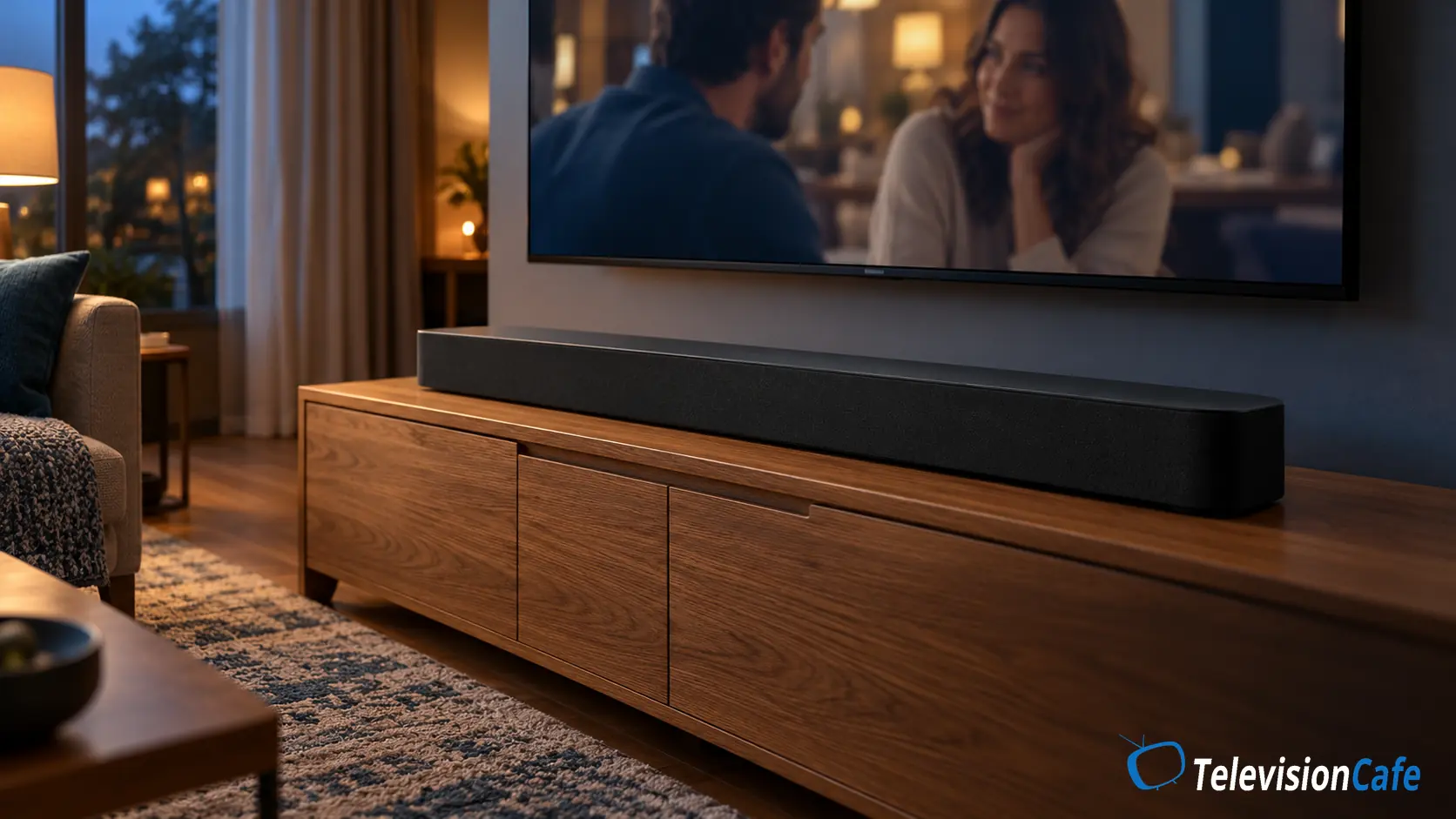
Give the Speakers a Clear Path to Your Seat
Keep a soundbar’s front grille clear of decorations and avoid burying it in a cabinet. Follow the manufacturer’s placement guidance, especially for models with side-firing or upward-firing drivers. A separate center speaker should face the listening area rather than your knees.
Compare the middle and end seats on the couch. If voices become much clearer closer to the speakers or in a different seat, placement and the room deserve attention. Reducing background noise and adding a rug or curtains to a very bare room may help; expensive acoustic treatment is not the first step.
Try Less Bass Before More Treble
If voices sound thick or are buried under rumble, reduce Bass or Subwoofer Level a little and replay the scene. If an equalizer is available, make small changes and keep the original values. There is no universal EQ curve that fixes every TV, speaker, room, and listener.
Stop if added treble makes speech hissy or tiring. A brighter sound is only useful if you can understand more words at a comfortable volume.
When a Soundbar Is Worth Considering
A soundbar becomes worth comparing when the TV’s speakers still make everyday speech difficult after the free checks. Prioritize understandable dialogue at your normal volume, useful voice and bass controls, and connections that suit your TV.
An adjustable center channel gives you another way to change the balance. A compact stereo bar with useful dialogue processing can also be a sensible fit for a bedroom or a simple setup. Channel count, wattage, and an Atmos badge do not settle the decision.
The original Bose TV Speaker is one compact option to compare for this job. Bose documents a Dialogue Mode, adjustable bass, and HDMI ARC or optical connections. It does not support Dolby Atmos, so it suits someone prioritizing a straightforward TV-audio upgrade over immersive movie sound. Check that the listing is for this model; a similarly named second-generation version has different package details.
For broader options, see our soundbar buying guide and soundbars under $300. Include any cables or mounts in the total and use the return period to compare familiar dialogue from every regular seat.
As an Amazon Associate I earn from qualifying purchases.
TelevisionCafe · DIALOGUE UPGRADE
Bose TV Speaker · Original Model
A compact option with Dialogue Mode, bass adjustment, and HDMI ARC or optical input. Compare it for a simple TV setup; choose a different system if Dolby Atmos is a priority.
Paid link. We may earn a commission.
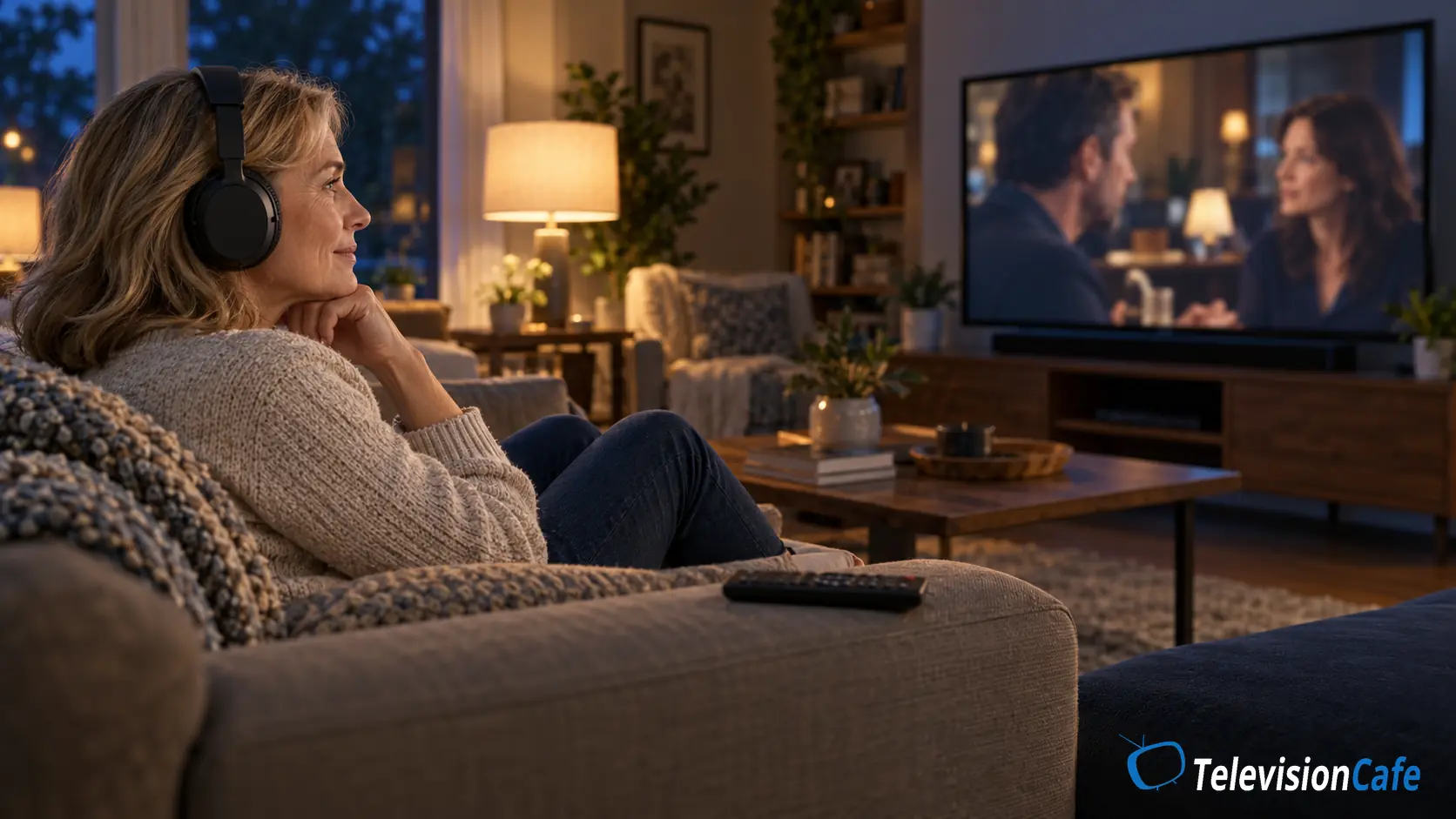
Headphones Can Be the More Practical Fix
If one person needs clearer speech while everyone else prefers a quieter room, headphones can provide personal volume control and remove some of the room’s influence. Check your TV or streaming device’s headphone support before buying.
Wireless connections can introduce lip-sync delay, and some TVs mute their speakers when headphones connect. Test a conversation and confirm simultaneous output if the family needs it. Our TV audio delay guide can help when voices and lips do not line up.
Closed captions or SDH are also useful when accents, a busy mix, or a particular scene remain difficult. You can use them alongside sound adjustments.
If Nothing Has Helped
Restart the TV and source device, check for software updates, and repeat the test with another app or input. If the TV offers a sound-only reset, record your settings before trying it; a full factory reset is not the first troubleshooting step.
Persistent distortion or a speaker that fails a built-in sound test deserves a manufacturer support check. If one person consistently finds speech difficult across different TVs and headphones while others hear it comfortably, a hearing check may be more useful than another equipment purchase.
Our Recommendation
Start with the symptom: use a voice-focused mode for buried speech and night mode for excessive swings in loudness. If dialogue is almost missing, check the track, audio format, and center speaker before adding more processing.
Consider new hardware once you know where the problem lies. A soundbar with useful dialogue controls suits a TV-speaker limitation; headphones suit personal listening. Keep whichever change lets you follow an ordinary conversation comfortably without continually reaching for the remote.