
Google TV vs webOS vs Tizen: Which Smart TV System Is Best?
A beautiful picture gets a TV onto your shortlist. The software decides how pleasant it is to use every evening. Finding a movie, switching apps, sharing a video from your phone, or getting back to an HDMI input should feel effortless.
Google TV, LG webOS, and Samsung Tizen all handle the essentials, but they take different approaches to recommendations, controls, connected devices, and software support.
Which smart TV system is best? Our recommendation is Google TV for viewers who value content discovery and household profiles, webOS for buyers who like LG's controls and compatible Magic Remote, and Tizen for households already using Samsung and SmartThings. For everyday streaming, the availability of your must-have apps matters more than the platform name.
This TelevisionCafe guide compares the platforms' documented features and explains our buying recommendations. It focuses on current TVs and the US streaming market; older models and other regions can offer different features.
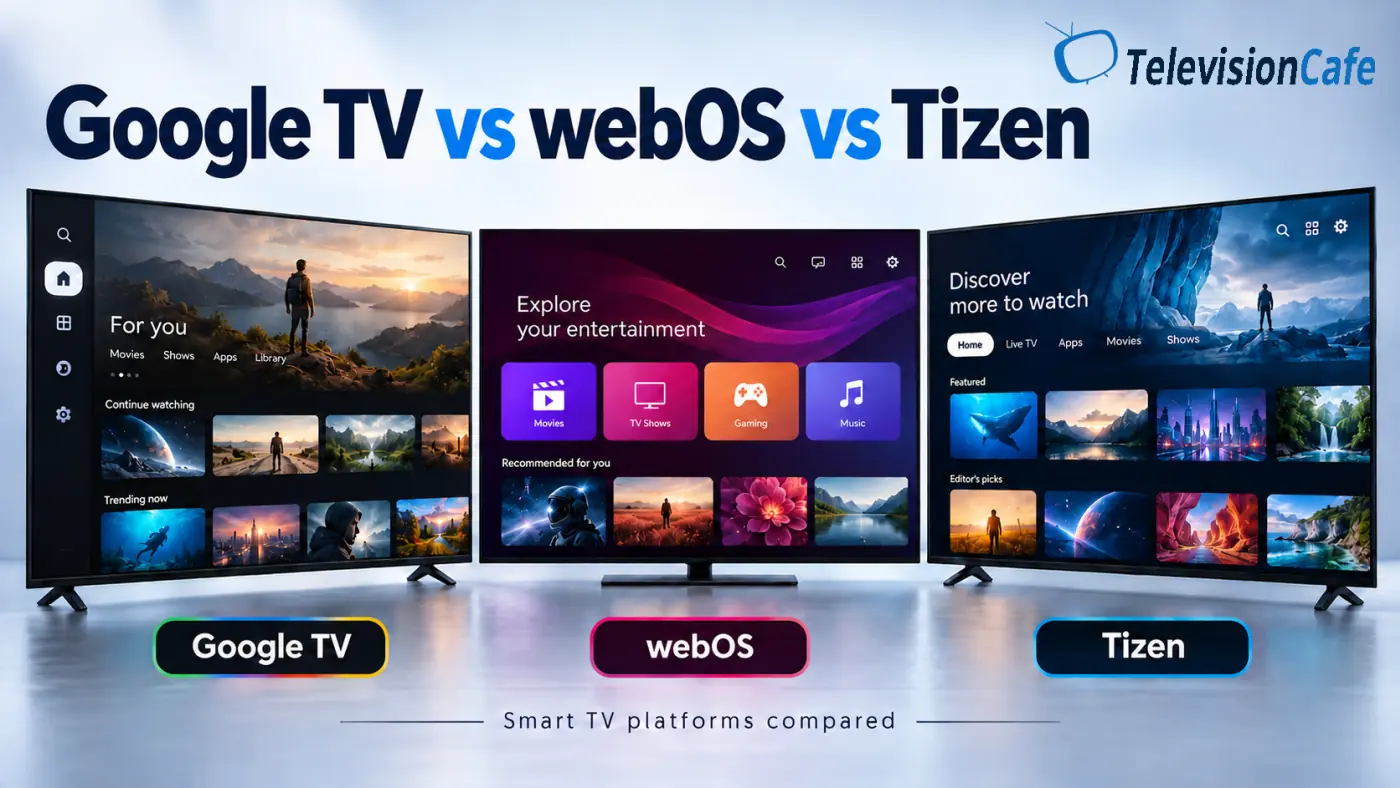
Google TV vs webOS vs Tizen: Quick Comparison
| Feature | Google TV | LG webOS | Samsung Tizen |
|---|---|---|---|
| Our recommended fit | Content discovery and personal profiles | LG owners who like pointer-based controls | Samsung and SmartThings households |
| App installation | TV-compatible apps through Google Play | LG's webOS app catalog | Samsung's TV app catalog |
| Navigation | Content browsing, apps, profiles, and search | App shortcuts and pointer control with a compatible Magic Remote | Smart Hub with entertainment and connected-device features |
| Phone sharing | Google Cast; AirPlay depends on the TV | AirPlay and Google Cast on supported models | AirPlay and compatible phone-sharing features; check the model |
| Home-screen promotions | Yes; Apps only mode does not remove all sponsored content | Recommendations and promotional content; controls vary | Ads and recommendations; controls vary |
| OS upgrade policy | Check the TV manufacturer's commitment | Re:New: four upgrades over five years on eligible TVs | Up to seven years from launch on eligible TVs |
Features, app availability, remotes, and upgrade eligibility vary by model, software version, and region. These recommendations are editorial judgments, not speed-test results.
Google TV: Our Pick for Content Discovery
Google TV suits the viewer who opens the home screen with a question: What should I watch? It brings recommendations from supported services into a shared browsing experience, alongside your apps and watchlist.
Personal profiles help separate different tastes. One person's crime dramas do not have to dominate another person's evening, although recommendations still depend on supported services and account settings. Kids' profiles are available on supported devices and in supported regions.
There is also a useful distinction behind the name: Google TV is a user experience built on Android TV OS. Some devices run Android TV OS with a different interface. Google TV and Android TV are related, but the names do not describe identical home screens.
The trade-off is a busy interface. Recommendations are useful when you want inspiration and less welcome when you simply want to open one app.
Choose Google TV if: you like browsing across services, want individual household profiles, and use Google Cast. Our TCL QM6K review shows how the platform fits into a specific TV's everyday experience.
LG webOS: A Different Way to Navigate Your TV
webOS is LG's smart TV platform, with access to popular streaming services, an app-focused home screen, and settings integrated into the television.
Its most distinctive everyday feature is the compatible Magic Remote. Instead of moving through every item with directional buttons, you can point at the screen and use the scroll wheel. That approach can be particularly appealing when selecting apps or entering text.
Some people love the pointer; others prefer conventional button navigation. Try it before buying, and check whether your chosen TV includes the remote or merely supports it.
Current webOS should not be confused with the small launcher ribbon found on older LG TVs. Today's home screens devote more space to recommendations and services, so an old demonstration may give you the wrong impression.
Choose webOS if: you like LG's navigation and your essential apps are supported. If the controls are your main attraction, our LG Magic Remote troubleshooting guide is useful to keep bookmarked.
Samsung Tizen: A Strong Fit for a Connected Samsung Home
Tizen powers Samsung's smart TV experience. You will also see One UI Tizen used for Samsung's current interface and Smart Hub for its smart features and entertainment access.
The practical attraction is how streaming, connected devices, and Samsung services fit together. SmartThings can let you control a compatible TV from your phone and manage supported smart-home devices.
For someone already using that setup, familiar controls and shared devices can matter more than a competing platform's extra menu options. If you mostly launch one streaming app, those additions may have little influence on your decision.
Tizen offers popular streaming apps, but it does not use the Android TV app store. Owning an Android phone does not mean its apps can be installed on a Samsung television.
Choose Tizen if: Samsung's connected features fit your household. For a buying example where the platform is only part of the decision, see our LG C6 vs Samsung S90H comparison.
Apps: Check Your Favorites Before Counting the Catalog
A platform with a huge app catalog is not automatically better for your household. If you watch Netflix, YouTube, Disney+, and Prime Video, start by confirming those services on the exact TV you are considering.
The meaningful differences often appear with a local broadcaster, a particular live-TV provider, a specialist sports service, or a media app you already use. Availability can change with country, model year, and the service provider's support decisions.
Google TV's access to TV-compatible Google Play apps gives it a useful starting point for viewers with varied requirements. webOS and Tizen have their own catalogs, so check the individual app rather than assuming it exists everywhere.
The app logo is only the first check. Confirm the features you need inside it: 4K playback, HDR, subtitles, live sports, or your preferred audio format. Those can depend on the TV, app version, subscription plan, and content.
Paid streaming subscriptions remain separate from the TV purchase. A preinstalled app does not include its paid programming.
Which TV System Is Fastest?
There is no defensible platform-wide speed winner without comparing specific televisions under the same conditions. The software name does not tell you how quickly an app launches on the TV in front of you.
Processing hardware, available memory, storage, firmware, and the app itself all influence responsiveness. Network conditions can also make a streaming app feel slow even when menu navigation is fine.
That is why a premium Google TV and an inexpensive Google TV should not be treated as identical experiences. The same caution applies across LG and Samsung ranges.
In a store, try three ordinary tasks: open an app, return to the home screen, and switch to an HDMI input. Notice whether button presses register promptly. Read model-specific reviews for longer-term issues a showroom visit cannot reveal.
Our buying advice: judge speed at the model level. Avoid paying extra for a supposedly faster operating system without evidence about the actual TV.
Ads and Recommendations: None Is a Guaranteed Clean Screen
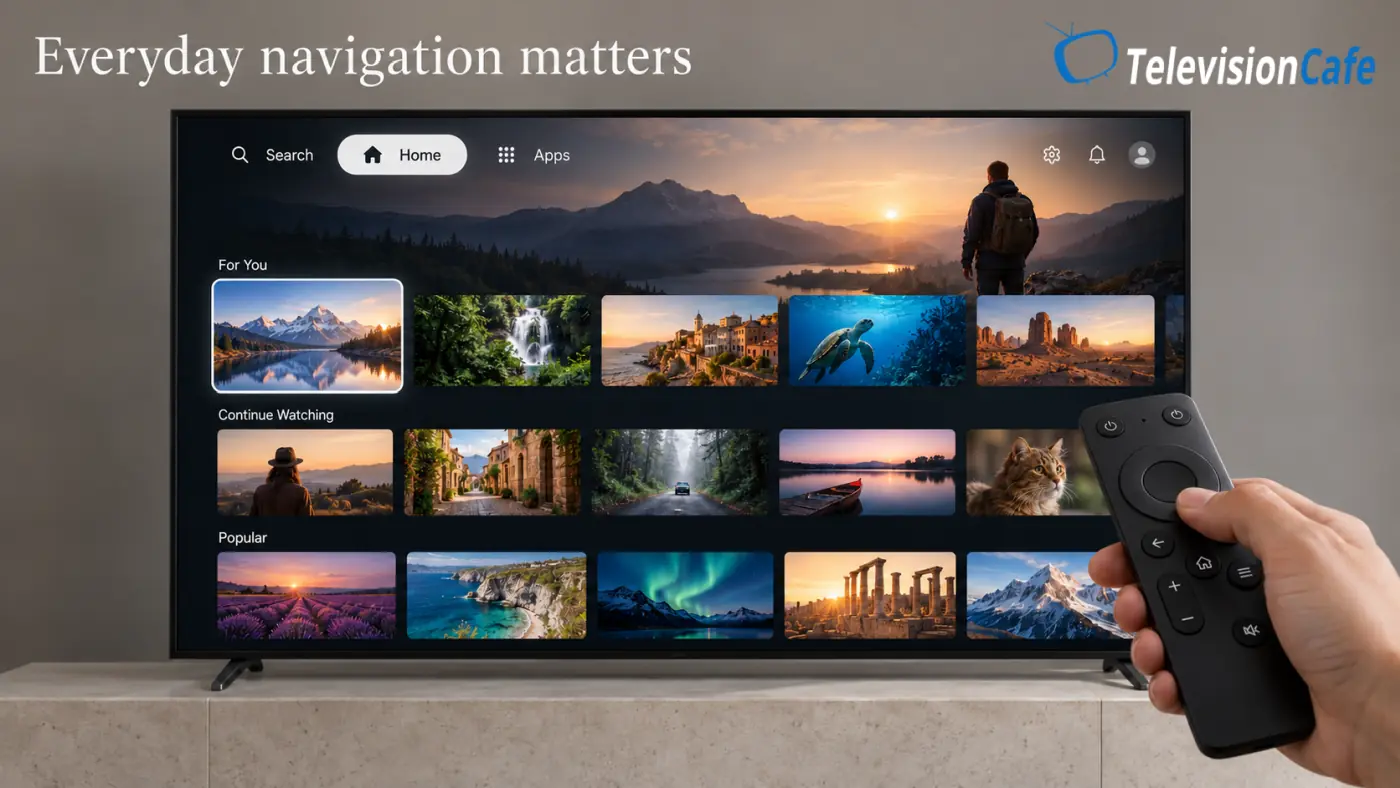
Promotional content is part of modern smart TV ownership. Google TV, webOS, and Tizen can all place recommendations or advertising in the interface, although the format and available settings differ.
Google TV's Apps only mode hides personalized recommendations and puts installed apps at the center of the experience. It still allows sponsored content and teasers, and some features, including search, are unavailable in that mode.
LG provides recommendation controls on supported webOS versions. Samsung allows users to opt out of interest-based advertising, but says generic ads may still appear. Neither should be interpreted as a universal switch that removes every promotion.
During setup, read the privacy choices rather than accepting optional personalization by habit. Disabling personalized ads is different from disabling all data collection or all advertising.
If a quiet home screen is a priority, compare the exact interfaces you will use. An external streaming device is another option, but check its advertising behavior too.
Casting and iPhone Support: Check the TV, Not Just the OS
Google Cast is a useful reason to consider Google TV if you regularly send video from compatible phone apps to the television. Supported LG webOS TVs offer Google Cast too, so this is no longer a simple Google-versus-LG distinction.
For iPhone, iPad, and Mac owners, AirPlay support is a separate specification to verify. Supported LG and Samsung models provide it, and some TVs using Google TV do as well.
Do not assume every television with the same operating system has identical phone-sharing features. Check the exact model and any required firmware update.
Also distinguish casting a supported video from mirroring an entire screen. A service can allow one method and restrict another. If your main goal is watching a particular paid service, its native TV app may be the better route.
Our recommendation: choose around the sharing method you actually use, then confirm compatibility with both your phone and your favorite apps.
Software Updates: Read Beyond the Headline Number
LG's webOS Re:New program offers four upgrades over five years on eligible TVs, giving five OS versions when the original version is included. Eligibility, timing, and features vary by model and region.
Samsung advertises up to seven years of One UI Tizen upgrades from the product's launch year on eligible TVs. Its published policy includes TVs released from 2023 onward, with availability varying by model and region. Buying an older model today does not restart that period.
With Google TV, check the television manufacturer's model-specific support commitment. Google providing the platform does not establish one identical firmware schedule for every brand.
Three different things can be updated: the operating system, individual apps, and security or bug fixes. A headline promise about OS upgrades does not guarantee every future app or feature will work on existing hardware.
For a TV you plan to keep for years, published support terms deserve a place beside picture quality and price in your comparison.
Gaming: Separate Console Features from Cloud Gaming
For a PS5, Xbox Series X, or gaming PC, start with the television's HDMI capabilities, refresh rate, variable refresh rate support, and measured input lag. Those specifications tell you more than the smart platform badge.
A convenient game menu helps, but it cannot turn a basic 60Hz screen into a high-refresh gaming TV.
Cloud gaming is a different question. Samsung Gaming Hub brings supported streaming-game services together on compatible devices. The hub is free to access, but individual services may require subscriptions, purchased games, or other entitlements, along with a compatible controller.
Other TV platforms also offer gaming options, so verify the particular service rather than assuming one brand has exclusive access. Service availability and performance depend on region, hardware, and your internet connection.
Our recommendation: prioritize display and HDMI performance for console gaming. If you want to play without a console, compare the cloud service, controller support, and network requirements separately.
Does Google TV, webOS, or Tizen Have Better Picture Quality?
The platform name alone does not establish picture quality. Contrast, brightness, viewing angles, motion, and upscaling depend on the television's display hardware and processing, while settings and the source also affect the result.
Two Google TVs can produce very different images. Comparing an LG OLED with a Samsung LCD and attributing the difference to webOS versus Tizen would tell you little about either platform.
HDR compatibility is also model-specific. Google TV does not guarantee Dolby Vision or HDR10+, and an operating-system update cannot be assumed to add a format the manufacturer has not promised.
Native apps and external players can deliver different results because their supported formats, output settings, or app implementations differ. Compare the actual playback path if a particular format matters to you.
If you are still choosing the display itself, our OLED vs Mini LED guide explains the differences that deserve more weight in a picture-quality decision.


Where Do Roku TV, Fire TV, and VIDAA Fit?
Google TV, webOS, and Tizen are not the entire market. A few other platforms deserve a place on your shortlist:
- Roku TV: worth considering if you like arranging apps and inputs on a customizable home screen. Roku TVs come from Roku itself and partner manufacturers; picture quality still depends on the model.
- Fire TV: worth a look if Alexa and Amazon's app ecosystem suit your household. Check the interface and services on the actual television before deciding.
- VIDAA: another platform you may encounter, particularly on certain Hisense TVs outside the US. Verify your local app catalog rather than carrying over assumptions from Google TV models.
Hisense provides a useful warning against shopping by brand alone: its US U7SG uses Google TV, while the U7SF uses Fire TV. The US U6SF Pro also uses Fire TV.
The complete model code matters. Similar names, another retailer, or a different market can mean a different smart TV experience. Our Hisense U7SG review covers the Google TV version specifically.
Which Smart TV System Should You Choose?
We would narrow the choice by asking how you normally start watching:
- You browse until something catches your attention: start with Google TV. Its recommendations, watchlist, and profiles are good reasons to investigate it.
- You want a familiar LG experience and like pointing at the screen: consider webOS on a TV with the appropriate Magic Remote.
- You already use Samsung devices and SmartThings: Tizen is a sensible place to start.
- You open the same two apps every night: confirm those apps, then prioritize the better picture, price, and remote.
- You primarily watch through a console or external player: give the built-in platform less weight, while checking access to inputs and TV settings.
If an excellent TV has a platform you dislike, an HDMI streaming player can supply a different home screen and app ecosystem. It does not replace the television's firmware or picture controls.
That flexibility is valuable: you can change the streaming experience later without replacing the screen. For a broader buying checklist, see Buying a TV? Start Here.
Google TV vs webOS vs Tizen FAQ
Is Google TV better than webOS and Tizen?
We recommend Google TV for viewers who value content discovery and personal profiles. webOS may suit LG users who like Magic Remote navigation, while Tizen may fit Samsung and SmartThings households better. App compatibility and the specific TV still decide which is best for you.
Are Google TV and Android TV the same?
Google TV is a user experience built on Android TV OS. Devices described as Android TV can use a different interface, so the two are related without having identical home screens or features.
Can I install Android apps on webOS or Tizen?
You cannot install Android APKs as native webOS or Tizen apps. These platforms use their own TV app catalogs. Google TV supports TV-compatible Android apps, but that does not mean every Android phone app works properly on a television.
Can I use a smart TV without creating an account?
Some Google TV televisions offer a Basic TV mode for broadcast TV and external inputs, with limited smart features and no app installation. Samsung requires an account for its full network-based smart experience in the US. Requirements vary by platform, model, and country.
Which platform is best for an iPhone?
Check AirPlay support on the exact television. Compatible LG, Samsung, and some Google TV models support it. An iPhone can also use supported Google Cast-enabled apps, so the app and sharing method matter as well as the TV brand.
Can I replace my TV's operating system with Google TV?
There is no supported consumer upgrade that replaces a webOS or Tizen TV's built-in system with Google TV. You can connect a compatible external streaming device over HDMI to use a different interface while keeping the TV's original software.
Final Verdict: Match the Platform to Your Routine
Google TV gets our recommendation for content discovery and shared households. Personal profiles and a service-spanning browsing experience are useful when different people want different things from the same screen.
webOS deserves consideration for its LG controls and compatible Magic Remote. Whether pointer navigation appeals to you is a practical preference worth testing.
Tizen is a strong fit for Samsung and SmartThings users. Its connected features are most valuable when you actually use them.
Before choosing, confirm your essential apps, try the remote, and check the model's support policy. When all three meet your needs, give the better television the advantage. You will see its picture every time you watch; you can always add a different streaming player later.