
PCM vs Bitstream vs Pass-Through: Which Should You Use?
For a stereo soundbar or an optical device that only accepts stereo, choose PCM. For surround sound from TV apps, start with Auto. For a compatible HDMI player feeding a soundbar or receiver through the TV, try Pass-Through to preserve the incoming audio.
Those are starting points, not interchangeable quality settings. The right choice depends on what your source sends, what your TV can forward, and what your sound system accepts.
The detail that prevents most mistakes: PCM can carry surround sound, but a TV's menu option labeled PCM may force stereo. Pass-Through can preserve supported audio, but it cannot make an unsupported format work.
Jump to: The differences · PCM and surround · Choose your setting · Connection limits · Dolby Atmos · Gaming · Troubleshooting · FAQ

What PCM, Bitstream, and Pass-Through Actually Mean
These labels describe different parts of the audio process. PCM describes the signal being sent. Bitstream usually means sending encoded audio for another device to decode. Pass-Through describes how the TV handles an incoming signal.
| Setting | What it does |
|---|---|
| PCM / LPCM | Sends uncompressed digital audio. Encoded soundtracks are decoded before being sent this way. |
| Bitstream | Sends an encoded format, such as Dolby Digital or Dolby TrueHD, to a compatible decoder. |
| Pass-Through | Forwards supported source audio with minimal TV intervention. It can include encoded audio or multichannel PCM. |
| Auto | Lets the TV select an output. Depending on the model, it may decode, convert, or forward audio. |
A Blu-ray player, for example, can decode a compatible soundtrack and send PCM, or send the encoded bitstream to an AV receiver. The receiver's front panel may show different labels even when both routes reproduce the same channel-based soundtrack correctly.
Bitstream does not automatically mean lossy. Dolby TrueHD uses lossless compression. Conversely, decoding a lossy streaming track into PCM does not restore information removed during compression. Changing the output label is not an upgrade to the original recording.
PCM Is Not Always Stereo
PCM stands for pulse-code modulation. In TV menus, you may also see LPCM, meaning linear PCM. Neither name specifies the number of channels: PCM can be stereo, 5.1, or 7.1 when the equipment and connection support it.
The confusing part is the TV's implementation. Samsung's U.S. audio-format guide describes its PCM output option as left and right channels only. That is a description of the setting covered by that guide, not a limit of PCM itself.
A useful example: a console can output 5.1 PCM, while the TV forwards it over eARC using Pass-Through. Selecting PCM on that same TV could instead produce stereo. The console's output format and the TV's output mode are separate choices.
Which TV Audio Setting Should You Choose?
Choose for the system you actually have. A stereo bar needs a different signal from a surround receiver, even if both connect to the same television.
| Your setup | Start here |
|---|---|
| Stereo soundbar or stereo-only optical device | PCM. Check that the receiving device accepts stereo PCM. |
| Surround sound from built-in TV apps | Auto, then verify the received format. |
| HDMI player connected through the TV | Pass-Through if the whole path supports the source format; compare Auto if it doesn't work. |
| Older surround system using optical | Dolby Digital 5.1 where supported. Use PCM if stereo is sufficient or encoded audio is incompatible. |
| Console with a compatible eARC surround system | Multichannel PCM at the console and compatible passthrough at the TV; choose Atmos separately if wanted and supported. |
Using only the television's speakers? Select TV Speakers as the sound output. A digital-output setting intended for an external sound system is not a general sound-quality control for the built-in speakers.
Optical, ARC, and eARC Change What Will Work
A menu cannot overcome the limits of the connection. This is where a sensible PCM recommendation for one setup becomes the wrong advice for another.
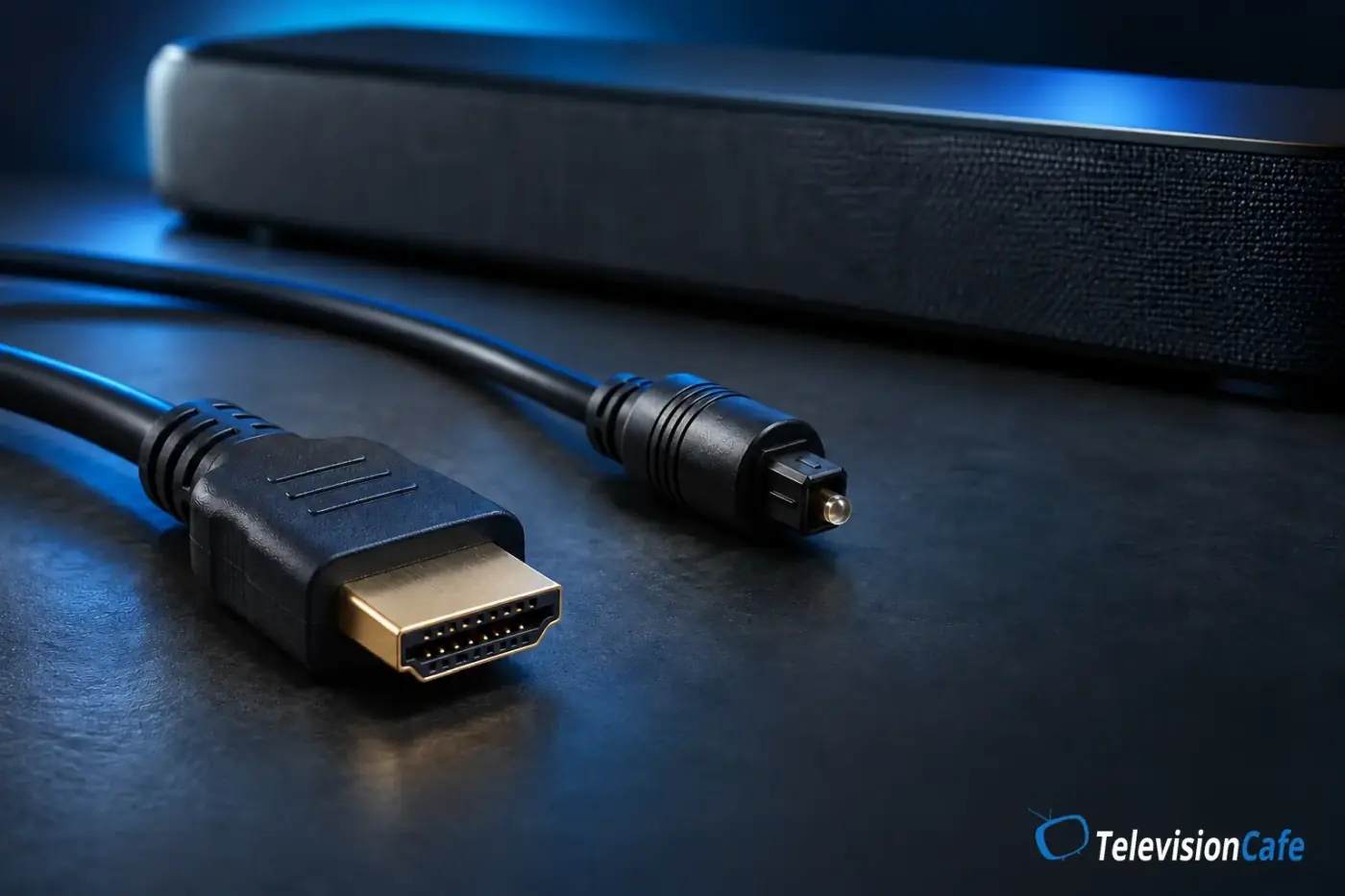
- Optical: carries stereo PCM and compatible compressed surround formats such as Dolby Digital 5.1. It does not carry multichannel PCM, Dolby TrueHD, or Dolby Atmos.
- HDMI ARC: carries stereo PCM and supported encoded formats. Dolby Digital Plus Atmos can work on compatible equipment, but standard ARC does not carry 5.1 or 7.1 PCM.
- HDMI eARC: has room for multichannel PCM and higher-bandwidth formats such as Dolby TrueHD. The TV still needs to forward the format, and the sound system must accept it.
For the TV-to-soundbar connection, use the TV's labeled ARC/eARC port and the soundbar's matching TV or HDMI OUT (ARC/eARC) port. An ordinary HDMI input is a different connection.
If you are deciding which cable to use, our HDMI vs optical guide for soundbars covers the connection tradeoffs in more detail.
For cable certification and length checks, see our guide to choosing an HDMI cable.
What About Dolby Atmos and Apple TV 4K?
Atmos can reach your sound system in different ways. Streaming services commonly use Dolby Digital Plus; compatible disc playback can use Dolby TrueHD. Some devices also use Dolby MAT, which carries PCM-based audio with Atmos metadata.
That last option matters. Sonos documents Dolby MAT delivery from devices such as Apple TV, and distinguishes multichannel PCM with Atmos object data from PCM without it. Ordinary PCM and PCM-based Atmos transport are not the same thing.
Check the Atmos route: Dolby Digital Plus Atmos may work over ARC. Dolby TrueHD Atmos and Dolby MAT Atmos require eARC when traveling from the TV to the sound system, or a suitable direct HDMI connection to that sound system.
For Apple TV 4K, start with automatic audio selection on a compatible system. Apple's support guidance treats forced Stereo or Dolby Digital 5.1 as compatibility options, rather than the preferred choices for equipment that supports Atmos or multichannel PCM.
Also check the source, not just the receiver's badge. Apple notes that its Continuous Audio Connection can make some older receivers indicate Atmos even when the original program is stereo or another format. A logo alone does not prove the movie has an Atmos soundtrack.
PCM or Bitstream for Gaming?
For conventional surround gaming, multichannel PCM is a useful starting point when your console, TV, and sound system can carry it end to end. It avoids requiring the console to encode that output as Dolby Digital just to transport multiple channels.
With optical or standard ARC in the return path, 5.1 or 7.1 PCM is not an option. A supported encoded surround format may be the practical alternative. If you want Atmos, select an appropriate Atmos output and verify compatibility rather than assuming plain PCM preserves Atmos metadata.
On PS5, start under Settings > Sound > Audio Output. Match HDMI Device Type to the equipment, then review Audio Format (Priority). PlayStation notes that apps such as the disc player can have separate audio controls, so a setting that works for games does not settle disc playback.
If you connect the console directly to a soundbar or receiver instead, check its video passthrough support first. Your required 4K refresh rate, HDR format, and VRR support must survive that route. A soundbar's eARC TV connection does not guarantee a separate HDMI input.
How to Change the Setting Without Guessing
First select the external audio system as the TV's sound output. Then find the digital audio format control. Names and available choices vary with the model, software, active input, and selected output.
Samsung's U.S. support guide gives this example:
Settings > All Settings > Sound > Expert Settings > Digital Output Audio Format
Other televisions may use names such as Digital Sound Output, Digital Audio Out, or Pass Through Mode. Follow your exact model's manual; Auto is not a promise of identical behavior across brands.
Take a photo of the original setting. Play the source you want to fix, change one option, and check the sound system's input-format information. Restore the previous choice if you lose sound or channels.
No Sound, Missing Surround, or Audio Delay?
Pass-Through gives you silence: return to Auto, then test PCM. If PCM works, investigate format compatibility along the source-to-TV-to-sound-system path. It is a useful clue, not proof that a cable or device is defective.
PCM works, but surround disappears: check whether the receiver reports PCM 2.0 rather than multichannel PCM. Confirm the TV's PCM behavior, the source's channel configuration, and whether the return connection is eARC. A soundbar can create surround effects from stereo without receiving discrete surround channels.
Atmos works in a TV app but not on an HDMI player: compare their output formats. The app may use Dolby Digital Plus while the player uses Dolby MAT. The first working over ARC does not prove that ARC supports the second.
Voices arrive after the lips move: test PCM as a diagnostic step and compare with Auto or supported Pass-Through. Sony includes PCM among its troubleshooting options, but no mode guarantees the lowest delay on every system. Check whether the change also reduces your output to stereo.
Use the same short scene for each comparison and keep listening levels similar. For persistent timing problems, follow our TV audio delay and lip-sync guide. For silence or dropouts, use our HDMI ARC/eARC troubleshooting steps.
Our Recommendation
Keep the format your system needs, then choose the mode that delivers it reliably. Stereo equipment rarely needs more than PCM. Surround and Atmos systems deserve a check of the received channels and format before you settle on Auto or Pass-Through.
Do not replace working equipment just because PCM appears on a display. If the desired channels arrive, dialogue stays in sync, and playback is stable, the label is doing its job. When shopping for an upgrade, our soundbar buying guide explains which connection and format capabilities to check.