
How to Clean a TV Screen Without Damaging It
To clean a TV screen without damaging it, start with a clean, dry microfiber cloth and a very light touch. If fingerprints remain, check your TV's cleaning instructions before using a second cloth barely dampened with water. Apply moisture to the cloth, never directly to the screen, and let the display dry completely before reconnecting power.
A fingerprint can be annoying during a dark scene. Trying to scrub it off can leave you with a much bigger problem: a damaged coating or panel. You don't need a cabinet full of cleaning products, but you do need to know when to stop.
Check your exact model first. The method below is a cautious starting point for modern flat-screen TVs. Your TV manufacturer's model-specific care instructions take priority, especially for matte screens and specialized anti-reflection coatings.
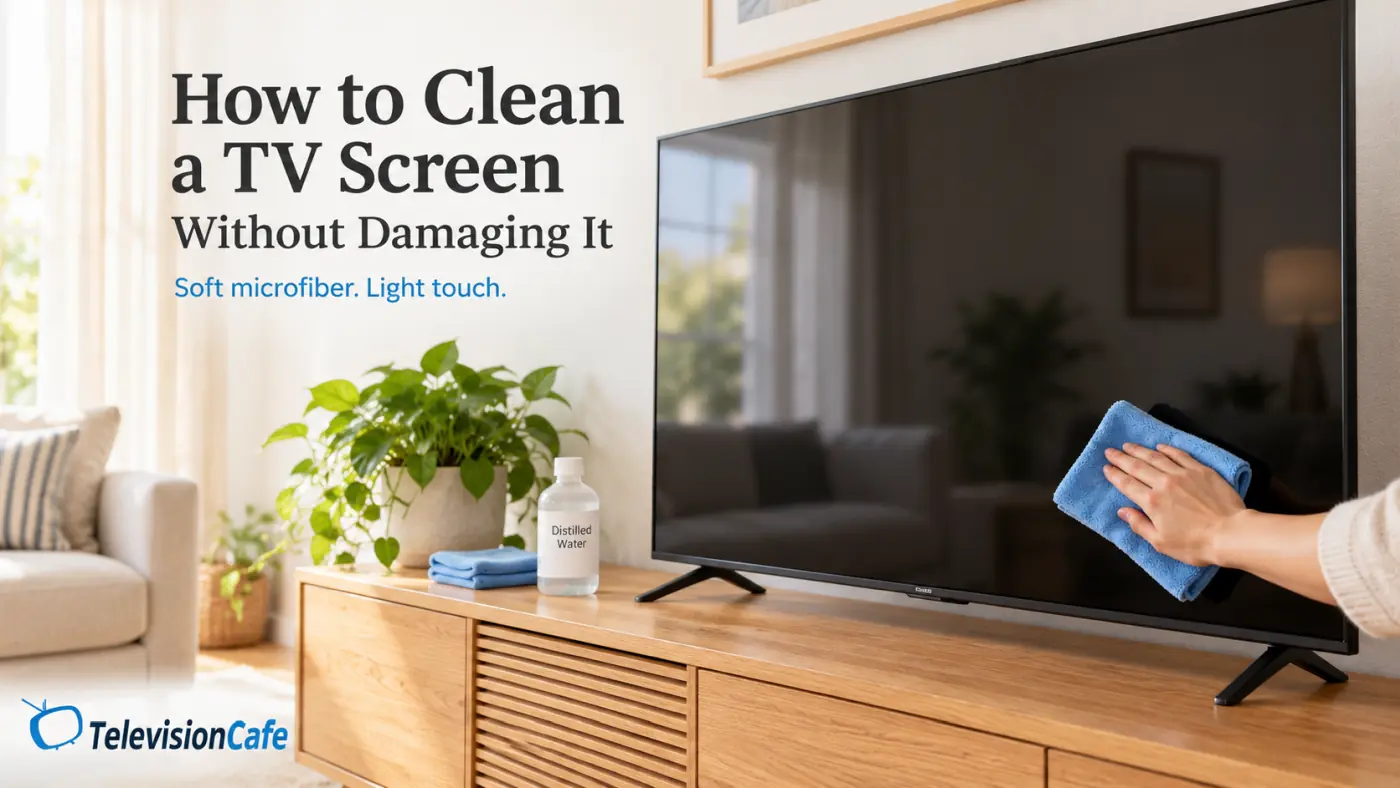
What You Need to Clean a TV Screen
- A clean, soft microfiber cloth for removing loose dust.
- A second microfiber cloth for spot cleaning and a clean, dry section for finishing.
- A little distilled water, only if your TV's instructions allow damp cleaning.
- Your model's care instructions, available in its manual or on the manufacturer's support site.
Choose a cloth without rough edges or exposed tags that could drag across the display. Check it for grit before you start. Keep a cloth just for the TV rather than using one that has already wiped the kitchen counter or carried furniture polish.
Distilled water is a sensible choice when water is permitted; Samsung specifically recommends it in its general cleaning guidance. A cleaning kit isn't automatically necessary. First find out whether the mark comes off with a dry cloth.
TelevisionCafe · PRICE CHECK
MagicFiber Microfiber Cleaning Cloths · 6-Pack
Six small microfiber cloths for gentle dry dusting and spot cleaning. Keep one clean cloth just for your TV, check it for grit, and follow your TV manufacturer's care instructions.
Paid link. We may earn a commission.
Step 1: Turn the TV Off and Let It Cool
Switch the TV off normally. Follow any shutdown instructions in its manual, then unplug it before cleaning and allow the panel to cool. Don't clean a display while it's still warm from a long viewing session.
A black screen also makes dust and fingerprints easier to see. Use ordinary room light or daylight from the side to find the affected area, rather than wiping the entire screen repeatedly in search of a mark.
Make sure you can reach comfortably. If a wall-mounted TV is too high, arrange safe access before starting. Don't pull on the panel, tilt the set by its screen, or brace your other hand against the display.
Step 2: Remove Loose Dust With a Dry Microfiber Cloth
Gently move the cloth across the screen in light, overlapping passes. You can work from top to bottom or from one side to the other. The cloth should glide over the surface without visibly flexing the panel.
Refold it as you work so you're using a clean section. If the screen only has a light layer of dust, this may be all it needs.
LG's TV screen cleaning guidance recommends gentle wiping in one direction and warns against pressing firmly with your fingers or palms. A stubborn spot is a reason to reassess the method, not increase the pressure.
Step 3: Gently Remove Fingerprints and Smudges
If your model allows water, lightly dampen a corner of the second microfiber cloth. It should feel barely moist, with no dripping when squeezed. Gently wipe the fingerprint, then use a clean, dry part of the cloth to remove remaining moisture.
Work on a small area at a time. You don't need to wet the whole screen to remove one fingerprint near the edge.
For sticky food residue or an oily mark that won't lift with the permitted method, stop and ask the manufacturer what it approves for your model. Don't pick at dried debris with a fingernail or improvise with a stronger household cleaner.
Keep moisture away from the edges. Liquid can enter through gaps around the panel, particularly along the bottom. Never spray the display, soak a stubborn spot, or let water collect against the bezel.
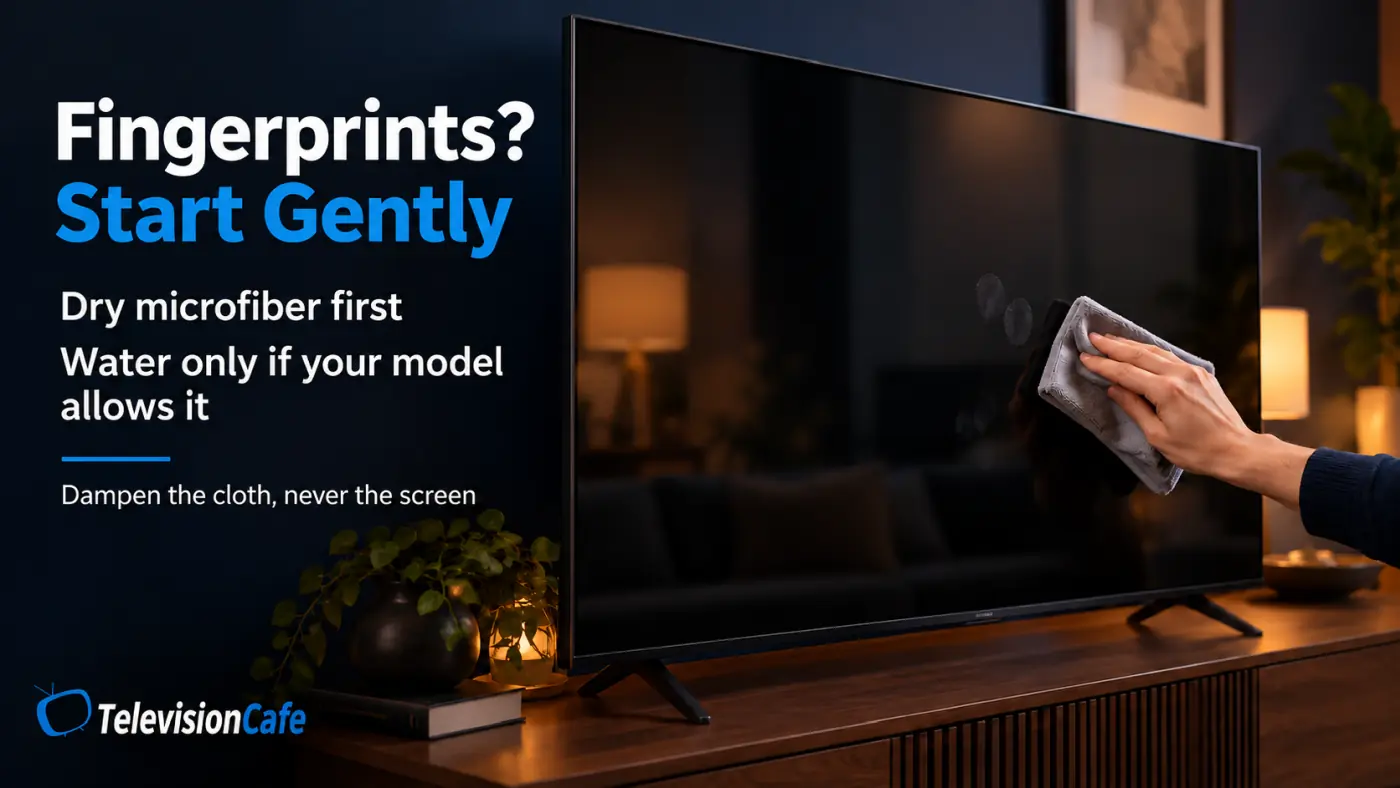
Step 4: Let the Screen Dry and Check for Streaks
Leave the TV unplugged until the screen is completely dry. Don't use a hair dryer to speed things up.
If a streak remains, first check your cloth. Replace it with a fresh one rather than spreading the same residue over a wider area. If damp cleaning is permitted, try one careful pass with a barely damp section, followed by a dry section.
A mark that remains after gentle cleaning isn't proof that you need more liquid. Stop if repeated passes aren't helping, or if the area looks cloudy or discolored. Take a photo and contact support before trying another product.
What Should You Avoid Using on a TV Screen?
Keep everyday household cleaners away from the display unless your TV manufacturer explicitly approves a particular product and method for your exact model.
| Product or method | Why to avoid it |
|---|---|
| Window cleaner and household cleaning sprays | Their ingredients may damage the screen coating. |
| Rubbing alcohol and disinfecting wipes | They aren't universally compatible with TV finishes. |
| Paper towels, tissues, and abrasive pads | They can scratch or damage the surface. |
| Toothpaste, polish, and scratch-removal compounds | Abrasives can make coating damage worse. |
| Spraying liquid directly onto the screen | Runoff can reach the TV's internal components. |
Don't assume a homemade vinegar mixture or an “electronics-safe” label makes a cleaner suitable for your TV. Check the TV's instructions as well as the cleaner's label. Advice for a phone or eyeglasses doesn't establish compatibility with a television.

Do OLED, QLED, and Mini LED TVs Need Different Cleaning?
Start with the exact model and its screen finish. “OLED,” “QLED,” and “Mini LED” don't give you enough information to choose a cleaning chemical. Two TVs with similar display technology can have different care requirements.
That matters particularly with matte and anti-reflection surfaces. Samsung's official TV cleaning instructions include a separate procedure for The Frame and Serif that uses a melamine foam sponge after a lightly dampened cloth. That is a specific exception, not permission to use a Magic Eraser on any TV.
Before following an unusual cleaning tip, confirm that it applies to your exact model and year. Don't transfer advice from a monitor, a different region's TV, or another screen finish just because the brand name matches.
For an explanation of the display technologies themselves, see our OLED vs Mini LED guide. For cleaning, the model's care instructions remain the deciding factor.
When a Screen Mark Needs Troubleshooting Instead of Cleaning
A speck of dirt can resemble a bad pixel. After the TV is dry and reconnected, check whether the mark appears in different apps, on another input, and over the TV's own menus.
TCL's troubleshooting guidance uses these checks to help separate content or input problems from possible panel issues. A dot that remains in exactly the same position across menus and different sources may need support. Pressing, tapping, or “massaging” it can cause more damage.
If a cloudy patch appeared after cleaning, stop experimenting. Photograph it with the TV off and, once it is safe to power on, during normal viewing. Tell support which cloth, liquid, and method you used; those details are more useful than another round of scrubbing.
Cleaning also won't resolve a low-quality stream. If the surface looks clear but shows still look soft, follow our guide to why Netflix looks blurry on a 4K TV before reaching for the cloth again.
How Often Should You Clean Your TV Screen?
Check it when you dust the room, and clean only when there's visible dust or a mark worth removing. There's no need to wet-wipe a clear screen on a fixed schedule.
Keep the TV cloth somewhere clean, and use a separate cloth for the stand and cabinet. In a home with children, showing everyone how to point without touching the screen can save a lot of fingerprint removal.
Our Recommendation
For routine care, put your effort into a clean microfiber cloth and a gentle technique. Use water only when your model allows it, and reserve damp cleaning for marks that dry dusting doesn't remove.
If a smudge resists that approach, the next step is model-specific advice from the manufacturer. Repeated rubbing or a stronger cleaner can turn a small, barely visible mark into a permanent one.
Frequently Asked Questions
Can I use eyeglass cleaner on my TV screen?
Don't assume it's suitable. Eyeglass cleaners vary, and approval for lenses doesn't mean approval for a TV coating. Use one only if your television manufacturer confirms compatibility with your model.
Can I wash and reuse my TV cleaning cloth?
Yes, if the cloth is washable. Follow its care label, rinse it thoroughly, and let it dry before storing it. Avoid fabric softener, and replace a cloth that stays greasy, feels rough, or has trapped debris.
Do I need to buy a special TV screen cleaner?
Not for ordinary dust. A dry microfiber cloth is the starting point. Some manufacturers permit certain screen cleaners for particular models, but that approval isn't universal. Buy a cleaner only after checking what your exact TV allows.