
Roku Pro Series Review (2025): Can It Beat TCL & Hisense?
The Roku Pro Series has a tempting pitch: get a more capable TV without giving up the Roku experience you already know. For someone replacing an older Roku television, that can be more appealing than learning a different smart TV system.
But familiarity only goes so far. Once you are shopping for a Mini LED TV, TCL and Hisense deserve a place on the same shortlist. The question is whether Roku gives you enough picture quality for the money, or whether its convenience comes at too high a premium.
Which model does this review cover? This article covers the U.S. 2025 Roku Pro Series Mini LED models: 55R8C5, 65R8C5, and 75R8C5. The earlier R8B5 models and newer Pro Series OLED and LX OLED televisions are separate products.
Review approach: This is a research-based evaluation using Roku's published specifications and independent testing from RTINGS and TechRadar. TelevisionCafe has not conducted hands-on testing of this TV. Buying recommendations reflect our assessment of that evidence.
Roku Pro Series: The Quick Verdict
The 2025 Roku Pro Series is worth considering if you want Roku built in and find a competitive sale price. At similar prices, we would favor the TCL QM7K for picture quality or investigate the Hisense U75QG for a brighter HDR presentation.
That does not make the Roku a bad purchase. It means its strongest argument is the complete experience: picture features, familiar controls, and the convenience of using one integrated system.
Our buying rule is simple: decide how much you value that convenience before comparing prices. If Roku is merely a nice bonus, it should not outweigh a better-performing display.
Roku Pro Series Specs: Check the Model Number First
| Screen sizes and model numbers | 55 inches: 55R8C5; 65 inches: 65R8C5; 75 inches: 75R8C5 |
|---|---|
| Display | 4K LCD with quantum dots and Mini LED local dimming |
| Native refresh rate | 120Hz |
| HDR support | Dolby Vision IQ, HDR10+, HDR10, and HLG |
| Gaming connection | Up to 4K at 120Hz with VRR through HDMI 1 and HDMI 2 |
| HDMI inputs | Four total; two support HDMI 2.1 bandwidth for 4K/120Hz |
| Audio return channel | eARC on HDMI 4 |
| Smart TV platform | Roku OS |
| Included remote | Roku Voice Remote Pro, second edition |
Read the full model code on a listing before ordering. A review of the Mini LED version cannot tell you how the OLED version handles reflections, brightness, or gaming motion.
Roku announced custom factory calibration for its 2025 Pro Series. That is a useful update, but factory calibration is not a guarantee that every picture mode will be equally accurate.
Picture Quality: Good Contrast, With HDR Compromises
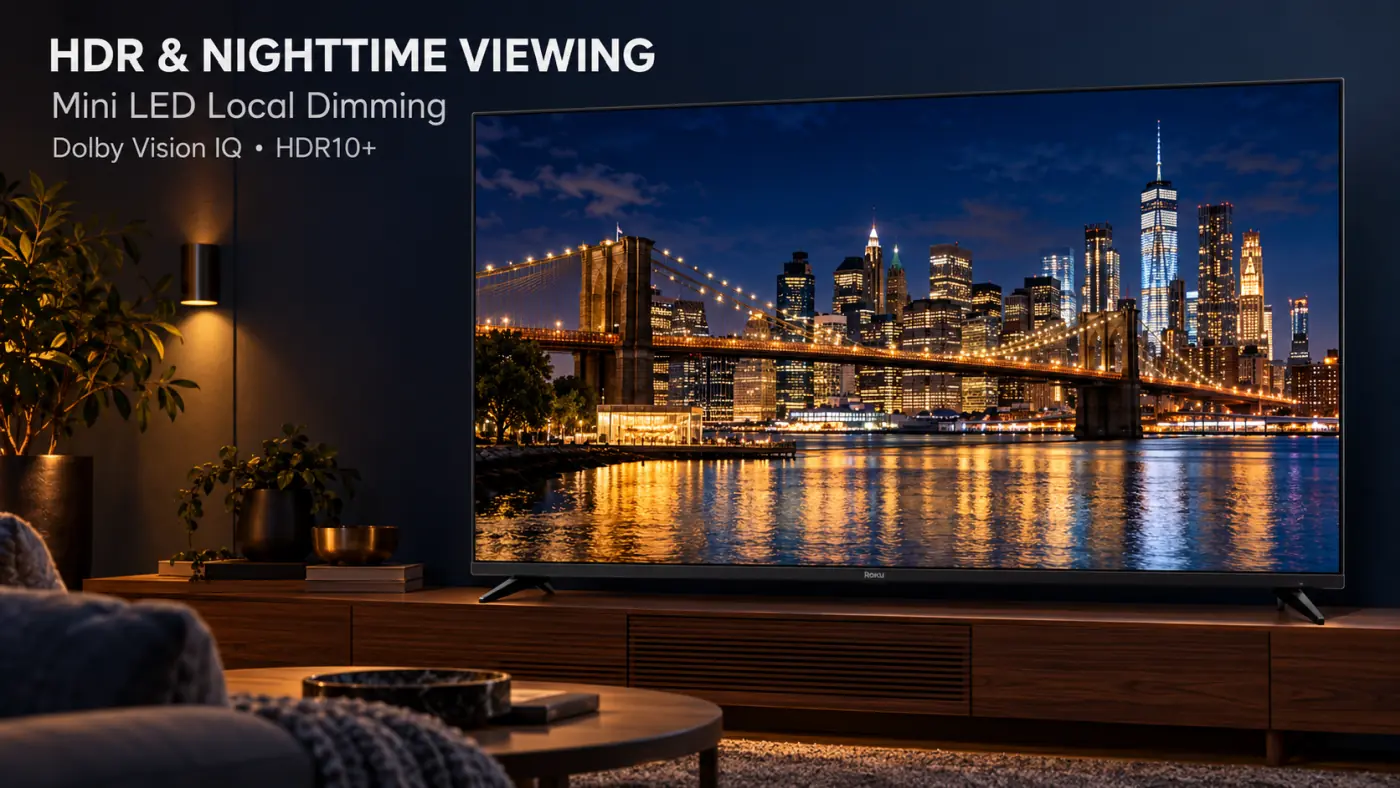
Mini LED local dimming controls groups of backlights behind the LCD panel. It can darken one part of the picture while leaving another bright, which helps give nighttime scenes more depth than a basic LCD television.
Independent testing finds good black levels on the Roku, with some haloing around bright objects and subtitles. HDR brightness accuracy is a weaker point: RTINGS reports that the television can make HDR scenes brighter than intended.
TechRadar's measurements also show why picture settings matter. Its 10% white-window HDR test measured 841 nits in Standard mode at default settings, rising to 1,818 nits with the Brightest setting selected. Those are results from different settings, rather than interchangeable claims about everyday brightness.
A brighter image is not automatically a more accurate image. Consider whether highlights, faces, and shadow detail look balanced together. A dramatic showroom picture can become tiring during a two-hour movie.
For an explanation of the glow around captions, see our guide to TV blooming and bright subtitles. If deep blacks are your main priority, our OLED vs. Mini LED comparison explains the different approaches.
Bright Rooms and Sports: Your Seating Matters
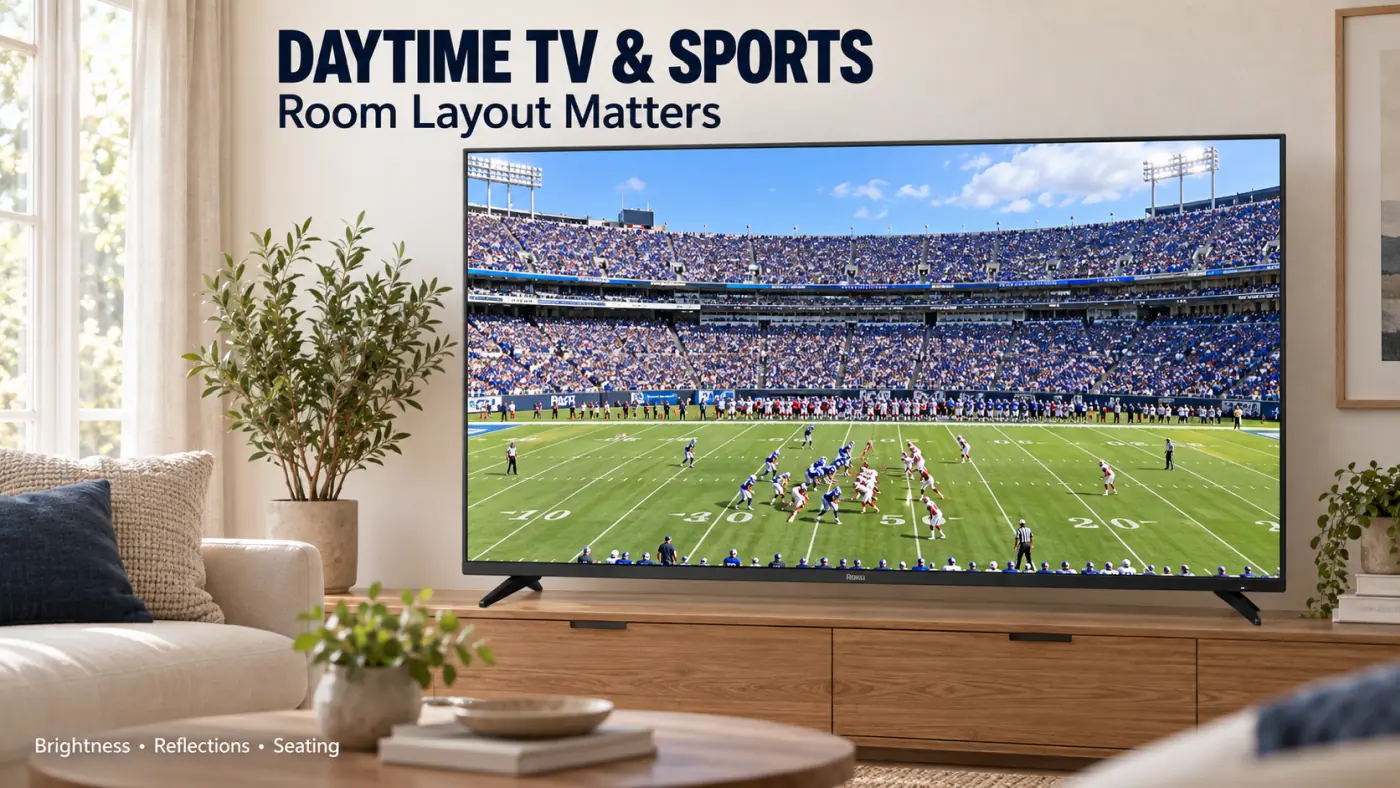
RTINGS finds strong SDR brightness, weak handling of direct reflections, and a narrow viewing angle. That makes room layout an important part of this purchase.
Before ordering, sit where you normally watch television and look toward the screen area. Is there a window directly behind you? Does a lamp reflect over the middle of the picture? Can most viewers sit reasonably close to the center?
For sports, evaluate a familiar broadcast rather than a store's slow-moving demo. Watch players during a camera pan, then look at the field or ice for distracting patches. Include the seats your family actually uses.
The 120Hz specification does not turn a lower-frame-rate sports stream into native 120 fps footage. Our 60Hz vs. 120Hz vs. 144Hz guide explains why refresh rate is only part of motion clarity.
Gaming and HDMI: A Practical Two-Console Setup
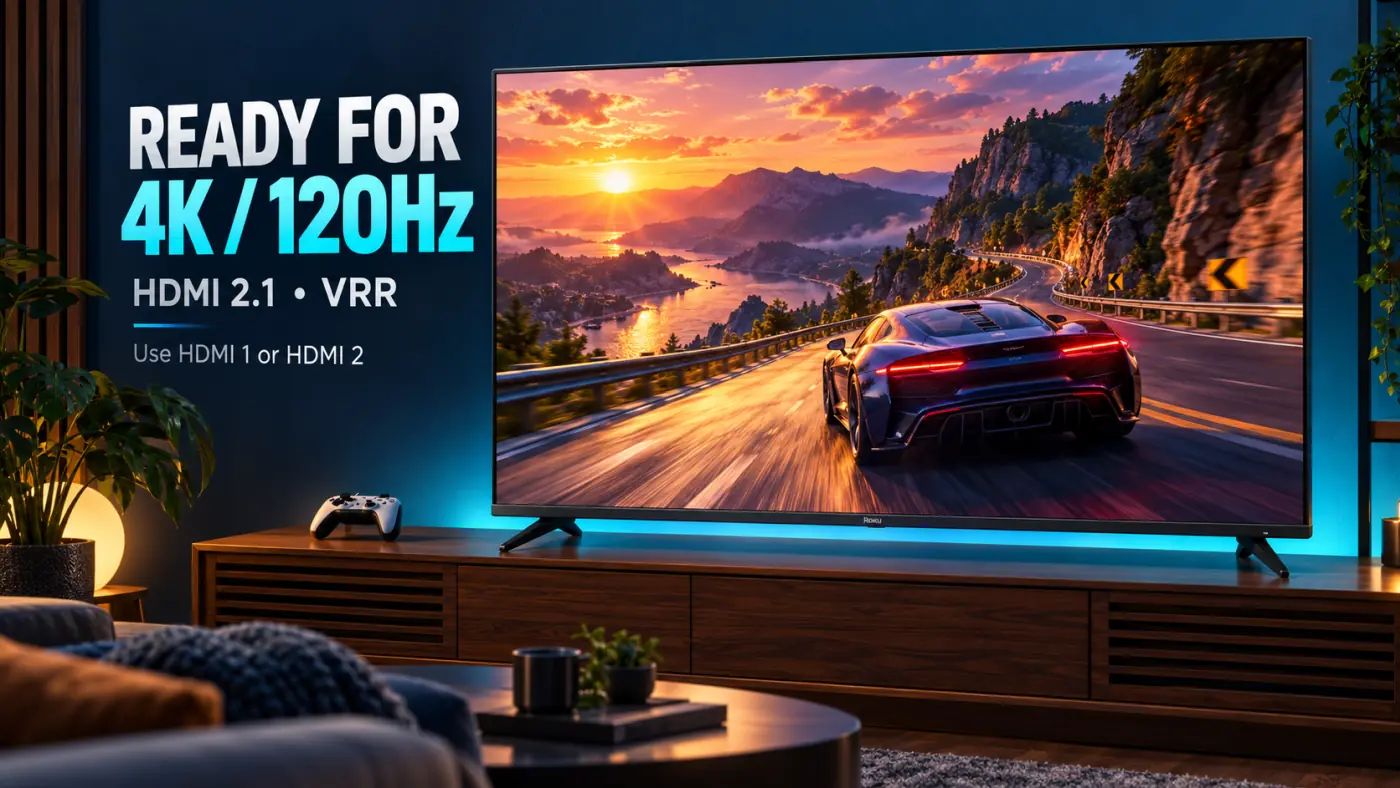
The Roku supports 4K/120Hz and VRR, and independent testing reports low input lag in Game Mode. However, pixel transitions can still produce visible blur in faster games.
The useful connection detail is that HDMI 1 and HDMI 2 handle 4K/120Hz, while HDMI 4 handles eARC. You can therefore connect two compatible gaming sources to the faster inputs and use a separate port for an eARC soundbar.
For a typical setup, connect the consoles directly to the TV, then send audio back to the soundbar through eARC. If you route a console through another device instead, that device must support the same video signal.
Check the console's video settings and the game's performance mode after connecting everything. A supported TV input does not make every game run at 120 fps.
We would put more weight on demonstrated motion clarity than on a refresh-rate number alone. If fast shooters are your main use, compare the alternatives below carefully.
Roku OS and the Remote: The Main Reason to Choose It
If everyone in your household already knows Roku, keeping that familiar system has practical value. Think about the person who just wants to find the evening news, open a favorite app, or change inputs without asking for help.
The included Voice Remote Pro adds backlit buttons, USB-C recharging, hands-free voice control, and a lost-remote finder. These are small conveniences, but they address problems you encounter more often than an obscure picture setting.
Roku Smart Picture Max automatically adjusts aspects of color, contrast, and sharpness scene by scene. Treat it as an option to try, rather than a reason to stop judging the picture yourself. If you prefer a consistent presentation, compare it with a fixed picture mode using the same scene.
There is another way to get the interface: connect a separate Roku player to another television. Include the player's cost and capabilities in your comparison. That approach gives you another device to manage, but it also lets you choose the display independently.

Sound and Design: Useful Extras, With Limits
The Pro Series supports Dolby Atmos. TechRadar found its built-in audio useful for everyday viewing but noted limited bass. We would try the television's speakers before automatically adding a soundbar to the shopping cart.
For movies, judge dialogue and effects separately. Can you understand a quiet conversation at your normal volume? Do action scenes sound full enough for your taste? An Atmos label alone does not answer either question.
The television uses a relatively thick, frame-like design with cable management intended to support a tidy wall installation. Check the mounting hardware and cable clearance for your exact setup before buying.
If you add external audio and run into connection problems, our HDMI ARC and eARC troubleshooting guide covers the common checks.
Roku Pro Series vs. TCL: The QM7K Is the Tough Rival
TCL is a brand with several TV tiers, so a brand-wide winner would be misleading. The most useful tested comparison here is the 2025 TCL QM7K against the 2025 Roku Pro Series.
RTINGS' direct comparison favors the QM7K for deeper blacks, better processing of lower-quality video, more accurate HDR brightness, and less gaming motion blur. The TCL also supports 4K at 144Hz for a compatible PC.
Our recommendation follows from those differences: if the same-size televisions cost about the same and picture quality comes first, choose the QM7K. Paying extra for Roku is easier to justify when its integrated experience is something your household specifically wants.
If the QM7K stretches your budget, read our TCL QM6K review as another shopping option. The QM6K is a different model; the QM7K comparison above should not be applied to it.
Roku Pro Series vs. Hisense: More HDR Punch, More to Weigh
The Hisense U75QG is another relevant 2025 alternative. In RTINGS' direct comparison, it delivers higher SDR and HDR brightness, better reflection handling, deeper blacks, and more vibrant color than the Roku.
That makes it worth investigating if your main complaint about your current television is a picture that looks flat during the day or lacks impact in HDR movies.
There is a qualification: RTINGS' separate U75QG review identifies weak HDR brightness tracking and slow pixel transitions. We would not choose it for fast gaming simply because its specification reaches 165Hz. Higher refresh-rate support and cleaner motion are different things.
For a newer-model shortlist, our Hisense U7SG review covers the 2026 option. Budget shoppers can also consider the Hisense U6SF Pro. Neither is the U75QG discussed in this tested comparison.
Price and Value: When Does the Roku Make Sense?
Compare actual prices for the same screen size on the day you buy. A discounted older model can be attractive, but a crossed-out launch price tells you little about its value against today's alternatives.
We would approach the decision this way:
- Roku costs about the same as the QM7K: Favor the TCL if picture quality is your priority.
- Roku is substantially cheaper: Decide whether the savings matter more than the performance differences.
- Roku costs more: Identify the specific convenience or design feature that makes the premium worthwhile for you.
- You are comparing different sizes: Set your preferred size first, then compare suitable models within that budget.
For example, if Roku saves you $200 on the size you want, ask what that $200 would otherwise buy. If the prices are only $20 apart, convenience and picture preferences may decide the purchase more easily. These are decision examples, not current retailer prices.
Check the return policy as well. Room reflections, seating angles, and your usual content are easier to judge at home than from a product listing.
Our best budget TVs guide offers a broader shortlist if you are still deciding how much to spend.
Picture Setup: A Sensible Starting Point
Start with a familiar movie or show. While it is playing, press the remote's Star button and open Picture Settings. Roku lets you select and customize picture modes; available options depend on the signal and software.
- For movies: Try Movie mode where available, then compare it with the automatic picture option.
- For daytime viewing: Adjust the backlight or TV brightness control for the room. The control labeled Brightness may adjust black levels instead.
- For HDR: Make adjustments while HDR content is playing so you are working with the relevant mode.
- For gaming: Use Game Mode and check the active resolution and refresh rate on your source.
- For individual inputs: Recheck the settings when switching between a streaming app and an HDMI device.
Use these as starting choices, not calibration values. Avoid copying another unit's detailed white-balance adjustments: those settings need measurements from the individual display.
Final Verdict: Buy It for the Experience, at the Right Price
The Roku Pro Series Mini LED earns a place on the shortlist for households that want a familiar system with more capable display hardware.
But can it beat TCL and Hisense? Against the specific tested rivals in this article, it does not take the overall picture-quality lead. Our preference is the TCL QM7K for a picture-first purchase, with the Hisense U75QG worth examining when brightness is the main priority.
Our buying advice: Choose the Roku when you actively want its integrated experience and the price is competitive. If you are flexible about the operating system, compare the display performance before committing.
Roku Pro Series Review: Frequently Asked Questions
Is the Roku Pro Series an OLED TV?
The name now covers different products. The 2025 R8C5 models reviewed here use Mini LED backlighting and an LCD panel. The newer Pro Series OLED and LX OLED models use different display technology.
Is the Roku Pro Series good for PS5 and Xbox Series X?
The Mini LED model supports 4K/120Hz and VRR through its two faster HDMI inputs. Use Game Mode and check the console and game settings. Actual frame rate depends on the game.
Is the Roku Pro Series better than the TCL QM7K?
RTINGS' direct comparison favors the QM7K for overall picture performance. We would lean toward TCL at a similar price, unless having Roku built into the TV is a major priority.
Does the Roku Pro Series support Dolby Vision?
Yes. The 2025 Mini LED model supports Dolby Vision IQ and HDR10+, along with HDR10 and HLG.
Will the Roku Pro Series eliminate subtitle blooming?
No. Local dimming can reduce the glow around bright subtitles, but this LCD model can still show some haloing. It should not be confused with the newer OLED versions.
Should I buy a separate Roku player with another TV?
That is worth considering if another television better fits your picture preferences or budget. Compare the total cost and the specific player's capabilities before deciding.