
TCL QM7L vs QM6K: Is the Upgrade Really Worth It?
Updated:
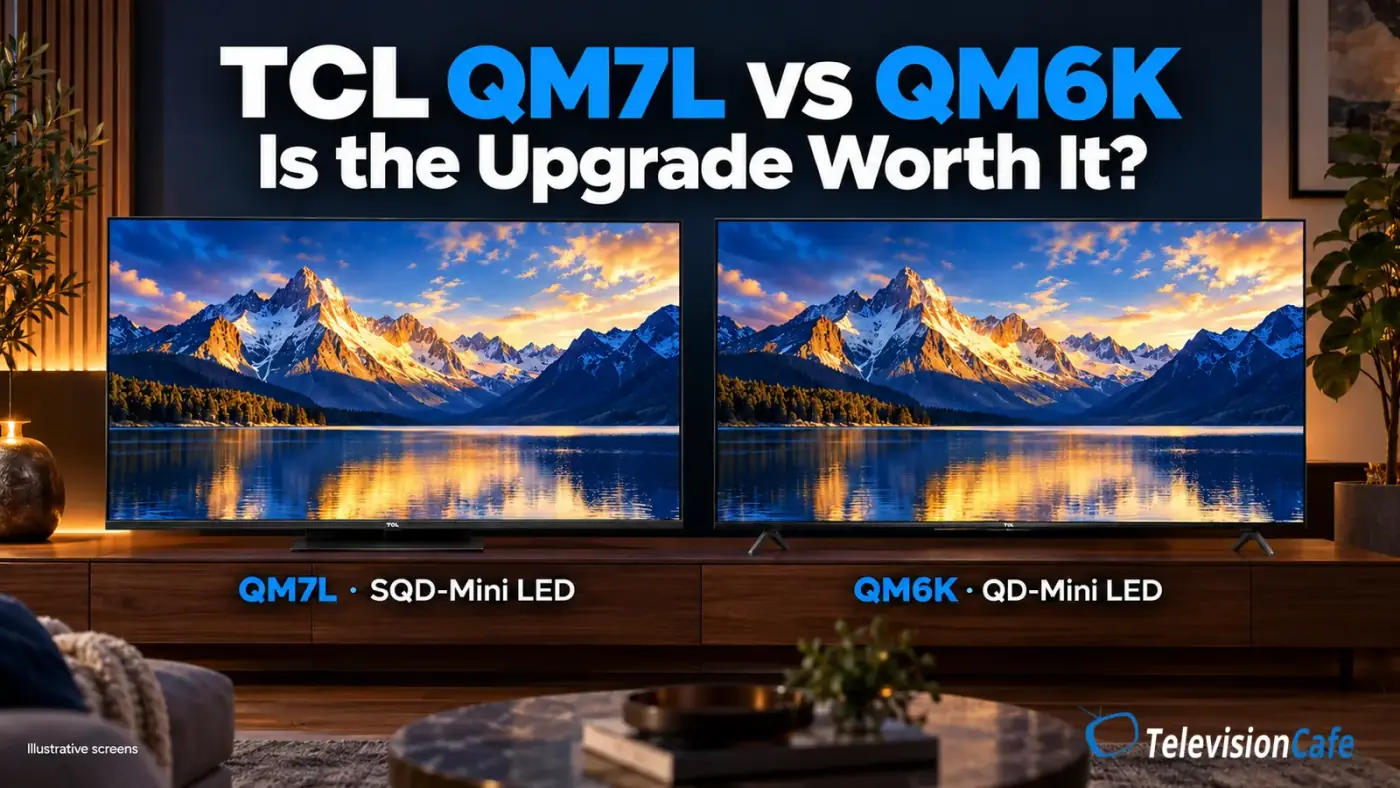
Choose the TCL QM7L for stronger HDR impact; choose the QM6K when a lower price matters more. Fast gaming complicates the decision because the newer, higher-tier QM7L is not an automatic motion upgrade.
The standard U.S. QM7L is a 2026 model above the 2025 QM6K’s tier. It follows the QM7K, so this comparison involves both a generation change and a different product level.
Buying New or Replacing a QM6K?
- Buying either TV new: Compare the same size and use the price-premium guide below.
- Already own a QM6K: Start with the problem you want to fix. The price difference between two new TVs is not your replacement cost.
What the test evidence covers: The specification comparison focuses on the U.S. 65-inch versions. RTINGS tested a 65-inch QM7L and a 75-inch QM6K; the findings are useful guidance, not a measured 65-inch head-to-head test. Tom’s Guide’s assessments cited below use a 75-inch QM7L and a 55-inch QM6K.
Shopping outside the U.S.? The QM7L’s European counterpart is the TCL C7L. RTINGS identifies shared hardware with different picture tuning, so U.S. results and settings may not match every regional version. Check the exact size and local specifications. QM7L Pro is a separate variant.
TCL QM7L vs QM6K: The Key Differences
The table covers the standard U.S. 65QM7L and 65QM6K. Several headline features are shared, which makes the real picture-quality differences more useful than a long checklist.
| Feature | TCL QM7L | TCL QM6K |
|---|---|---|
| Display | 4K SQD-Mini LED LCD | 4K QD-Mini LED LCD |
| Native refresh rate | 144Hz | 144Hz |
| HDR formats | Dolby Vision, HDR10+, HDR10, HLG | Dolby Vision, HDR10+, HDR10, HLG |
| High-refresh HDMI inputs | Two support up to 4K at 144Hz | Two support up to 4K at 144Hz |
| Smart platform | Google TV | Google TV |
| Stand design | Central pedestal with height adjustment | Two feet with alternative positions |
For a closer look at each model's strengths and compromises, see our TCL QM7L review and TCL QM6K review.
How Much More Is the QM7L Worth?
Compare current offers for the same screen size and include delivery, seller identity and return terms. The guide below is our editorial threshold for buying the 65-inch models new, not a list of live prices, MSRPs or advertised discounts.
| QM7L Costs Extra | Our Buying View |
|---|---|
| Up to about $150 | An easier premium to justify for frequent HDR movies. |
| About $150–$250 | Pay more only if HDR impact is a clear priority. |
| More than about $250 | The QM6K deserves stronger consideration for everyday viewing and value. |
These thresholds do not override the gaming trade-off. A brighter HDR picture is poor value if your main aim is clearer fast-game motion. Check current offers using the model-specific Amazon cards in this comparison.
HDR Movies: The Strongest Reason to Buy the QM7L
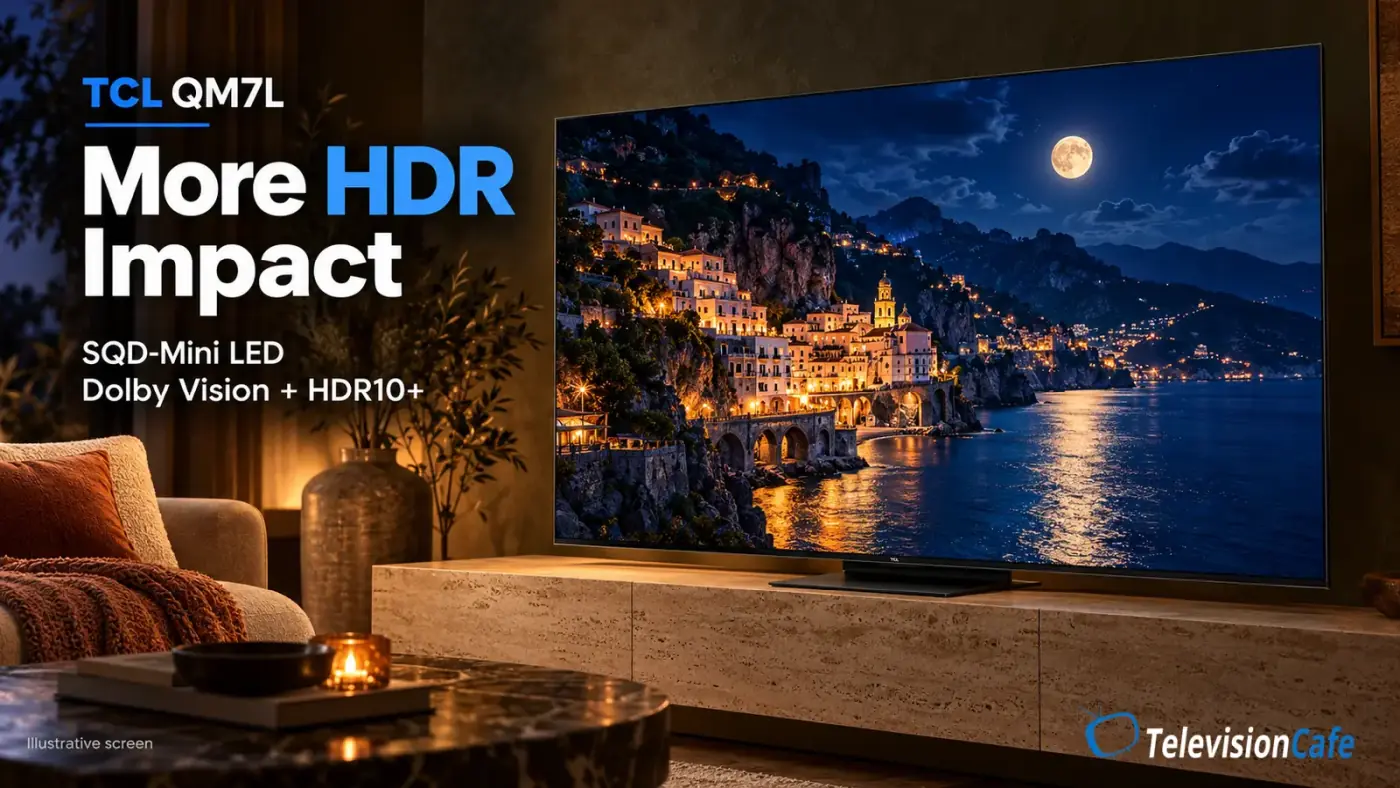
The QM7L's main attraction is its capacity for a more forceful HDR picture. RTINGS found excellent HDR brightness and deep blacks on its 65-inch sample. Tom's Guide also praised the brightness and rich color of its independently tested 75-inch QM7L.
That combination matters in scenes built around bright highlights against darker surroundings: a neon sign at night, sunlight glinting off water, or sparks in a dim room. Those are useful examples to look for in a demonstration, especially if HDR movies are the reason you are upgrading.
The QM6K's more restrained HDR output does not make every movie look flat. Tom's Guide enjoyed Dolby Vision movies on its 55-inch sample, while noting that HDR brightness was not a dramatic step above SDR. A good image and a spectacular HDR highlight are different expectations.
More impact comes with an accuracy trade-off
RTINGS reported overbrightened HDR and disappointing HDR color accuracy on the QM7L, with calibration unable to fully correct the latter. Its QM6K review found a more accurate HDR presentation. Viewers who prioritize a restrained, faithful image should weigh that alongside brightness.
Our buying advice: The QM7L is the more compelling choice for HDR impact. Buyers who care most about accuracy should compare an appropriate movie mode before paying extra. A brighter store demonstration cannot settle that question.
Local dimming also deserves a real-content check. Watch subtitles over a dark scene and small bright objects near black areas. The halo around a bright object is called blooming; judge whether it distracts you from the seat you actually use. A zone count alone cannot answer that.
TelevisionCafe · PRICE CHECK
TCL QM7L SQD Mini LED · 65-inch
Considering the TCL QM7L SQD Mini LED? Check the current price and delivery options for the 65-inch 65QM7L model on Amazon.
Paid link. We may earn a commission.
Bright Rooms, Reflections, and Wide Seating
The QM7L has more brightness headroom for daytime viewing. That makes it the more appealing option when the room stays bright and you cannot comfortably dim it.
Screen brightness and reflected light are separate problems, though. More light from the panel can help the picture compete with room lighting, while a window reflected in a dark scene can remain distracting. Before choosing the more expensive TV, check what sits directly opposite the screen.
The standard 65-inch QM6K has a glossy finish. Tom's Guide flagged glare as a limitation of the 55-inch version, and RTINGS lists a different, matte coating for the 85- and 98-inch QM6K models. Do not assume one reflection verdict applies to every size.
Wide seating is another reason to be cautious. RTINGS found viewing-angle limitations on both reviewed TVs. If your family watches from a broad sectional, inspect the picture from the outer seats rather than relying on panel marketing or a straight-on demonstration.
For daytime sports, bring those checks together: room lighting, side-seat picture quality, and moving players. The QM7L's gaming-mode blur finding should not be applied wholesale to normal TV viewing, which uses different processing.
Gaming: The QM7L Is Not an Automatic Upgrade
Both models support 4K at up to 144Hz and offer VRR and automatic low-latency switching. Their high-refresh features give a compatible PC plenty to work with; supported PS5 and Xbox Series X games can use 4K at up to 120Hz.
Both also support a 1080p mode reaching 288Hz with compatible hardware. That lower-resolution mode is separate from 4K gaming, and it does not make a console output 288 frames per second.
The important difference appears when the image moves. RTINGS found very slow pixel transitions in the QM7L's Game Master mode across refresh rates. The QM6K's transitions were better at high refresh rates, although its review also noted inverse ghosting and weaker motion at 60Hz.
Input lag and pixel response measure different things. Input lag affects how quickly an action reaches the screen. Pixel response affects how clearly moving objects appear. A TV can feel responsive while showing visible blur.
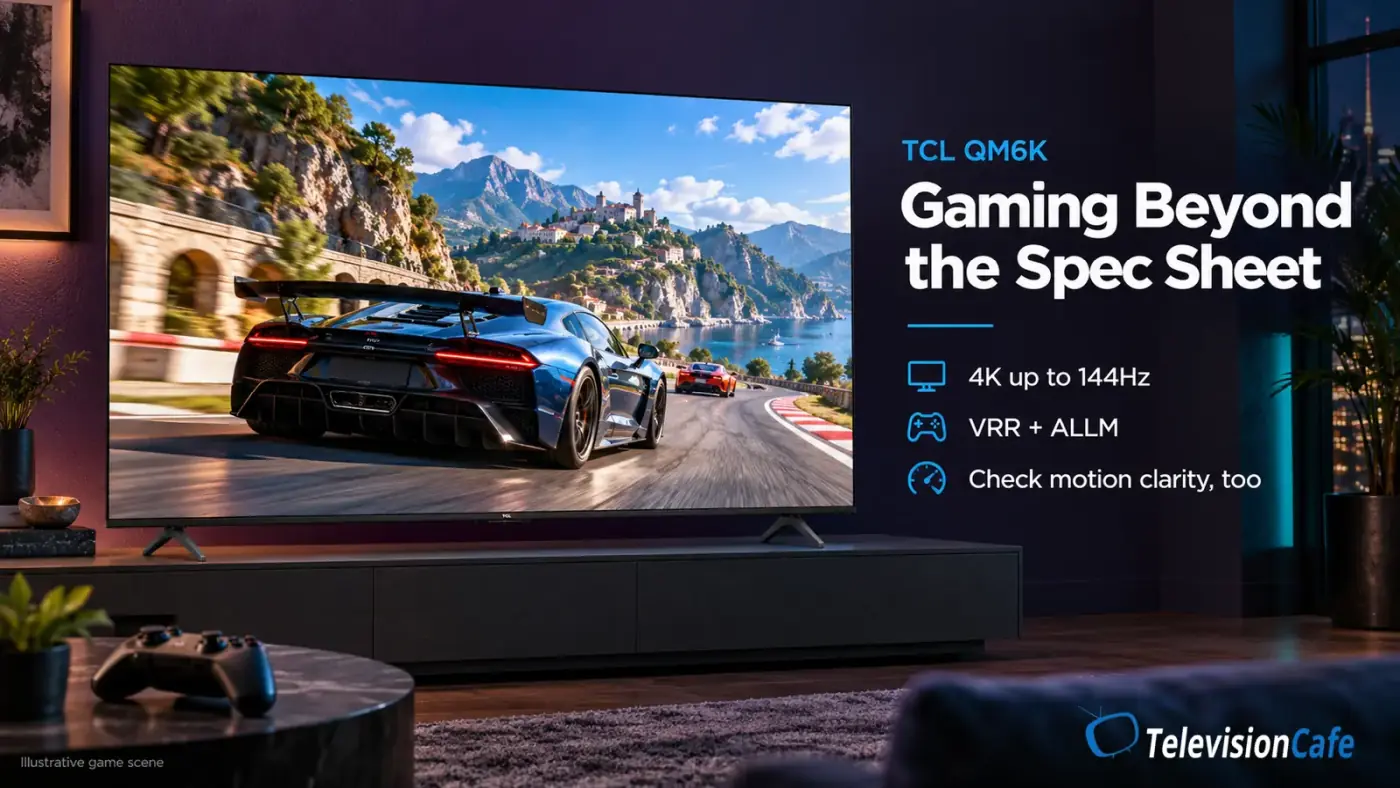
For competitive shooters and racing games, the QM6K deserves serious consideration, especially at high refresh rates. Its inverse ghosting and weaker 60Hz motion still matter; neither model earns a blanket recommendation from the refresh-rate label alone.
For slower adventures and cinematic HDR games, the QM7L’s picture impact may matter more. Judge a familiar game in its low-latency mode rather than a colorful gameplay video running in a movie preset.
HDMI Ports and Stand Design: Check Your Setup
Both TVs provide four HDMI inputs, with two supporting up to 4K at 144Hz. On the QM7L, TCL specifies that HDMI 1 and 2 handle those high-refresh signals, while HDMI 3 and 4 are limited to 4K at 60Hz. HDMI 4 also handles eARC audio.
The QM6K uses HDMI 1 and 2 for high-refresh sources and HDMI 4 for eARC, according to RTINGS. A soundbar connected to eARC therefore leaves both high-refresh inputs available. A PS5, an Xbox, and a high-refresh PC would still require you to plan around having two such inputs.
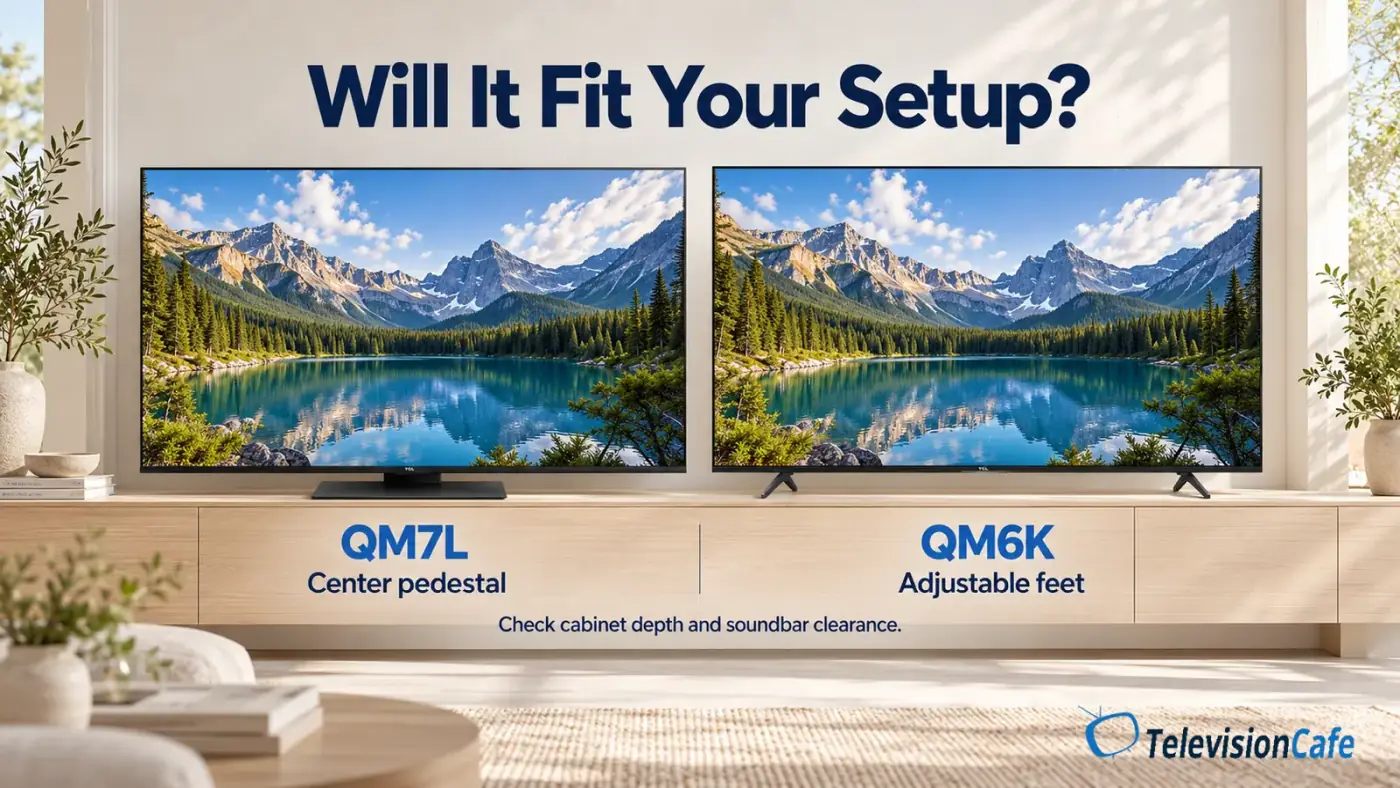
The 65-inch stands differ, too. The QM7L uses a central pedestal with height adjustment; the QM6K has separate feet with alternative mounting positions. Measure the actual footprint, cabinet depth, and soundbar clearance for your chosen size. A central stand is convenient, but it does not guarantee that the entire setup fits.
Google TV and Sound: Consider What You Already Own
Both run Google TV, so the familiar streaming platform is not a strong reason on its own to pay more. Check that the apps and features you need are available for your region and account. A newer model year also does not establish a guaranteed software-support period.
The QM7L carries Bang & Olufsen audio branding, while the QM6K uses an Onkyo-branded system. Tom's Guide liked the built-in sound of its 75-inch QM7L; its 55-inch QM6K review found the sound usable but inconsistent. Those are separate listening assessments, not a matched audio comparison.
If you already use a soundbar or receiver, give the TV's speaker branding little weight. If you rely on built-in audio, audition dialogue at your normal volume. Clear speech in your room matters more than a badge on the specification sheet.
TelevisionCafe · PRICE CHECK
TCL QM6K Mini LED · 65-inch
Considering the TCL QM6K Mini LED? Check the current price and delivery options for the 65-inch 65QM6K model on Amazon.
Paid link. We may earn a commission.
Already Own a QM6K? Identify the Problem First
Your replacement cost is the new QM7L’s purchase price minus anything you recover from the old TV, plus any delivery or setup costs. It is not the advertised gap between two new televisions.
- Underwhelming HDR highlights: This is the QM7L’s clearest reason for consideration.
- A window reflected in the screen: Check placement and light control before expecting more brightness to fix it.
- Blurry fast games: The QM7L’s tested Game Master behavior makes it a questionable remedy.
- A picture that looks wrong: Check the source, active format and picture mode before replacing the hardware.
Start with our QM6K picture settings. If you change TVs, use the separate QM7L settings guide.
Which Should You Buy?
Buy the QM7L when you watch plenty of HDR movies and the same-size price premium is modest enough to justify its extra brightness and color impact. For a centered seat with controlled reflections, those strengths can be worth paying for.
Buy the QM6K when everyday viewing, value or high-refresh gaming carries more weight. If you already own one and like it, keep it unless the QM7L addresses a specific limitation. For another current-generation alternative, see our QM7L vs Hisense U7SG comparison.