
What Is Philips Ambilight, and Is It Worth It?
Philips Ambilight is built-in lighting behind a TV that reacts to what you are watching, spreading related colors onto the wall. A blue ocean can leave a cool glow beside the screen; a warm sunset can spill amber light into the room. The picture stays inside its frame, but the surrounding space becomes part of the atmosphere.
Ambilight is most appealing for evening movies and colorful games. This guide explains how it works, when the effect is worth paying for, and how built-in Ambilight compares with lighting you can add to an existing TV.
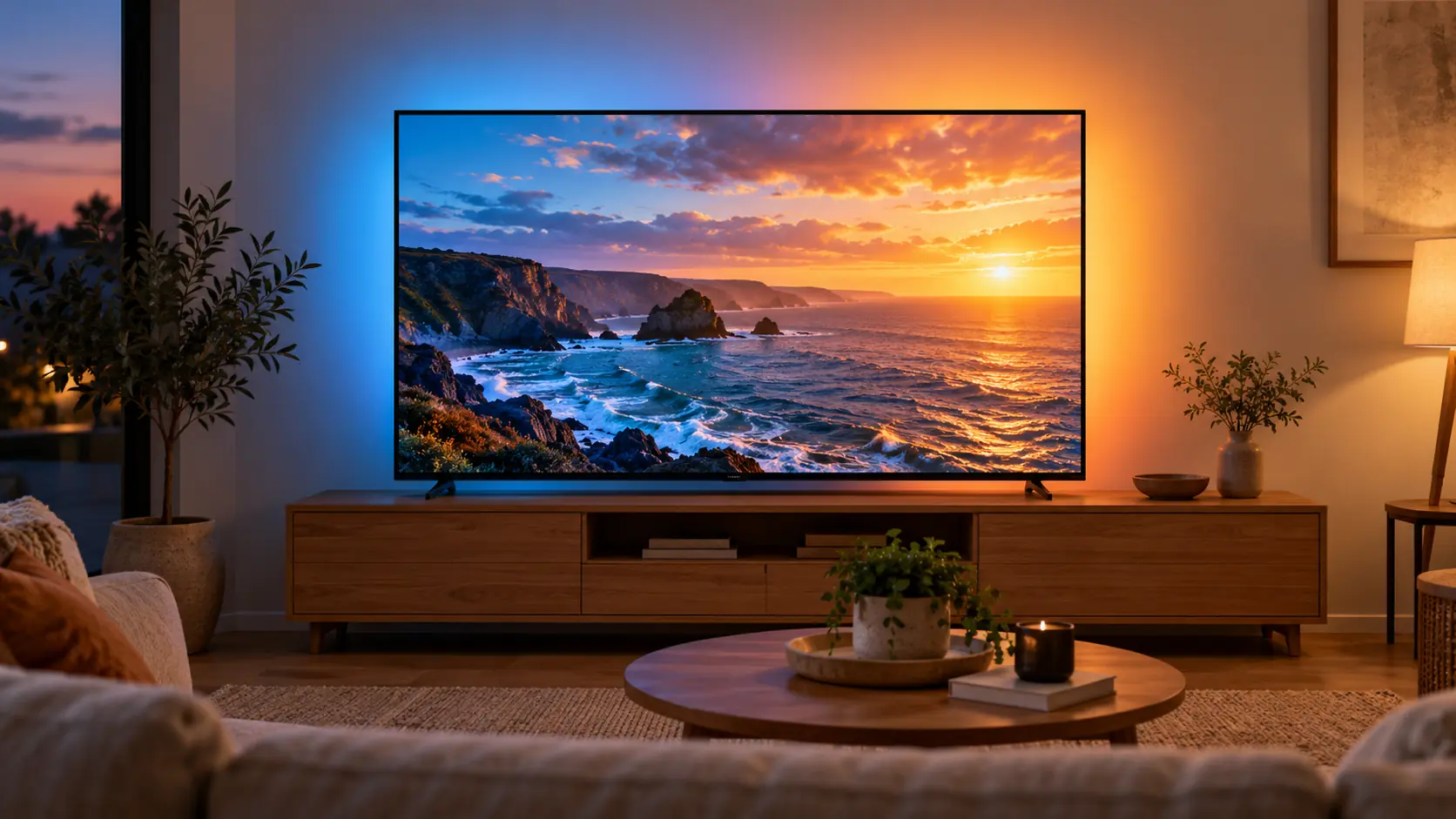
Is Philips Ambilight Worth It? The Quick Answer
Ambilight is worth considering when you already like the TV's picture and want a more atmospheric setup with very little extra hardware. It is a stronger selling point in a dim room with clear wall space than in a sunlit kitchen or a cabinet that hides the glow.
Choose the right screen size, picture performance, and gaming features first. If two suitable TVs cost about the same, Ambilight can be a persuasive reason to pick the Philips. If getting it means accepting a noticeably weaker screen, we would spend the money on the picture.
How Does Ambilight Work?
LEDs on the back of an Ambilight TV cast light onto the surface behind it. The TV uses the content it is displaying to drive the lighting, so different areas around the screen can echo different colors. This is built into the television rather than added through a camera mounted above it.
The simplest example is a landscape: green foliage near one edge of the picture can be accompanied by green light on that side of the wall. The result is an extension of the scene's color palette, rather than extra picture detail outside the display.
Lighting modes vary by model. Philips' U.S. range includes content-reactive lighting and a Follow Audio mode for music. Check the exact TV's menu and manual for its brightness, behavior, and other available settings.
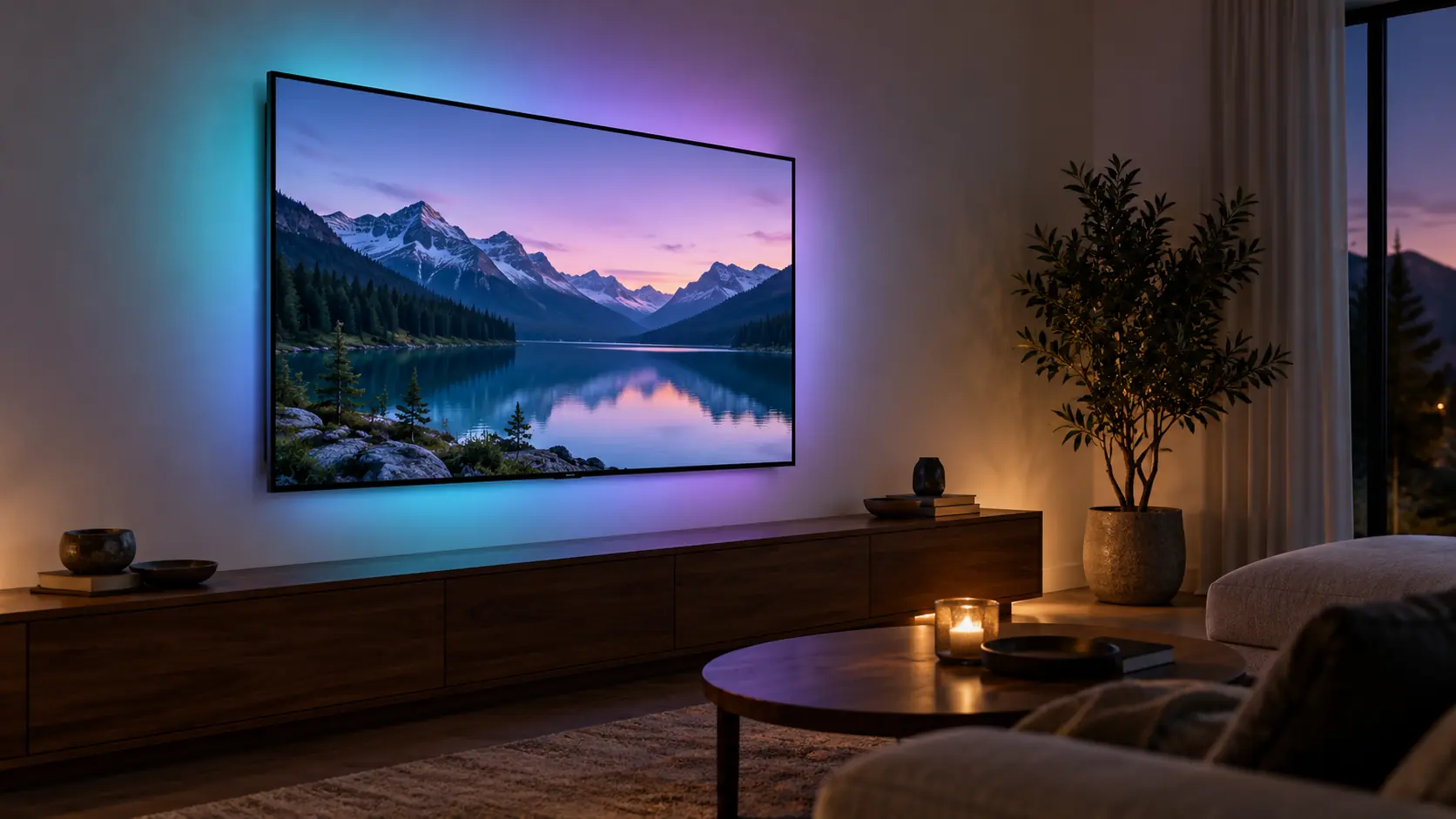
Where Ambilight Adds the Most
The effect makes more sense when you think about the things you actually watch, rather than a bright showroom demonstration.
Movies and Evening Streaming
A colorful animated film, a nature documentary, or a science-fiction world gives the lights plenty to work with. For quieter films, we would start with a restrained setting so the wall complements the scene.
You may prefer turning the effect down or off when you want all your attention on the image. A good feature should suit the film, rather than make every film feel like the same light show.
Sports and Everyday TV
The colors of a field or arena can give a game a more enveloping feel. But a lighting effect will not fix a blurry ball, weak broadcast quality, or reflections from a window.
If sports are your priority, compare motion handling, viewing angles, and daytime visibility first. Our sports TV guide explains those choices.
Colorful Games
Racing through a neon city or exploring a brightly lit world is an obvious match for reactive lighting. The room can feel more connected to the game without adding separate light strips.
Competitive players should still choose for refresh rate, input lag, VRR, and the connections their console or PC needs. Ambilight is an atmosphere feature, not a shortcut to faster controls.
Ambilight Does Not Tell You How Good the Screen Is
You can find Ambilight on different kinds of Philips TVs. It describes the lighting around the display; it does not tell you whether the panel is OLED, QLED LCD, or another LCD design.
That distinction matters when comparing prices. Look separately at black levels, HDR brightness, local dimming where applicable, viewing angles, reflections, and motion. Read our OLED vs Mini LED guide if you are still deciding which type of picture suits your room.
Who Should Pay Extra for Ambilight?
Your viewing routine and room layout are the best clues.
It Makes Sense If...
- You watch mostly in the evening and enjoy a little room atmosphere.
- Your TV has open wall space around it.
- You would rather use built-in lighting than assemble a separate sync system.
- The Philips model also meets your screen-size, picture, app, and gaming requirements.
- The extra cost is comfortable within your budget.
Give It Less Weight If...
- You mainly watch in strong daylight.
- Your television sits inside a tight entertainment cabinet.
- You find changing colors around a screen distracting.
- Your budget could buy a more suitable screen or a more useful size instead.
- You already own a TV you like and only want to add lighting.
Your Wall and TV Position Make a Difference
The light needs a surface to reflect from and room to spread. A pale, relatively neutral wall is a straightforward starting point. Dark paint, heavily patterned wallpaper, shelving, and objects close to the screen can change the appearance or break up the glow.
Leave the clearance specified in the exact model's installation instructions. Do not push the television against a wall or change a wall mount's spacing just to chase a wider halo. Support guidance for one Philips range is not automatically an installation rule for every U.S. model.
A practical starting routine:
- Set the TV up safely using its mounting and ventilation instructions.
- Watch from your normal seat with your usual evening room lighting.
- Start with moderate Ambilight brightness, where the model offers that adjustment.
- Try a familiar film, a game, and everyday programming.
- Compare with the effect off before deciding which behavior you prefer.
Use our TV size guide to choose the screen itself. The glow should complement a properly sized TV.
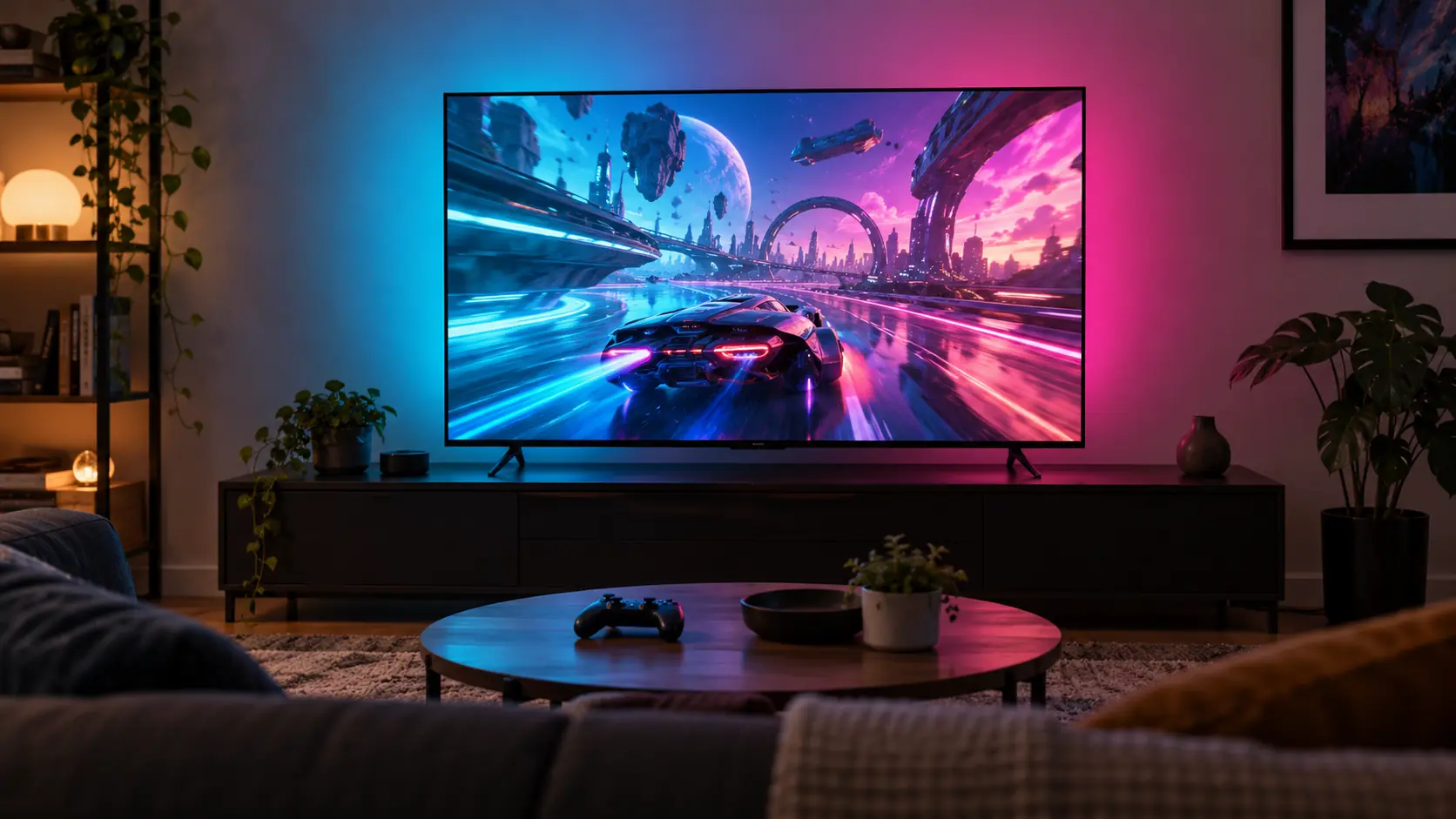
For Gaming, Check the TV Before the Light Show
Two Ambilight TVs can have very different gaming capabilities. Confirm native refresh rate, supported input resolutions, VRR, and HDMI features for the exact size you plan to buy.
In particular, a motion label such as 120 PMR is not proof of a native 120Hz panel or 4K/120Hz input. Look for the actual refresh-rate and input-format specifications. Our 60Hz vs 120Hz vs 144Hz explainer helps separate those numbers.
Once the TV meets your gaming needs, adjust the lighting for the game. A dramatic setting may be fun for a colorful adventure, while a quieter one may be easier to live with during a long competitive session.
Ambilight vs TV Backlights vs Philips Hue
These options can all put light around a television, but they solve the problem in different ways. The important question is whether you want a steady background glow or lighting that follows the screen.
| Option | What it does | What to check |
|---|---|---|
| Built-in Ambilight | Uses the TV's integrated rear lighting to react to content. | Exact Philips model, available modes, and your wall space. |
| Static TV backlight | Adds a steady glow behind an existing television. | Strip size, power, dimming, and the color you want. |
| Camera or screen-sensing kit | Observes the screen and drives compatible external lights. | Sensor placement, calibration, screen size, and included lighting. |
| HDMI sync system | Reads video from devices routed through its HDMI inputs. | Video-format support and whether your content comes through the box. |
| Hue Sync TV app | Syncs Hue lights with supported Samsung and LG TVs, including native apps. | TV compatibility, app purchase or plan, Bridge, and suitable Hue lights. |
Ambilight and Philips Hue Are Different Systems
Built-in Ambilight does not require a Hue Bridge or an HDMI sync box for its own rear lighting. Philips Hue is a separate lighting ecosystem with several ways to synchronize external lights.
The source of your video matters. An HDMI sync box sees video routed through that box; a TV's built-in Netflix app does not pass its video through an external HDMI input. Hue's compatible TV app and screen-sensing options offer different routes for native TV content.
Before buying a kit, add up all required pieces and check compatibility. The official Hue setup guide separates those options. If you already like your television, adding suitable lighting may make more sense than replacing it just for the glow.
Can You Buy Philips Ambilight TVs in the U.S.?
Yes. Ambilight is available on selected U.S. Philips Roku TVs. Examples include the 7875 Series, such as the 55PUL7875/F7 and 65PUL7875/F7, and the QLED 7985 Series, including the 65PUL7985/F7.
Look for Ambilight in the exact model's specifications, then compare screen size, picture performance, gaming features, and price. Before ordering, check the seller, warranty, and return terms.
U.S. and European Philips ranges can differ in processors, refresh rates, operating systems, and Ambilight features. Use the full model number and regional specifications when comparing TVs.
Affiliate disclosure: We may earn a commission if you buy through links on this page. As an Amazon Associate I earn from qualifying purchases.
TelevisionCafe · PRICE CHECK
Philips 7985 Ambilight · 65-inch
Explore the U.S. 65PUL7985/F7, a 4K QLED Roku TV with built-in Ambilight. Check the current price, seller, and return terms, then compare its picture and gaming specifications with your shortlist.
Paid link. We may earn a commission.
Our Take: When the Glow Is Worth It
For evening viewers who enjoy reactive lighting, Ambilight offers a convenient way to bring a little of the picture's color into the room. Its appeal is strongest when the wall behind the TV gives that light room to spread.
At TelevisionCafe, we would give it extra weight if it is a feature you expect to use most nights. Happy with your current TV? Compare compatible add-on lighting before replacing the screen.
Sources and Model Scope
This guide explains the feature using Philips' U.S. Ambilight information, model documentation, and Philips Hue's setup guidance, checked October 25, 2026. The U.S. Philips Ambilight page lists compatible series. Lighting features and settings vary by model, so consult the manual for the television you are considering.