
Best TVs for GTA 6: 3 Picks for PS5 and Xbox in 2026
The LG C6 is our first pick for GTA 6 if you mainly play at night and want OLED contrast, fast pixel response, and flexible HDMI connections. The Hisense U7SG suits a bright living room, with a motion-blur compromise. The TCL QM6K is the budget option when keeping the cost down matters more than powerful HDR highlights.
Choose around your room and the games you already play, too. A television bought for one release will probably stay with you through years of racing, sports, movies, and streaming.
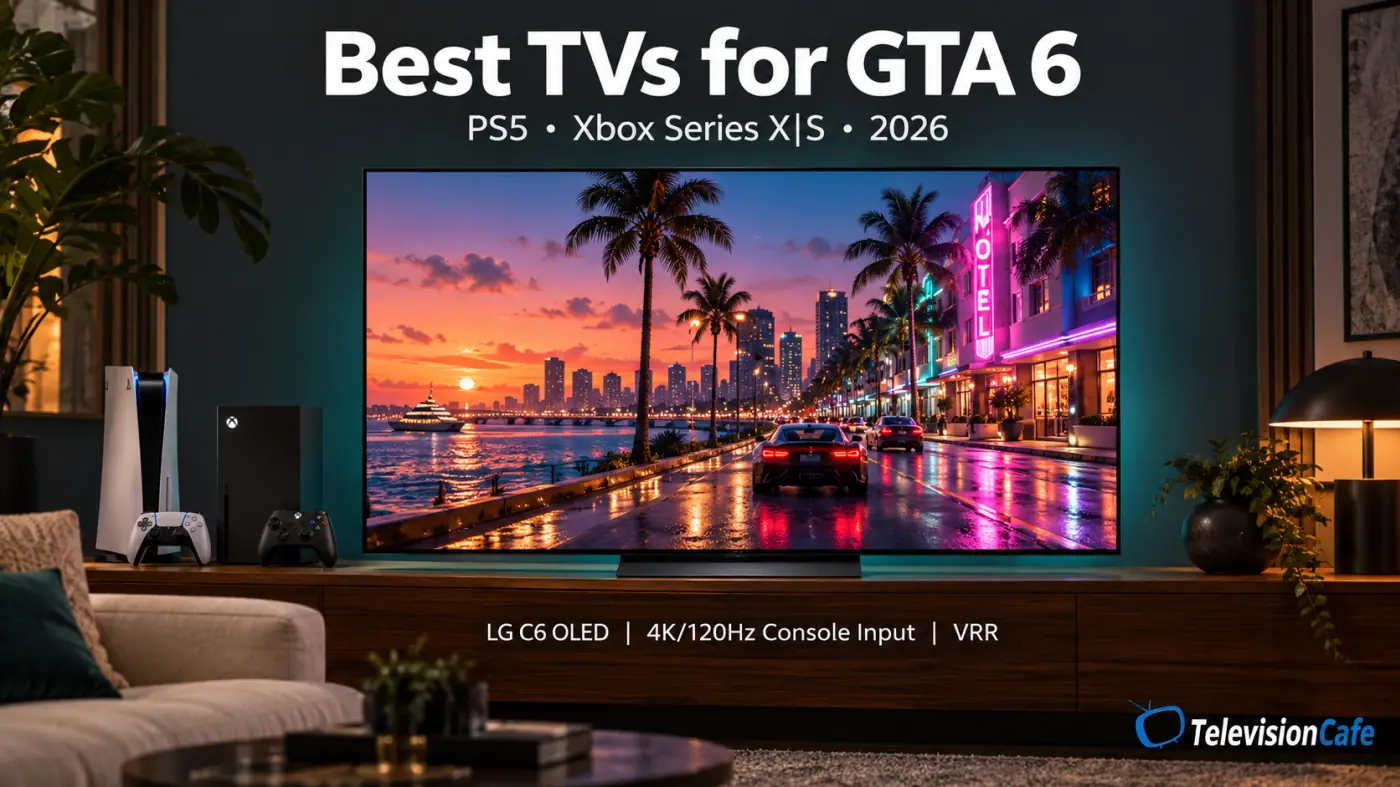
GTA 6 status: November 2, 2026. Rockstar lists a November 19, 2026 release for PlayStation 5 and Xbox Series X|S. The official game pages checked for this guide do not confirm a 60fps or 120fps mode. A TV's 120Hz capability is not a promise about GTA 6's frame rate.
Model scope: This guide focuses on US 55- and 65-inch models. The 77- and 83-inch LG C6H use a different panel design from the smaller C6 models discussed here. Hisense's U7SF is a separate Fire TV variant; U7SG test results should not automatically be applied to it.
Best TVs for GTA 6: The Shortlist
Our priorities are contrast, HDR performance in Game Mode, input lag, pixel response, and usable connections. Those matter more than the biggest refresh-rate number on the box. The recommendations combine manufacturer specifications with RTINGS' published testing; they are not GTA 6 performance results.
| TV | Choose it for | Gaming connections | Main compromise |
|---|---|---|---|
| LG C6 OLED | Evening gaming and OLED contrast | Four HDMI 2.1 inputs; 4K/120Hz console support | Reflections and OLED care |
| Hisense U7SG | Daytime play in a bright room | Four HDMI 2.1 inputs; VRR | Slow pixel transitions and narrow viewing angles |
| TCL QM6K | Lower-cost console gaming | Two HDMI 2.1 inputs; VRR | Modest HDR brightness |
The shortlist includes a 2025 model because a good older TV can still be a sensible purchase in 2026. Compare the same screen size and the final checkout price before deciding.
What Is Actually Confirmed About GTA 6?
Rockstar's official GTA VI page lists PS5 and Xbox Series X|S and the November 19 release date. It does not list a PC launch date.
The missing detail for TV shoppers is the game's final performance modes. Until those are documented, claims that you need a 120Hz TV specifically to play GTA 6 at 120fps are speculation. The same caution applies to promises about native 4K rendering or a particular HDR format.
A 4K TV describes the display's resolution. It doesn't tell you the resolution at which the console renders every scene, and it doesn't determine how many new frames the game produces.
LG C6 OLED: Our First Pick for Evening Gaming
Models to compare: OLED55C6PUA and OLED65C6PUA.
For a room where you can dim the lights, the C6 is the most appealing starting point on this list. Its self-lit pixels can show a small bright object against black without the backlight halo of a zone-lit LCD. That makes it a good match for games with nighttime streets and strong light-and-shadow contrasts.
RTINGS tested the 65-inch C6 and found nearly instantaneous pixel response, with minor overshoot in some dark transitions. That helps moving edges stay clear. Its four HDMI 2.1 inputs also leave useful flexibility for two consoles, a PC, and an eARC soundbar.
The C6 supports up to 165Hz with a compatible PC, but PS5 and Xbox Series consoles top out at 120Hz output. Buy it for the picture and connections rather than that extra PC headroom.
The trade-off is room control: avoid a bright window reflected directly in the screen. Very fast OLED transitions can also make low-frame-rate camera movement look more visibly stepped; they cannot create missing game frames. Read our LG C6 OLED review for the broader buying decision.
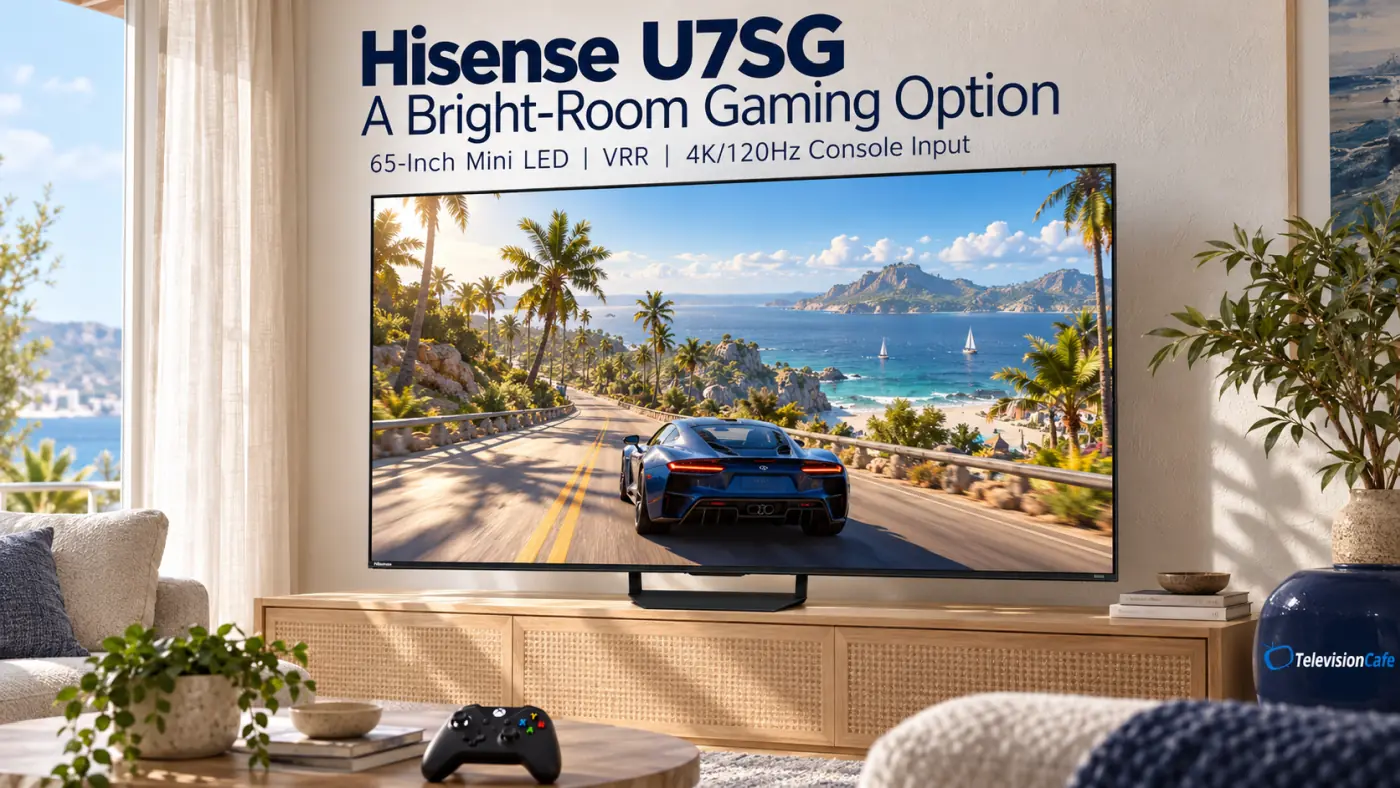
Hisense U7SG: A Bright-Room Option With a Motion Trade-Off
Models to compare: 55U7SG and 65U7SG, with the strongest basis here being RTINGS' 65-inch test.
If daylight is your main problem, the U7SG deserves a look. RTINGS found strong brightness and effective reflection reduction from its matte coating. Those are practical advantages when you can't close the curtains every time you pick up a controller.
Its low input lag and four HDMI 2.1 inputs are useful, but the same testing found slow pixel transitions, particularly in shadow detail. Controls can feel responsive while moving objects still look smeared. That distinction matters if you spend a lot of time driving quickly or rotating the camera.
Choose it when glare management matters more to you than the cleanest motion. Sit near the center, too: its narrow viewing angles make it less suitable for a wide seating arrangement. The 55-inch version has different advertised brightness and local-dimming hardware, so don't treat the 65-inch findings as identical measurements of both sizes.
See our Hisense U7SG review before deciding whether that compromise fits your room.
TCL QM6K: The Budget Pick
Models to compare: 55QM6K and 65QM6K. This is a 2025 series that remains worth comparing in 2026.
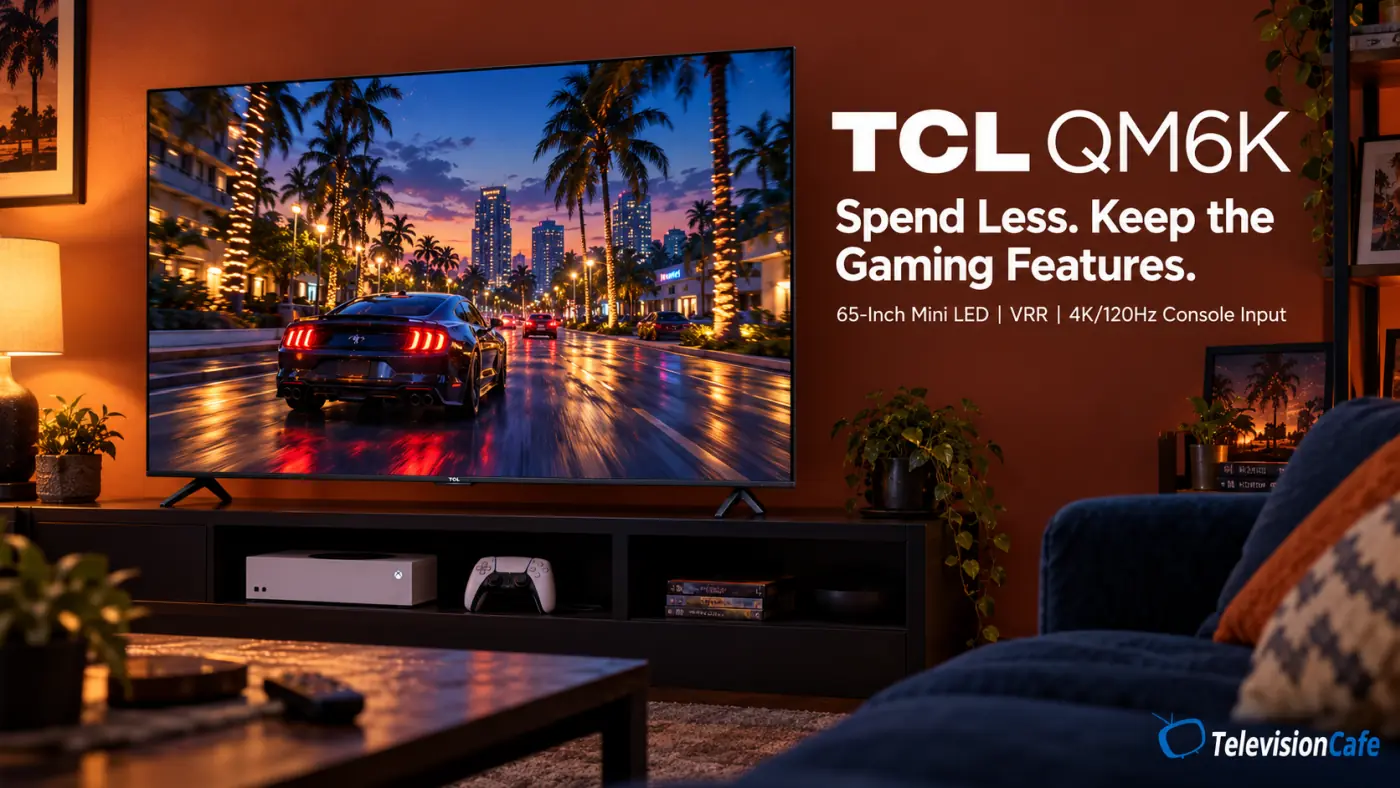
The QM6K puts the important console features within reach of a smaller budget: 4K/120Hz input, VRR, and two HDMI 2.1 connections. Its eARC connection is on a separate HDMI 2.0 input, so a soundbar doesn't use up either of those two higher-bandwidth inputs.
RTINGS' test of the 75-inch model found very low input lag and decent pixel transitions at higher refresh rates, with weaker motion performance at 60Hz. Those results are useful context for the series, not direct measurements of the 55- or 65-inch versions.
The main picture compromise is HDR brightness. It accepts HDR, but its highlights lack the impact of more capable displays. Some haloing remains around bright objects, too. Treat it as a way to get solid gaming features at a lower cost, rather than a cheap substitute for the C6's picture.
Our TCL QM6K review covers its wider strengths and limitations.
Do You Need 120Hz and VRR for GTA 6?
A 120Hz TV is a sensible long-term console upgrade, but it is not a confirmed GTA 6 requirement. It can display supported games at higher frame rates and gives you more options across your library. It won't turn a game running at 30fps into one running at 120fps.
VRR lets the display adjust its refresh timing to a compatible source, helping reduce tearing and uneven presentation when frame delivery varies. Its usefulness depends on the console, supported refresh range, and the game's implementation. Don't assume enabling it will smooth every low-frame-rate mode.
Input lag and motion blur are different. Low lag means less delay between your input and the displayed response. Fast pixel transitions help moving objects look clearer. A TV can do well at one and poorly at the other.
For PS5 and Xbox shopping, verify actual 4K/120Hz input and VRR support on the port you'll use. Marketing labels such as “Motion Rate” are not a substitute for those specifications.
OLED or Mini LED - and Should You Buy 55 or 65 Inches?
Start with the room. OLED is especially attractive for evening play because individual pixels control their own light. A bright Mini LED LCD can be more practical in daylight, although local dimming can leave halos around bright details. Screen coating and window placement matter alongside brightness.
OLED also needs sensible care with repeated static content. A persistent HUD used for long sessions over time can contribute to uneven wear. Keep the manufacturer's protection features enabled and avoid leaving paused games or menus on screen unnecessarily. Mini LED avoids that OLED-specific wear concern.
For size, a 65-inch screen has about 40% more display area than a 55-inch screen. As a practical starting point, consider 55 inches around six feet away and 65 inches around seven to eight feet, then adjust for comfort and room layout. These are buying suggestions, not fixed viewing requirements.
If you sit well back from a 55-inch TV, moving to 65 inches may be more useful than paying for a smaller improvement in picture quality. Our TV size guide can help you compare the fit.
Set Up Your PS5 or Xbox Before You Judge the Picture
Connect the console directly to a suitable TV input while checking video features. A receiver, switch, or soundbar in the signal path can limit what reaches the screen. Use the supplied PS5 or Xbox Series X HDMI cable, or a certified Ultra High Speed HDMI replacement.
PS5 and PS5 Pro
Open Settings > Screen and Video > Video Output. Check the connected device information, leave resolution on Automatic unless troubleshooting, and set HDR to On When Supported. Enable automatic 120Hz output and VRR where supported, then use Adjust HDR with the TV in its gaming mode.
Sony's PS5 video-output guide explains these controls. Their availability does not confirm that GTA 6 uses every feature.
Xbox Series X and Series S
Open Settings > General > TV & display options > 4K TV details to see what the console detects. Select resolution and refresh rate to match the supported signal path, then run Calibrate HDR for games. The Series S should not be assumed to render games at the same resolution as Series X simply because it connects to a 4K TV.
On the television, use Game Mode or its equivalent and verify the input's enhanced HDMI option if required. Start with motion interpolation off. These are setup starting points; menu names vary with model and firmware. For the budget pick, see our TCL QM6K picture settings guide.
When Keeping Your Current TV Makes More Sense
If your current screen already gives you a clear, responsive picture at a comfortable size, wait for documented GTA 6 performance modes and launch testing before spending money for this game alone. A newer model year or a 165Hz badge is not enough reason to replace a capable 4K gaming TV.
An upgrade is easier to justify when you can name the problem: distracting reflections, weak contrast, obvious input delay, an undersized screen, or missing features you also need in other games. Compare the exact model and size, return policy, seller, and final price. Our Black Friday TV buying guide provides a place to compare dated offers.
Our Recommendation
For evening play, start with the 55- or 65-inch LG C6. Choose the 65-inch Hisense U7SG when daylight glare is the bigger problem and you can accept its motion limitations. Choose the TCL QM6K when it costs substantially less in the size you need and modest HDR brightness is an acceptable trade.
If you already own a good gaming TV, hold off on a GTA 6-specific upgrade until the game's modes are documented. Put the money toward a visible improvement in your setup, rather than a refresh-rate number your console cannot use.