
LG UA7700 Review: Is This Cheap 4K TV Worth It?
The LG UA7700 is worth considering for an inexpensive second TV, especially if you already like webOS. For a main living-room screen, we'd be more selective: its basic display hardware makes the price gap to a TV with local dimming particularly important.
This is LG's 2025 entry-level 4K series, also listed as the UA77. It combines a native 60Hz panel with familiar streaming apps and a few useful gaming features. Buying it in 2026 doesn't turn it into a newer model, so judge it against the TVs you can actually buy for similar money.
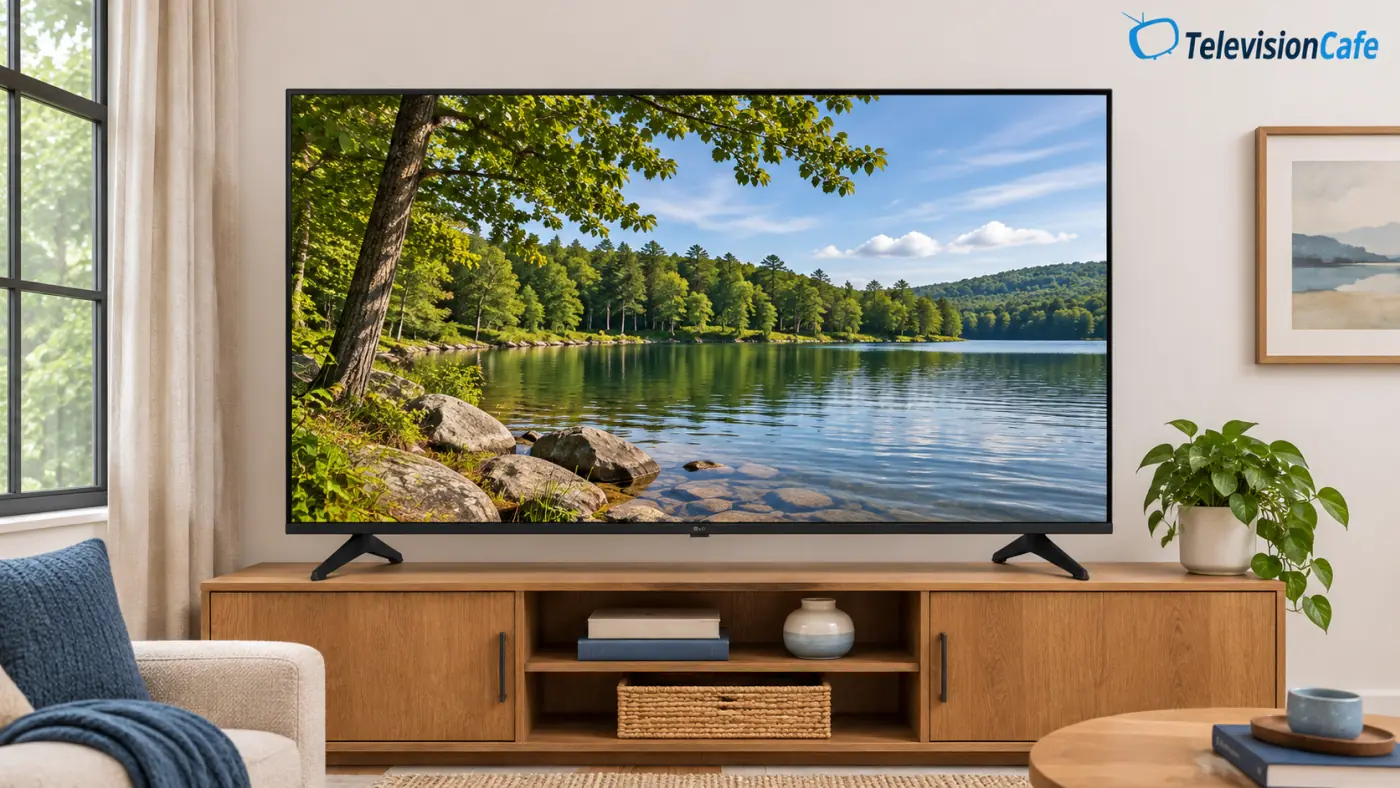
Models and regional names: This review focuses on the U.S. 55UA7700PUB and 65UA7700PUB. Canada also uses the UA7700 name. In the UK, the similarly positioned UA75 includes the 55UA75006LA, with comparable headline specifications but a different broadcast tuner and chassis dimensions. It isn't a confirmed identical panel or a direct substitute for the U.S. model. U.S. club-store AUA versions also have different bundles and physical specifications.
This assessment uses LG's U.S. documentation and published independent reviews. RTINGS tested the 75UA7700PUA and says its findings apply to the smaller sizes, including 55 and 65 inches. Its measurements still belong to that 75-inch sample. Tech Steve also published viewing observations from a 55-inch UA77.
LG UA7700 Review: The Quick Verdict
Consider the UA7700 when a low price and webOS are your priorities. We'd put it on a shortlist for a guest room or occasional streaming, with lighting you can control. We'd look elsewhere for a movie-focused main TV or high-refresh console gaming.
The useful extras are real: you get casting support, HDMI eARC, and VRR up to 60Hz. The decision comes down to how much you're saving after choosing the correct size, seller, and warranty.
LG UA7700 Specifications: U.S. 55- and 65-Inch Models
| Feature | Specification |
|---|---|
| Model year | 2025 |
| Display | 3840 × 2160 LCD with direct LED backlighting |
| Native refresh rate | 60Hz |
| Local dimming | No |
| Processor | Alpha 7 AI Processor 4K Gen8 |
| HDR formats | HDR10 and HLG; no Dolby Vision or HDR10+ |
| Gaming | 4K/60Hz, VRR up to 60Hz, ALLM, Game Optimizer, HGiG |
| Smart platform at launch | webOS 25 |
| HDMI inputs | Three; eARC on HDMI 2 |
| Wireless and casting | Wi-Fi 5, Bluetooth, AirPlay 2, Google Cast |
| Speakers | Two-channel, down-firing |
| Included remote | Standard remote on these PUB models; Magic Remote sold separately |
LG's U.S. UA7700 specifications confirm the core features. Check the full model suffix before applying accessory or installation information to a club-store version.
Picture Quality: Everyday Viewing Comes Before Movie Night
Tech Steve's 55-inch review found colorful everyday pictures, but also visible backlight haze and gray-looking letterbox bars. That's a useful distinction: an appealing bright scene doesn't tell you how the TV will handle a dimly lit movie.
RTINGS' 75-inch testing similarly found weak black levels and no local dimming to improve them. Its review also identified reasonably effective cleanup of low-quality video, alongside limited upscaling sharpness.
For your own return-period check, use a familiar show with faces, dark clothing, and a few dim scenes. Look for details that disappear into a gray background, then try a normal cable channel. A clean 4K demo alone won't show how the TV handles the sources you watch most.
The Alpha 7 processor name doesn't settle any of those questions. Source quality, processing choices, and the panel all contribute to the finished picture.
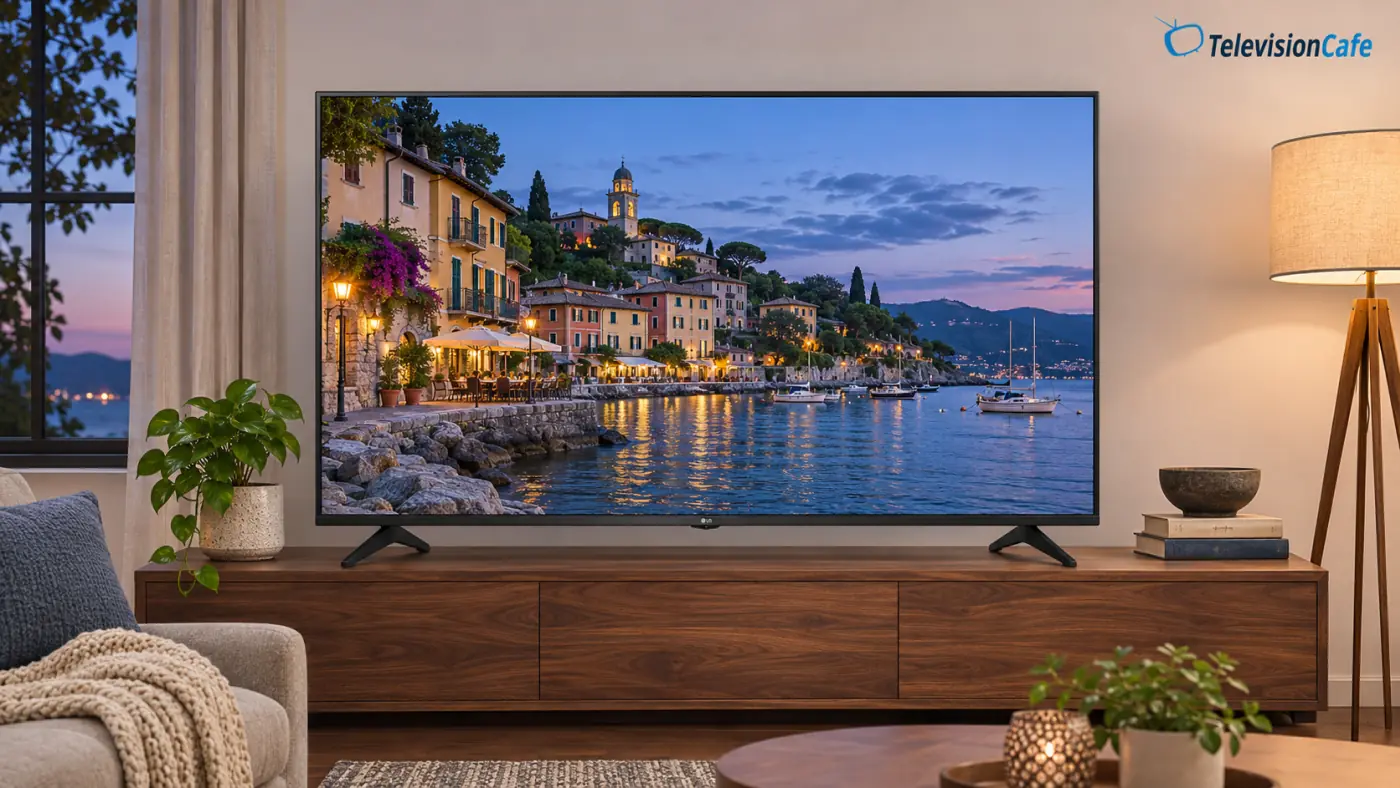
HDR10 Pro: What the Label Actually Means
The UA7700 accepts HDR10 and HLG. “HDR10 Pro” is LG's branding for its HDR10 processing; it isn't HDR10+, and it doesn't add Dolby Vision compatibility.
RTINGS found limited HDR brightness on its tested unit. We'd therefore choose this TV for ordinary viewing rather than pay extra for the HDR label. A streaming service showing an HDR badge confirms the signal format, not the impact of sunlight, sparks, or reflections on the screen.
When comparing budget TVs: Check actual HDR performance and local-dimming behavior alongside format support. Adding more HDR logos to a product page doesn't establish a better picture.
Room Lighting, Side Seats, and Sports
RTINGS reported broad viewing angles, but weak glare resistance and blurry fast motion. That makes the room worth considering before you buy: side seating is one consideration, while a window reflected directly in the screen creates another.
We'd place the UA7700 where curtains can control daylight and lamps sit outside the screen's reflection. For a sports-focused purchase, check a football broadcast or hockey game during the return period. Watch the moving players and camera pans, not just the scoreboard.
A bigger screen is only useful if it fits your viewing distance and furniture. Our TV size guide can help you decide between 55 and 65 inches before you compare offers.
PS5 and Xbox Gaming: Useful Features, a 60Hz Ceiling
The UA7700 supports 4K at 60Hz, automatic low-latency mode, Game Optimizer, and variable refresh rates up to 60Hz. A PS5 or Xbox Series X can connect normally, but this TV can't display 4K games at 120fps.
VRR synchronizes refresh timing with a compatible source within the supported range. It doesn't double the panel's refresh rate. If your reason for upgrading is a console's 120Hz mode, put that requirement ahead of the LG's smart features.
For slower games and occasional console use, the 60Hz limit may be an acceptable saving. Check your actual games in Game Optimizer during the return period, paying attention to controller response and moving detail.
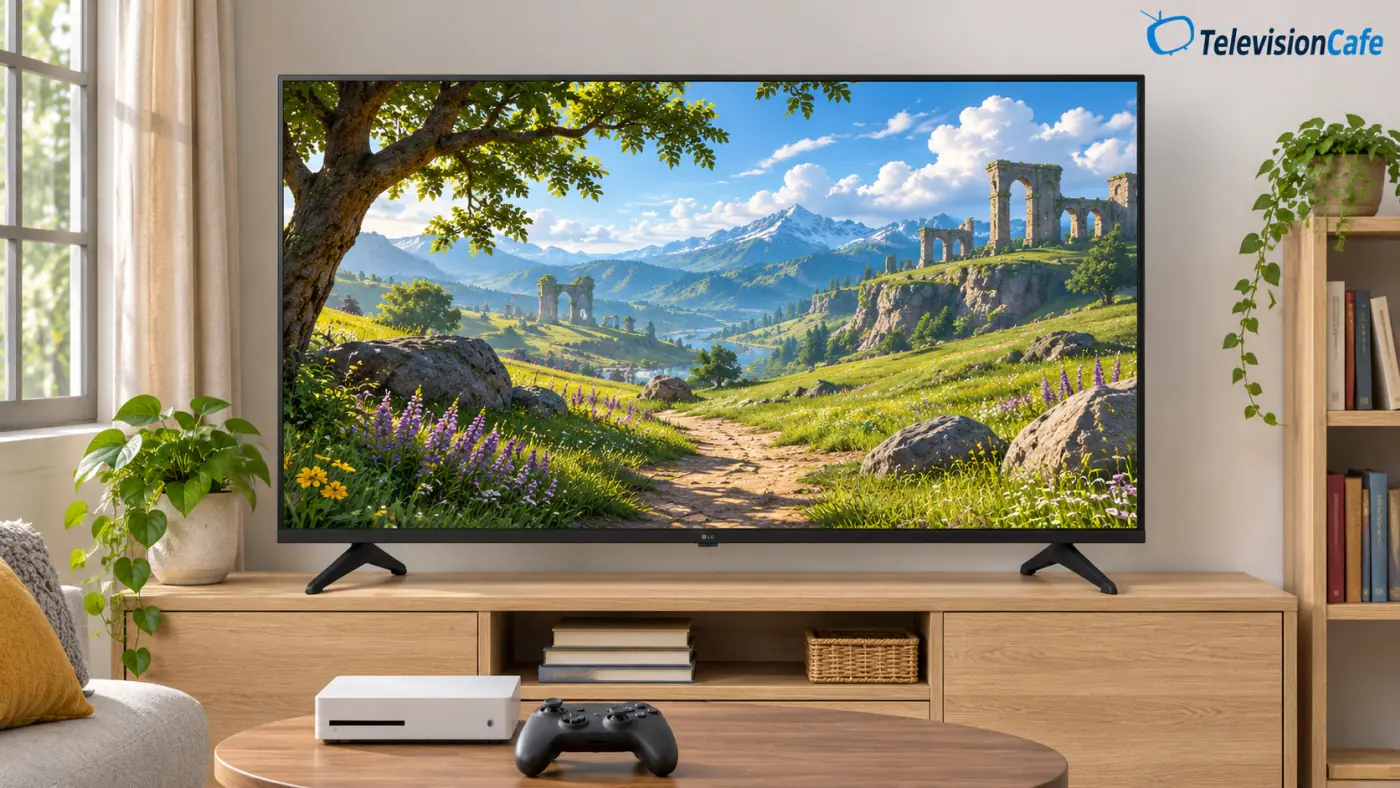
webOS and the Remote: Check What's in the Box
webOS is a reason to keep the UA7700 on your list if you already like LG's interface. The TV launched with webOS 25 and supports major streaming services, AirPlay 2, Google Cast, and LG ThinQ. Paid services still require their own subscriptions.
Tech Steve noticed some delayed menu responses on the reviewed 55-inch model. During setup, try switching between the apps you'll use daily before deciding whether you need a separate streaming player.
The U.S. 55UA7700PUB and 65UA7700PUB include a standard remote. Magic Remote compatibility doesn't mean the pointer-and-voice remote is in the box. Add that accessory to the total cost if it's one of the reasons you're choosing LG.
LG's Re:New program provides platform updates and feature refreshes for up to five years under its applicable terms. Availability and features can vary; it isn't a promise that every app will remain supported indefinitely.

Design and Stand: Measure the Feet First
The U.S. 55- and 65-inch PUB models use a straightforward black cabinet with two widely spaced feet. LG lists a stand width of approximately 43.5 inches for the 55-inch version and 53.5 inches for the 65-inch version.
Check both the width and depth of your console, leaving enough usable surface to support the feet properly. If you're wall-mounting, verify the exact model's mounting pattern and installation guide before ordering hardware.
Keep the suffix when shopping. LG's club-store AUA documentation lists different dimensions and a Magic Remote bundle, so accessories and furniture advice for those versions shouldn't automatically be copied to a PUB model.
Sound and Connections: Count the Whole Setup
The built-in speakers are a two-channel, down-firing system. LG's virtual 9.1.2 processing describes a sound effect; it doesn't mean the cabinet contains a physical 9.1.2-channel speaker system.
Try the TV's Clear Voice Pro option with a familiar dialogue scene before buying more equipment. If voices remain difficult to hear, our guide to clearer TV dialogue explains the next checks.
A compatible soundbar connects through HDMI 2, which supports eARC. That leaves two HDMI inputs for consoles, a cable box, or a streaming device. Count everything you plan to connect: three inputs can become restrictive once one is assigned to audio.
Picture Setup: A Few Sensible Starting Points
For SDR movies and shows, compare Filmmaker Mode with your current preset using familiar content. Adjust screen brightness for the room, and resist adding sharpness just to make a compressed stream look more detailed.
RTINGS' UA77 settings guide used an Expert dark-room preset for SDR and Cinema for HDR on its 75-inch sample, with firmware 33.21.62. That is a reference point, not a guarantee that every size or later firmware displays identical menus.
- SDR: Make brightness changes with regular SDR content playing.
- HDR: Start HDR content before checking the active picture mode; those settings can differ from SDR.
- Gaming: Use Game Optimizer and confirm the console reports the expected resolution and refresh rate.
- White balance: Leave another owner's calibration values alone. Individual panels need their own measurements.
Photograph the original settings, change one control at a time, and compare the same scene. If the result gets worse, restore the previous value or reset that picture mode. These are starting suggestions, not an instrumental calibration.
What Price Makes the LG UA7700 Worth Buying?
At TelevisionCafe, we'd start considering a new 55-inch UA7700 at $250 or less, or a new 65-inch model at $350 or less, before sales tax. Those are editorial buying targets for a basic TV, not verified offers or a declaration that it's the best choice at those prices.
Availability checked November 7, 2026: LG's U.S. 55- and 65-inch pages did not provide a verifiable live checkout price. Best Buy's checked 55UA7700PUB listing said it was no longer available new. Other sellers or locations may differ.
For a main TV, compare a same-size TCL QM6K before ordering. It adds Mini LED local dimming, a native 144Hz panel, and high-refresh 4K input support. Those features address specific movie and gaming needs, although they don't guarantee flawless picture quality. Our TCL QM6K review covers its own compromises.
If a similarly priced Hisense QD6QF is on your shortlist, compare the exact size, features, and seller before choosing.
As a spending rule, we'd investigate that upgrade closely if it adds around $100 or less in the size you want. A much larger gap can make the LG a reasonable second-room purchase. Include any remote, soundbar, delivery, and mounting costs before deciding how much you're really saving.
For more options, our TV shortlist under $500 explains which compromises to prioritize. Its target prices also need to be checked against current offers.
Final Verdict
Buy the LG UA7700 when it solves a simple need at a sufficiently low total cost. A guest-room screen for occasional streaming is the clearest fit, particularly if you prefer webOS and can control the room's lighting.
For a main movie-and-gaming TV, we'd save toward local dimming and 4K/120Hz capability. The UA7700 becomes harder to justify when those upgrades are close in price, or when optional accessories eat into the initial saving.