
Hisense QD6QF Review: The Catch Behind the QLED Badge
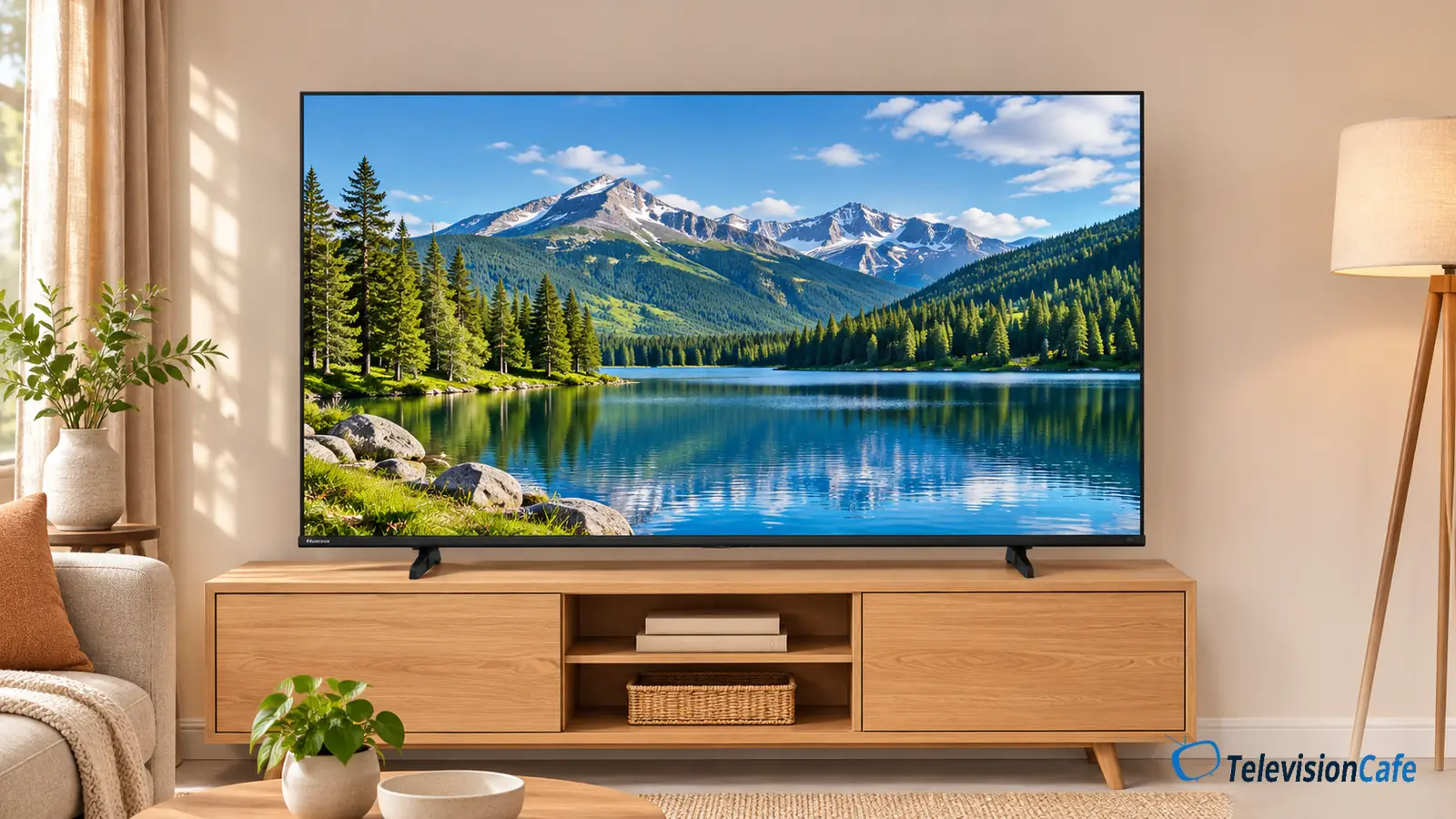
The Hisense QD6QF makes sense when the goal is a large, inexpensive TV for everyday streaming. The catch is that its QLED and Dolby Vision badges promise more than they tell you: the 65-inch model is still a 60Hz LCD TV without local dimming. It’s a practical budget option, with clear limits for HDR movies, bright rooms, and fast gaming.
This review focuses on the U.S. 65QD6QF, a 2025 model. Don’t confuse it with Hisense’s similarly named QD6 variants or assume every screen size has the same hardware.
Quick Verdict
Buy the QD6QF if screen size and a low price matter more than HDR impact or high refresh rate gaming. A bedroom, apartment, or second living area with controllable light is the most sensible home for it.
For a main movie TV, compare the same-size Hisense QD7QF before buying. It’s a Mini LED model, making it a useful step up to investigate for movie watching. The QD6QF should cost enough less to justify giving up local dimming.
Reasons to Consider It
- A straightforward route to a larger 4K screen.
- Fire TV and Alexa voice control built in.
- Broad HDR format compatibility.
- Four HDMI inputs on the U.S. 65-inch model.
Reasons to Spend More
- No local dimming for controlling dark and bright areas independently.
- No 4K at 120Hz on the 65-inch version.
- A poor fit for strong glare or widely spread seating.
- Fast motion deserves closer attention than the gaming badges suggest.
Hisense QD6QF Specifications: Size Matters
| Feature | U.S. 65QD6QF |
|---|---|
| Display | 4K quantum dot LCD; full-array backlight, no local dimming |
| Native refresh rate | 60Hz |
| HDR formats | Dolby Vision, HDR10, HDR10+, HLG |
| Gaming features | Game Mode Plus, VRR, ALLM; 4K/60Hz ceiling |
| HDMI | 4 HDMI 2.0 inputs; eARC on HDMI 3 |
| Smart platform | Fire TV with Alexa Voice Remote |
Hisense’s U.S. specification sheet lists three HDMI inputs for the 43-, 50-, and 55-inch sizes and four for the 65-, 75-, and 85-inch sizes. If you connect a console, disc player, and soundbar, that difference can decide whether you have a spare input.
Picture Quality: Everyday TV Is the Stronger Case
QLED describes the use of quantum dots in an LCD TV. It doesn’t tell you how bright the screen gets, how well it controls its backlight, or how cleanly it handles movement. Those distinctions matter more here than the badge on the box.
In RTINGS’ testing of the 65-inch QD6QF, SDR color accuracy was a strength before calibration, but HDR brightness was limited. The tested set also struggled with direct reflections, off-center viewing, and motion clarity. Its screen uniformity was poor; that last result can vary between individual units.
Why HDR Compatibility Isn’t Enough
The QD6QF can play Dolby Vision and HDR10+ content, so format support is convenient. The missing piece is independent backlight control. A bright lamp and a dark wall in the same scene still rely on a backlight that can’t selectively dim the area behind that wall.
That makes this a less convincing purchase for someone upgrading specifically to get more dramatic HDR from UHD discs or streaming movies. Spend your extra budget on better light control in the TV before paying for an even bigger QD6QF.
What to Check During the Return Window
Try the content you actually watch. Use a football game or a slow camera pan across a field to look for distracting darker patches. Then play a familiar nighttime scene and check whether faces remain easy to follow without making the whole image look washed out.
Use normal viewing material for the buying decision. A test slide can reveal small variations you’ll never notice in a movie; an obvious patch that follows every sports broadcast is a more useful reason to exchange a unit.
Choose the Room Before the Screen Size
The QD6QF’s best use is a seat facing the screen, with curtains or blinds available when needed. If a window or lamp is reflected in the TV from your usual chair, move the light source or change the TV’s position before trying to fix the problem in a menu.
For a wide sectional, judge the picture from the outer seats before committing. A TV that works for one person directly in front of it may be much less satisfying for a family spread across the room.
A bigger screen also makes imperfect streams easier to notice. If you mostly watch compressed cable channels, don’t assume going from 55 to 75 inches will improve the experience. Our TV size and viewing distance guide can help you choose a size that suits both the room and the source.
Gaming: Useful Features, With a 60Hz Limit
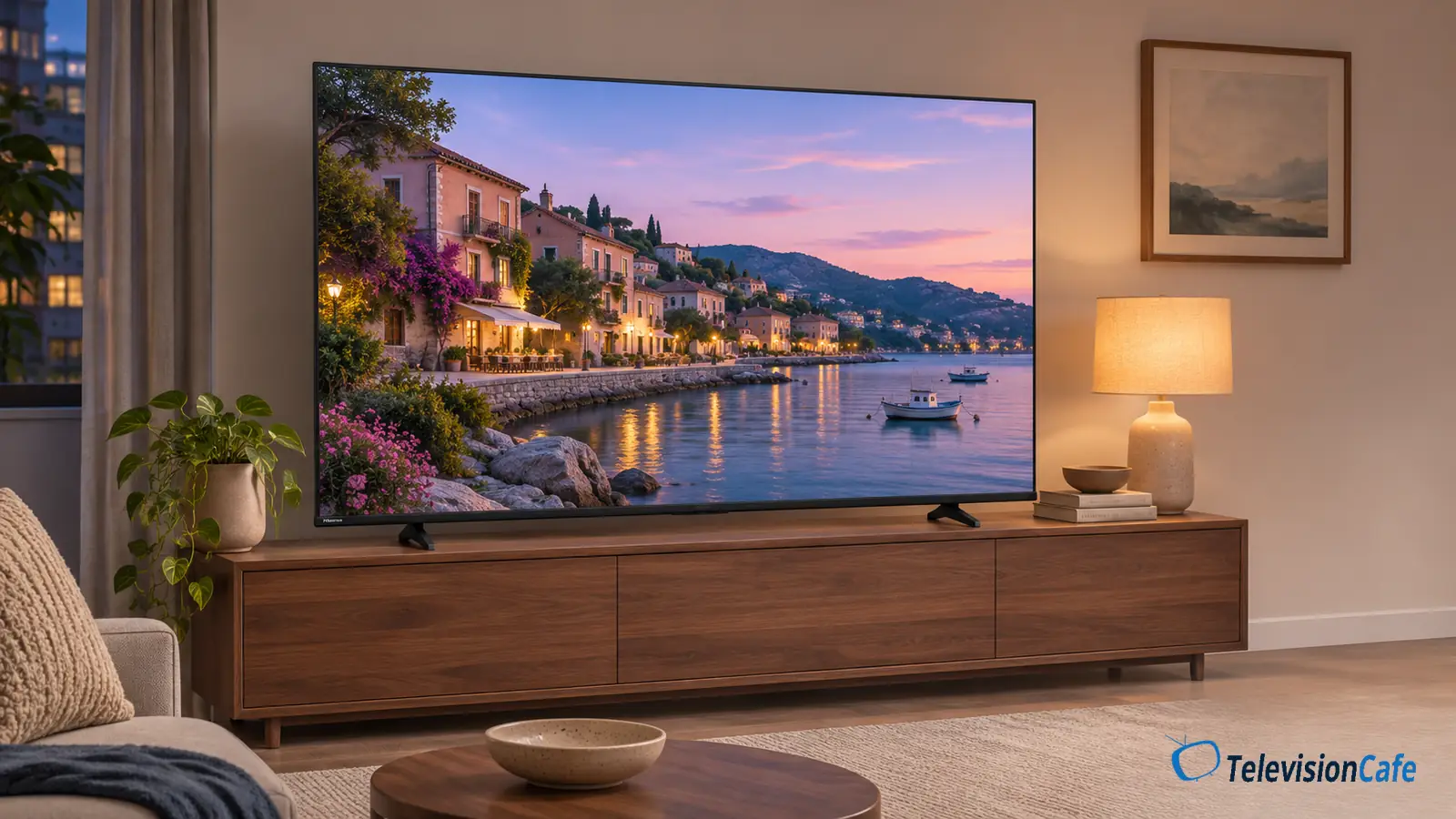
The 65QD6QF is easier to recommend for relaxed console play than competitive shooters. Its 4K/60Hz ceiling suits games you intend to run at 30 or 60 frames per second. Choose a different TV if 4K at 120Hz is part of the reason you bought your console.
RTINGS measured low input lag in most modes on its 65-inch sample, but slow pixel transitions reduced motion clarity. It also found that an accepted 1440p/120Hz signal came with high input lag. That unusual mode isn’t a reason to buy this TV.
Input lag and pixel response describe different things. A button press can reach the screen quickly while a moving object still leaves a visible trail. ALLM and VRR don’t remove that distinction, and a feature checklist can’t settle it.
Start with the console set to 4K/60Hz and check its video information screen after connecting it. If something looks wrong, establish a stable connection before changing picture controls. For cable advice, see which HDMI cable you need for 4K, high refresh rates, and eARC.
Fire TV, Connections, and Sound
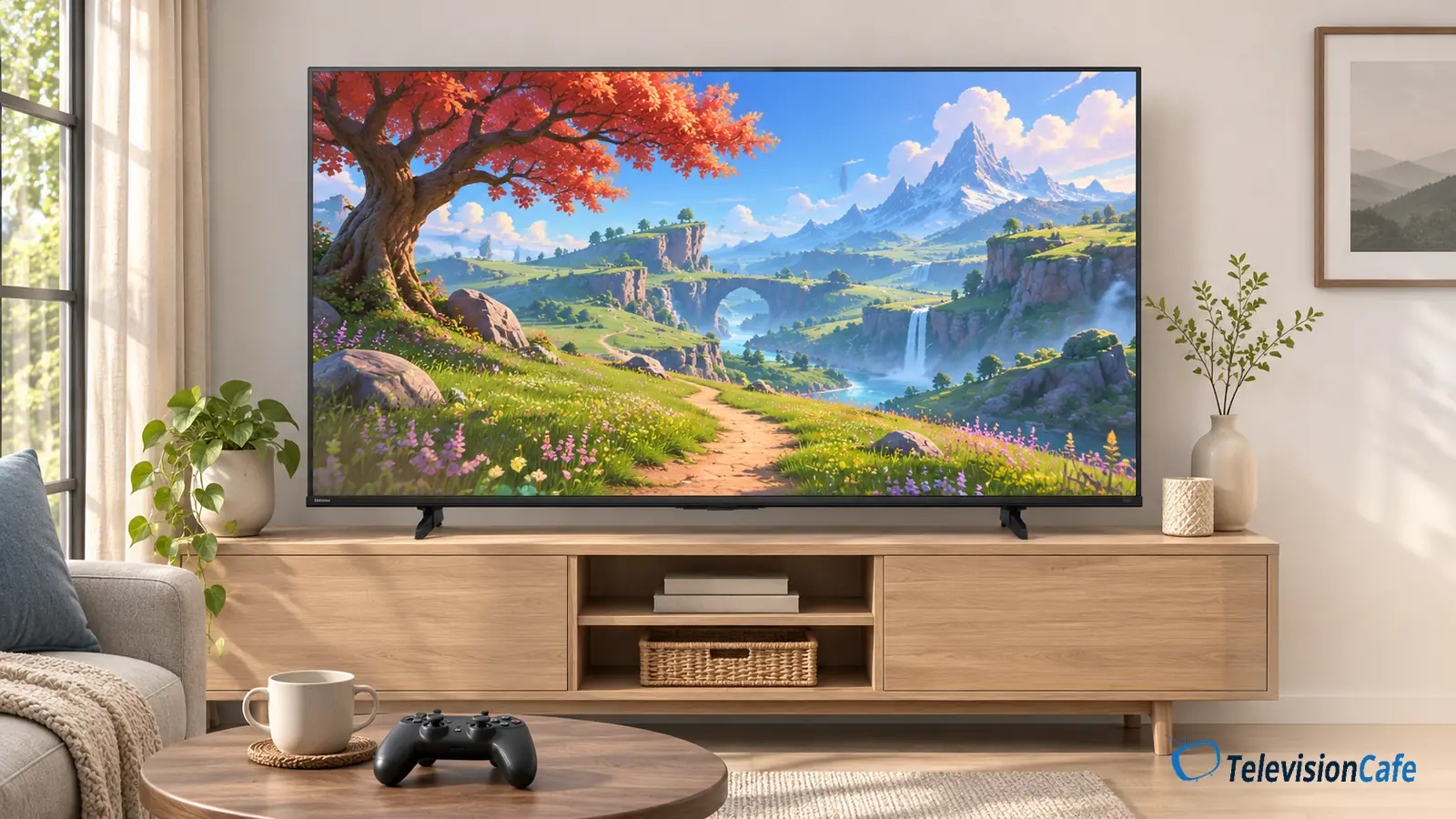
Fire TV is convenient if you already like Amazon’s streaming interface. The included voice remote lets you search with Alexa, so there’s no need to add a streaming stick simply to get that experience.
Before buying, check that the specific apps and live TV service you use support this TV in the U.S. Having a streaming platform built in doesn’t include paid subscriptions, and app availability can change.
Plan Your Soundbar Connection
On the U.S. 65-inch model, HDMI 3 handles eARC. Set that input aside for a compatible soundbar or receiver, then connect your other devices to the remaining ports. Don’t buy an HDMI switch until you’ve counted what you actually need.
Hisense lists a two-channel, 20W speaker system for this size. The Dolby Atmos label doesn’t mean the TV contains a discrete surround system or upward-firing speakers. If movie dialogue or fuller sound matters to you, budget for audio as part of the purchase. Our HDMI versus optical soundbar guide explains the connection options.
Design and Fit: Measure the Furniture
The 65QD6QF uses two separate feet rather than a center pedestal. Hisense lists a stand footprint of 39.7 inches wide by 11.7 inches deep and an overall width of 57.2 inches. There isn’t a second, narrower foot position listed for this size.
Check the depth of the console as carefully as its width. Both feet need full support, and a soundbar needs its own space without blocking the screen. If you’re wall mounting instead, the U.S. 65-inch model uses a 400 × 200mm VESA pattern; also check the bracket’s weight rating and installation instructions.
Value: Compare the Upgrade, Not Just the Discount
The QD6QF is worth considering when it’s substantially cheaper than a same-size TV with effective local dimming. A large discount from an advertised reference price doesn’t establish that on its own. Compare what you can buy today, in the same size, with comparable delivery and return terms.
The Hisense QD7QF review is the first comparison to read if you want to stay with an affordable Hisense Fire TV. If the two are close in price, the QD6QF’s case gets much weaker for a main movie screen.
For a bedroom used mostly for sitcoms and evening streaming, the cheaper set may be the sensible choice. For sports in a bright living room or a console setup built around 120fps, keep looking. Spending more is useful when it solves the limitation you’ll notice every day.
Check our TV picks under $500 for other options to compare within that budget.
If you're also considering LG's entry-level range, our LG UA7700 review covers its fit for an inexpensive second-room TV.
Final Verdict
The Hisense QD6QF is a conditional budget buy: choose it for inexpensive, everyday viewing in a room where you can control the light. The 65-inch model makes the most sense when you want a larger screen, use the built-in streaming apps, and are happy with 4K/60Hz gaming.
For a main movie TV, pay attention to the gap to a capable local-dimming model before checking out. If that upgrade is comfortably within your budget, better backlight control is a more useful place to put the money than another step up in QD6QF screen size.