
Hisense QD7QF Review: Is Budget Mini LED Worth It?
The Hisense QD7QF is worth considering when the price is low and evening streaming matters more than fast gaming or a sun-filled room. Its Mini LED backlight gives it a more interesting starting point than a basic LCD TV, but there are still good reasons to compare before buying.
The biggest catch is the size. A 65-inch QD7QF and a 75-inch QD7QF aren't simply the same television with different screen dimensions. They have different refresh rates and HDMI capabilities, which can change the buying decision entirely.
Jump to:
Check the Size Before You Read the Specs
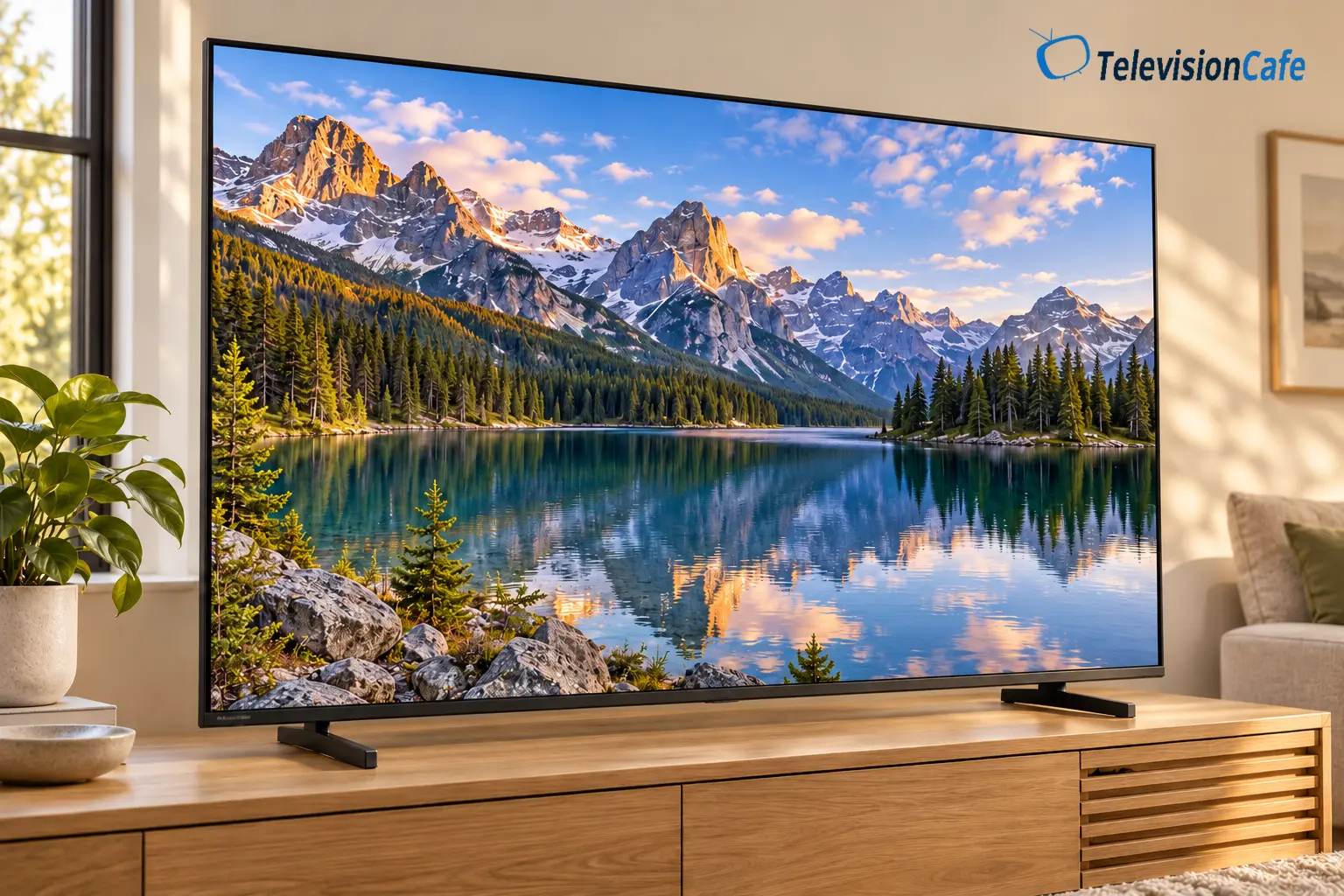
This review focuses on the U.S. 2025 Hisense 65QD7QF, with size-specific guidance for the rest of the lineup. In Canada, the equivalent series is called QD7QFM. Don't confuse either with a similarly named QD7 from another model year or market.
| U.S. Models | Native Refresh Rate | HDMI Inputs |
|---|---|---|
| 50QD7QF / 55QD7QF / 65QD7QF | 60Hz | Four HDMI 2.0 |
| 75QD7QF / 85QD7QF / 100QD7QF | 144Hz | Two HDMI 2.1, two HDMI 2.0 |
Hisense's U.S. specification sheet lists Mini LED full-array local dimming, Fire TV, Dolby Vision, HDR10+, and HLG. The 100-inch model also has a matte anti-glare treatment that the smaller sizes don't share.
This is a research-based assessment by TelevisionCafe, using manufacturer documentation and published tests of the 65-inch TV. We haven't tested it ourselves. RTINGS extends its findings to 50 and 55 inches; the larger versions need separate performance evidence.
Quick Verdict
The QD7QF belongs on a bargain shortlist, particularly for a smaller household watching from directly in front. We'd prioritize a meaningful discount over the Mini LED label. A higher-tier TV at nearly the same price can be the better purchase.
Best Fit
Evening movies, everyday shows, centered seating, and buyers who want to keep the total cost down.
Think Twice
A bright room with windows opposite the screen, a wide sectional, or a TV bought mainly for fast sports and games.
The Size Catch
The 75-inch and larger models have faster hardware. That makes them worth investigating, but doesn't establish their picture quality.
Picture Quality: Contrast Is the Main Attraction
In RTINGS' 65-inch QD7QF testing, contrast was a strength, but bright objects and subtitles still produced visible halos. The same sample showed uneven screen shading, slow pixel transitions, and limited viewing angles.
For a movie-first budget, we'd give local dimming more weight than a long list of smart features. Dark scenes are where a basic backlight can become distracting: a bright lamp in the picture shouldn't require the entire screen to glow. The QD7QF offers useful control, though small bright details remain a challenge.
If subtitles are always on in your house, include a dark subtitled scene in your return-period checks. Judge from your usual seat, with your usual lamp on. A problem that disappears at normal viewing distance matters less than one you notice every night.
HDR Support Doesn't Guarantee Powerful Highlights
Tom's Guide measured about 659 nits on a 10% HDR window in Filmmaker Mode on its 65QD7QF. That's one publication's result under its own test conditions, rather than a brightness promise for every size or picture mode.
Our reading is that HDR should be treated as a useful extra at this budget, not the main reason to stretch your spending. Supporting Dolby Vision lets the TV use that format; it doesn't give the backlight more output. For a purchase built around bright HDR movies, compare higher-tier models before settling on the cheapest Mini LED.
Sports, Daylight, and the Seats at the Side
RTINGS found weak control of direct reflections and modest brightness on the 65-inch sample. We'd place it where daylight reaches the room indirectly, with the main seats near the center.
Before ordering, sit where you normally watch during an afternoon game. If you can see a window reflected in the current TV, plan a blind, a change in screen angle, or a different position. A bargain becomes less appealing if you have to rearrange the room every Sunday.
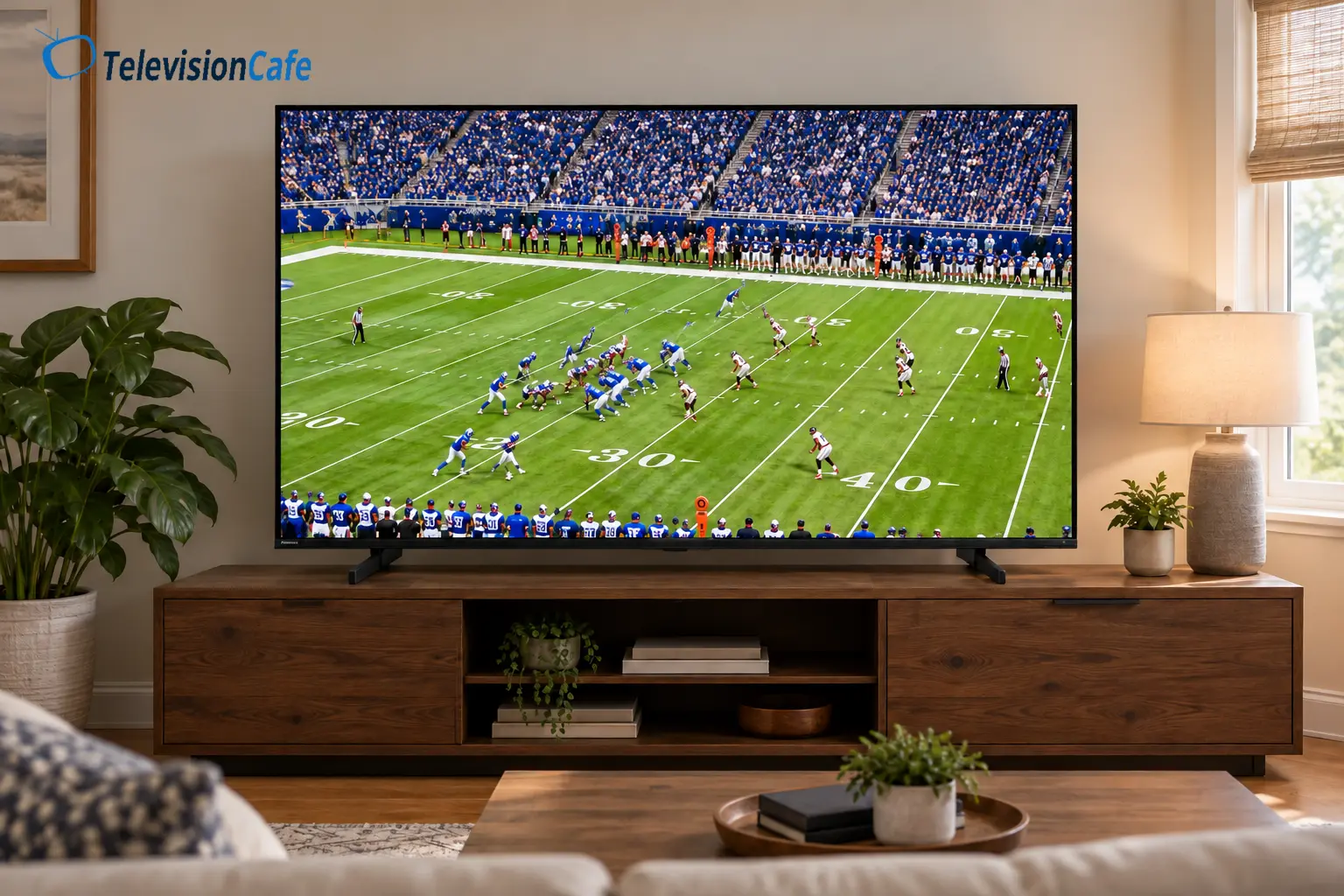
For sports, check a slow camera pan across a field or rink during the return period. Look for distracting patches and trails behind players using a good-quality feed. Don't use a store's still image as your only test, and don't expect extra sharpening to recover detail lost in motion.
Sports are a priority? Start with our TV picks for watching sports and compare the trade-offs at your budget.
Gaming: 65 Inches Has a Clear Ceiling
The 65QD7QF is a 4K/60Hz TV. Hisense lists VRR and ALLM, but those features don't turn it into a 4K/120Hz display. We'd consider it for occasional console play if the savings are substantial.
Tom's Guide reported 9.4ms input lag on its 65-inch sample. Low input lag means a command can appear promptly; it doesn't mean moving objects stay sharp. RTINGS also found unusual resolution support: 1440p/120Hz worked, while 1080p/120Hz didn't, with increased lag in the 1440p mode. Treat that as a test-unit finding, not a guaranteed workaround on current firmware.
If you're buying specifically for a PS5, Xbox Series X, or gaming PC's high-frame-rate modes, we'd compare the TCL QM6K. TCL specifies a native 144Hz panel on its 65-inch model. Spending more for that capability is easier to justify when you'll actually use it.
The 75-, 85-, and 100-inch QD7QF versions have a stronger gaming feature set on paper. Verify the modes supported by your console and chosen input, and look for testing of the size you're buying.
Fire TV: Convenient Apps, a Possible Speed Bump
Fire TV and an Alexa Voice Remote are included. If you already use Amazon's interface, that familiarity can save some setup time.
Speed deserves attention, though. Tom's Guide found its 65-inch review unit frustratingly slow when starting up and opening apps. Software updates can change that experience, so try the interface on your own TV before deciding whether it's acceptable.
Include any extra streaming player in your total budget. Buying a cheaper screen and immediately adding another device can shrink the savings. If you already own a player you like, connecting it to this TV is a more straightforward proposition.
Our guide to using a streaming device with a smart TV explains when that extra box is worthwhile.
Design, Connections, and Sound
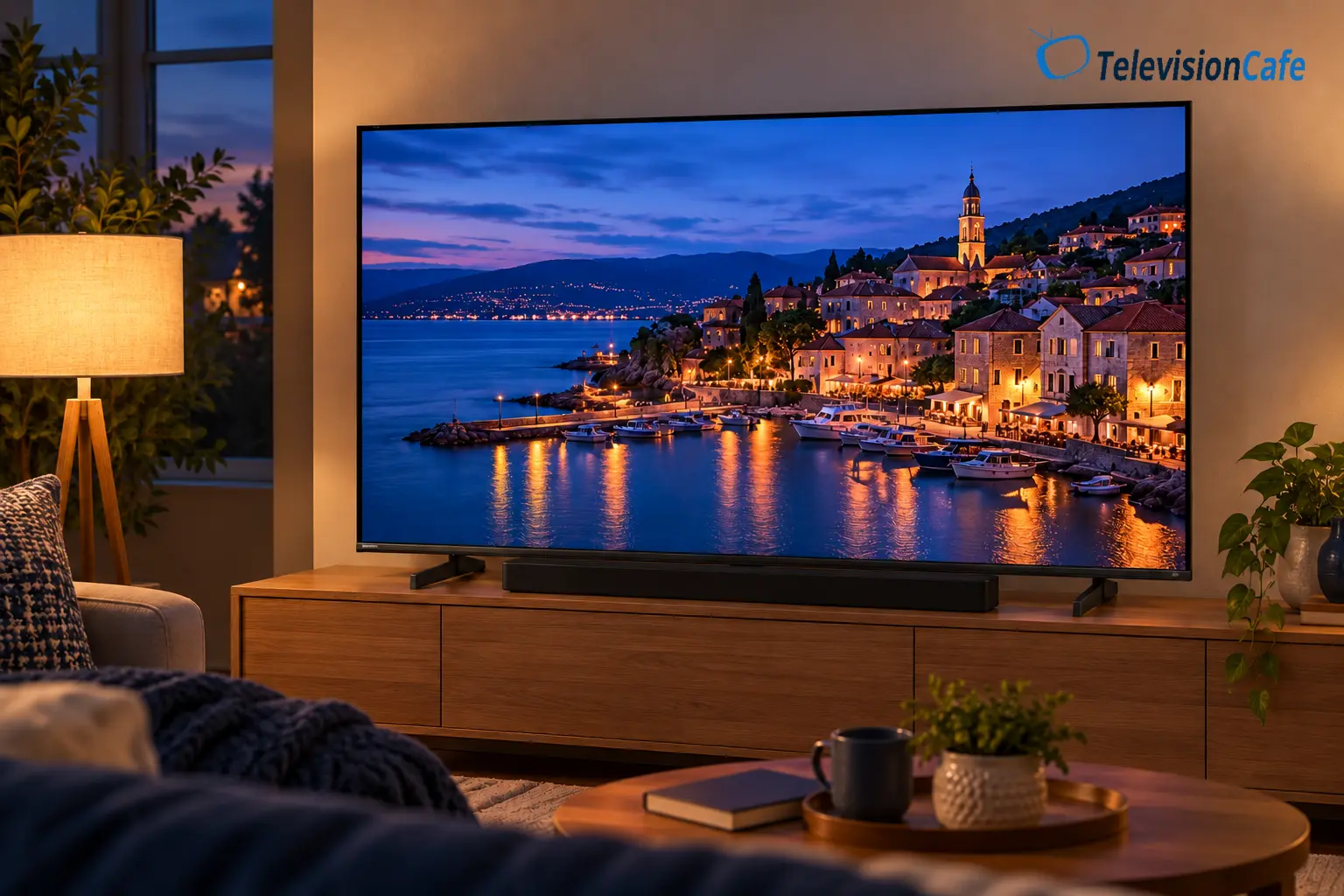
The 65-inch model uses two separate feet. Hisense lists a stand footprint of about 44.6 by 11.7 inches, a TV width of 56.9 inches, and a 400 × 400mm VESA mounting pattern. Measure the furniture before buying; a console needs enough depth for the feet as well as enough width.
On 50-, 55-, and 65-inch versions, eARC is on HDMI 3. On 75 inches and above, it's on HDMI 1. Keep that input available for a compatible soundbar or receiver when planning the connections.
For the 65-inch TV, Hisense specifies 30W stereo sound. Tom's Guide liked its output and bass, while finding dialogue less clear in the default sound mode. We'd try the built-in speakers with a familiar show before buying anything else. If voices still need help at your normal volume, put the remaining budget toward a soundbar.
A Sensible Starting Point for the Picture
For the 65-inch model, RTINGS used Movie mode, Warm 1 color temperature, and High local dimming. Its settings were documented on Fire OS 8.1.4.2. Use these as a starting point, not an instrumental calibration or a promise that today's menus are identical.
Adjust SDR backlight output to the room, then check HDR separately while HDR content is playing. Use Game Mode for gaming. Keep the original settings so you can reverse a change, and leave another unit's white-balance values alone.
What Price Would Make It Worth Buying?
For a new 65-inch QD7QF with normal U.S. warranty coverage, we'd use around $350 or less as an editorial buying target. That's our assessment of its compromises, not a verified live offer or the manufacturer's MSRP.
At that level, we'd consider it for an evening streaming setup where 4K/60Hz is enough. As the price approaches $450–$500, we'd spend more time comparing alternatives. The question becomes how much the savings really buy you after delivery, a possible streaming player, and any audio upgrade.
If a same-size TCL QM6K costs only $50–$100 more and you want high-frame-rate gaming, we'd favor paying the difference. If your household mostly watches shows and movies and the QD7QF is substantially cheaper, those gaming features may be money you can keep.
Don't apply the 65-inch target to the larger versions. Their hardware and costs differ. Check the exact model, seller, condition, warranty, and return terms instead of assuming the largest advertised discount is the best deal.
Comparing the QD7QF with the QD6QF? Our Hisense QD6QF review explains what to check before treating the two as interchangeable.
For more options, see our best budget TVs.
As an Amazon Associate I earn from qualifying purchases.
TelevisionCafe · PRICE CHECK
Hisense QD7QF · 65-inch
Check Amazon listings for the 2025 Hisense 65QD7QF. Confirm the seller, condition, warranty, and delivery terms before ordering.
Paid link. We may earn a commission.
Final Verdict
The Hisense QD7QF can be a worthwhile budget Mini LED buy, provided the discount fits the compromises. We'd shortlist the 65-inch version for centered, mostly evening viewing at a genuinely low price, with 4K/60Hz gaming as an occasional extra.
We'd spend more when fast gaming is central to the purchase or when the room demands better glare control. At roughly $350, the 65-inch model is interesting; close to a faster competitor's price, we'd compare carefully. For 75 inches and above, make a fresh decision based on that size's hardware and performance evidence.