
TV Setup
TV reviews. Your screen. Our expertise
A picture that looks too dark, blurry sports, or confusing picture modes can make a good TV frustrating to watch. Our TV setup guides help you choose sensible settings, connect your devices, and narrow down common problems.
Browse the guides below for model-specific picture settings, HDR and gaming adjustments, and troubleshooting steps you can try at home.
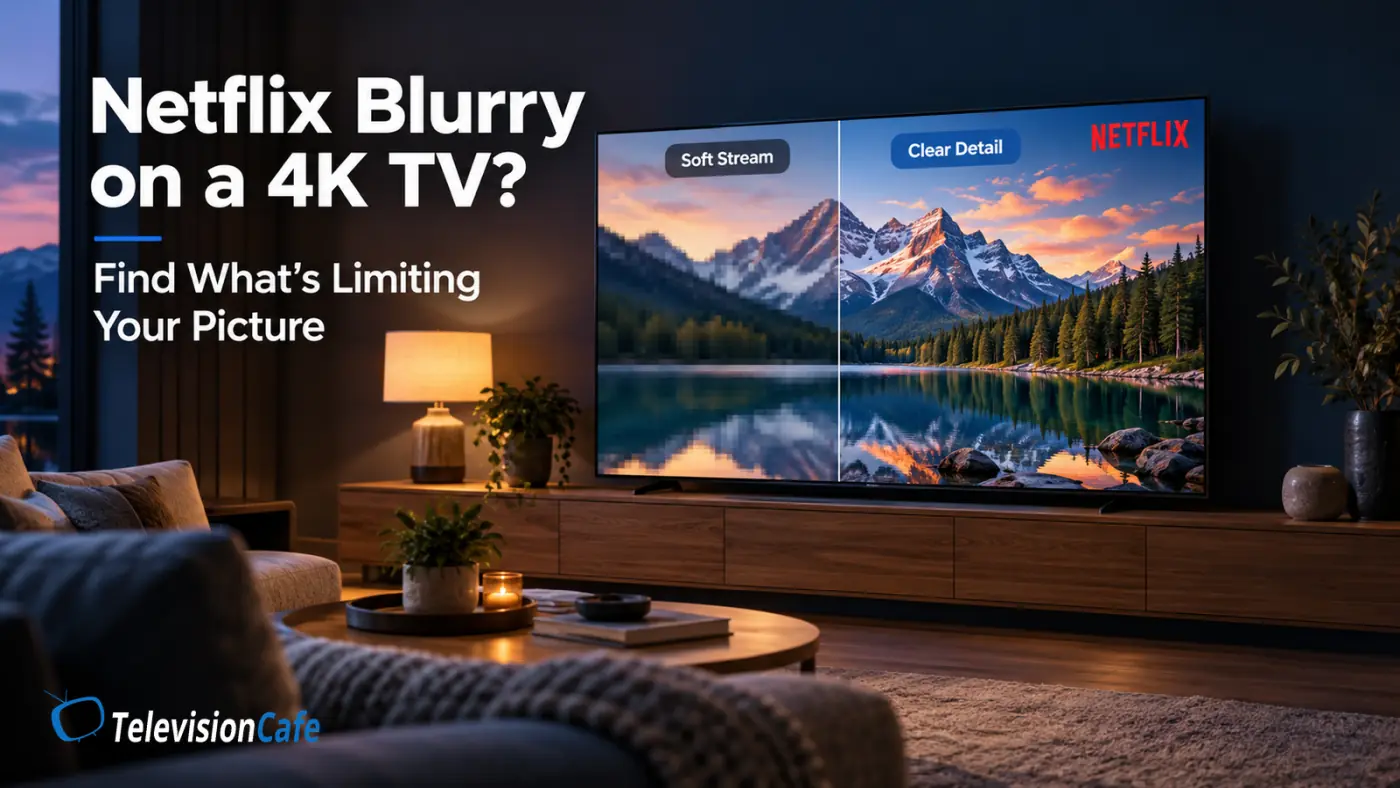
Why Is Netflix Blurry on a 4K TV? 9 Things to Check
You bought a 4K TV, opened Netflix, and expected a crisp picture. Instead, faces look soft, dark scenes turn into patches...
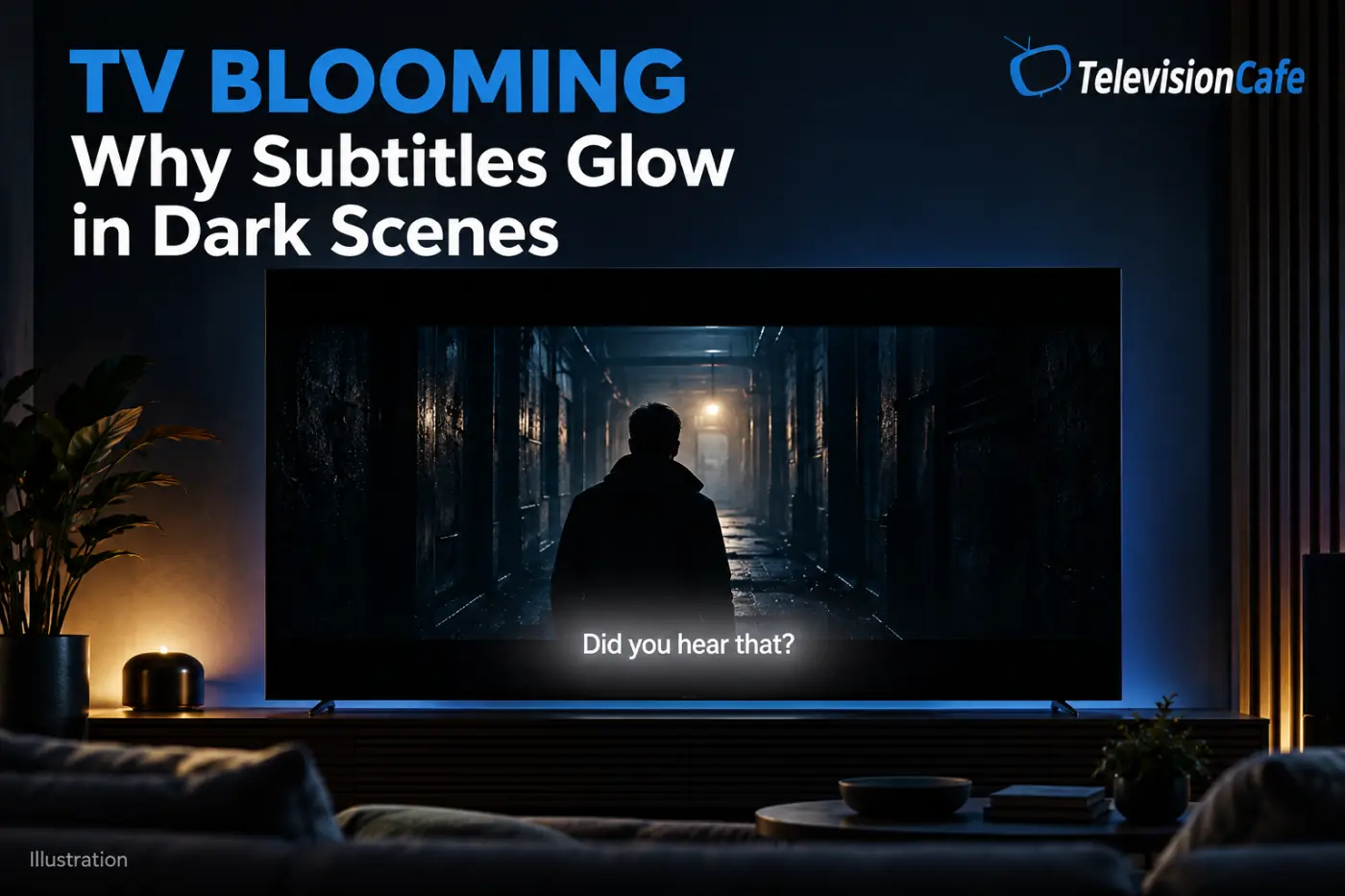
TV Blooming Explained: Why Subtitles Glow in Dark Scenes
The movie cuts to a dark bedroom. Everything looks right until someone speaks. A line of white subtitles appears, and...
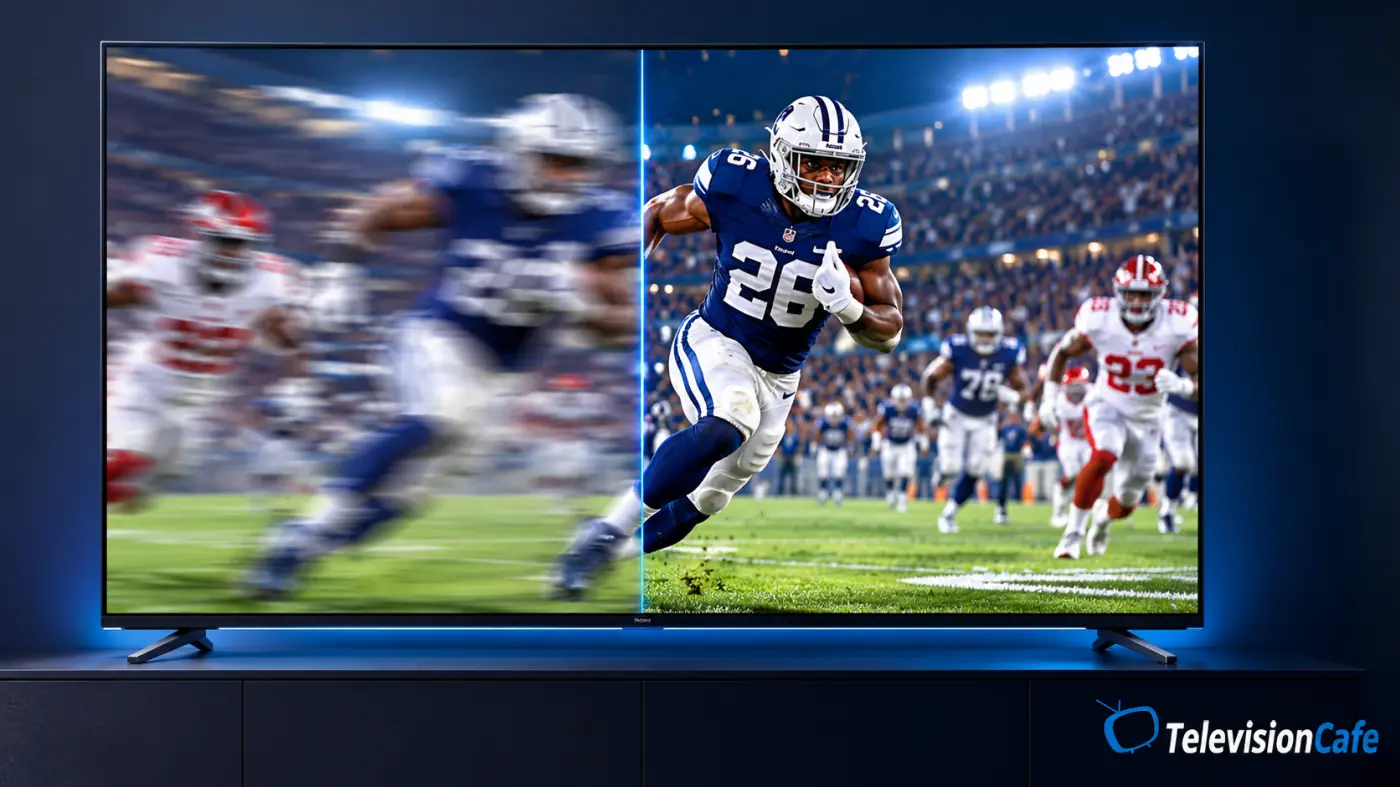
TV Motion Blur: Why Sports Look Blurry and 7 Fixes
The scoreboard is sharp. The grass looks detailed. Then the camera follows a long pass, and the players turn into soft...
Hisense U6SF Pro Best Picture Settings: HDR, SDR & Gaming
The Hisense U6SF Pro can make a movie look wonderfully rich—or make the same scene feel too bright, too cool, or oddly...
TCL QM6K Best Picture Settings: Get SDR, HDR & Gaming Right
The TCL QM6K can look punchy straight out of the box, but a brighter preset is not always a better picture. Skin can look...
TCL QM7L Best Picture Settings: SDR, HDR & Dolby Vision
The best TCL QM7L picture settings depend on what you are watching and how much light is in the room. A cable broadcast, an...
Samsung S90H Best Picture Settings: SDR, HDR & Gaming
Samsung S90H Picture Settings: Start Here A new OLED should make movie night feel like an upgrade. If your Samsung S90H...
Sony BRAVIA Update v114.603.100.1: What Actually Changes?
A TV update is easy to ignore when everything works. When dialogue falls behind the picture or your sound system starts...
LG C6 Best Picture Settings Guide: SDR, HDR & Gaming
LG C6 Picture Settings: Start Here The LG C6 already looks impressive when you take it out of the box, but a few sensible...
What makes a TV good for gaming?
In the early days of high-definition gaming, a "good" TV was simply one that had an HDMI port and didn't weigh as much as a...
Start with Your TV and Your Room
Use a guide for your exact model whenever possible. Menu names and available options can vary with screen size, software version, and the signal you're watching.
Treat suggested settings as a starting point. Check SDR, HDR, and gaming separately, change one setting at a time, and keep a note of the original value so you can undo a change that doesn't help.
Need Help with a Remote or HDMI Connection?
For remote controls, HDMI connections, and other add-ons, visit our TV accessories guides. You'll find help with LG Magic Remote problems and HDMI ARC/eARC audio issues.
Still choosing a TV? Browse our TV reviews or TV comparisons before picking a model.