
Insignia F50 Review: Is a Cheap Fire TV Enough?
The Insignia F50 can be enough if you want inexpensive 4K streaming, a bedroom TV, or a spare screen for occasional use. The catch is knowing what you are buying: a basic LED television with Fire TV built in, rather than a bargain version of a high-end home theater display.
This Insignia F50 review focuses on the U.S. 55-inch NS-55F501NA26, a 2025 model still relevant to budget shopping in 2026.
For a guest room, keeping the cost down may matter more than spectacular HDR. For your main movie or gaming screen, the compromises deserve a closer look.
Jump to: Quick Verdict · Which F50? · Picture · Fire TV · Gaming · Value · FAQ
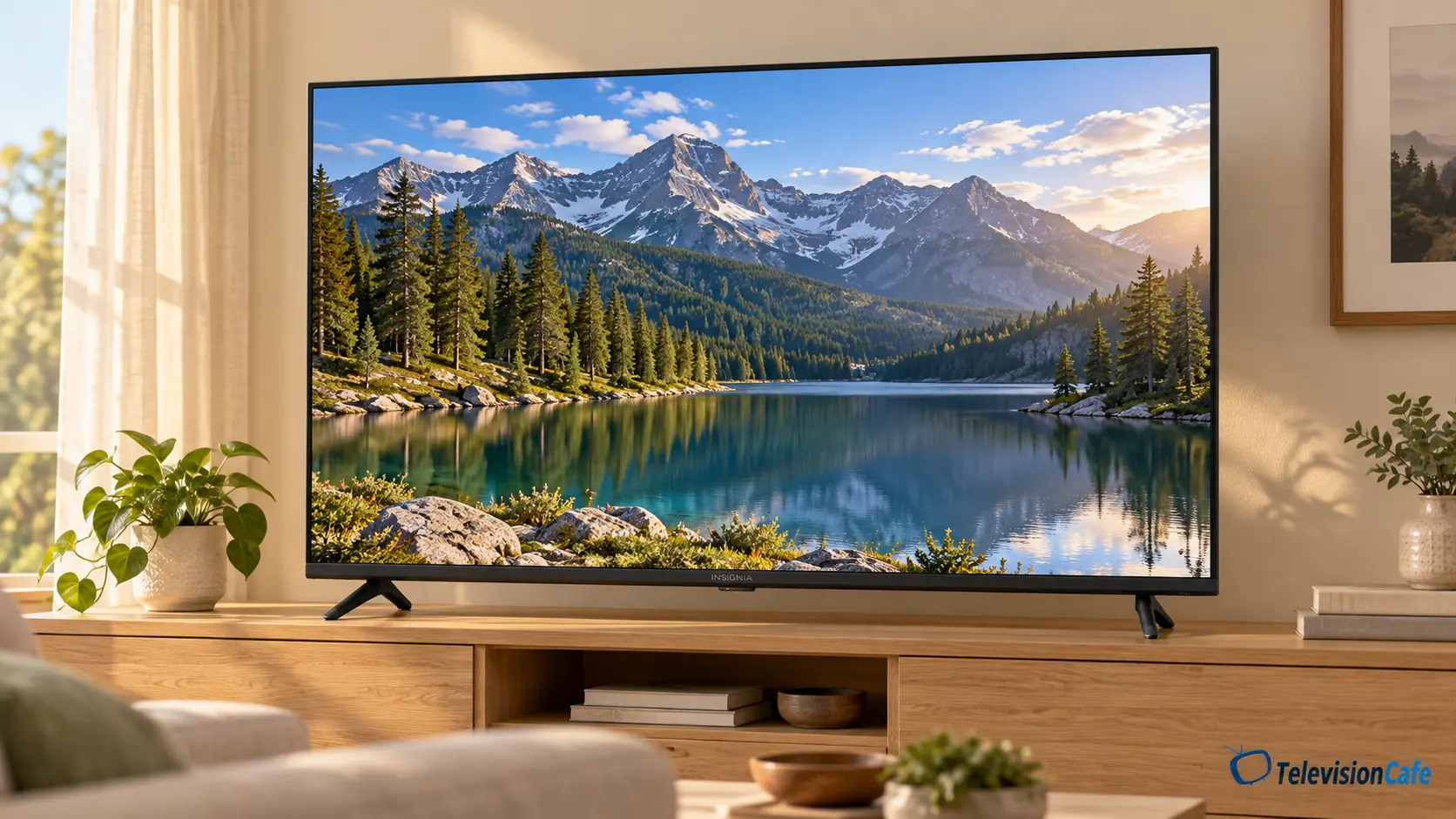
Insignia F50: The Quick Verdict
Buy it for a low-cost job it can realistically do. A bedroom streaming screen is a much better brief for this TV than a bright-room sports centerpiece or a premium gaming setup.
Why It Makes Sense
- Built-in streaming avoids the immediate cost of an external player.
- 4K resolution covers the basics for current movies and shows.
- eARC gives you a straightforward soundbar connection.
- A strong sale price can make an occasional-use TV easier to justify.
Why You Might Spend More
- The 60Hz panel rules out displaying 4K games at 120 frames per second.
- HDR10 support alone does not establish impressive HDR performance.
- A basic specification sheet offers little reassurance for demanding movie viewing.
- A small price gap to a better-equipped TV can erase the F50’s value advantage.
First, Check Which Insignia F50 You’re Buying
The F50 name has appeared on different televisions, including an older QLED range. A review, owner comment, or settings recommendation for one version should not automatically be applied to another.
The model covered here is the NS-55F501NA26 LED Fire TV. Match that full code on the listing, box, or rear label. Do not rely on a page that only says “Insignia F50 55-inch.”
Insignia’s product listing at Best Buy identifies it as a direct-lit LED model with a native 60Hz refresh rate and HDR10 support. Those are the specifications used here.
Other sizes can have different cabinets, feet, mounting patterns, and connections. Check the exact size before borrowing installation advice from this 55-inch review.
The Useful Specifications
| Model covered | NS-55F501NA26, U.S. 2025 LED model |
|---|---|
| Screen | 55-inch class, 4K UHD |
| Backlight | Direct-lit LED |
| Native refresh rate | 60Hz |
| Advertised HDR format | HDR10 |
| Smart platform | Fire TV with Alexa Voice Remote |
| HDMI | 3 inputs; HDMI 1 supports eARC/ARC |
| Other useful connections | Optical audio, Ethernet, USB, antenna/cable input |
| 55-inch wall mount pattern | VESA 200 × 200 mm |
Picture Quality: Put Everyday Viewing First
4K Is Useful, but the Source Still Matters
A 4K screen can show more detail than Full HD when the content contains it and you sit close enough to see the difference. That is useful for streaming movies, nature documentaries, and modern consoles. It does not make every cable channel look like a showroom demo.
Low-resolution channels and heavily compressed streams still need processing. For the F50, pay particular attention to faces, captions, and camera pans in the channels you actually watch. If most of your viewing is older TV or low-bitrate live sports, assess those sources during the return window.
Our TV upscaling guide explains why a better source can matter more than the resolution printed on the box.
Direct-Lit Does Not Mean Premium Local Dimming
Direct-lit describes where the LEDs sit behind the LCD panel. It does not, by itself, mean that the TV can independently control many backlight zones. The published listing for this model does not advertise full-array local dimming.
That distinction matters when judging dark movies. Do not buy the F50 expecting OLED-style black levels or assume it behaves like a Mini LED television simply because both use LEDs. A dark movie scene with subtitles is a useful check: look at shadow detail and whether the background looks acceptably dark to you.
HDR10 Support Is Only Part of the Story
Being able to play HDR content and making HDR look convincing are different things. The screen also needs enough brightness, contrast, and color capability to deliver the intended effect.
Insignia advertises HDR10 for this model. That tells you about format support; it does not prove that a sunlit sky or a bright reflection will stand out dramatically. For this budget model, treat HDR as compatibility rather than the reason to buy.
If richer movie highlights are your priority, compare it with a TV that has documented brightness and effective local dimming. Read our explanation of what HDR actually changes before paying extra for the badge alone.
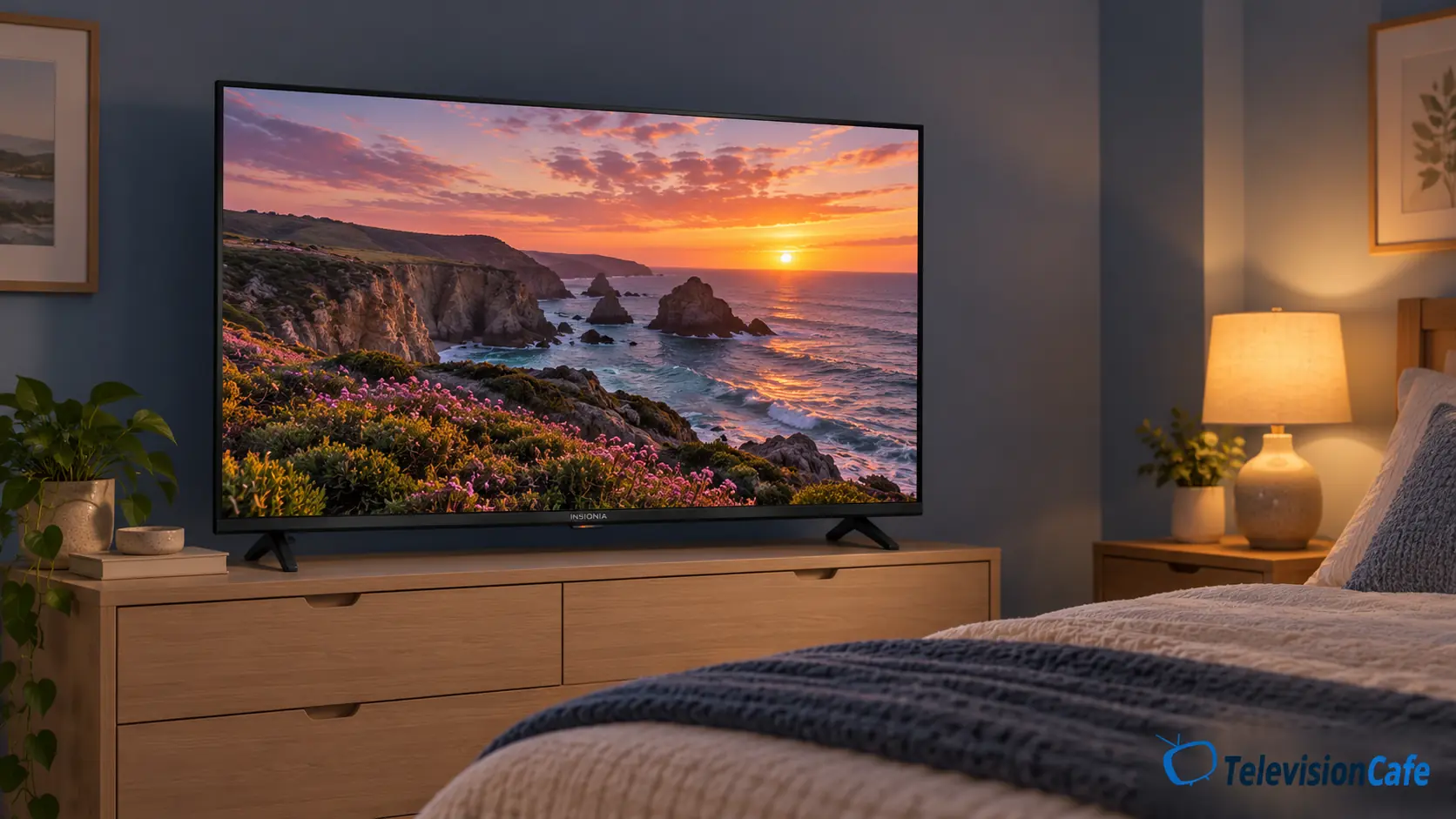
Think About the Room Before the Screen Size
A large window reflecting in the screen can spoil any inexpensive upgrade. For the F50, we do not have measured reflection handling or brightness to recommend it confidently for a sun-filled living room.
A room with curtains and a viewing position facing the screen is the more cautious choice. If you need a TV for strong daytime light, compare the options in our bright-room TV guide.
Likewise, do not assume that every seat on a wide sectional will see the same picture. Check color and contrast from your actual seats rather than borrowing viewing-angle conclusions from an older F50.
Fire TV: Convenient When You Want Everything Built In
For an inexpensive secondary TV, built-in apps are a practical advantage. You can start with one television and one remote, without adding a streaming stick just to watch your usual services.
Fire TV combines streaming apps, recommendations, and live-TV options. The included Alexa Voice Remote can help find something to watch without typing every title with directional buttons. An Amazon account and internet connection are needed for the full smart-TV experience; subscriptions are separate.
The trade-off is the interface. Fire TV makes plenty of room for promoted content and recommendations, so it may not suit someone who wants a quiet grid of apps. Before committing to it as your everyday platform, try launching your usual apps, switching between them, and searching for a show.
If you already own a Roku, Apple TV, or another player you like, connect it through HDMI. Otherwise, try the built-in system first. Our guide to whether a smart TV needs a streaming device can help you avoid spending money twice.
Gaming and Sports: Understand the 60Hz Limit
The F50 is a basic gaming option, not a high-refresh upgrade. Its native 60Hz panel can display up to 60 distinct frames per second. A PS5, Xbox Series X, or powerful PC cannot turn that into a 120Hz display.
That can be a reasonable match for casual play, slower adventures, family games, or a console used occasionally in a spare room. Players buying specifically for 4K at 120Hz should choose a TV that explicitly supports it. Do not confuse an eARC label with confirmation of high-bandwidth gaming features.
Input lag and pixel response time are separate from refresh rate. We do not have measurements for this exact model, so “60Hz” should not be taken as proof that controls feel fast or that dark motion stays clean. If a Game mode is offered, use it and check responsiveness with games you know.
Sports need the same realistic expectations. A 60Hz screen is not automatically unsuitable for a 60fps broadcast, but refresh rate alone says little about motion blur, processing, or screen uniformity. Try a field sport and a camera pan before the return period ends. Our motion-blur guide covers the difference between a source problem, a setting, and a screen limitation.
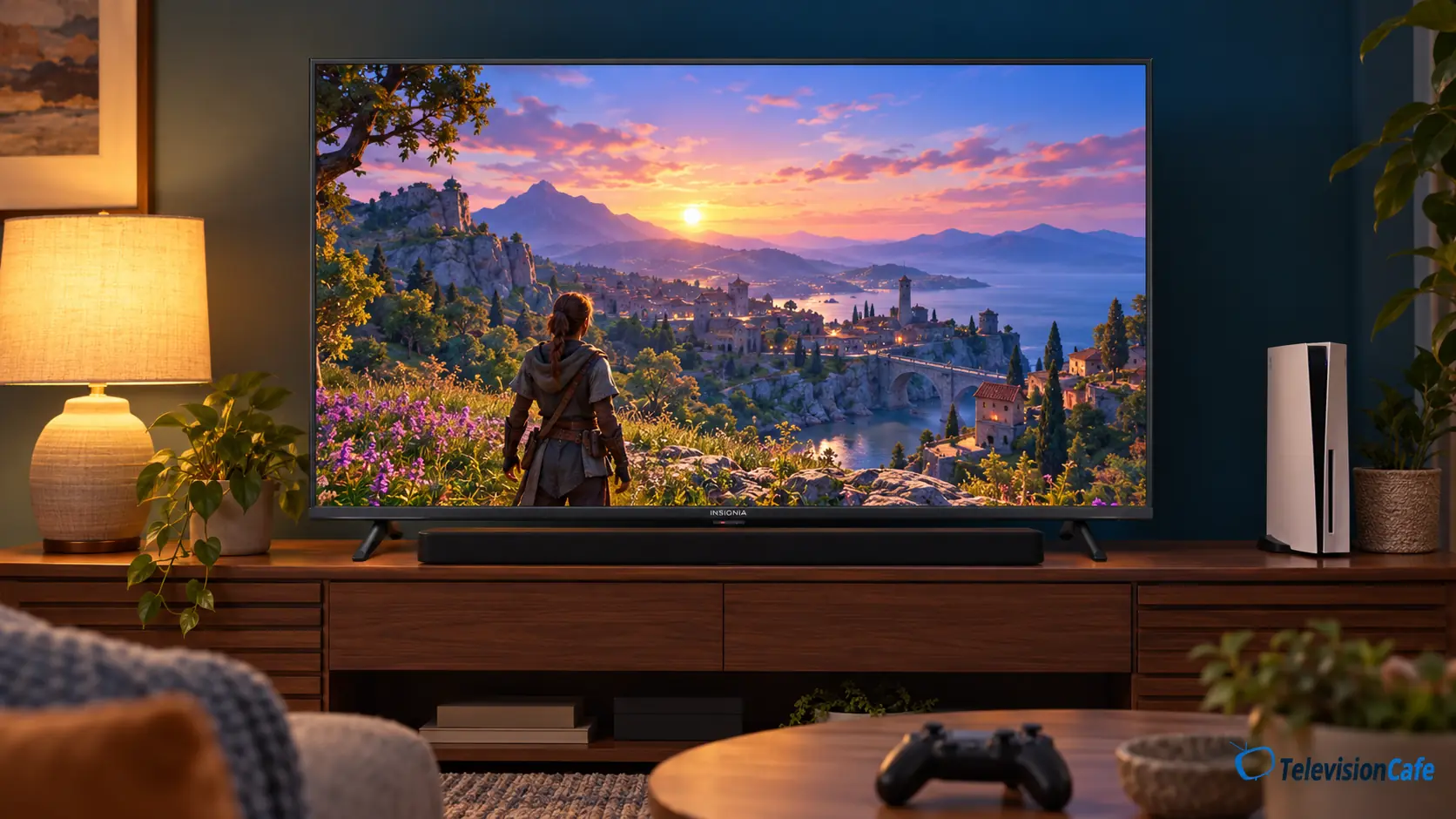
Sound and Connections: Leave Room for a Soundbar
The DTS Virtual:X label describes audio processing. It should not be read as a promise of deep bass, discrete rear speakers, or the impact of a separate sound system. Start by checking whether voices stay clear at your normal listening volume, especially if this is a bedroom TV you will use quietly at night.
The useful connection is HDMI 1 (eARC/ARC). The official quick setup guide identifies that port for a compatible soundbar or receiver. Optical output is another option.
eARC availability does not guarantee every app, audio format, or passthrough combination. Match the TV’s output settings to your sound system, and use our HDMI versus optical guide if you are deciding how to connect it.
Remember the input count: a soundbar using HDMI leaves two HDMI inputs for other devices. A console, cable box, and external streamer would already exceed that remaining pair.
Design and Setup: Measure the Furniture First
The F50 uses two separate feet rather than a central pedestal. Check the distance between them and the required depth on the listing for your exact size; a cabinet can be wide enough for the screen but too narrow to support both feet.
The 55-inch NS-55F501NA26 uses a 200 × 200 mm VESA pattern. That mounting pattern does not replace checking the bracket’s weight rating, screw requirements, and wall suitability. A larger F50 may use a different mount.
When it arrives, inspect for shipping damage, update the software, and try a few familiar scenes. Check a dark movie, dialogue at low volume, a bright sports broadcast, your usual apps, and any connected console. Those checks are more useful than deciding from one colorful demo clip.
Is the Insignia F50 Good Value?
The price gap decides this review’s recommendation. A basic TV can be a smart purchase when it saves enough money and fits the room. It becomes less appealing when a better-equipped alternative costs only a little more.
For example, if the same-size F50 were $200 and an alternative you prefer were $220, a $20 saving would be a weak reason to accept compromises you will notice every day. If the alternative were $350, saving $150 could make much more sense for a guest room. These are buying examples, not current offers.
Compare the final checkout prices for the same size and condition. Include delivery, seller, return terms, and any accessories you would need immediately. A cheap TV plus a player and soundbar can turn into a different budget.
For another basic 4K model to compare, read our LG UA7700 review and check the same screen size and buying conditions.
For a main TV, our Hisense QD7QF review is a useful next comparison if you are considering a step up to Mini LED. Check the exact size and sale price rather than assuming that the upgrade always costs the same amount.
55-Inch Fire TV Under $200 — Save 43%
The 55-inch Insignia F50 is $199.99 on Amazon — $150 below its $349.99 list price. That’s a 43% discount and a budget-friendly way to get a big 4K streaming screen for under $200.
Price shown on Amazon on October 31, 2026. Price and availability may change.
TelevisionCafe · PRICE CHECK
Insignia F50 LED · 55-inch
Check the current Amazon price for the NS-55F501NA26. Confirm the model, seller, delivery, and return terms before ordering.
Paid link. We may earn a commission.
Best Fit
A guest room, bedroom, first apartment, or occasional-use screen where keeping the total cost low is the main goal.
Compare Carefully
Your everyday living-room TV. A small saving matters less when you will watch the screen for several hours every day.
Choose Something Else
A purchase centered on 4K/120Hz gaming, verified high-impact HDR, or performance in strong daylight.
Final Verdict: Enough for the Right Room
The Insignia F50 makes the most sense as an inexpensive way to put streaming and a large 4K screen in a room that does not need premium performance. The built-in platform and useful audio connections cover practical basics.
For the main screen in your home, be more selective. Its 60Hz ceiling is clear, while picture-quality claims need evidence for the exact model rather than assumptions from the F50 name.
Buy it when the saving is meaningful and the job is simple. If the price gets close to a better-equipped television, take the time to compare. Our TV buying checklist is a good place to decide which upgrades you would actually use.