
Roku Plus Series Mini-LED Review (2025): Worth Buying?
The 2025 Roku Plus Series is worth considering if you want an affordable Mini-LED TV with Roku built in and don’t need 4K gaming at 120Hz. Its appeal is straightforward: a step up from a basic backlit LCD, broad HDR support, and an interface that won’t require a tutorial every time someone picks up the remote.
The price has to be right, though. Mini-LED is useful hardware, but it doesn’t automatically make this the best budget TV. If a faster TCL or the Roku Pro Series costs only a little more, the Plus becomes harder to recommend.
Jump to: Quick Verdict · Models · Picture Quality · Roku and Remote · Gaming · Value · Final Verdict
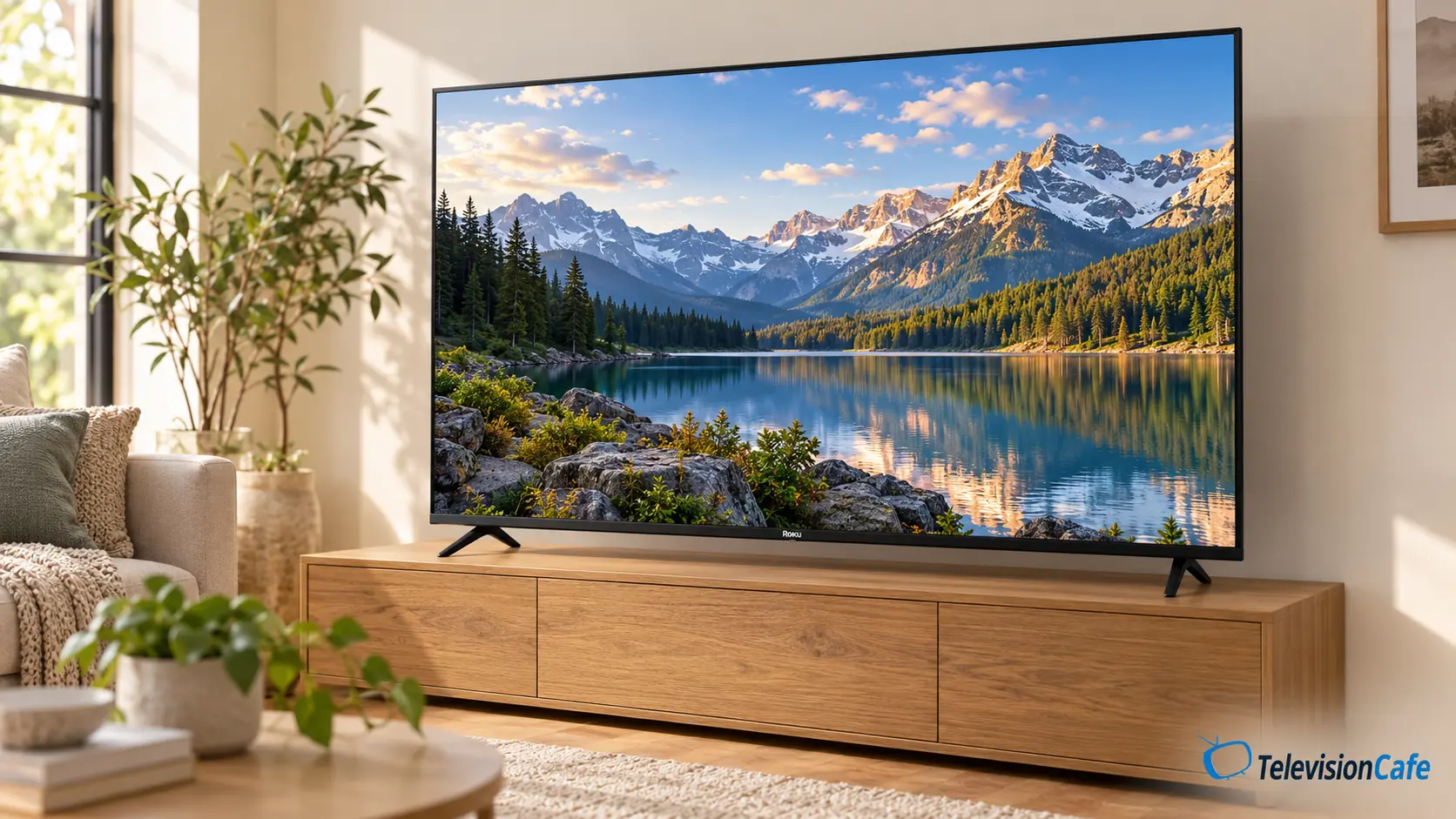
Make Sure You’re Looking at the 2025 Mini-LED Model
This review covers the U.S. 2025 R6C-generation Plus Series, available in 55, 65, and 75 inches. One U.S. retail model is the 65-inch 65R6C7. Check the full code on the listing rather than shopping by “Roku Plus” alone.
Regional naming: Canada also uses the Plus Series name, with codes such as 55R6C5CA and 65R6C5CA. A similar name isn’t a guarantee of identical regional features, bundles, or warranty coverage. This article doesn’t apply to the original R6A-generation Plus Series or the newer R6D generation.
That distinction matters when reading reviews: the widely circulated RTINGS Plus Series review tested the older 65R6A5R. Its brightness, input-lag, and viewing-angle results should not be presented as measurements of this 2025 Mini-LED model.
Quick Verdict
Buy it for everyday streaming at a worthwhile discount. The Plus Series suits a bedroom, family room, or a household that already likes Roku and wants to keep using the same familiar controls.
Skip it if 120Hz gaming is a priority, or the price overlaps with stronger alternatives. A faster panel is worth prioritizing if you’ll use it.
What Makes It Appealing
- Mini-LED backlighting with local dimming.
- Dolby Vision and HDR10+ support.
- Roku’s familiar app-based home screen.
- Useful conveniences including remote finding and Bluetooth headphone listening.
What to Think About Before Buying
- No 4K/120Hz gaming.
- The included enhanced remote isn’t the rechargeable, backlit Voice Remote Pro.
- Published testing of the older Plus model is easy to confuse with this one.
- Value depends heavily on the gap to competing Mini-LED TVs.
The Specs That Matter
| Feature | 2025 Roku Plus Series |
|---|---|
| Screen sizes | 55, 65, and 75 inches |
| Display | 4K QLED LCD with Mini-LED local dimming |
| Refresh rate | 60Hz |
| HDR | Dolby Vision, HDR10+, and HLG |
| Smart platform | Roku OS |
| Connections | Four HDMI inputs, including eARC; Ethernet and USB |
| Audio | Dolby Atmos support and built-in subwoofer |
| Remote | Enhanced voice remote with lost remote finder |
| Conveniences | Smart Picture Max and Bluetooth Headphone Mode |
Picture Quality: A Useful Upgrade, With Limits
Roku confirmed the move to Mini-LED in its 2025 TV announcement. Smaller backlight elements give the design more scope to control light behind the LCD, while the quantum-dot layer expands its color capabilities. The quality of the result still depends on how the television drives that hardware.
For movie nights, local dimming is the feature to prioritize over a basic LCD with no local control. It can darken one part of the backlight while keeping another brighter. That’s useful for dark scenes and letterbox bars, but it isn’t OLED-style pixel control. Don’t read Mini-LED as a promise of zero halos around subtitles.
The HDR format support is welcome. Dolby Vision and HDR10+ let compatible titles use dynamic metadata; neither logo guarantees that this set can reproduce every highlight in an HDR master.
In Rick Broida’s 2025 review for Yahoo, dark HDR scenes looked dimmer on his Plus sample than on the Pro Series alongside it. He also liked its colorful picture. The review doesn’t identify the tested screen size, so those impressions shouldn’t be treated as measured results for every size.
Our buying advice follows from that distinction: the Plus is more convincing as a reasonably priced streaming TV than as a purchase for someone chasing powerful HDR highlights. If that’s your priority, compare the exact model with the alternatives before paying extra for its backlight label.
Bright Rooms and Sports: Check the Actual Viewing Position
Before buying, look at your current screen from the seats you use during the afternoon. If a window sits in the middle of the reflection, moving the TV or adding curtains may be more effective than assuming any Mini-LED model will overpower it.
For a store demonstration, ask for an ordinary sports feed rather than a bright promotional loop. Look at the grass or ice during camera pans, then move to the side seats. That checks two things that a specification sheet won’t settle: whether uneven shading bothers you and whether the picture still looks acceptable off-center.
The Plus has a 60Hz panel. It can show a 60fps broadcast, although a higher panel refresh rate is useful for other sources. A dependable high-quality feed matters too; upscaling can’t replace detail missing from the source.
The Roku Experience Is a Big Part of the Appeal
If you already use a Roku player, this TV keeps the same general approach: open the app you want, choose something, and watch. You don’t need to buy a separate streaming stick just to get Roku on it.
That familiarity can be worth something in a shared household. It’s less persuasive as a reason to overpay if you already own a Roku device you could connect to another TV. Our guide to streaming devices and smart TVs explains when keeping the existing player makes sense.
Smart Picture Max is designed to adjust the picture automatically. Try it with your own mix of shows, then decide whether you prefer its choices. If films look too smooth, review the motion settings rather than assuming the incoming video is supposed to look that way.
Already own the R6C-generation model? Our Roku Plus Series 2025 picture settings guide covers SDR, HDR, Dolby Vision, and console setup.
A Roku account and internet connection are required for activation. Roku doesn’t charge an activation fee; subscriptions and paid content are separate costs. The platform also includes ads and promotions, so a straightforward home screen shouldn’t be mistaken for an ad-free experience.
A Helpful Remote, With One Important Downgrade
The 2025 Plus comes with an enhanced voice remote and a remote-finder function. The latter is particularly useful when the remote disappears into the sofa.
It isn’t the Voice Remote Pro supplied with the original Plus Series. Don’t assume you’re getting rechargeable batteries, backlit buttons, or hands-free voice simply because an older review mentions them. Broida specifically noted those omissions on the 2025 model.
Bluetooth Headphone Mode is another practical addition: compatible headphones can connect directly to the TV. That makes late-night watching more convenient without adding a separate player or relying on the phone app for listening.
Sound and Connections: Start With What’s Included
The Plus has a built-in subwoofer and Dolby Atmos support. That gives it more to work with than a TV relying only on small stereo drivers, but an Atmos logo doesn’t mean you’ll hear the placement of a separate surround system.
Try dialogue and music at your normal volume before ordering a soundbar. If voices are clear enough and you mostly watch news or casual TV, keeping the built-in sound may be the best use of a limited budget.
Four HDMI inputs give you room for a console, cable box, and other sources. Connecting a soundbar through eARC uses one of those connections. Check access to the ports before wall-mounting, especially if you regularly swap devices.
Gaming: Fine for 60Hz, the Wrong Buy for 4K/120Hz
The Plus Series cannot display 4K games at 120Hz. A PS5 or Xbox Series X can still be used with it, but you’re choosing a 60Hz display. That’s a reasonable trade for slower games or occasional play if the savings are substantial.
For fast competitive games, compare the cost of a true 120Hz or faster TV before buying. VRR support, where offered, doesn’t change a panel’s maximum refresh rate or turn 60Hz into 120Hz.
We haven’t verified a measured VRR range or input-lag figure for this exact 2025 U.S. model. Check the specific listing and console compatibility if either matters to your purchase. Numbers from the older R6A Plus are not a substitute.
The TCL QM6K and Roku Pro Series deserve a look when higher refresh rates matter. Compare the same size and the actual price difference.
What Would Make It a Good Deal?
The 2025 model is now a buy-on-price proposition. These are our editorial target prices for a new TV with normal warranty coverage, not verified live retailer offers:
- 55-inch: around $350 or less. A sensible shortlist option for a bedroom or smaller streaming setup.
- 65-inch: around $450 or less. The strongest size to consider when you want a larger picture without a large budget.
- 75-inch: around $600 or less. Worth comparing for size-first buyers, provided a faster competitor isn’t close in price.
Don’t stretch to those amounts just because this page lists them. If a comparable-size TCL QM6K is only $50–$100 more and you’ll use its faster panel, the upgrade may be better value. If you already have a Roku player, you can keep the interface you like by connecting it to that alternative.
Conversely, don’t pay for a gaming feature you won’t use. For streaming shows from a central seat, a noticeably cheaper Plus can be the more practical purchase. Compare the full offer, including the seller, condition, delivery charge, and return policy.
TelevisionCafe · PRICE CHECK
Roku Plus Series Mini-LED · 65-inch
Compare Amazon listings for the 2025 65-inch Plus Series Mini-LED. Check the full model code, seller, condition, and delivery terms before ordering.
Paid link. We may earn a commission.
Final Verdict
The 2025 Roku Plus Series is a sensible budget buy when its discount is substantial and everyday streaming is the priority. Mini-LED local dimming, broad HDR support, and familiar Roku controls make a useful package without requiring a separate player.
Its 60Hz ceiling is the main reason to shop elsewhere. If you want 120Hz gaming, stronger HDR performance, or the Plus costs almost as much as a better-equipped rival, compare before committing. Buy this generation for the price and convenience that suit your household.