
Samsung S90H Review (2026): Great OLED, but Size Matters
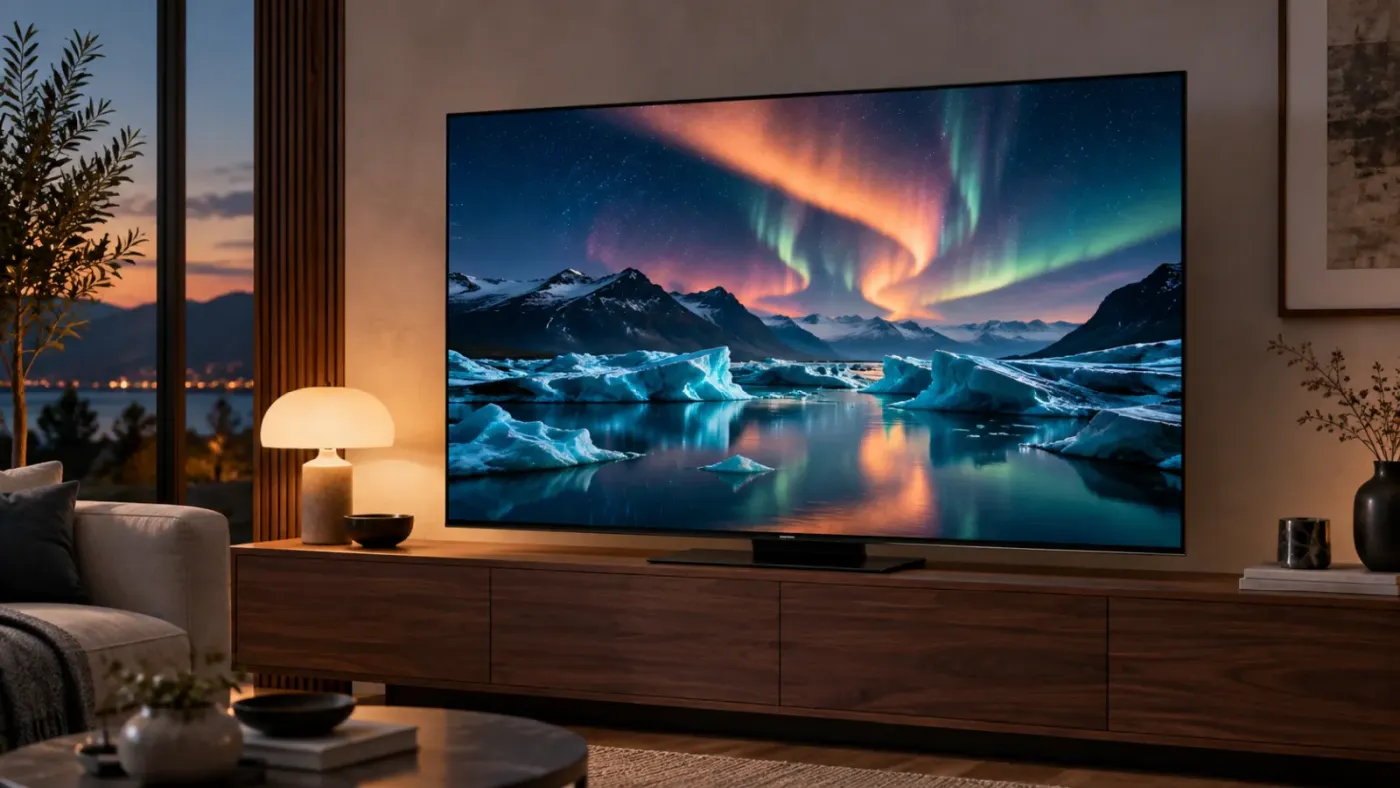
A TV can look spectacular in a dark showroom and still frustrate you every afternoon at home. If you have ever watched a movie around the reflection of a window, you already understand the appeal of the Samsung S90H.
This 2026 4K OLED brings Samsung's Glare Free screen treatment to the S90 series, alongside its NQ4 AI Gen3 processor. That makes it an interesting option for people whose living room also has to function as, well, a living room.
But there is an unusually important detail behind the model name: the screen size you choose affects the OLED panel you get. Before deciding whether the S90H belongs in your home, you need to look beyond the series badge.
About this review: This is an editorial assessment of the U.S. Samsung S90H lineup, based on manufacturer documentation and published independent testing. TelevisionCafe has not conducted hands-on testing of this model. Specifications and sources were checked on September 17, 2026.
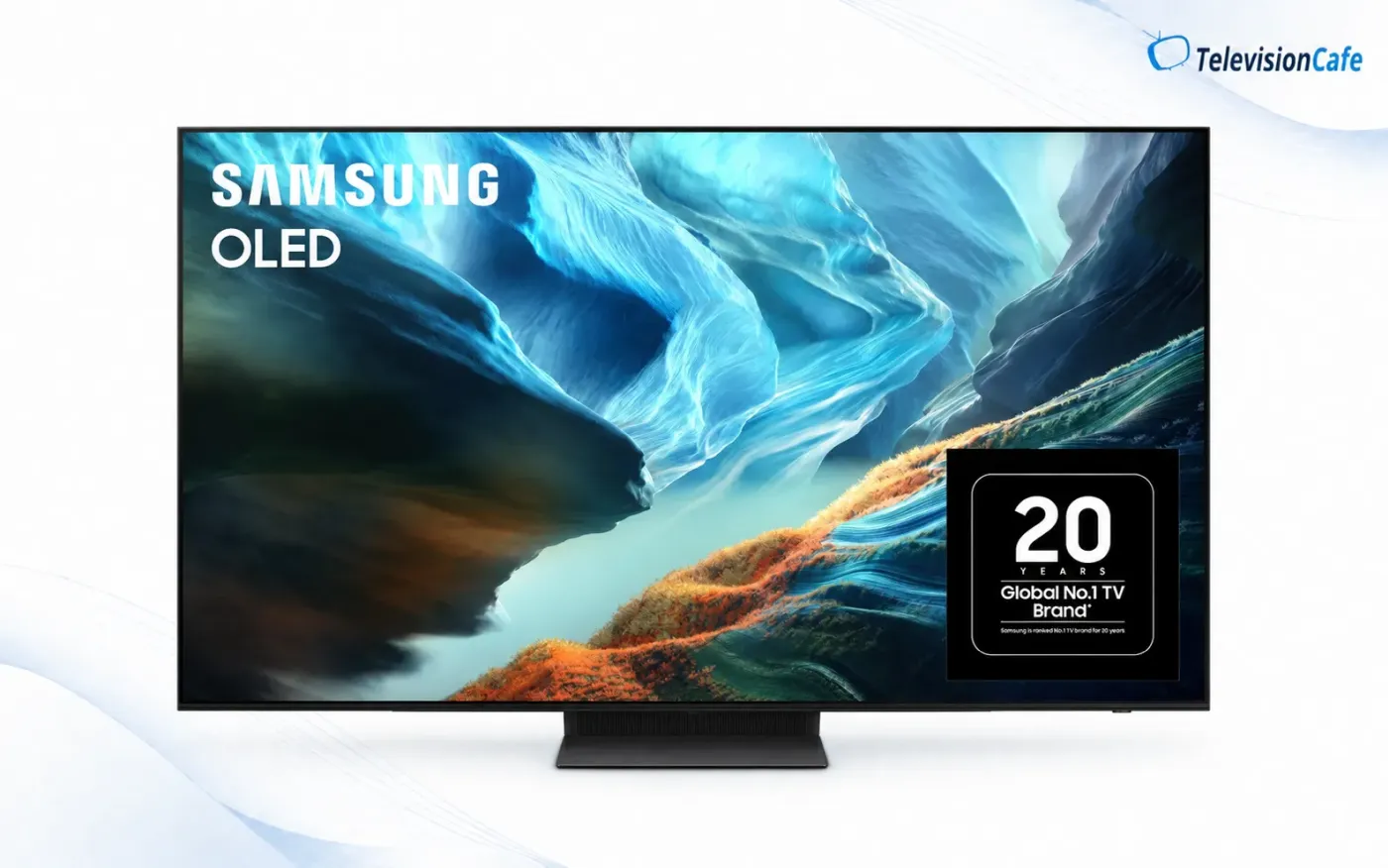
Samsung S90H Review: The Quick Verdict
Our buying take: Put the Samsung S90H on your shortlist if reflections are a recurring annoyance and you want an OLED for movies, everyday viewing, and gaming. Choose your size carefully, compare it with similarly priced alternatives, and decide whether Dolby Vision matters to you before checking out.
The best reason to buy this TV is a specific problem it can solve in your room. A newer model number alone is a much weaker reason to upgrade an OLED you already enjoy.
Samsung S90H Key Specifications
| Feature | U.S. Samsung S90H |
|---|---|
| Model year | 2026 |
| Resolution | 4K UHD |
| Screen sizes | 42, 48, 55, 65, 77, and 83 inches |
| OLED panel | Varies by size; see the next section |
| Screen finish | Glare Free matte treatment |
| Processor | NQ4 AI Gen3 |
| Maximum PC refresh rate | Up to 4K at 165Hz with compatible equipment |
| HDMI | Four HDMI 2.1 inputs; eARC support |
| HDR formats | HDR10, HDR10+, and HLG; no Dolby Vision |
| Smart platform | Samsung One UI Tizen |
| Audio features | Dolby Atmos, Object Tracking Sound Lite, and Q-Symphony |
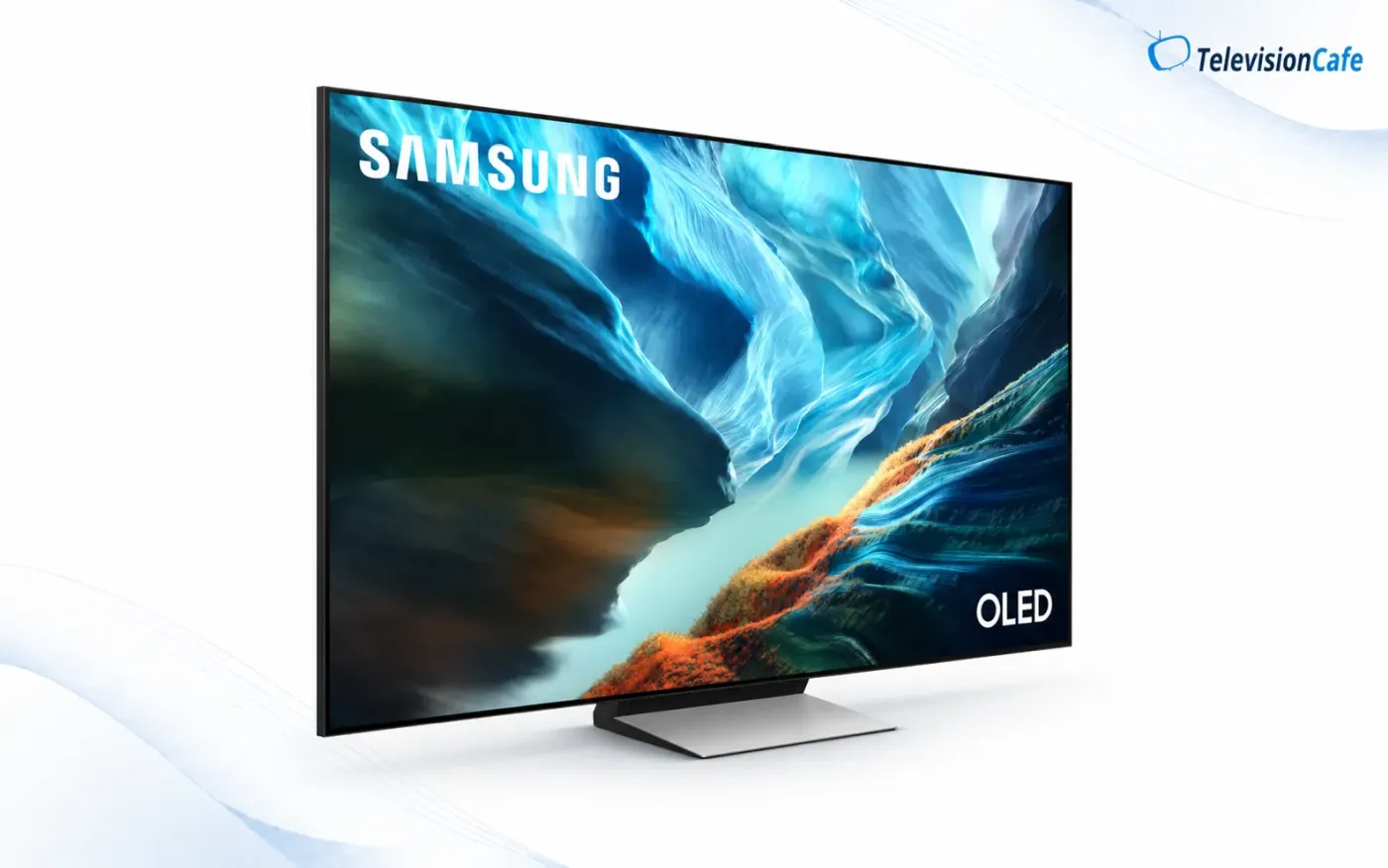
Is the Samsung S90H QD-OLED or WOLED?
The North American S90H lineup is not QD-OLED, according to RTINGS. Its size breakdown identifies standard WOLED panels in four sizes and RGB Tandem OLED panels in two:
| Screen size | Reported North American panel |
|---|---|
| 42 inches | Standard WOLED |
| 48 inches | RGB Tandem OLED |
| 55 inches | Standard WOLED |
| 65 inches | Standard WOLED |
| 77 inches | RGB Tandem OLED |
| 83 inches | Standard WOLED |
RTINGS separately tested the 65-inch and 77-inch versions. Its 77-inch sample produced brighter, more saturated colors than the standard-panel version. The RGB Tandem designation here does not mean QD-OLED.
The size surprise: Moving from 77 to 83 inches gives you a bigger screen, but also changes the reported panel type. Do not assume the largest S90H delivers the same picture performance as the 77-inch model.
Our advice is to choose a comfortable screen size first, then compare televisions within that size. Stretching your budget or crowding your room just to chase a panel specification can be the wrong trade. These panel findings concern North America; an overseas review may describe different hardware.
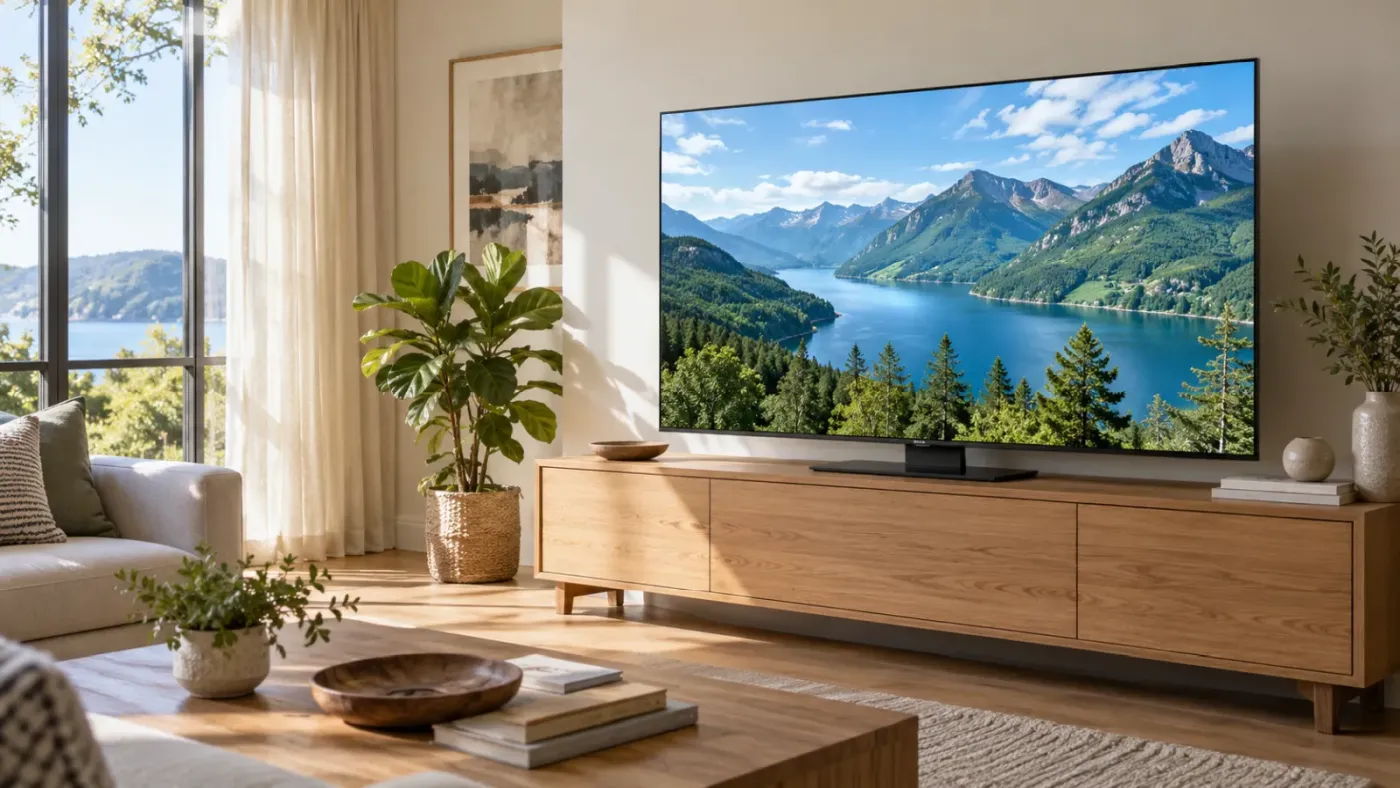
Glare Free: The Feature That Could Matter Every Day
Samsung's matte Glare Free treatment reduces the distracting reflections that can compete with the picture. RTINGS found reflection handling particularly effective on its 65-inch S90H, although ambient light still affected black levels.
Think about your actual viewing habits. Do you watch afternoon football with the curtains open? Is there a lamp opposite the couch? Does someone usually want the lights on during a movie? Those are good reasons to give the S90H a closer look.
We would still check a matte display in person if possible. Bring a familiar dark scene, look at it with nearby lights on, and decide whether you like the presentation. A feature can work as intended and still not suit everyone's taste.
Picture Quality: Put HDR Brightness in Context
OLED's ability to control light at the pixel level is central to the S90H's appeal. Dark scenes can place bright details beside deep blacks without backlight blooming. That matters for subtitled movies, star fields, and other scenes that challenge an LCD backlight.
Brightness needs more context. In its 55-inch UK S90H test, AVForums measured approximately 1,401 nits on a 10% HDR window, compared with 246 nits across the full screen. Those are measurements of that particular review sample, not guaranteed results for every U.S. S90H.
The useful lesson is that a small bright highlight and a mostly bright picture are different challenges. When comparing TVs, do not let a single peak-brightness number decide the purchase. Ask how the display handles the scenes you actually watch.
Movies, Sports, and Everyday TV
RTINGS' 65-inch testing found wide viewing angles and strong upscaling, useful qualities for shared viewing and mixed-quality broadcasts. It also reported visible stutter during slow camera pans and incomplete cleanup of heavily compressed video.
That makes source quality worth considering alongside the television. Before blaming a new screen for a muddy football broadcast, compare the same event through another available feed. A clean 4K movie and a heavily compressed live stream are very different starting points.
For a store demonstration, skip the looping promotional reel. Ask to see faces, a slow movie pan, and a sport you follow. You will learn more about whether the TV suits you in five minutes than from another page of feature names.
Gaming: What 165Hz Actually Means
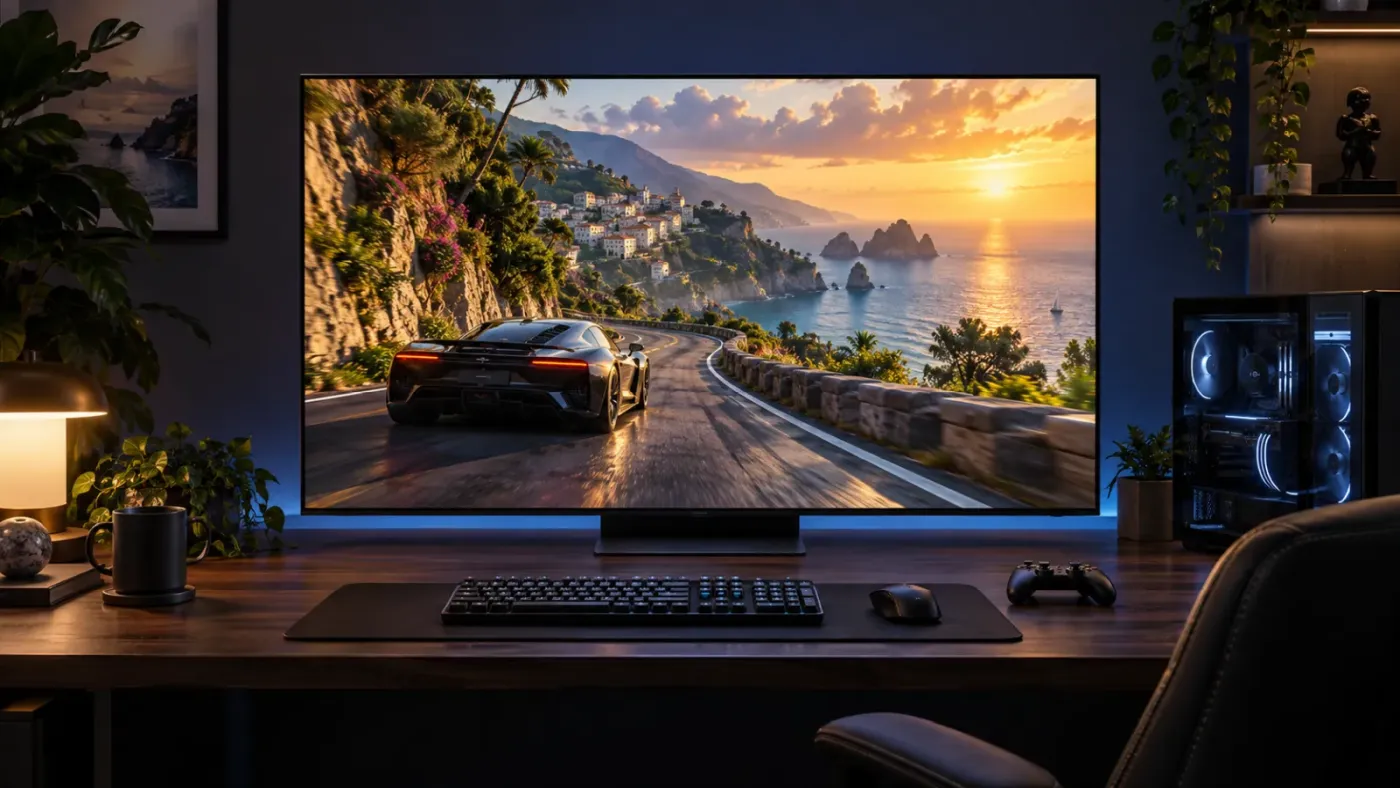
The S90H supports up to 4K at 165Hz for compatible PC gaming, alongside NVIDIA G-SYNC Compatible and AMD FreeSync support. Samsung specifies FreeSync Premium Pro for the larger sizes, but the 42-inch version has FreeSync Premium.
For a PS5, the relevant high-refresh target is 120Hz in supported games. A 165Hz television does not make the console output 165 frames per second. Game support, output settings, and the HDMI connection all matter.
Practical setup tip: Connect a PS5 directly to the TV while checking 4K/120Hz compatibility, using the console's supplied HDMI cable or a suitable Ultra High Speed HDMI cable. Add any receiver or other equipment back into the chain after confirming the direct connection works.
Our purchasing advice: pay attention to the entire setup. If your gaming PC cannot deliver the frame rates you want at 4K, the display's maximum refresh rate will not solve that bottleneck.
No Dolby Vision: How Much Should You Care?
The Samsung S90H does not support Dolby Vision. It supports HDR10, HDR10+, and HLG instead. Dolby Atmos support concerns audio and does not change that video-format limitation.
If Dolby Vision is a requirement for your next TV, the decision is straightforward: choose a model that supports it. If it is a preference, weigh it against the S90H's suitability for your room. Format compatibility is one part of a buying decision, alongside picture performance, reflections, size, and price.
Smart TV Features: Useful Extras, With Setup Requirements
The S90H runs Samsung's One UI Tizen platform. Samsung advertises up to seven years of OS updates, based on model year. An internet connection is required, and Samsung requires an account for network-based smart services.
Gaming Hub adds cloud-gaming options, subject to compatible controllers, internet performance, and service subscriptions. Check the services you actually want before treating that feature as a replacement for your console.
Our advice is to separate essentials from extras. Make a short list of your streaming apps, accessibility needs, and connected devices. Confirm those first. A long AI feature list is less persuasive than a TV that makes your usual evening easy.

Sound and Setup: Leave Room in the Budget
The S90H includes Dolby Atmos support and Samsung's Q-Symphony feature for use with compatible Samsung soundbars. AVForums found its 55-inch sample suitable for everyday dialogue, but limited in bass for movies.
For a movie-focused setup, we would compare the cost of the TV plus a soundbar against the cost of a more expensive TV alone. Also measure your furniture before ordering: screen width, stand fit, soundbar placement, and access to the connections all deserve attention.
Samsung S90H vs. S90F: Newer Is Not an Automatic Win
For the 65-inch models tested by RTINGS, the older S90F's QD-OLED panel offered stronger HDR brightness and more vivid colors. The S90H's advantages included reflection handling, SDR brightness, and a higher maximum PC refresh rate: 165Hz versus 144Hz.
That gives you a useful buying fork. If you mostly watch movies with the lights down, a well-priced 65-inch S90F deserves consideration. If reflections regularly get in the way, the S90H has a more relevant advantage.
Do not extend that comparison blindly to every size. The S90F also used different panel types across its lineup, and the 77-inch S90H differs from the standard-panel 65-inch version discussed here.
Samsung S90H vs. LG C6: Start With Your Room
The LG C6 deserves a place on the same shortlist. Its 2026 feature set includes Dolby Vision and up to 165Hz PC gaming, and RTINGS praised its handling of lower-quality content. Its direct-reflection performance was less impressive.
For our money, the sensible approach is to compare the two at your chosen size and current selling price, then prioritize your biggest annoyance. Reflections, missing formats, and rough-looking broadcasts are different problems. There is little value in paying to solve one you do not have.
LG's larger C6H variants also use different panel hardware, so keep the comparison specific. Our LG C6 OLED review offers more background on that alternative.
Samsung S90H vs. S95H: What Does the Upgrade Buy?
In RTINGS' tested configurations, the S95H delivered considerably higher brightness and stronger color performance than the standard-panel S90H. The S90H, however, retained deeper-looking blacks under ambient light.
Our view: consider the S95H if a more forceful HDR presentation is worth a meaningful premium to you. If you are already happy with the S90H's picture, compare what the same extra money could buy elsewhere in the setup.
The Samsung S95H OLED review explains Samsung's flagship option in more detail. As always, compare the actual sizes and prices you would purchase.
Picture Settings: A Sensible Starting Point
For movies, Filmmaker Mode is a sensible place to start. RTINGS used it in its S90H calibration guide, with Warm 2 color tone and Auto color space. Adjust SDR brightness to your room rather than copying someone else's brightness setting without context.
For HDR, Static tone mapping favors accuracy; Active changes the brightness presentation. Try both with familiar content and decide which better suits your viewing conditions. For gaming, use Game Mode to access the low-latency setup.
Avoid copying another panel's detailed white-balance calibration. Those corrections are specific to the measured unit. Starting from an appropriate picture mode is more sensible than importing numbers that were never measured on your television.
Samsung S90H Pros and Cons
Reasons to put it on your shortlist
- Effective matte reflection control.
- OLED contrast without backlight blooming.
- Four HDMI 2.1 ports and up to 165Hz PC support.
- A particularly interesting 77-inch panel option.
Reasons to compare carefully
- No Dolby Vision or DTS support.
- Panel differences complicate shopping by size.
- Visible stutter in slow movie pans.
- A discounted alternative may better suit your priorities.
Final Verdict: Should You Buy the Samsung S90H?
The Samsung S90H makes the most sense when you can explain exactly why you want it. Perhaps your current TV reflects the windows all afternoon. Perhaps you want one screen for evening movies and a gaming PC. Those are stronger starting points than buying whichever OLED has the newest model number.
Our recommendation is to shortlist it, verify the panel in your chosen size, and compare a few familiar scenes against the nearest alternatives. Look at the total setup cost, too, especially if you plan to add better sound.
TelevisionCafe's take: The S90H is a compelling candidate for a room where reflections influence the experience. Buy the size and feature combination that fits your life, and give the model name less weight than the picture you will actually watch.