
Best Streaming Devices for Your TV in 2026: What to Buy
Roku Ultra is our pick for a main living-room TV if you want a backlit, rechargeable remote and built-in Ethernet. The Roku Streaming Stick 4K makes more sense for a compact setup, while the onn 4K Pro deserves a look when value matters most and you can find it in stock.
The right choice depends on the apps you watch, the remote you want to use, and the connections your room needs. A more expensive box won't automatically improve the picture from an app that already works properly on your TV.
This guide covers U.S. models. Our recommendations combine official product specifications, store listings, and an assessment of useful features and cost; they aren't based on hands-on testing of these devices. If you're still deciding whether to buy one, start with do you need a streaming device with a smart TV?
Best Streaming Devices in 2026 at a Glance
| Streaming Device | Our Pick For | Main Trade-Off |
|---|---|---|
| Roku Ultra, model 4850R | A main TV where remote features and wired networking matter | Costs more than a basic stick |
| onn 4K Pro, 2026 model | Google TV features on a smaller budget | Stock limitations; intended for the U.S. and Puerto Rico |
| Google TV Streamer (4K) | Google Home integration and Gigabit Ethernet | A substantial premium over budget Google TV boxes |
| Fire TV Stick 4K Max, 2nd generation | Alexa households wanting a compact 4K player | Ethernet requires an additional adapter |
| Roku Streaming Stick 4K, model 3820R2 | A compact Roku setup with Dolby Vision | Wi-Fi connectivity; a simpler remote than Ultra's |
Store prices quoted below were observed on October 17, 2026. Other amounts are labeled as our target buy prices. Those targets are editorial recommendations, not advertised offers or predictions of future discounts.
Apple buyers should pause here: the new fourth-generation Apple TV 4K is available for preorder, with U.S. retail availability scheduled for November 13, 2026. We discuss it separately below rather than treating it as a device you can take home today.
Roku Ultra: Our Pick for the Main Living-Room TV
The Roku Ultra earns its place through features you'll use from the couch. Model 4850R includes the Voice Remote Pro, second edition, with backlit buttons, a rechargeable battery, hands-free voice control, and a lost-remote finder.
That package makes sense for a shared family TV. Finding the right button during a movie or locating a missing remote can matter more than a small difference in storage capacity.
Ultra supports 4K playback, Dolby Vision, HDR10+, and Dolby Atmos on compatible setups. It also has Wi-Fi 6, a 10/100 Ethernet port, USB media playback, and direct Bluetooth headphone pairing. An HDMI cable is included.
Our target buy price is $100 or less. That's an editorial threshold, not a current Roku offer. Above it, consider how much you'll actually use the remote upgrades and additional connections. A cheaper player can cover ordinary streaming without those extras.
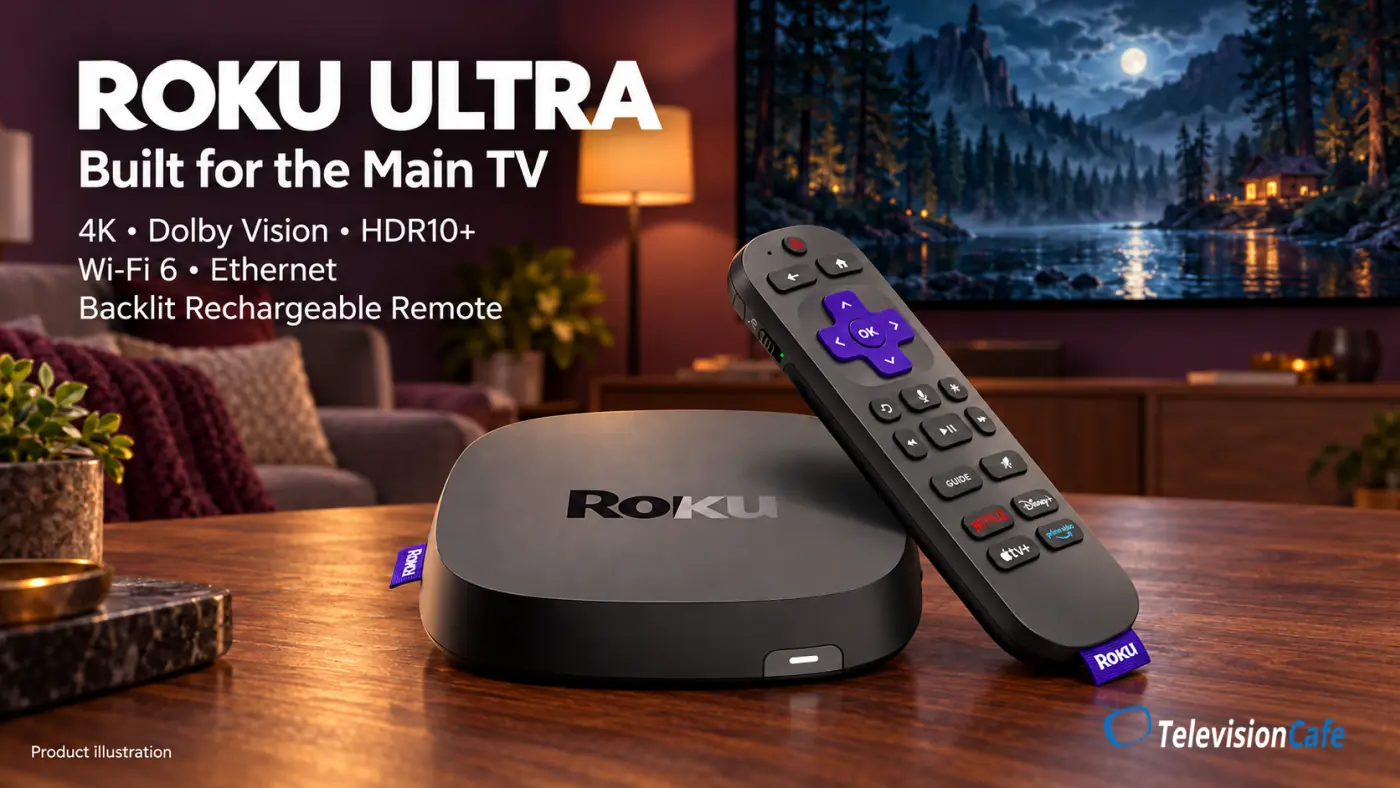
TelevisionCafe · PRICE CHECK
Roku Ultra 4K Streaming Player
Stream in 4K with Dolby Vision and Dolby Atmos. Includes a rechargeable, backlit Voice Remote Pro, plus Wi-Fi 6, built-in Ethernet, and USB media playback.
Paid link. We may earn a commission.
onn 4K Pro: Best Value Google TV Box When Available
The 2026 onn 4K Pro combines Dolby Vision, Dolby Atmos, 32GB of storage, 3GB of RAM, Wi-Fi 6, and an Ethernet port. Walmart also lists a backlit remote with a finder feature and an included HDMI cable.
Those are useful additions for a relatively inexpensive box. Ethernet gives you another connection option, while the remote finder solves a familiar living-room problem. Storage capacity alone doesn't establish how quickly apps will run.
Walmart listed it at $59.98 on October 17, 2026. The page showed out of stock during our check; nearby-store availability may differ. Our value recommendation applies near that listed price. Paying a large reseller markup changes the decision.
Check the generation before ordering: this recommendation covers the listing explicitly labeled NEW 2026 Model, not every onn box carrying a similar name. Walmart specifies compatibility for the U.S. and Puerto Rico.
TelevisionCafe · PRICE CHECK
onn 4K Pro Google TV Streaming Device — 2026 Model
Google TV streaming with Dolby Vision, Dolby Atmos, 32GB of storage, and built-in Ethernet. Includes a backlit remote with a finder feature. Check that the listing specifies the 2026 model.
Paid link. We may earn a commission.
Google TV Streamer: Best for Google Home and Gigabit Ethernet
The Google TV Streamer (4K) is worth considering when your TV is part of a Google Home setup. It supports casting from compatible apps, a smart-home control panel, Matter, and a built-in Thread border router.
Its hardware includes 4GB of RAM, 32GB of storage, and Gigabit Ethernet. Video support covers up to 4K at 60fps with Dolby Vision, HDR10+, HDR10, and HLG; Dolby Atmos is supported too.
The trade-off is price. Google Store listed it at $149.99 on October 17, 2026, and the required HDMI cable is sold separately. If your plans begin and end with opening a couple of streaming apps, that's a substantial amount to spend.
Its wireless connection is Wi-Fi 5, despite the premium positioning. That can still be sufficient for streaming when reception is good. The Gigabit Ethernet port is more interesting if you already have a cable at the TV or use network applications that benefit from the extra capacity.
For a closer look at the interface, see our Google TV vs. webOS vs. Tizen guide.
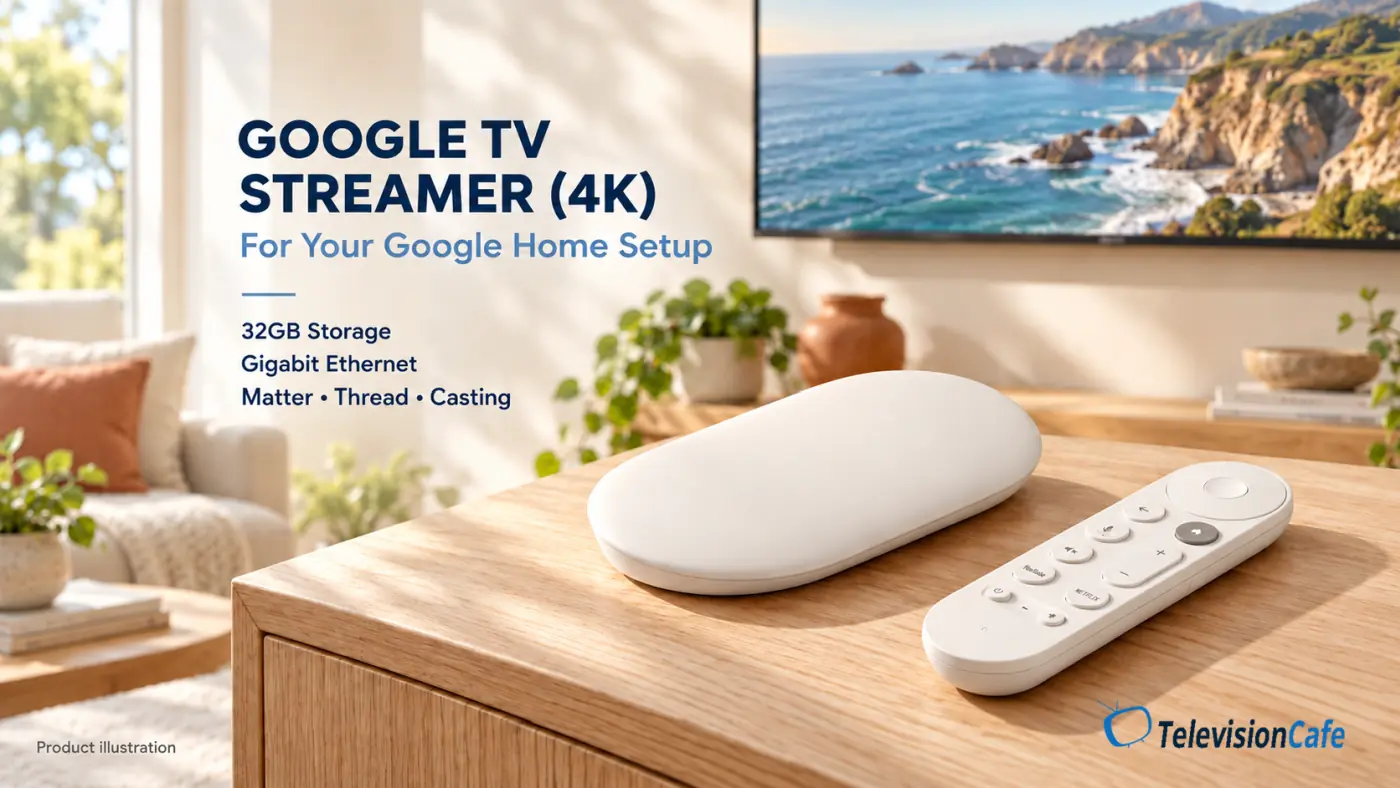
TelevisionCafe · PRICE CHECK
Google TV Streamer (4K) — 32GB
Bring Google TV, Dolby Vision, and Dolby Atmos to your setup, with 32GB of storage, Gigabit Ethernet, and Google Home controls. HDMI cable sold separately.
Paid link. We may earn a commission.
Fire TV Stick 4K Max: Best for Alexa Households
The Fire TV Stick 4K Max covered here is the second-generation, 16GB model introduced in 2023. Amazon continues to include Max in its current streaming lineup, so the older release year doesn't automatically make it irrelevant.
It supports Dolby Vision, HDR10+, Dolby Atmos, and Wi-Fi 6E. Its appeal is strongest if you already like Fire TV and use Alexa-compatible devices. Wi-Fi 6E's 6GHz connection requires a compatible router; it doesn't guarantee better reception through walls.
Our target buy price is $40 or less, an editorial threshold rather than a verified Amazon deal. At a higher price, compare the complete cost with a box that includes Ethernet if wired networking is important. Max needs an additional Ethernet adapter.
Read the full model name. Amazon's new 2026 Fire TV Stick 4K is a separate, non-Max product running Vega OS. Check your essential apps against the exact device and operating system before buying, particularly if you use specialist media apps.
If you're buying a player to restore Xbox Cloud Gaming on 2020 Samsung TVs, check the supported-device details in that guide before ordering.
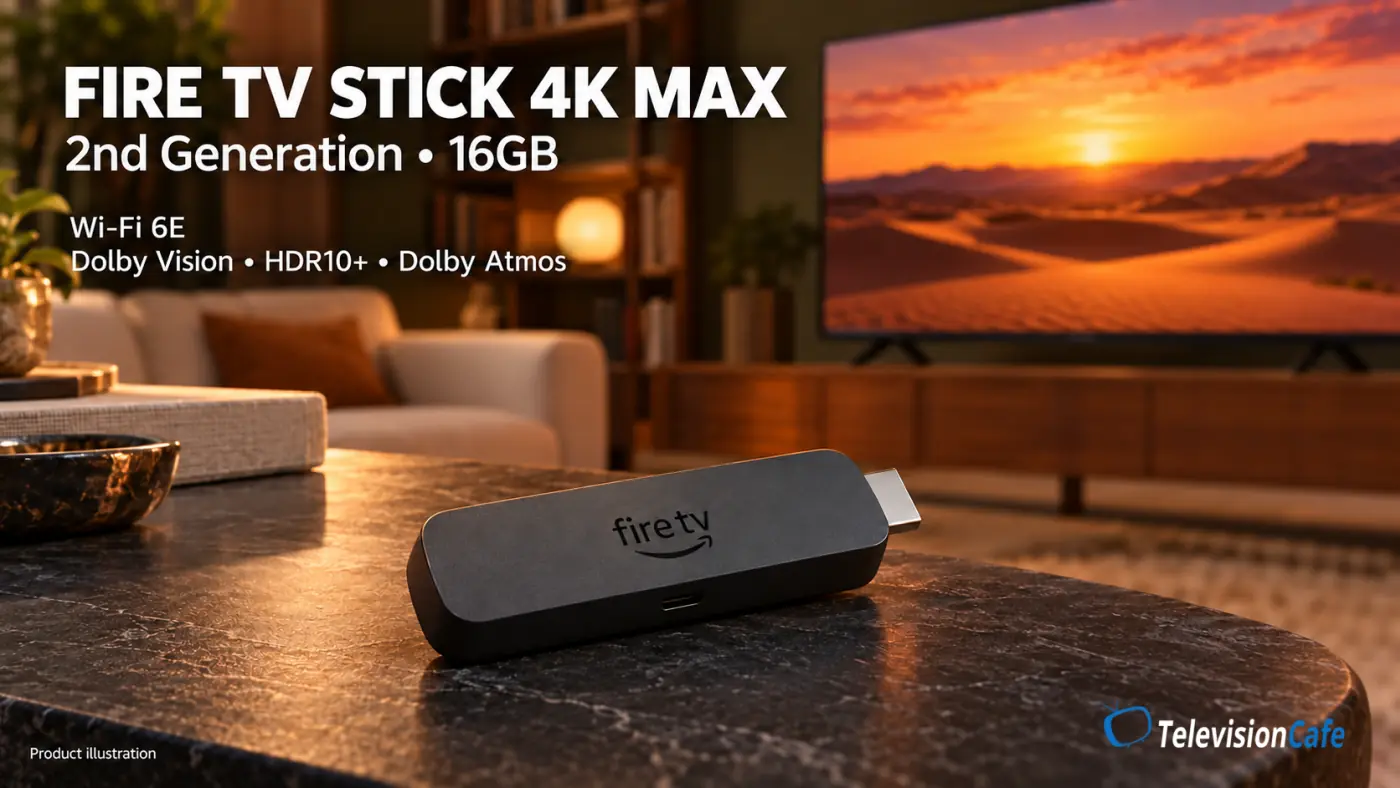
TelevisionCafe · PRICE CHECK
Amazon Fire TV Stick 4K Max — 2nd Generation
A compact 4K streaming stick with Dolby Vision, Dolby Atmos, Wi-Fi 6E, and 16GB of storage. Includes an Alexa Voice Remote. Wired Ethernet requires a separate adapter.
Paid link. We may earn a commission.
Roku Streaming Stick 4K: Best for a Compact Roku Setup
The Roku Streaming Stick 4K is the one we'd consider for a bedroom TV or a setup where you don't want another box on the cabinet. The current U.S. product page identifies model 3820R2, with Dolby Vision, HDR10+, dual-band Wi-Fi, and a voice remote with TV power and volume controls.
Its main advantage over Ultra is the smaller setup. You give up Ultra's built-in Ethernet and the included rechargeable, backlit Voice Remote Pro.
Our target buy price is $50 or less. This is a buying threshold, not a verified store price. If the difference between this stick and Ultra becomes small, Ultra's remote and connections may justify the extra money.
Also check the full Roku product name. Streaming Stick, Streaming Stick Plus, and Streaming Stick 4K have different feature sets. A listing that says only “Roku stick” isn't enough to confirm Dolby Vision support.
Choosing between the two compact players? Compare Roku Streaming Stick 4K vs Fire TV Stick 4K Max for headphones, AirPlay, and cloud gaming.
TelevisionCafe · PRICE CHECK
Roku Streaming Stick 4K with Voice Remote
Add 4K streaming, Dolby Vision, and HDR10+ in a compact design that hides behind your TV. Includes long-range Wi-Fi and a voice remote with TV power and volume controls.
Paid link. We may earn a commission.
Should You Wait for the New Apple TV 4K?
Apple announced the fourth-generation Apple TV 4K on October 13, 2026. As of this guide's October 17 check, Apple listed it for $299 preorder, with retail availability scheduled for November 13, 2026.
Apple's announcement describes an A19 chip, hardware AV1 decoding, built-in far-field microphones, and a revised Siri Remote with additional finding features. These are announced capabilities; they don't establish how the new hardware compares with rival players in independent testing.
At $299, we'd wait for reviews covering app behavior, reliability, and the features you plan to use. An Apple household interested in the new home-theater functions has a different reason to consider it than someone who just needs Netflix on an older TV.
Already have the 2022 model? Our Apple TV 4K 2026 vs. 2022 comparison explains what changes, which features carry over, and when upgrading makes sense.
Apple says Siri AI also supports second-generation and later models, subject to its software, language, and compatible-device requirements. Check those requirements before assuming you need new hardware. See Apple's announcement and availability details.
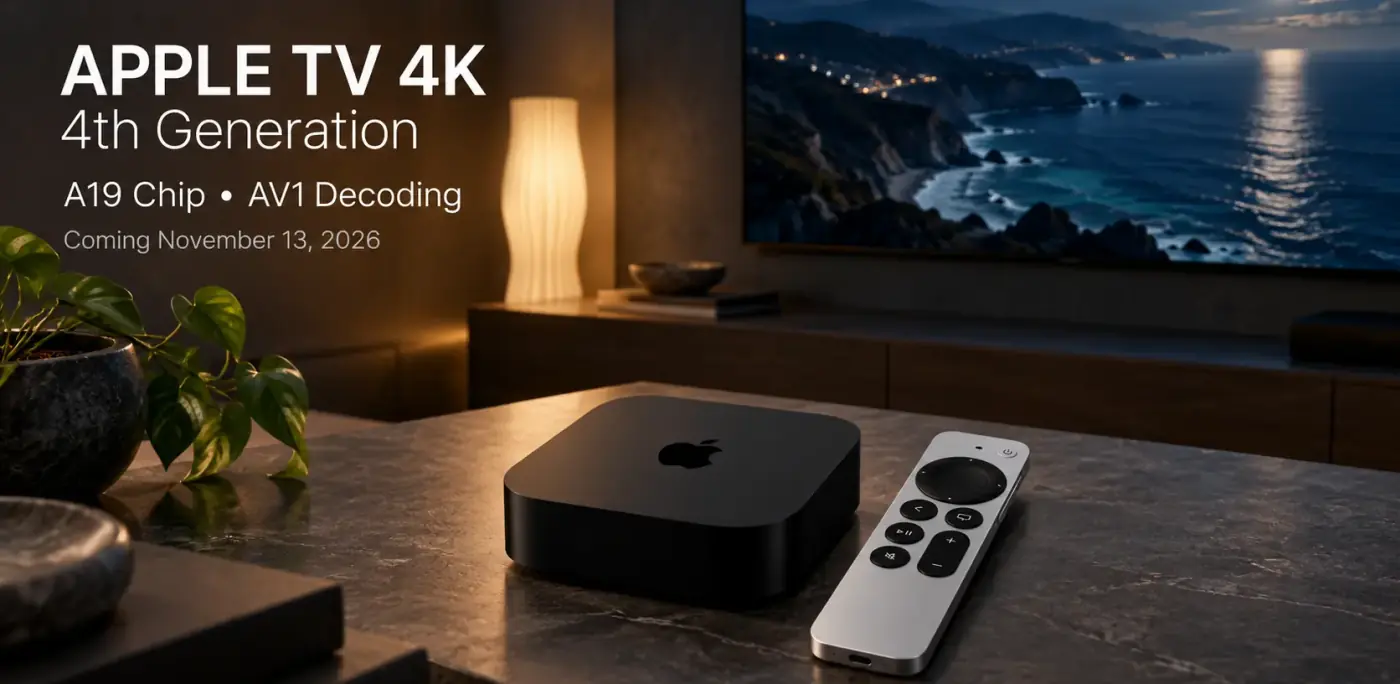
TelevisionCafe · PRICE CHECK
Apple TV 4K — 4th Generation (2026)
Apple's new A19-powered streaming box with Dolby Vision, HDR10+, Dolby Atmos, and a Siri Remote with Find My. Available for preorder, with release scheduled for November 13, 2026.
Paid link. We may earn a commission.
How to Choose a Streaming Device for Your TV
Start With Your Must-Have Apps
Write down the services you actually watch, including your live-TV provider, local sports service, and any smaller apps. Confirm support for the exact player in the U.S., then check whether your subscription includes the resolution and audio formats you want.
For live sports, the service, your location, and blackout rules can matter more than the box. A player doesn't unlock a game that your subscription or local rights don't provide.
Match HDR and Audio Support to the Whole Setup
Dolby Vision support matters when your TV, app, and chosen title support it. HDR10+ follows the same principle. Buying a player with either format cannot add that format to a television that doesn't support it.
Likewise, a Dolby Atmos logo on the player doesn't guarantee Atmos from every app or through every soundbar connection. Check the app, subscription tier, TV passthrough capabilities, and audio system together. Our HDMI ARC/eARC troubleshooting guide explains common connection problems.
If you're also buying an audio system, our guide to choosing a soundbar for your TV explains how to match its connections, supported formats, and speaker layout to your setup.
Buy the Networking Your Room Needs
If Wi-Fi is stable at the TV, an Ethernet port may add little to your routine. If playback repeatedly stalls there, a wired connection gives you a useful alternative and a way to investigate the wireless link.
A faster network label isn't a picture-quality rating. Gigabit Ethernet and newer Wi-Fi standards describe connection capabilities. They don't make a streaming service send a higher-quality version of a movie once its playback requirements are already met.
Count the Accessories and Try the Interface
Add any HDMI cable or Ethernet adapter you need to the device price. Then consider the home screen and remote. If possible, watch a current interface demonstration before buying: recommendation rows, promotions, and navigation can affect your experience every time you turn the TV on.
Will a Streaming Device Improve Picture Quality?
It can improve access to picture features when your existing app or playback device is the limitation. For example, a compatible external player may provide 4K or an HDR format that an older TV app doesn't offer.
A player can send a 4K signal even when the original video is HD. Our guide to TV upscaling and source quality explains why the output resolution alone doesn't tell you how much detail the stream contains.
It won't fix every soft picture. A lower-resolution subscription, heavily compressed program, unstable connection, or unsuitable picture preset can remain a problem after you add a new box. Our guide to why Netflix looks blurry on a 4K TV covers the checks worth making first.
When comparing the TV app with an external player, check both picture presets. Our Filmmaker Mode vs. Movie Mode guide can help you choose a starting point. TVs can store different settings for built-in apps and HDMI inputs, so a brighter or sharper-looking image may reflect those settings rather than a better video source.
What to Check After Connecting Your New Player
- Use the correct HDMI input. Confirm that the TV port, and any receiver or soundbar in the path, support your intended 4K and HDR formats.
- Follow the power instructions for that model. Some devices support TV USB power; others need their supplied power adapter. The requirements aren't interchangeable.
- Update the software and install your apps. Sign in with your existing service accounts where supported.
- Check playback during a real program. Verify the app's available quality, the TV's picture mode, and the audio format received by your sound system.
- Test optional matching settings. Where the device and app offer dynamic-range or frame-rate matching, compare playback with those options enabled. Format changes can cause brief screen blanking on some setups.
Connecting a player to an LG C5? Follow our LG C5 picture settings guide to set up SDR, HDR10, and Dolby Vision while the appropriate content is playing through that HDMI input.
Keep the original TV remote nearby. The player's remote may handle power and volume, but you'll still need access to the television's picture settings and other controls.
Our Recommendation
For a frequently used family TV, we'd prioritize Roku Ultra's remote and connections if you can buy it near our $100 target. For a compact setup on dependable Wi-Fi, the Roku Streaming Stick 4K is easier to justify near $50. The onn 4K Pro becomes the value option when Walmart has the 2026 model near its listed $59.98 price.
Choose Fire TV Max because you want Fire TV and Alexa, or Google TV Streamer because you'll use its Google Home features and wired networking. Apple buyers considering the new $299 model should wait for its November release and independent reviews. At TelevisionCafe, we'd spend extra on a feature you'll use every day before paying for specifications that won't change your viewing.
Streaming Device FAQ
Can I use a 4K streaming player with a 1080p TV?
Compatible players can output at a lower resolution. For example, Roku lists 1080p TV support for both Ultra and Streaming Stick 4K. You'll need a suitable HDMI connection, and the TV will still display its own resolution rather than 4K.
Do I have to subscribe again when I buy a new streaming device?
You can generally sign in to a supported app with your existing service account. Check the service's rules if you subscribed through another platform or channel bundle. Setting up a player doesn't itself require you to purchase the same subscription again.
Can one streaming device serve two TVs?
You can move a player between compatible TVs. For independent viewing on two televisions at the same time, plan on a player for each TV, or use one TV's built-in apps. Your service's simultaneous-stream limits still apply.
Does the streaming device need to match my TV's brand?
No. Choose by HDMI compatibility, supported apps and formats, and the controls you need. TV power and volume control can vary by pairing, so check those functions separately rather than assuming every remote feature will work.