
TV Technology
TV reviews. Your screen. Our expertise
TV technology can get confusing fast. OLED, QLED, Mini LED, HDR, HDMI 2.1 — it is easy to recognize the names without knowing what they actually mean for your next TV.
TelevisionCafe makes TV technology easier to understand, with straightforward guides to display types, picture quality, gaming features and smart TV platforms. We explain what these features do, how they affect everyday viewing and what to look for beyond the marketing claims.
Whether you are comparing OLED vs Mini LED, trying to understand refresh rates or wondering why HDR looks better on some TVs than others, start with the guides below.
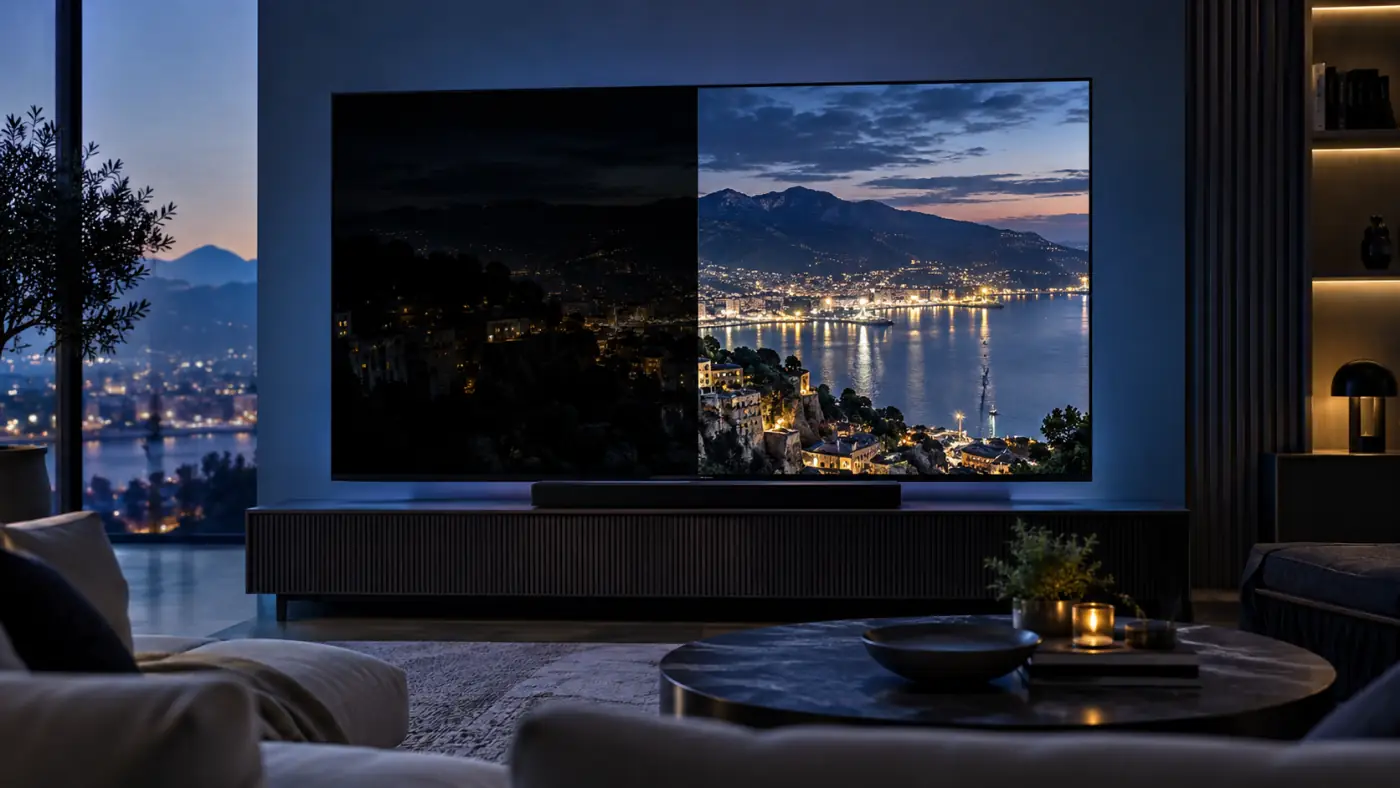
Why Does HDR Look So Dark on Your TV? 10 Fixes That Work
You start a movie labeled HDR or Dolby Vision, expect dazzling highlights and richer color, and get a picture that looks...
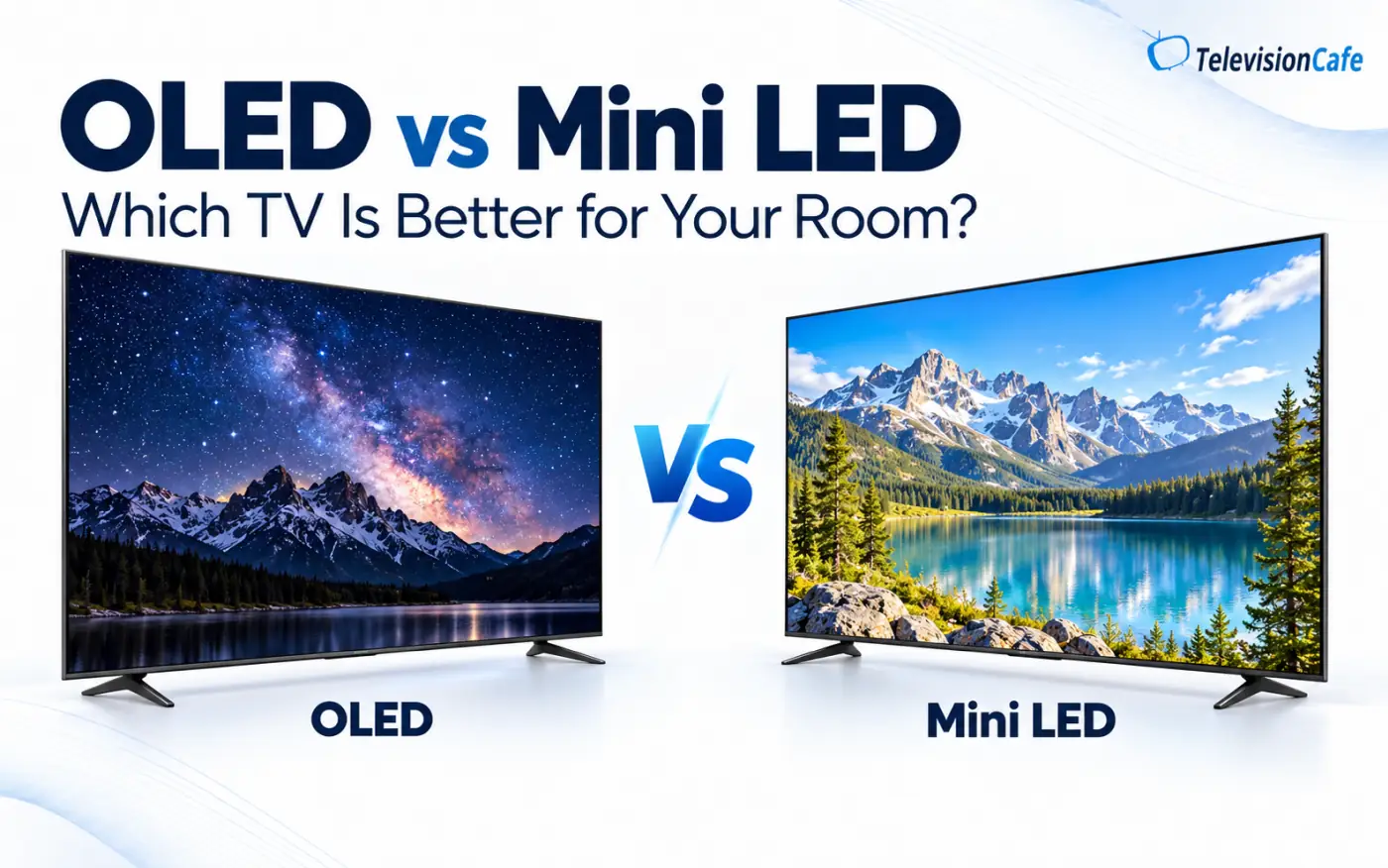
OLED vs Mini LED: Which TV Is Better for Your Room?
A TV that looks incredible during a late-night movie can be a less convincing choice for Sunday football with the blinds...
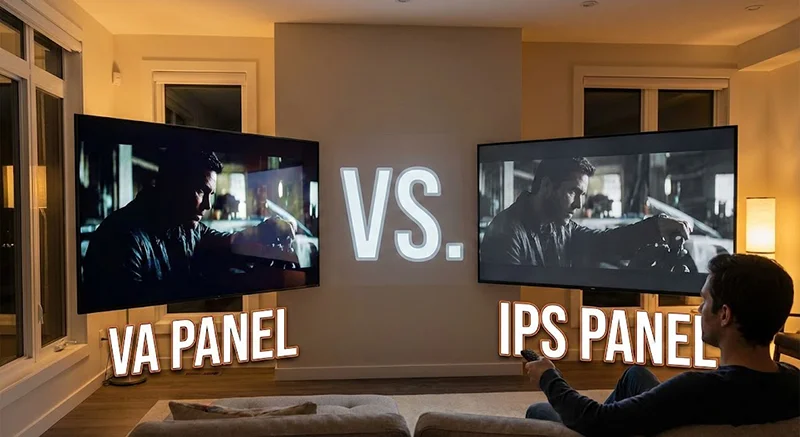
VA vs. IPS: Does Your TV Panel Type Actually Matter?
If you’ve spent any time shopping for a new TV or monitor lately, you’ve likely stumbled upon a confusing alphabet soup of...
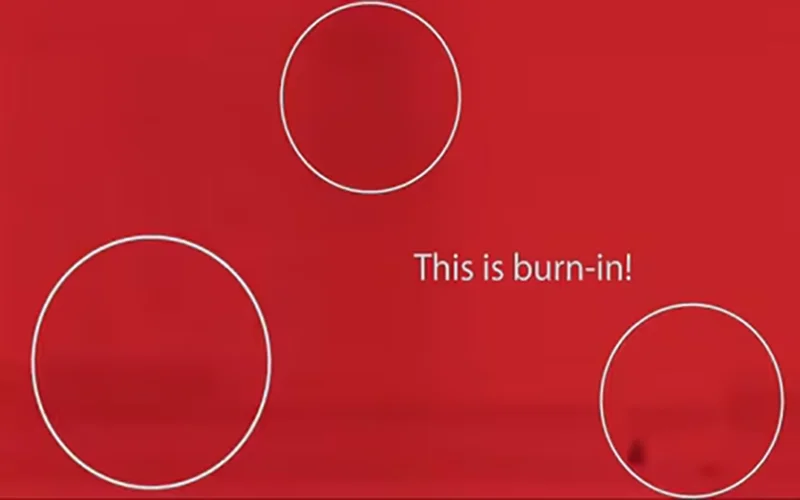
What is Burn-In and Should I Be Worried About It With an OLED?
If you have been shopping for a new high-end TV in the last few years, you have undoubtedly heard the praise sung for OLED...

What is HDR, and what’s the difference between HDR10, HDR10+, and Dolby Vision?
The High Dynamic Range (HDR) Revolution: A Deep Dive into the Future of Better Pixels For decades, the television industry...
TV Technology Explained: What Matters for Your Picture?
You do not need to be a display expert to choose a good TV. But understanding a few key technologies can make shopping much easier — and help you decide which features are worth paying for.
Our TV technology guides connect the specifications you see on product pages with the things you notice on screen: detail in dark movie scenes, reflections during daytime viewing, motion in live sports and responsiveness when gaming.
Understanding OLED, QLED and Mini LED
Display terminology is a good place to start. How do OLED TVs produce an image? What does QLED mean? Where does Mini LED fit in, and how does QD-OLED differ from other OLED designs?
We break down these terms and explain the differences behind them, including self-emissive pixels, quantum dots, backlighting and local dimming. The goal is to help you understand the strengths and limitations of each approach, then relate them to your room, viewing habits and budget.
Making Sense of HDR, Refresh Rates and Gaming Features
A resolution label only tells you part of the story. Our guides explore HDR formats such as Dolby Vision and HDR10, along with brightness, contrast, color reproduction and image processing.
For gamers, we explain native refresh rates, input lag, variable refresh rate (VRR) and the HDMI features worth checking before connecting a console or PC. Support can vary by model, screen size and HDMI port, so understanding the details matters more than simply spotting a logo.
Put Your TV Knowledge to Work
Once you understand the technology, choosing between actual TVs becomes easier. Explore our TV Reviews for individual model analysis, or visit TV Comparisons to see how competing televisions stack up.
For new model announcements and developments in display technology, head to our TV News section.