
TCL TVs: Lineups, Models, Reviews & Buying Guides
TV reviews. Your screen. Our expertise
TCL is worth a look when you want a bigger screen, convincing HDR, or useful gaming features without automatically moving into flagship prices. Its range now stretches from affordable Roku TVs to SQD Mini LED, RGB Mini LED, and televisions designed to display art.
For a main living-room TV, start by comparing the QM7L and QM8L. Look at the QM64L if you prefer Fire TV, consider a discounted QM6K when cost comes first, and explore the A-series when the television needs to fit the room even when you're not watching.
This TelevisionCafe guide brings together TCL TV reviews, comparisons, picture settings, setup advice, and the current U.S. lineup. Choose a topic below, or head straight to the models that interest you.
Shopping outside the U.S.? The QM7L is sold as the C7L in Europe, while the QM8L's European counterpart is the C8L.
RTINGS identifies shared hardware with regional tuning differences, so its U.S. results won't necessarily match every overseas version.
Europe also has a 55-inch C8L; the verified U.S. QM8L range starts at 65 inches.
Check the full local model code, size, tuner, warranty, and supplied accessories before borrowing a review or settings guide.
From Early Electronics to Big-Screen TVs
TCL was founded in 1981, and its early business included audio tapes before the company expanded into other electronics. That history is a reminder that TCL is an established manufacturer with a much broader business than inexpensive televisions.
Its first U.S. Roku TV lineup arrived in 2014, with sizes from 32 to 55 inches. Roku helped make a straightforward streaming interface part of TCL's appeal to American buyers; today, the brand also sells Google TV and Fire TV models.
The current range shows how far its ambitions have moved. Alongside smaller everyday screens, TCL now offers premium SQD Mini LED, RGB-backlit LCDs, and art-focused designs. That makes it worth comparing beyond the budget aisle, while keeping the same practical test: does this particular TV solve a problem in your room at a sensible price?
TCL TV Strengths and Drawbacks
TCL's appeal is the amount of television you can get for the money. The useful comparison is what a particular model delivers at your chosen size, especially when a sale brings two different tiers close together.
- Strong reasons to compare its Mini LED models: RTINGS found deep blacks and bright HDR on its 65-inch QM7L and QM8L samples. Those qualities suit colorful movies, daytime viewing, and a main family-room screen.
- Connections that can suit a busy setup: The QM8L offers four high-refresh HDMI inputs, while the standard QM7L has two. Count your consoles, PC, and audio connections before choosing.
- More than one smart-TV option: Current U.S. listings include Google TV, Roku TV, and Fire TV models. You can choose around the interface and services you prefer.
- Brightness doesn't eliminate reflections: RTINGS found direct reflections distracting on the tested 65-inch QM7L and QM8L. A window facing the screen still matters.
- High refresh rates don't guarantee clean motion: The same tests identified slow pixel transitions in gaming, alongside HDR accuracy limitations. Competitive players and viewers who prioritize faithful HDR should compare alternatives carefully.
- The range needs model-specific research: A QLED badge doesn't promise Mini LED local dimming, and a Pro suffix can change important hardware. Check the exact version rather than buying by the brand's reputation alone.
For a wide sofa or frequent side viewing, check viewing-angle tests as well. For dark-room movies, weigh LCD blooming against an OLED alternative; our 65-inch OLED vs. 75-inch Mini LED guide explains how screen size changes that decision.
TCL TV Reviews
Explore individual TCL TVs through their picture quality, gaming behavior, smart features, and the compromises behind the model number.
Start with your preferred screen size, then check how that version fits your room, seating, and budget.
TCL QM6K Review: Is This Budget Mini-LED Still Worth It?
Is the TCL QM6K worth buying in 2026? Explore its Mini-LED picture, 144Hz gaming, HDR performance, size differences, and the compromises that matter most
TCL QM7L Review (2026): Stunning HDR, Gaming Caveats
TCL QM7L review: vivid Mini LED HDR, 144Hz gaming, Google TV and real drawbacks. See how the 65-inch model compares with QM7K and Hisense U7SG.
TCL TV Comparisons
Compare TCL models with one another and with alternatives from Hisense, LG, Samsung, and Sony.
These guides explain when better contrast, different reflection handling, extra connections, or a lower price should change your shortlist.
Roku Pro Series Mini-LED vs TCL QM6K: Which Should You Buy?
Roku Pro Series vs TCL QM6K: compare the 2025 Mini-LED TVs for picture quality, gaming, smart features, and value before choosing your next TV.
TCL QM7L vs QM6K: Is the Upgrade Really Worth It?
Compare TCL QM7L vs QM6K for HDR movies, gaming, and bright rooms. See what the upgrade adds, where the QM6K holds up, and when to pay more.
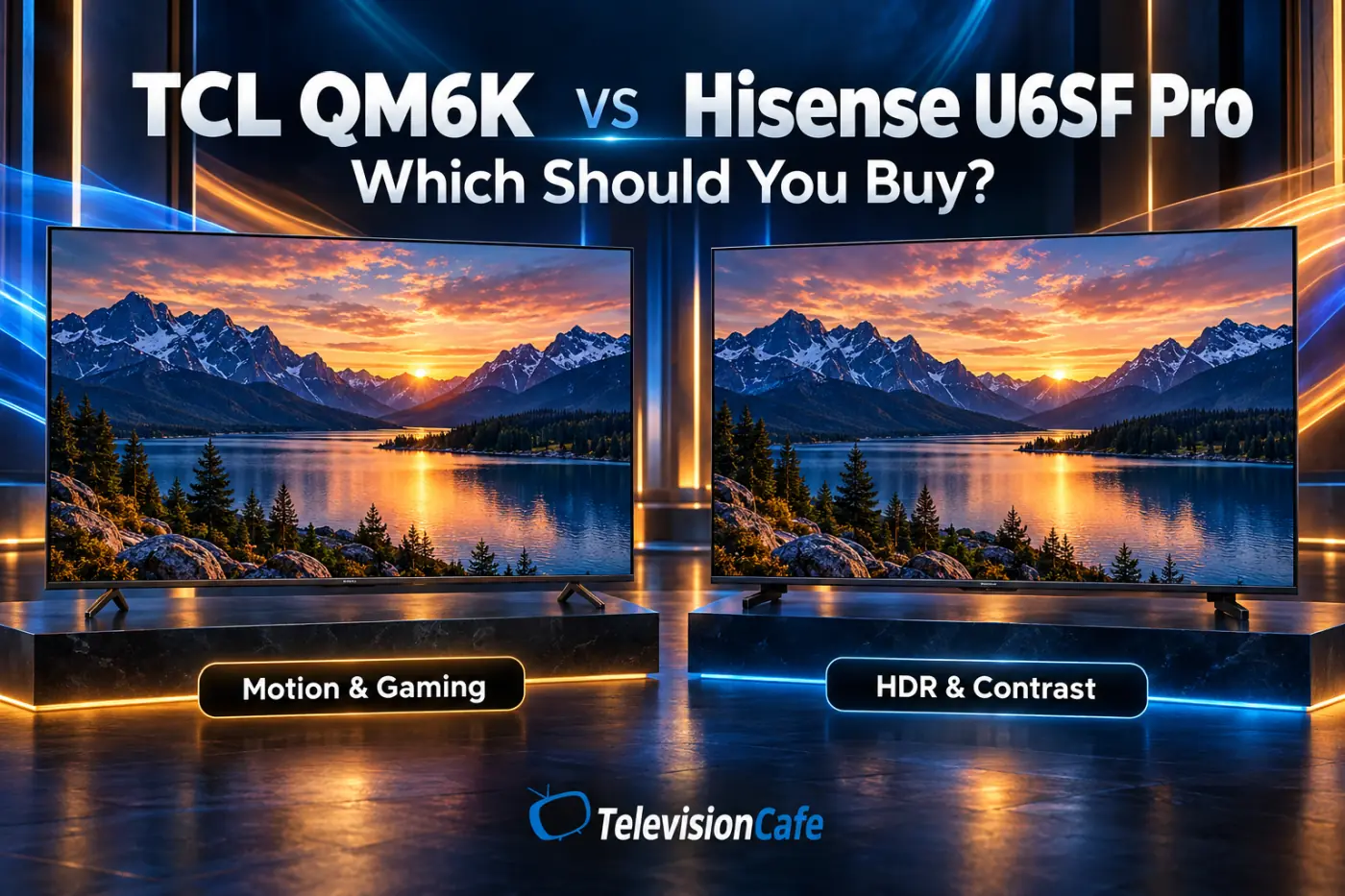
TCL QM6K vs Hisense U6SF Pro: Which Should You Buy?
TCL QM6K vs Hisense U6SF Pro: compare HDR, motion, gaming, and glare handling to find the better budget Mini-LED TV for your room and viewing habits
TCL QM7L vs Hisense U7SG: Which Mini-LED TV Wins?
TCL QM7L vs Hisense U7SG: compare HDR, reflections, gaming, HDMI ports, and value to find the better 65-inch Mini-LED TV for your room and budget.
TCL TV Best Picture Settings
Find practical starting settings for TCL TVs, with separate guidance for SDR, HDR, Dolby Vision, and gaming where supported.
Match the guide to your exact model and firmware, and leave another panel's measured white-balance adjustments out of your setup.
TCL QM6K Best Picture Settings: Get SDR, HDR & Gaming Right
Get better TCL QM6K picture settings for SDR, HDR, Dolby Vision and gaming. Set brightness, local dimming and motion for a natural picture in your room
TCL QM7L Best Picture Settings: SDR, HDR & Dolby Vision
Get better picture quality on your TCL QM7L with practical SDR, HDR and Dolby Vision settings, plus fixes for dark scenes, harsh colors and motion smoothing.
TCL Accessories & Remotes
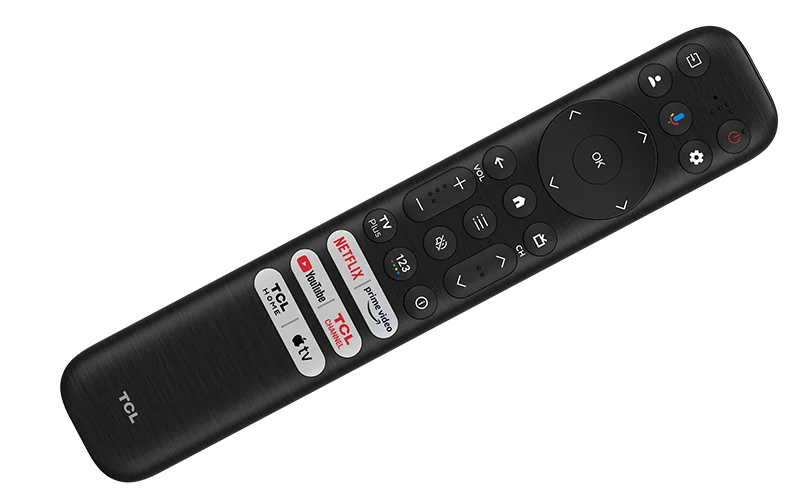
Choose replacement remotes, wall mounts, HDMI cables, and other accessories around your full TCL model number.
Check the smart platform, voice-control support, VESA pattern, and weight limits before ordering, because a TCL logo alone doesn't establish compatibility.
TCL TV Setup & Troubleshooting
Work through picture, sound, HDMI, remote, and streaming problems with checks that help narrow down the cause.
Find help with issues such as blurry sports, missing sound, lip sync, dim HDR, and devices that stop cooperating after standby.
TV Dialogue Too Quiet? How to Hear Voices Clearly
TV dialogue too quiet while music and effects are too loud? Try these sound settings, streaming fixes, and soundbar adjustments for clearer voices.
TV Audio Delay: Fix Lip Sync Problems Step by Step
Fix TV audio delay and lip sync problems with clear steps for soundbars, HDMI ARC/eARC, Bluetooth, and streaming apps. Learn which settings to change
TV Motion Blur: Why Sports Look Blurry and 7 Fixes
Sports look blurry on your TV? Learn what causes motion blur, which settings to change, and how to tell a weak broadcast from a slow TV panel
TCL Soundbars
Compare TCL soundbars by dialogue clarity, bass, speaker layout, connections, and the space available beneath your television.
Check any TV-speaker integration or wireless-audio feature against both exact models, and choose the system around your room rather than the matching badge.
TCL S55H Deal: A Soundbar and Subwoofer for $99.99
TCL S55H pairs a soundbar and wireless subwoofer for $99.99 in this Amazon offer. See the savings, useful features, and key limits before you buy.
TCL TV Buying Guides
Find TCL televisions in buying guides organized around budget, screen size, sports, gaming, and room lighting.
Compare the recommended models with other brands and discounted older TVs to see where spending more makes a useful difference.
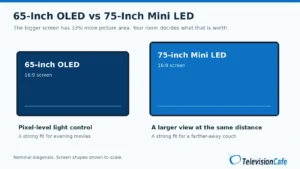
65-Inch OLED vs 75-Inch Mini LED: Which Should You Buy?
65-inch OLED or 75-inch Mini LED? Compare viewing distance, movie contrast, daylight viewing, sports, and gaming to choose the right TV for your room.
Best TVs for GTA 6: 3 Picks for PS5 and Xbox in 2026
Find the best TV for GTA 6 on PS5 and Xbox. Compare OLED and Mini LED picks, understand 120Hz and VRR, and avoid paying for features you don't need
Best TVs for Watching Sports in 2026: 4 Smart Picks
Find the best TVs for watching sports in 2026. Compare motion, glare, viewing angles, and broadcast quality across four LG, Samsung, Hisense, and TCL picks.
Best 75-Inch TVs Under $1,000 in 2026: 3 Smart Buys
Find the best 75-inch TVs under $1,000 in 2026. Compare U.S. TCL and Hisense models, checked prices, gaming features, and picture-quality trade-offs.
Best Budget TVs of 2026: 4 Picks Worth Your Money
Find the best budget TVs of 2026 for movies, gaming and everyday streaming. Compare TCL, Hisense and Roku picks, key trade-offs and smart buying prices.
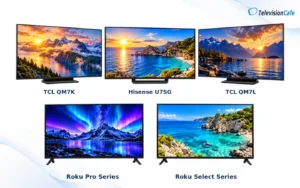
Best 65-Inch TVs Under $1,000 in 2026: 5 Worth Buying
Shop the best 65-inch TVs under $1,000 in 2026. Compare TCL, Hisense, and Roku picks for movies, bright rooms, gaming, and value—with price checks.

TCL 2026 TV Lineup: The U.S. Range Explained
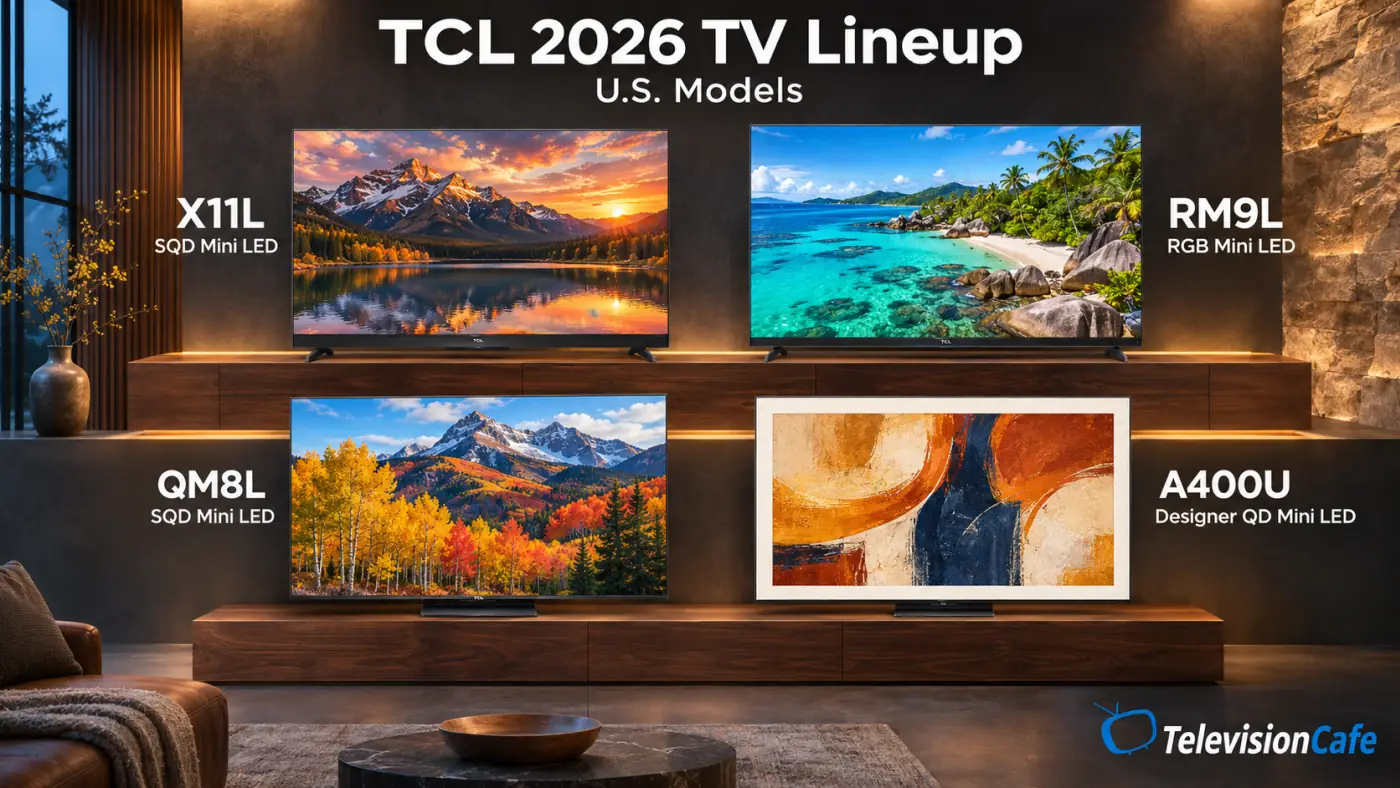
TCL's U.S. range is easiest to follow by display family and smart platform. The overview below separates the current L-series models and Designer TVs from older models that remain relevant shopping options.
Model information was checked against TCL's U.S. listings on November 13, 2026. A product listing confirms the model, not stock or delivery availability for every ZIP code.
| Family | Main U.S. Models | Why Compare Them? |
|---|---|---|
| SQD Mini LED | X11L, QM8L, QM7L; separate QM7L Pro variant | Premium and midrange LCD options with enhanced quantum-dot color |
| RGB Mini LED | RM9L | A large-screen LCD with red, green, and blue backlighting |
| QD Mini LED | QM64L | Mini LED local dimming with Fire TV |
| Designer and art TVs | A400U, A300L | Framed presentation and artwork display |
| Everyday QLED | Q6LR; compact Q3L | A simpler 4K Roku TV or small Full HD Google TV |
TCL SQD Mini LED TVs: QM7L, QM8L, and X11L
SQD stands for Super Quantum Dot. TCL uses the term for an enhanced color system working with Mini LED backlighting and an LCD panel; these televisions still control their backlights in zones.
The attraction is bright, saturated HDR color, but color range and color accuracy are different things. A television can produce vivid reds and greens while making a movie brighter or less faithful than intended, so the picture mode and independent tests deserve attention alongside the specification.
TCL QM7L: The First Midrange Model to Compare
The QM7L covers 55, 65, 75, 85, and 98 inches, with U.S. codes from 55QM7L to 98QM7L. The verified 65QM7L combines SQD Mini LED, a 144Hz panel, Google TV, Dolby Vision IQ, HDR10+, and two inputs capable of high-refresh 4K.
It's worth investigating for a main TV when bright HDR and deep blacks matter more than eliminating every gaming-motion compromise. RTINGS' 65-inch test found impressive light output and local dimming, but slow game-mode pixel response and inaccurate HDR.
Compare it with the QM6K at the same size and with the current Hisense alternative before deciding what the upgrade is worth.
TCL QM7L review · QM7L vs. Hisense U7SG · QM7L picture settings
TCL QM7L Pro: A Separate Version With More Connection Flexibility
The QM7L Pro deserves its own comparison rather than being treated as a retailer label for the standard TV. Costco's U.S. 65QM7L Pro listing specifies the TSR AI Pro processor and four HDMI inputs supporting 4K at 144Hz, including the eARC connection.
That extra connection capacity can matter if you use several high-refresh sources. Compare the exact package, warranty terms, and model-specific testing; the Pro name and upgraded processor alone don't establish better motion or picture accuracy.
TCL QM8L: The Step Up for a More Demanding Setup
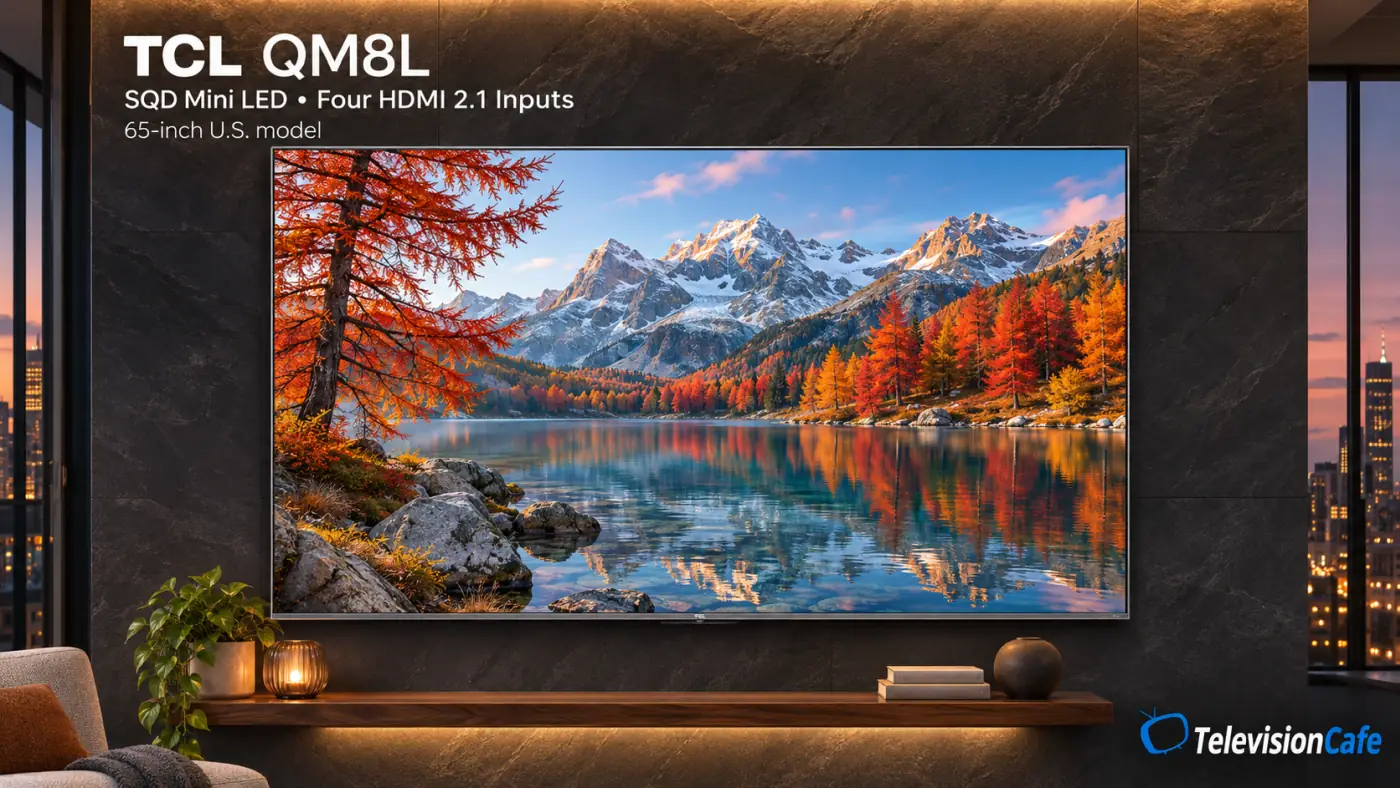
The U.S. QM8L comes in 65, 75, 85, and 98 inches: 65QM8L, 75QM8L, 85QM8L, and 98QM8L. The 65-inch specification adds a WHVA 2.0 Ultra panel and TSR AI Pro processing, while all four HDMI inputs support high-refresh 4K.
Consider it when the price gap from the QM7L buys features you'll use, particularly the extra connections. RTINGS' 65-inch sample delivered strong brightness and contrast, but direct reflections, off-angle picture loss, slow gaming transitions, and HDR accuracy remained compromises.
Its higher series number doesn't make it an automatic answer for a window-facing room or competitive gaming. Compare the exact-size evidence and the actual selling price before moving up.
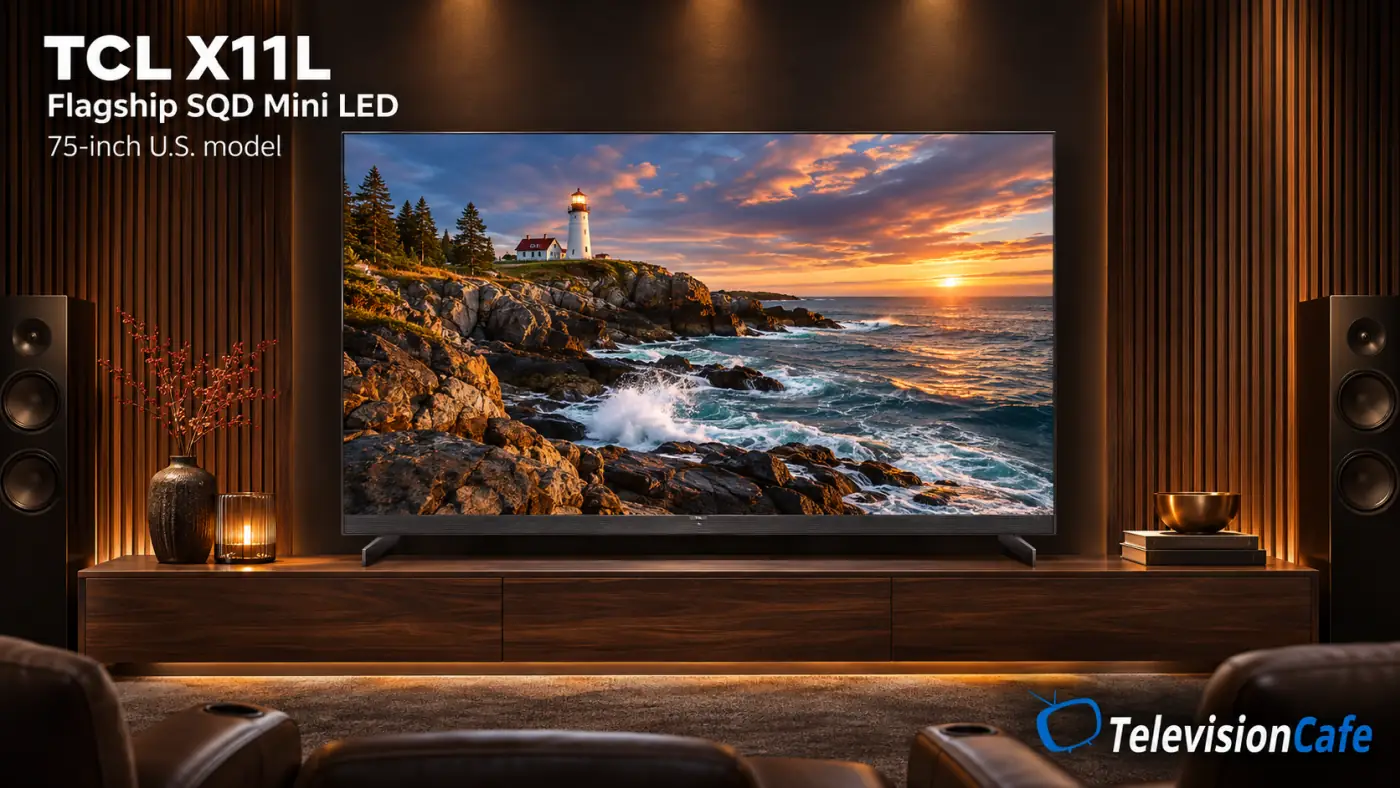
TCL X11L: The Flagship SQD Mini LED
The X11L is TCL's flagship SQD Mini LED family, listed in 75, 85, and 98 inches. U.S. models are 75X11L, 85X11L, and 98X11L; there is no verified 55- or 65-inch option in this range.
It combines Google TV, four high-refresh HDMI inputs, and a more ambitious backlight system than the QM models. TCL's published peak-brightness and dimming-zone ceilings are series maximums that vary by size, so they shouldn't be presented as measurements for every X11L.
RTINGS tested the 85-inch version and found strong brightness, effective local dimming, and useful reflection handling. It also reported some fast-motion color artifacts and picture changes from side seats. Shortlist it for a premium large-screen installation, then compare the smaller QM8L or an OLED if size, seating, or cost points elsewhere.
TCL RM9L: RGB Mini LED for a Large-Screen Installation
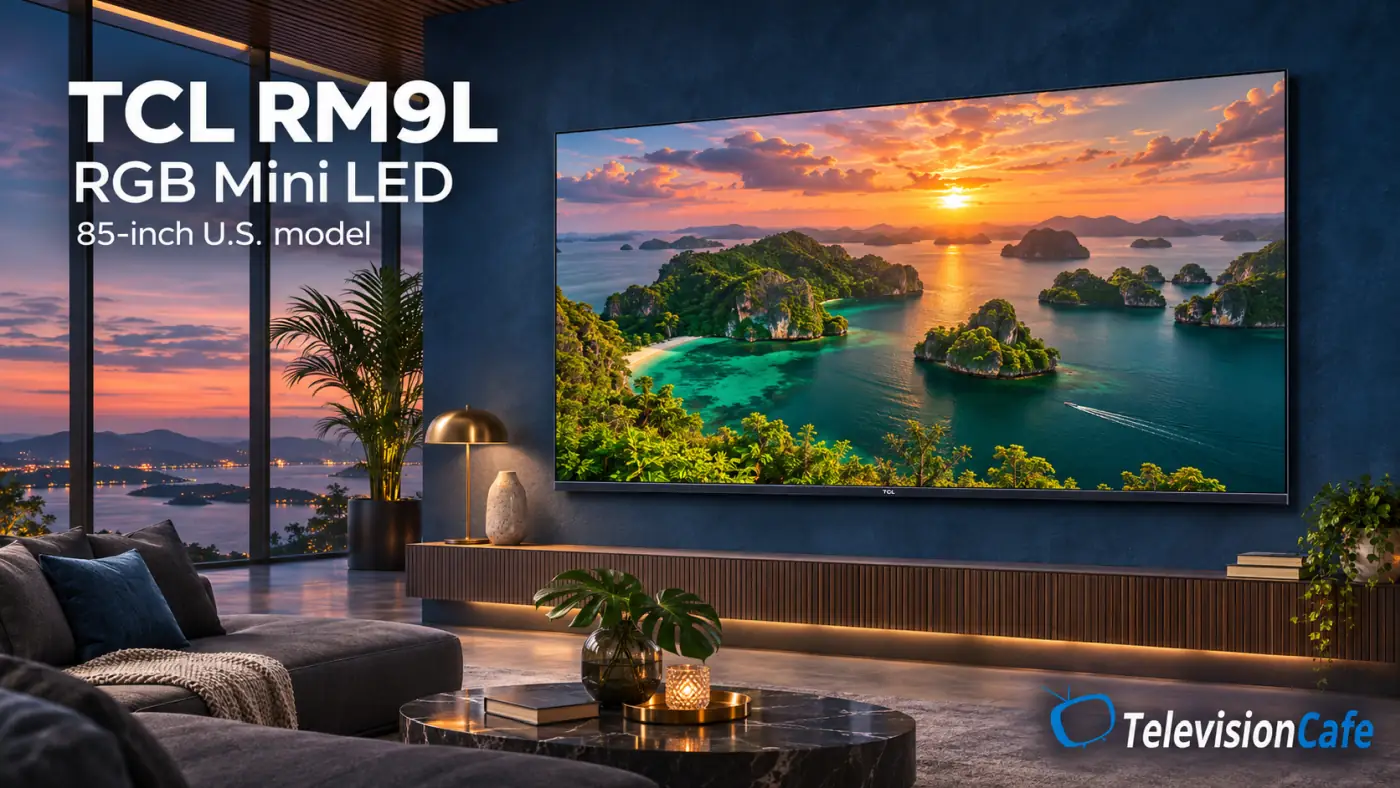
The RM9L takes a different approach from SQD Mini LED, using red, green, and blue LEDs in its backlight. It remains an LCD television; RGB Mini LED isn't the same technology as a self-emitting MicroLED screen.
TCL lists 85RM9L, 98RM9L, and 115RM9L in the U.S. The verified 85-inch model has a 4K panel, 144Hz refresh, Google TV, and support for formats including Dolby Vision IQ and HDR10+.
Its reason to be on your shortlist is a premium picture on a very large screen with a different backlight design. The RGB label doesn't settle blooming, color accuracy, reflections, or motion, so compare independent exact-model evidence before paying a technology premium.
At these sizes, measure doorways and stair turns as well as the wall. Confirm the stand footprint, mounting requirements, delivery service, and return arrangements before ordering.
TCL QM64L: QD Mini LED With Fire TV
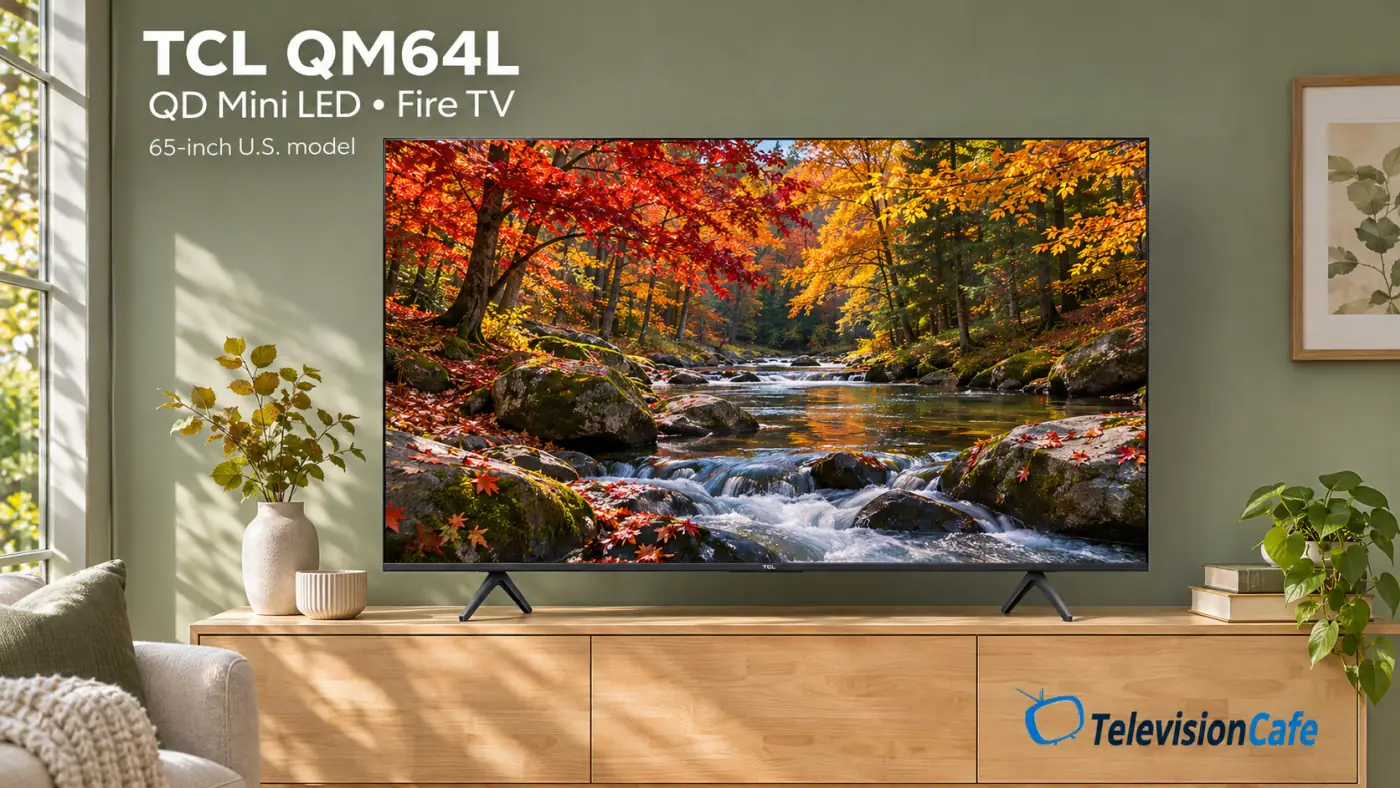
The QM64L is worth a look if you want Mini LED local dimming and prefer Amazon's Fire TV interface. TCL's U.S. listing covers 55, 65, 75, 85, and 98 inches, with model codes such as 55QM64L and 65QM64L.
The specification lists a 144Hz panel, VRR, and ALLM. Its higher DLG/Game Accelerator figure uses reduced vertical resolution; it isn't full-resolution 4K at 288Hz. That distinction matters more than the largest number on the product card.
Compare it with the Google TV-based QM6K and standard QM7L around price, connections, and independent performance evidence. A similar name or shared refresh rate isn't proof of identical hardware, picture tuning, or motion behavior.
TCL Art TVs: A400U and A300L
TCL's Designer TVs put the screen's appearance in the room at the center of the purchase. The A400U and A300L both offer artwork display, but their display specifications differ, so compare them as separate televisions.
Plan cable routing, power access, mounting height, and the complete installed cost alongside the frame finish. An attractive art display still needs to work as your everyday TV.
TCL A400U: An Art TV With QD Mini LED
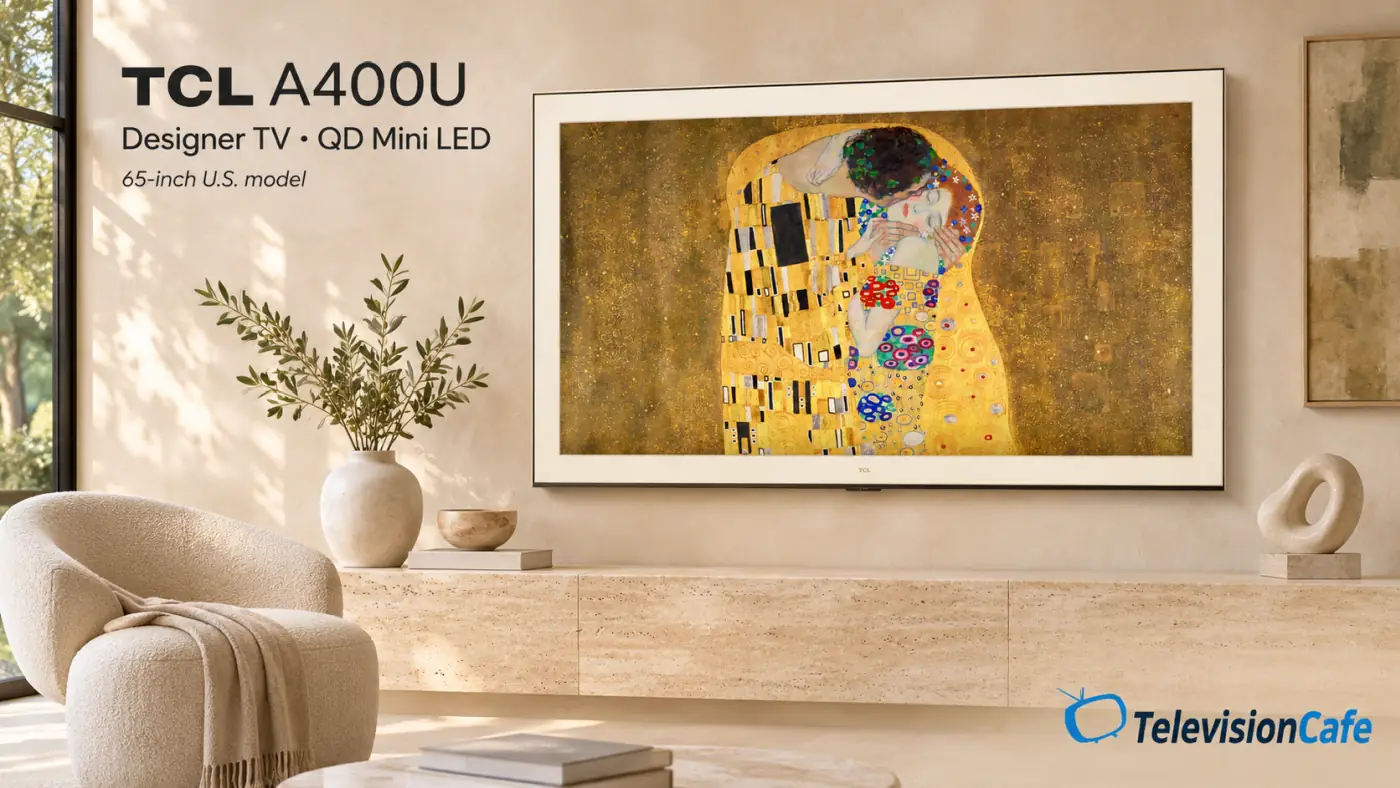
The A400U brings QD Mini LED into TCL's Designer family, with listed U.S. sizes of 55, 65, 75, and 85 inches. Its feature list includes native 4K/144Hz, Google TV, VRR, ALLM, and artwork features such as Art Gallery and Ambient Mode.
That gives you a reason to investigate it when you want a framed presentation without choosing solely around decoration. Independent tests still need to establish how well its local dimming, matte presentation, motion, and processing work in practice.
Compare the included frame and mounting package at your size, and check whether any artwork or accessory you want adds to the total cost.
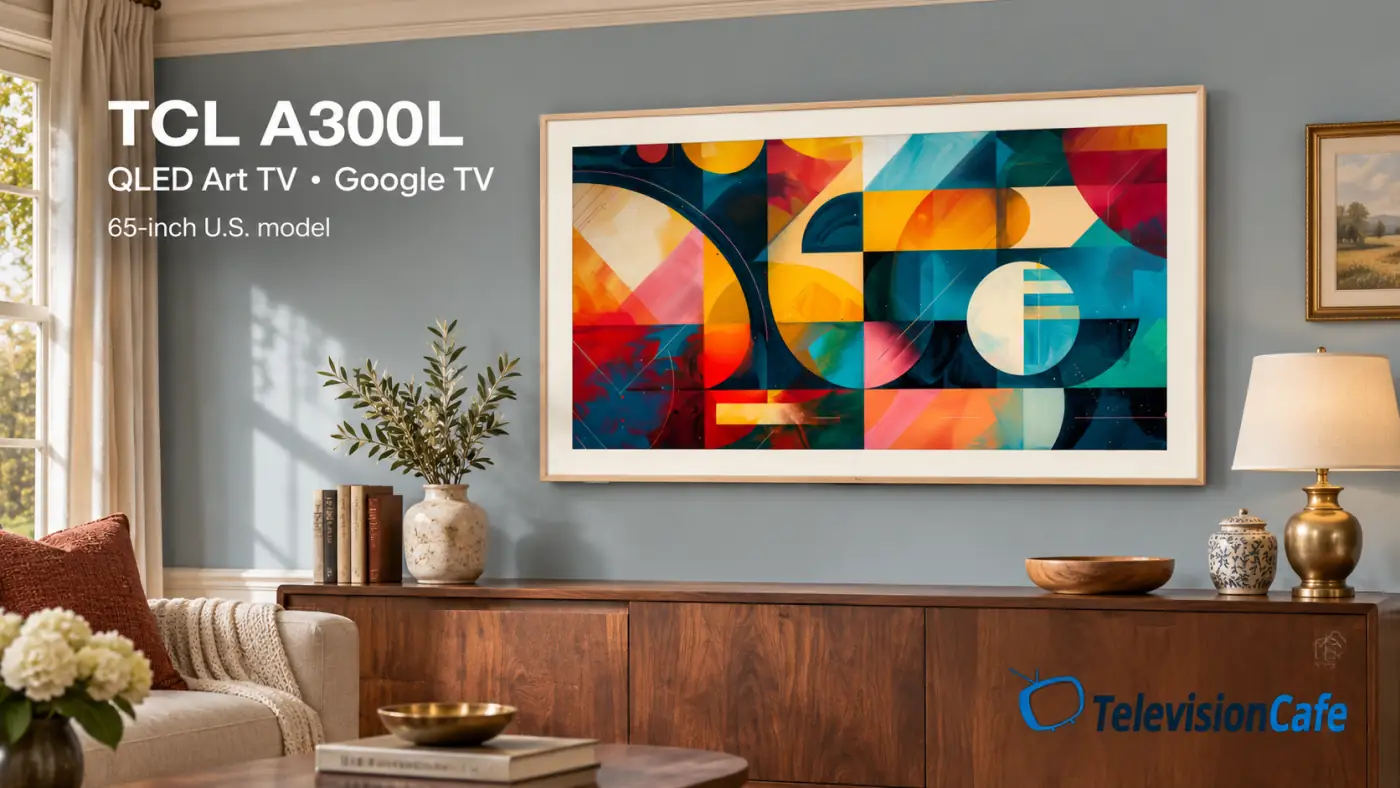
TCL A300L: The 2026 Picture-Frame QLED
The A300L is TCL's 2026 Designer QLED, listed in 55, 65, and 75 inches. TCL specifies a light wood magnetic frame, an included flush wall mount, Google TV, and a 144Hz panel.
It belongs on the shortlist when the framed appearance and artwork display are a large part of the appeal. Don't assign it the A400U's QD Mini LED specification just because both are art TVs; compare the exact display hardware and picture tests.
The older A300W remains another model to investigate at a discount. Check what changed in the complete package rather than assuming a frame or mount from one generation will fit another.
Everyday TCL QLED TVs: Q6LR and Q3L
QLED describes quantum-dot color technology, not a guarantee of Mini LED backlighting, local dimming, or high-refresh 4K gaming. These simpler models are better approached around screen size, everyday streaming, and cost.
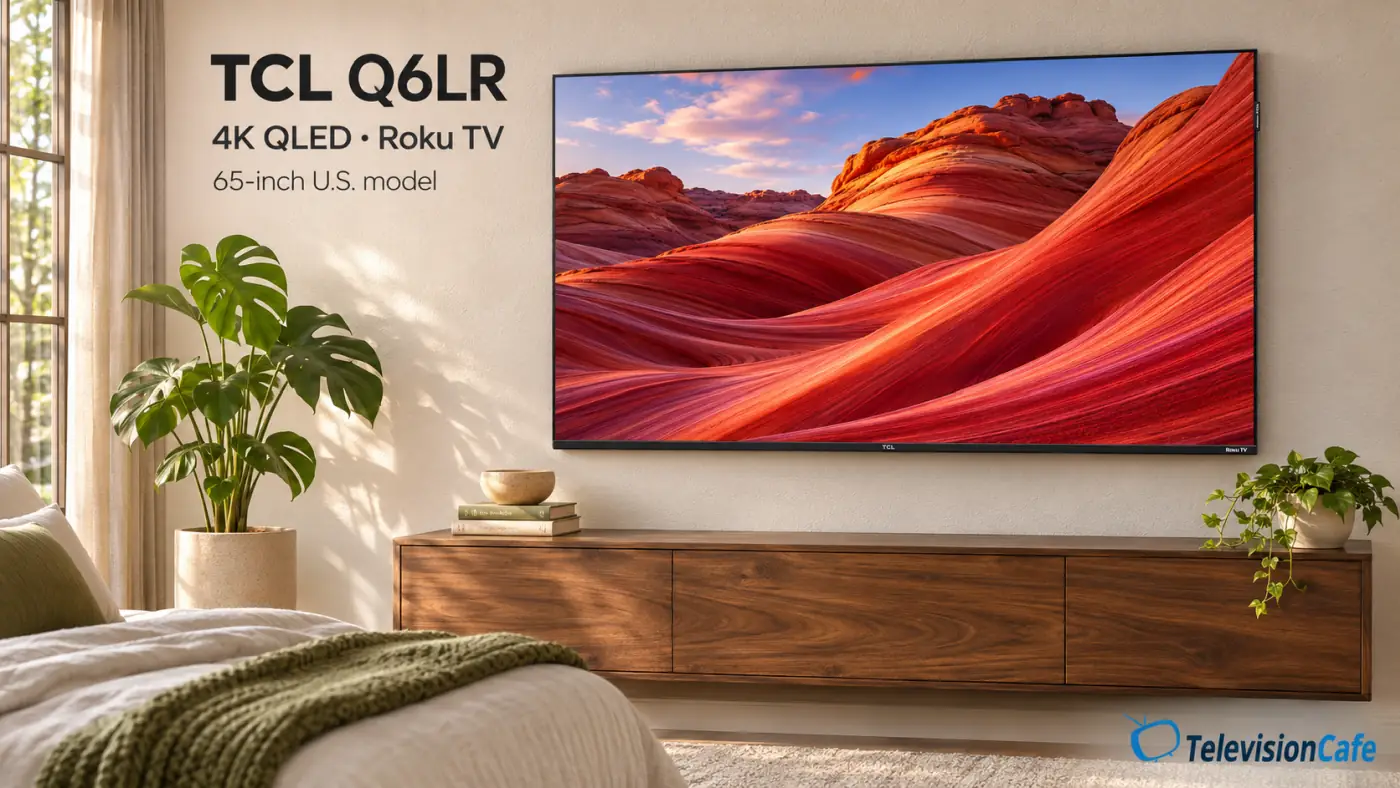
TCL Q6LR: A Straightforward 4K Roku TV
The Q6LR pairs a 4K QLED display with Roku TV, with U.S. sizes from 43 to 85 inches, including 55Q6LR and 65Q6LR. It makes sense to compare for a bedroom, guest room, or everyday streaming setup where Roku's interface is a priority.
The verified 65-inch specification lists a 60Hz panel. Game Accelerator marketing should not be read as native 4K/120Hz capability, so buyers building a high-refresh console or PC setup should compare a suitable QM model instead.
TCL Q3L: A Small Full HD Google TV
The Q3L covers 32- and 40-inch sizes in the checked U.S. listing. These are 1920 × 1080, 60Hz models with Google TV, rather than smaller versions of TCL's 4K Mini LED televisions.
Consider one for a small bedroom, kitchen, or occasional-use space. For close seating, small text, or desktop use, compare resolution and viewing comfort before deciding that the compact size is enough.
Older TCL Models and Other TVs Still Worth Checking
A TV sold during 2026 isn't necessarily a 2026 launch. The following families need to be kept separate from the current L-series overview:
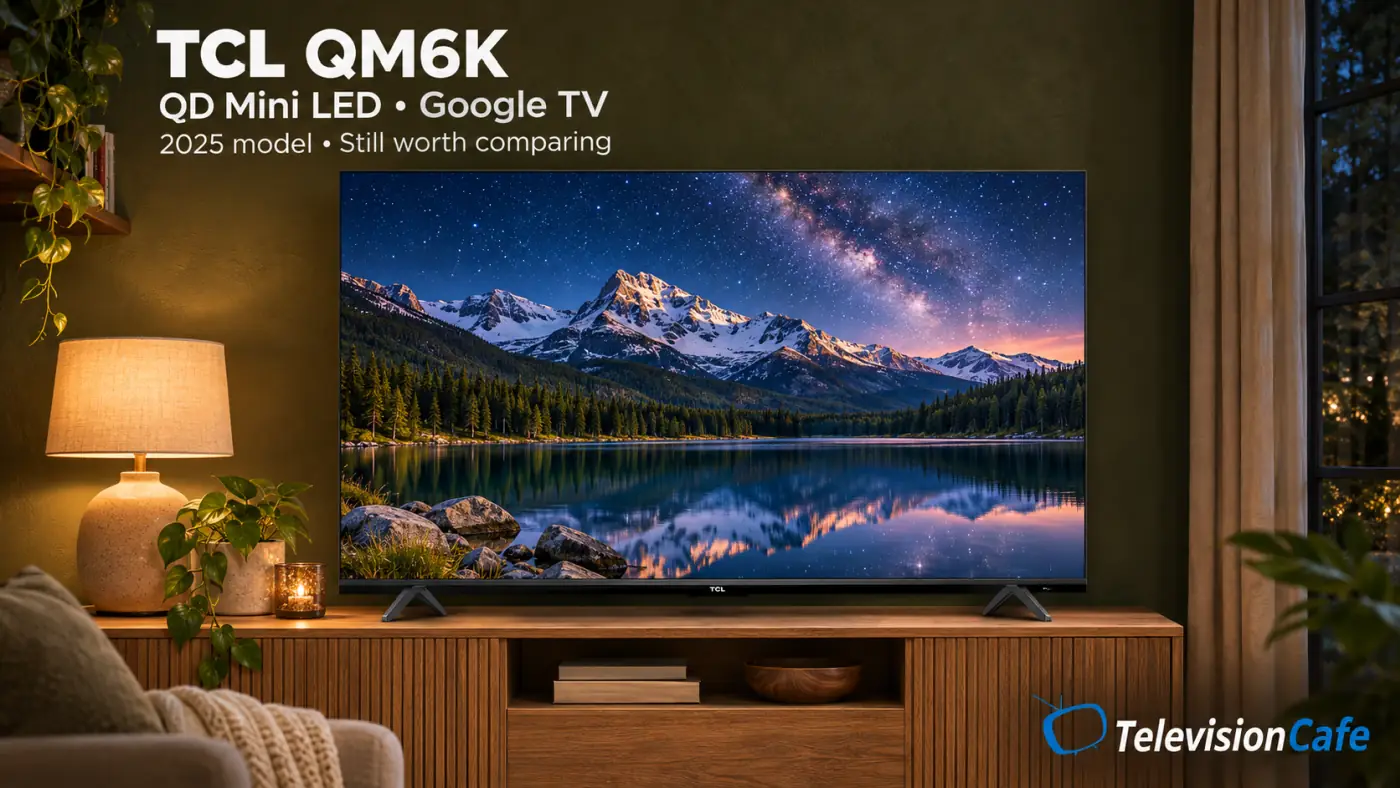
- QM9K: A higher-tier QD Mini LED family still listed in the U.S. Compare an actual offer with the newer SQD models before assuming the bigger series number makes it the better purchase.
- QM8K: The previous-generation model replaced by the QM8L. A discount can be useful, but check the connection differences and picture evidence rather than comparing names alone.
- QM7K: The predecessor to QM7L, with QD Mini LED and Google TV. Its listed size range includes a 115-inch option that shouldn't be assumed to exist in the QM7L family.
QM7K vs. Roku Pro Series - QM6K: A 2025 QD Mini LED model that remains a lower-cost comparison. Start with the same screen size and decide whether moving up buys a picture or feature improvement you'll actually use.
QM6K review · QM6K picture settings - QM5K: Another earlier QD Mini LED family with U.S. support documentation. Check its exact refresh-rate and HDR specifications instead of transferring the QM6K's features to it.
- X11K: The previous flagship QD Mini LED, listed in 85 and 98 inches. Compare it with X11L using the total installed cost and the actual generation changes.
- A300W: The older NXTVISION art TV, separate from the A300L and A400U. Compare the frame, mount, sound, and display package before choosing a discounted listing.
- Q651G and Q3K: Older everyday and compact QLED choices. Check the exact size, resolution, and platform; these names don't put them in the QM Mini LED tier.
- F7D and F8D: TCL's U.S. site also lists these QLED Fire TV families. Treat each as its own product; neither the Fire TV interface nor an F-series name makes it equivalent to QM64L.
If you already own an older television, judge the cost of replacing it against the problem you're trying to fix.
TCL TV Model Numbers: What the Code Tells You
Read 65QM7L in two parts: 65 is the screen-size class, and QM7L identifies the model family. In the current QM7 and QM8 ranges, TCL uses K for the 2025 generation and L for 2026; don't apply that rule blindly to every TCL product ever made.
Keep the rest of the name when comparing versions. 65QM7L Pro is a separate variant, while 65QM64L identifies the Fire TV model rather than a long spelling of QM6K.
The model number identifies the product version; the serial number identifies your individual unit. Use the full code from the rear label, box, or TV information screen when checking support, remotes, firmware, and mounting accessories.
Google TV, Roku TV, Fire TV, and Promised Updates
The smart platform changes how you find apps, manage recommendations, pair remotes, and use voice features. The QM7L, QM8L, and X11L use Google TV; QM64L uses Fire TV; Q6LR uses Roku TV. Check that your preferred U.S. services and casting options are supported on the exact model.
If you're comparing TCL with an LG or Samsung TV, our Google TV, webOS, and Tizen comparison explains the interface differences.
Account, internet, subscription, and regional requirements can apply to particular services. An external streaming device can give you a different interface, but it won't change the television's panel, HDMI bandwidth, or local dimming.
TCL's K-to-L comparison still describes Dolby Vision 2 for QM8L and X11L as planned through a future update at the time of this check. Buy around confirmed current features; verify a model-specific firmware release before treating a promised upgrade as installed.
For audio problems after connecting your equipment, our HDMI ARC/eARC troubleshooting guide helps you check the signal path before replacing a cable or soundbar.
Which TCL 2026 TV Should You Buy?
- A main living-room screen: Compare the QM7L and QM8L at the same size. The QM8L's four high-refresh inputs are useful when several gaming sources need to stay connected.
- A lower-cost Mini LED: Compare the QM64L with a discounted QM6K, starting with the smart platform and exact hardware you need. Add the QM7L when the price gap is small enough to justify its HDR strengths.
- A premium large screen: Investigate X11L first for SQD Mini LED, or RM9L if you specifically want to compare RGB backlighting. Check exact-size evidence and installation requirements before ordering.
- A TV that displays art: Compare A400U with A300L around display hardware, frame finish, mounting package, and total cost.
- A simple Roku TV: Look at Q6LR when everyday streaming matters more than high-refresh gaming.
- Competitive games, a wide sofa, or a window facing the screen: Give motion, viewing angles, and direct-reflection results priority over headline brightness. Include other brands if a TCL model doesn't address the room's main limitation.
For most shoppers comparing TCL's better-equipped living-room models, the useful first decision is QM7L versus QM8L at the screen size you actually want. Pay for the higher tier when its connection package and documented picture differences justify the premium; a less expensive model can leave room in the budget for better sound or a more suitable screen size.
If movies in a dark room are your priority and backlight halos bother you, include an OLED in the comparison. For an art-focused room or a giant-screen installation, let the installation requirements settle the shortlist before deciding which technology badge to buy.