
TV Setup
TV reviews. Your screen. Our expertise
Find Picture Settings and Fix Common TV Problems
Start with your TV model if you want recommended picture settings. If something looks or sounds wrong, browse the guides for dark HDR, blurry streaming, motion blur, glowing subtitles, quiet dialogue, and sound that doesn't match the picture.
You'll find model-specific settings for LG, Samsung, TCL, Hisense, and Roku TVs, alongside practical help with picture modes, gaming, connections, and everyday maintenance. Choose a guide that matches your TV or the problem you're trying to solve.
Start With These Setup Guides
How High Should You Mount a TV? A Practical Height Guide
Find the right TV mounting height for your couch and screen size, with a height chart, measuring steps, and advice for soundbars and fireplaces.
Roku Plus Series 2025 Picture Settings: Get It Right
Start with Movie for SDR films, compare the Dark HDR or Dolby Vision Dark preset for evening viewing, and make sure Game...
TV Dialogue Too Quiet? How to Hear Voices Clearly
Hear TV voices more clearly with dialogue modes, night settings, audio-format checks, and practical fixes for soundbars and home theater systems.
What Is ACR on an LG TV? How to Turn Off Tracking and Ads
Learn what ACR does on an LG TV, how to turn off viewing data and personalized ads, and which webOS privacy settings to check on your model.

TV Audio Delay: Fix Lip Sync Problems Step by Step
If voices don't match the actors' lips, start by checking which comes first: the sound or the picture. That tells you...
LG C5 Best Picture Settings for Movies, HDR & Gaming
LG C5 Picture Settings: Start With the Content You Watch For movies on the LG C5, start with Filmmaker Mode, then adjust...
How to Clean a TV Screen Without Damaging It
To clean a TV screen without damaging it, start with a clean, dry microfiber cloth and a very light touch. If fingerprints...
Filmmaker Mode vs Movie Mode: Which Should You Use?
Use Filmmaker Mode as your starting point for movies and scripted TV. Choose Movie or Cinema instead when its available...
Hisense U7SG Best Picture Settings: SDR, HDR & Gaming
Start with Filmmaker Mode for SDR and HDR10 movies on the Hisense U7SG, then adjust SDR brightness for your room. Use the...
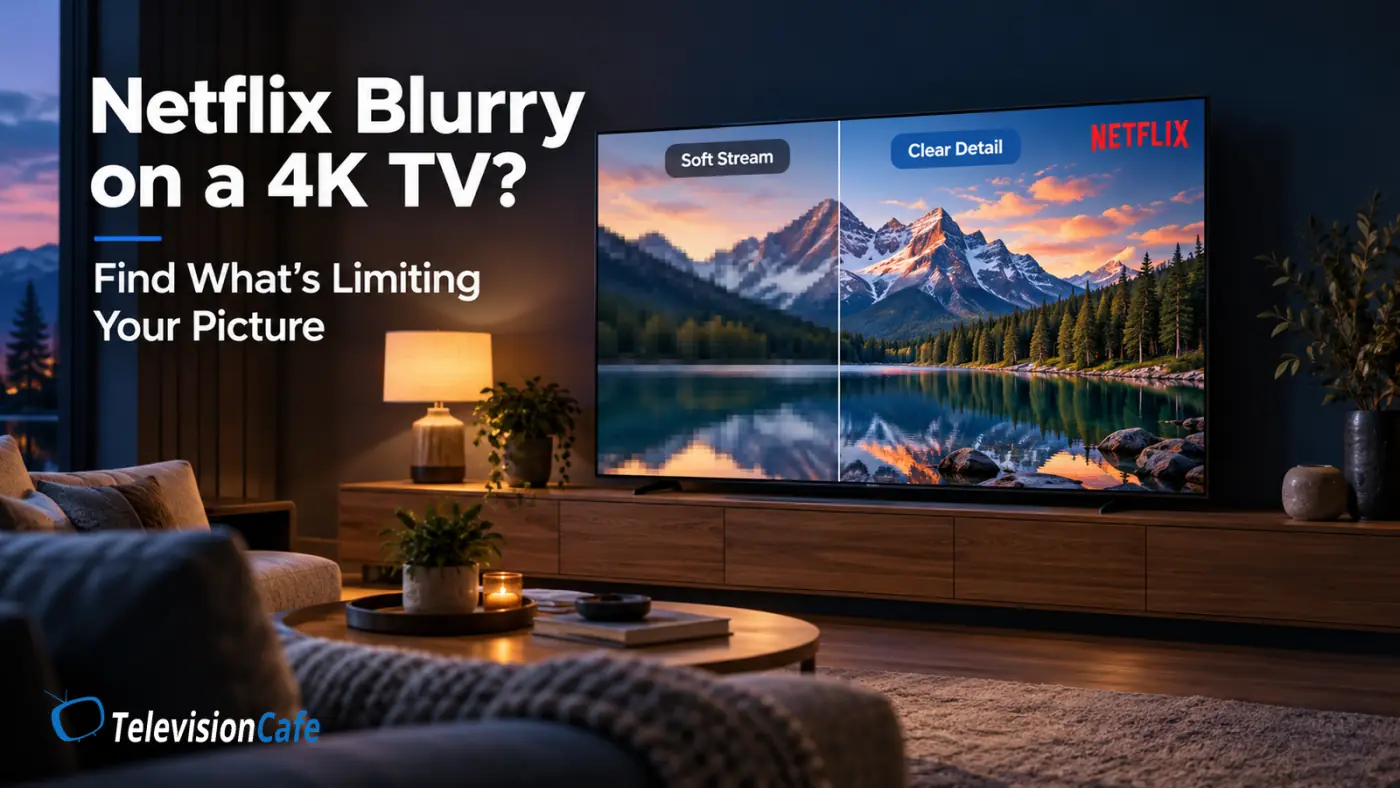
Why Is Netflix Blurry on a 4K TV? 9 Things to Check
You bought a 4K TV, opened Netflix, and expected a crisp picture. Instead, faces look soft, dark scenes turn into patches...
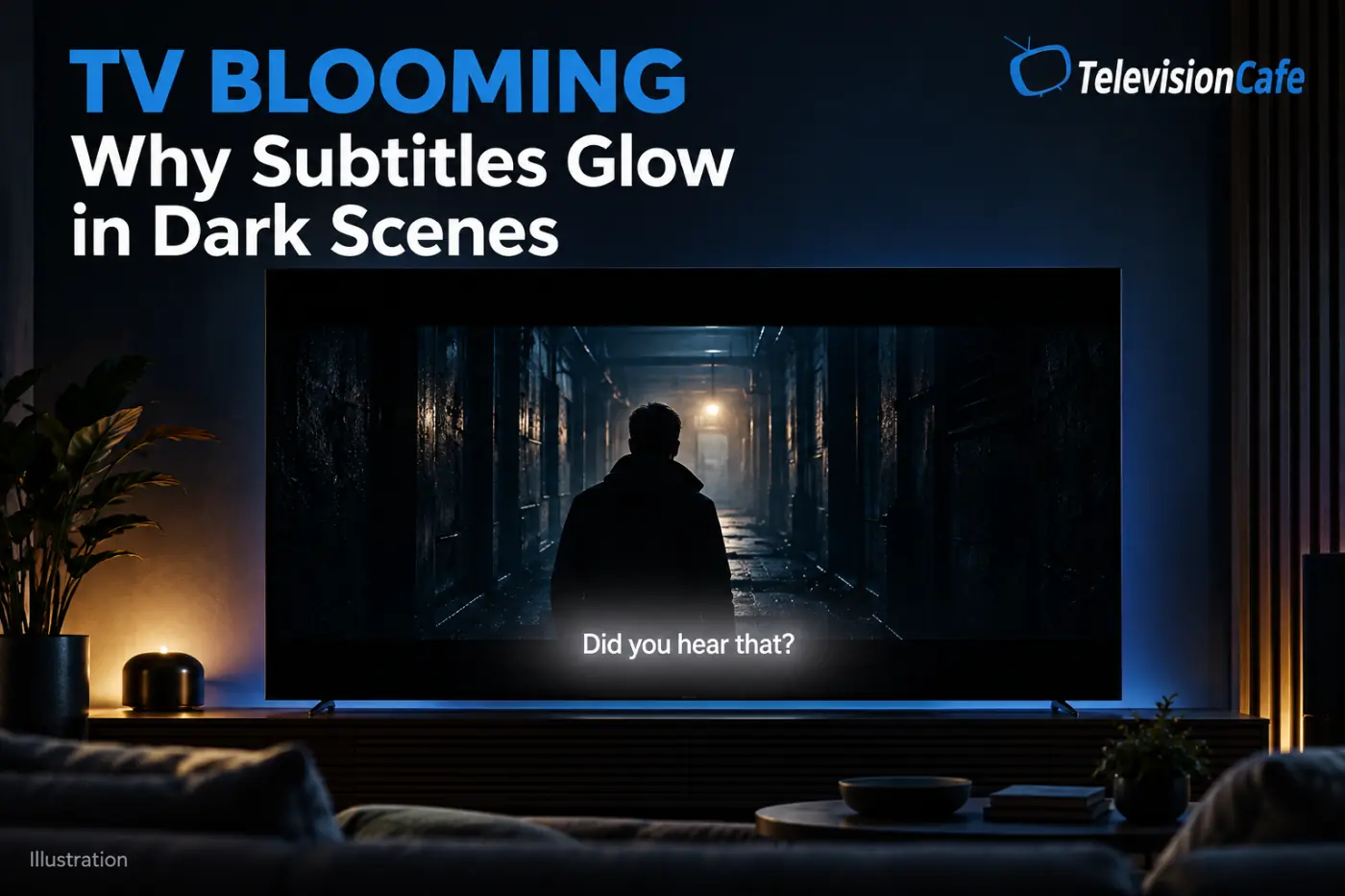
TV Blooming Explained: Why Subtitles Glow in Dark Scenes
The movie cuts to a dark bedroom. Everything looks right until someone speaks. A line of white subtitles appears, and...
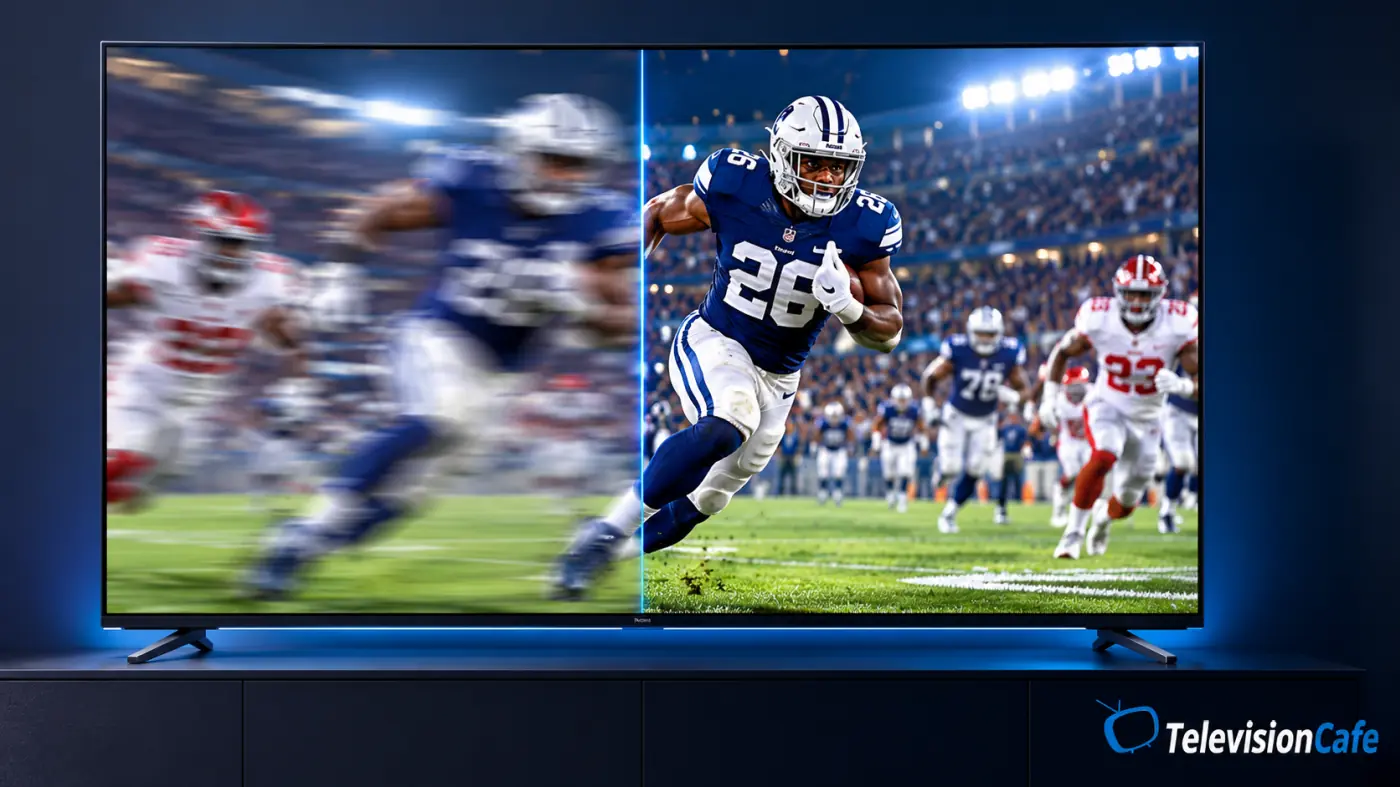
TV Motion Blur: Why Sports Look Blurry and 7 Fixes
The scoreboard is sharp. The grass looks detailed. Then the camera follows a long pass, and the players turn into soft...
Hisense U6SF Pro Best Picture Settings: HDR, SDR & Gaming
The Hisense U6SF Pro can make a movie look wonderfully rich—or make the same scene feel too bright, too cool, or oddly...
TCL QM6K Best Picture Settings: Get SDR, HDR & Gaming Right
The TCL QM6K can look punchy straight out of the box, but a brighter preset is not always a better picture. Skin can look...
TCL QM7L Best Picture Settings: SDR, HDR & Dolby Vision
Updated: November 5, 2026Start the TCL QM7L in Filmmaker Mode for SDR and HDR10 movies. During Dolby Vision playback,...
Samsung S90H Best Picture Settings: SDR, HDR & Gaming
Samsung S90H Picture Settings: Start Here A new OLED should make movie night feel like an upgrade. If your Samsung S90H...
Sony BRAVIA Update v114.603.100.1: What Actually Changes?
A TV update is easy to ignore when everything works. When dialogue falls behind the picture or your sound system starts...
LG C6 Best Picture Settings Guide: SDR, HDR & Gaming
LG C6 Picture Settings: Start Here The LG C6 already looks impressive when you take it out of the box, but a few sensible...
What makes a TV good for gaming?
In the early days of high-definition gaming, a "good" TV was simply one that had an HDMI port and didn't weigh as much as a...
Before You Change Your TV Settings
Check your TV's full model number before following a settings guide. Screen size, software version, and the source you're watching can affect which controls are available. Recommended settings are a starting point; they aren't a calibration of your individual screen.
Photograph your current settings, change one option at a time, and compare familiar content from your usual seat. Adjust SDR brightness for your room, and check HDR and gaming separately. If a change makes things worse, restore the original value before trying something else.
Still Having Picture or Sound Problems?
If HDR looks too dark, work through our dark HDR troubleshooting guide. For sound problems, start with clearer TV dialogue, audio delay and lip sync fixes, or HDMI ARC/eARC troubleshooting, depending on the symptom.