
LG TVs: Lineups, Models, Reviews & Buying Guides
TV reviews. Your screen. Our expertise
LG's TV range runs from small kitchen screens to huge OLEDs and LCDs. The useful question is which part of that range belongs in your home.
Start with the C-Series OLEDs for a main movie and gaming screen, compare the B-Series when price matters most, and look at the G-Series when the display upgrade suits your room. LG's QNED and Nano UHD ranges cover a broader spread of budgets, with differences that deserve a closer look than the logo on the box.
This TelevisionCafe guide brings together LG TV lineups, model explanations, reviews, comparisons, picture settings, and buying advice for the U.S. market. Browse the articles below, or jump straight to the current lineup.
Which LG TV Should You Consider?
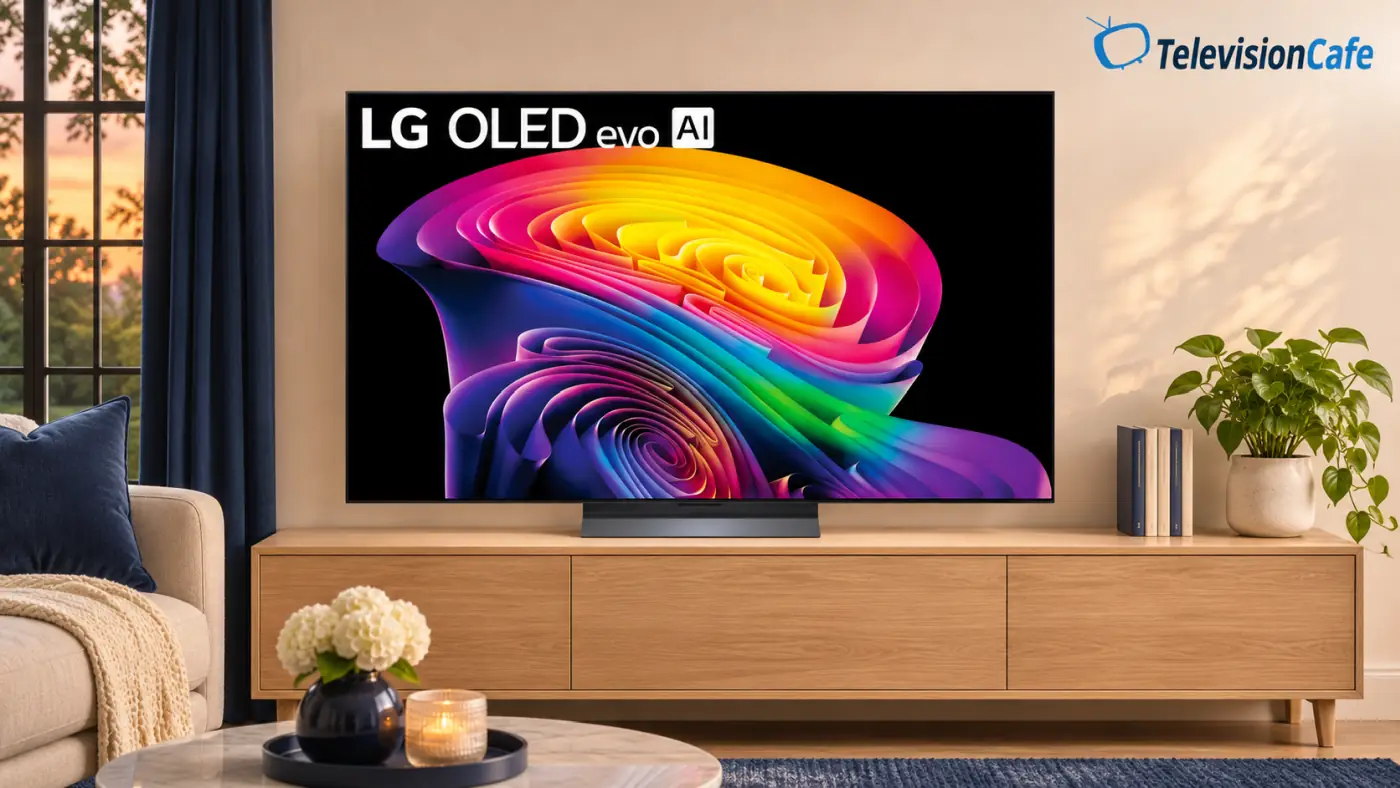
For movies and gaming, an LG OLED is a useful starting point. The C-Series usually sits at the center of that decision: compare it with the less expensive B-Series and the higher-tier G-Series at the size you actually want.
Room lighting can change the answer. If a window reflects directly across the picture, compare the exact screen treatment and independent reflection results. If you mostly watch at night, paying more for extra daytime brightness may be less useful than choosing the right screen size.
For a lower-cost second TV or a much larger LCD screen, work through QNED and Nano UHD models individually. Check local dimming, refresh rate, viewing angles, and HDMI connections before assuming a higher series number buys the feature you need.
Still deciding between size and display technology? Our 65-inch OLED vs. 75-inch Mini LED guide works through that trade-off.
Where LG TVs Make Sense - and What to Check
LG's OLEDs are particularly interesting for evening movies. Each pixel controls its own light, so bright subtitles can sit beside black without an LCD backlight creating a halo around them. That is a practical advantage when dark-scene contrast matters to you.
Gaming features are another reason to compare the relevant models. The U.S. 65-inch C6, for example, lists four HDMI inputs with 4K/120Hz support and VRR up to 165Hz. The higher maximum is for a compatible PC; PS5 and Xbox Series X gaming tops out at 120Hz.
The compromises depend on the television. OLED buyers should consider repeated static graphics and the stutter that fast pixel response can reveal in low-frame-rate movies. LCD buyers need model-specific evidence for contrast and off-angle viewing. The 65-inch C6 also lacks HDR10+ and DTS passthrough, according to RTINGS, which matters when planning a disc-player or receiver setup.
LG TV Reviews
See what a particular LG TV adds to your room, where its compromises show up, and which alternatives deserve a look.
Start with the series you're considering, then check that the review covers your screen size.
LG UA7700 Review: Is This Cheap 4K TV Worth It?
Is the LG UA7700 worth buying? Explore its picture quality, 60Hz gaming, webOS features, and the price that makes this budget 4K TV worth considering
LG C6 OLED Review: A Smart Buy or Too Close to the C5?
Is the LG C6 OLED worth buying? Our research-based U.S. review covers picture quality, gaming, size differences, and when a discounted C5 makes more sense
LG G6 OLED Review (2026): Is the Upgrade Worth It?
Is the LG G6 OLED worth the premium? Our research-based review covers U.S. models, HDR, gaming, size differences, and whether the C6 or G5 is a smarter buy.
LG G5 OLED TV Review: The “Tandem” Revolution That Changed Everything
LG G5 OLED TV review: Discover its RGB Tandem OLED brightness, 165Hz gaming performance, picture quality, key drawbacks, and whether it’s worth buying.
LG C5 Review: The King of the Living Room Defends Its Throne
Read our LG C5 OLED review for an in-depth look at picture quality, brightness, gaming performance, webOS features, sound, design, and overall value.
LG TV Comparisons
Put the televisions on your shortlist side by side, including LG models from different years and rivals from other brands.
These comparisons focus on the differences that can justify spending more—or make the cheaper TV the better purchase.
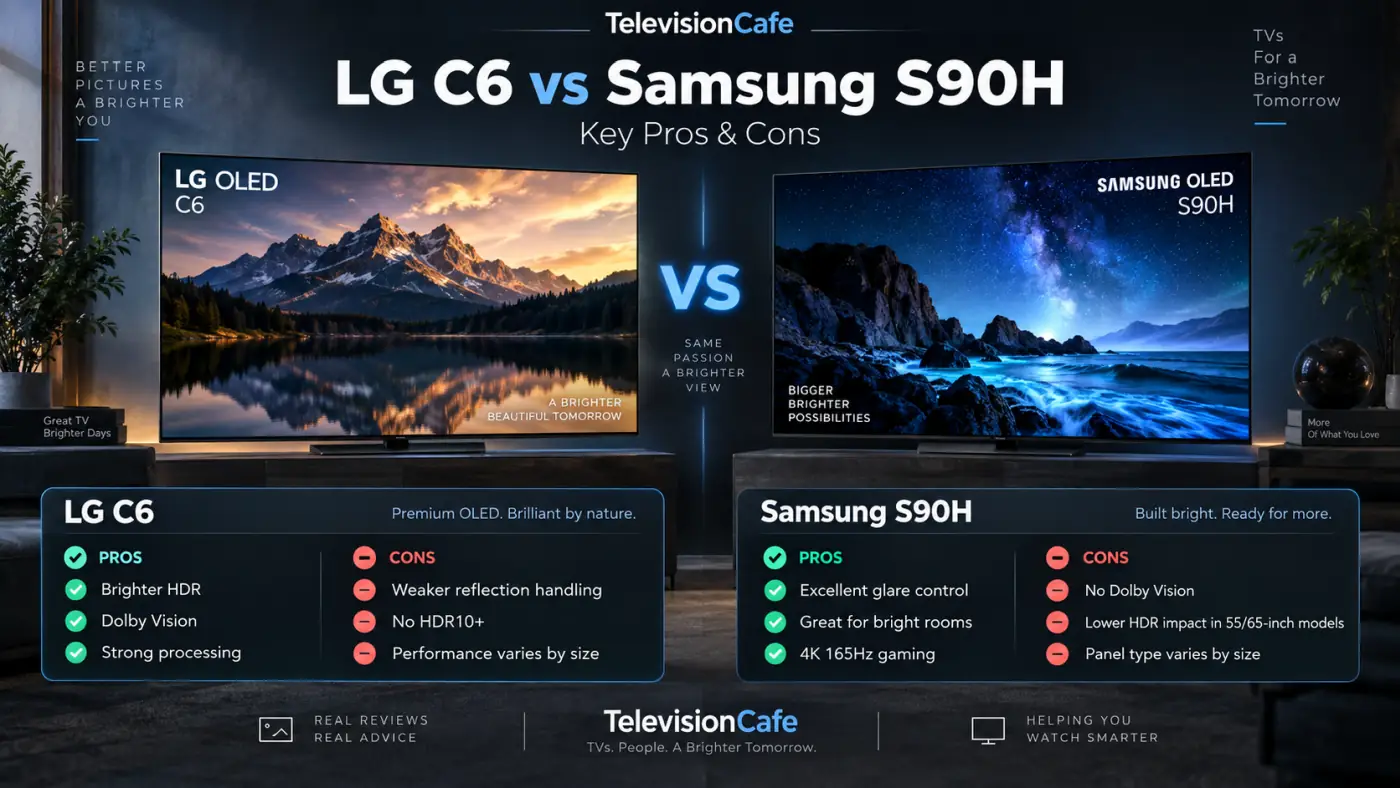
LG C6 vs G6: Is the More Expensive OLED Worth It?
LG C6 vs G6: compare HDR, reflections, gaming, and U.S. 55- and 65-inch prices to see when LG's premium OLED is worth the extra money.
LG C6 vs Sony BRAVIA 6: Which OLED Is the Better Buy?
LG C6 vs Sony BRAVIA 6: compare picture quality, gaming, Google TV, and audio support. See when Sony's lower price makes it worth considering.
LG C5 vs Samsung S90H: Which OLED Is the Better Buy?
LG C5 or Samsung S90H? Compare glare, Dolby Vision, gaming, screen sizes, and price to find the OLED that makes more sense for your room and budget.
LG C6 vs Samsung S90H: Which OLED TV Is Better in 2026?
LG C6 vs Samsung S90H compared for picture quality, HDR, gaming, bright-room performance, smart features and value. See which 2026 OLED fits you best.
LG C5 vs C6: Is the New OLED Worth Paying More For?
LG C5 vs C6 compared: picture quality, gaming, prices and crucial screen-size differences. Find out when the newer OLED is worth paying extra for in 2026.
LG G6 vs Samsung S95H: Which OLED TV Wins in 2026?
LG G6 vs Samsung S95H compared for picture quality, HDR, gaming, bright rooms and smart features. See which flagship OLED is better in 2026.
LG TV Best Picture Settings
Get your LG ready for movies, HDR, sports, and gaming with settings organized around the content you're watching.
Use the guide for your exact model as a starting point; copying another TV's settings isn't a substitute for calibration.
LG C5 Best Picture Settings for Movies, HDR & Gaming
Set up your LG C5 OLED with practical picture settings for SDR, HDR10, Dolby Vision, PS5, Xbox, and PC, plus fixes for dim pictures and unnatural motion.
Filmmaker Mode vs Movie Mode: Which Should You Use?
Filmmaker Mode or Movie Mode? Learn what changes, why the picture can look dark or warm, and which TV setting to use for movies, HDR, and gaming.
LG C6 Best Picture Settings Guide: SDR, HDR & Gaming
Discover the best LG C6 OLED picture settings for SDR, HDR, Dolby Vision, movies, sports, and gaming, with simple tips for a better image at home.
LG Accessories & Remotes
Check remote compatibility, understand what the Magic Remote can do, and get help when pairing or pointer controls stop working. Match an accessory to your full TV model number before ordering; an LG logo alone doesn't establish compatibility.
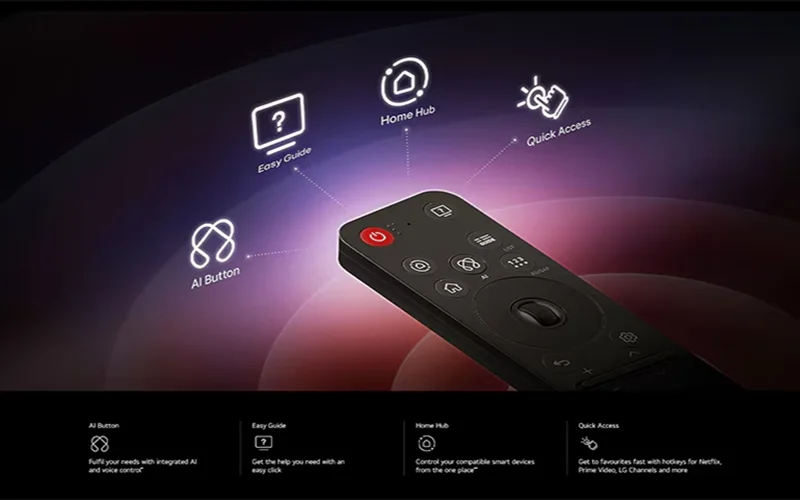
LG Magic Remote Not Working? Try These 10 Proven Fixes
LG Magic Remote not working, pairing, pointing, or responding? Try 10 proven fixes for batteries, wireless connection, voice control, and webOS issues.
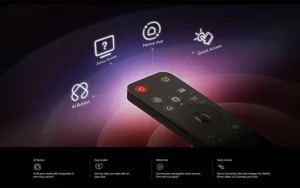
LG Magic Remote: The Only Remote You’ll Ever Need
Learn how the LG Magic Remote works, including setup, pairing, buttons, voice controls, pointer features, compatibility, and fixes for common problems.
LG TV Setup & Troubleshooting
Work through picture, sound, and smart-TV problems with practical checks before changing equipment.
Find help with lip sync, quiet dialogue, motion settings, and the privacy controls available on supported LG TVs.
TV Dialogue Too Quiet? How to Hear Voices Clearly
TV dialogue too quiet while music and effects are too loud? Try these sound settings, streaming fixes, and soundbar adjustments for clearer voices.
What Is ACR on an LG TV? How to Turn Off Tracking and Ads
Learn what ACR does on an LG TV, how to turn off viewing data and personalized ads, and which webOS privacy settings to check on your model.

TV Audio Delay: Fix Lip Sync Problems Step by Step
Fix TV audio delay and lip sync problems with clear steps for soundbars, HDMI ARC/eARC, Bluetooth, and streaming apps. Learn which settings to change
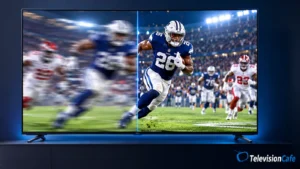
TV Motion Blur: Why Sports Look Blurry and 7 Fixes
Sports look blurry on your TV? Learn what causes motion blur, which settings to change, and how to tell a weak broadcast from a slow TV panel
LG Soundbars
Choose an LG soundbar around the sound you want and the space beneath your TV.
Compare dialogue features, subwoofer and rear-speaker packages, HDMI connections, and compatibility with your exact television.
LG TV Buying Guides
Find LG models in guides built around your room, budget, and viewing habits.
Compare them with other brands when you're choosing a sports TV, a screen for a bright room, or a gaming upgrade.
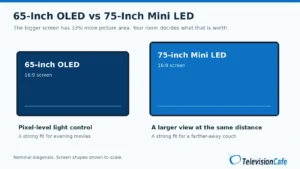
65-Inch OLED vs 75-Inch Mini LED: Which Should You Buy?
65-inch OLED or 75-inch Mini LED? Compare viewing distance, movie contrast, daylight viewing, sports, and gaming to choose the right TV for your room.
Best TVs for GTA 6: 3 Picks for PS5 and Xbox in 2026
Find the best TV for GTA 6 on PS5 and Xbox. Compare OLED and Mini LED picks, understand 120Hz and VRR, and avoid paying for features you don't need
Best TVs for Watching Sports in 2026: 4 Smart Picks
Find the best TVs for watching sports in 2026. Compare motion, glare, viewing angles, and broadcast quality across four LG, Samsung, Hisense, and TCL picks.
Best TVs for Bright Rooms in 2026: 6 Picks That Beat Glare
Find the best TVs for bright rooms in 2026. Compare Sony, Samsung, LG, and Hisense for glare control, daytime brightness, viewing angles, and value.

LG 2026 TV Lineup
LG's 2026 range is easiest to understand in families. OLED covers its self-emitting movie and gaming TVs; QNED covers LCD models at several feature levels; Nano UHD targets everyday 4K viewing. Micro RGB, framed Gallery TVs, and transparent OLED add more specialized choices.
The overview below explains each model family rather than listing every screen size or retailer suffix. It focuses on LG's U.S. listings, with regional announcements identified separately. Model and price information was checked on November 10, 2026.
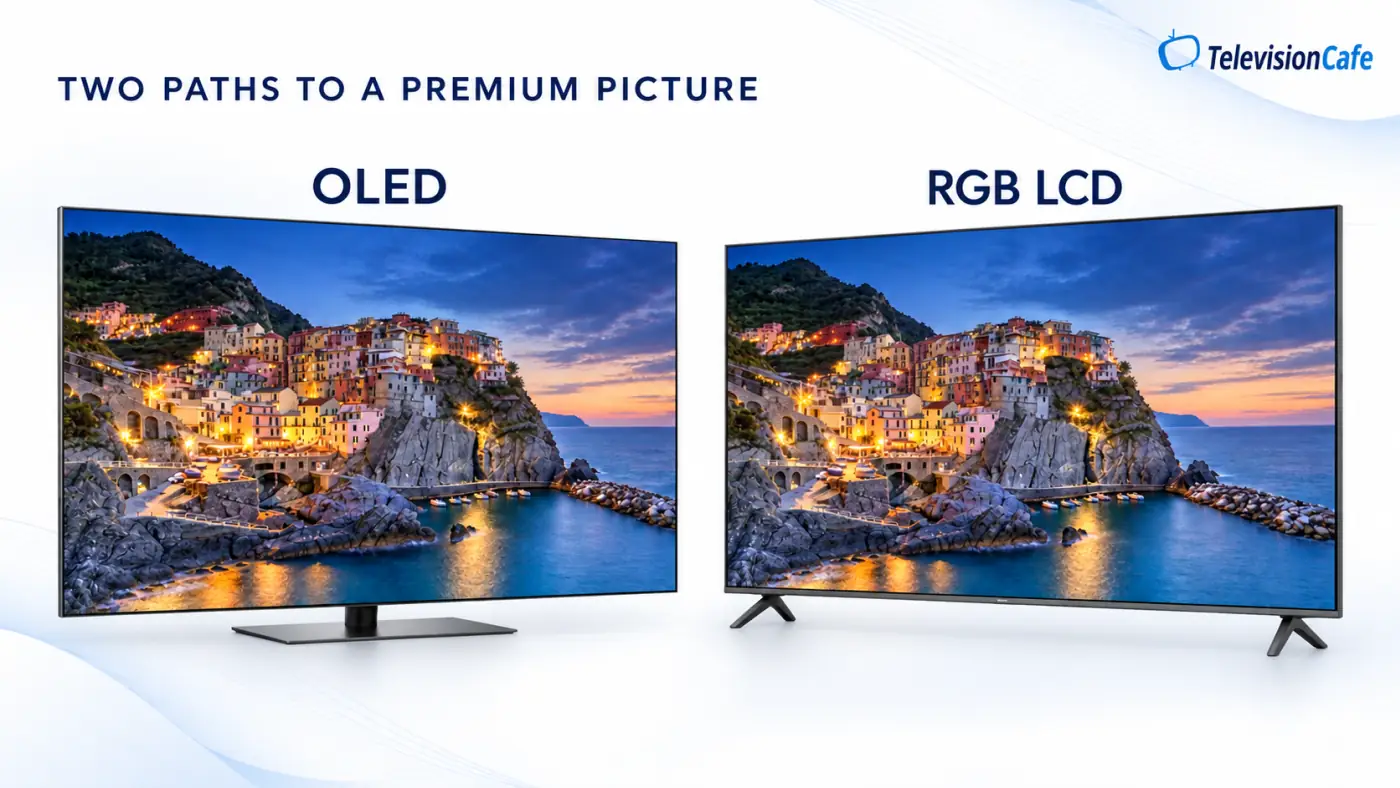
LG OLED TVs in 2026: From Everyday OLED to Wallpaper Designs
LG OLEDs suit buyers who care about dark-scene contrast, clean subtitles, and responsive gaming. The choice runs from the lower-cost B-Series to the premium G-Series, with the C-Series between them and specialist designs beyond those familiar tiers.
LG has led global OLED TV shipments for 13 consecutive years through 2025, according to LG's report citing Omdia. It reported a 49.7% worldwide OLED shipment share in 2025. That is an OLED-market figure, rather than a ranking of all U.S. televisions.
The range's appeal is practical: buyers can choose different price tiers and installation styles while keeping familiar webOS software and, on the appropriate models, Dolby Vision and extensive gaming features. Those strengths help explain why LG stays on many OLED shortlists; the sales ranking doesn't tell you which model fits your room.
LG G6: The Premium OLED Upgrade
The G6 is for buyers willing to pay for a higher-tier OLED picture and a close wall installation; the U.S. G6WUA package includes a flush wall mount. RTINGS' 65-inch regional test found stronger brightness and reflection handling than the C6, but the 97-inch version uses a different panel, so treat it separately.
LG G6 review · LG G6 vs. Samsung S95H
LG C6 and C6H: The Main OLED Shortlist
The C6 is the starting point for a main movie and gaming TV when the G6 premium is hard to justify; the 65-inch U.S. model combines Dolby Vision, four HDMI inputs, and VRR up to 165Hz for a compatible PC. The larger 77- and 83-inch C6H branch adds a different display configuration with Hyper Radiant Color and Brightness Booster Pro, while differences among the smaller C6 sizes also make exact-size reviews worth checking.
LG C6 review · LG C5 vs. C6 · LG C6 vs. Samsung S90H · LG C6 picture settings
LG B6: OLED With a Lower Entry Price
The B6 is aimed at buyers who want OLED blacks and useful gaming features without paying C-Series prices; the 65-inch B6GUA lists Dolby Vision, 120Hz native refresh, and four HDMI inputs. RTINGS found the tested 65-inch B6 less bright than the 65-inch C6, making the saving easier to justify for mostly evening viewing.
LG B6E: Compare the Complete Package
The B6E is a separately listed entry OLED variant, rather than another spelling of B6. LG's 65-inch listing includes a standard remote instead of the AI Magic Remote supplied with the 65-inch B6GUA, so compare the accessories and model-specific evidence as well as the price.
LG W6: The Wallpaper OLED
The W6 puts installation at the center of the purchase, with a 9.9mm Wallpaper design and a separate Zero Connect arrangement for wireless video and audio. It suits a planned wall installation where moving source connections away from the screen is worth the cost; the television still needs power.
LG SIGNATURE T6: Transparent OLED
The T6 is the specialist option for buyers who want a transparent screen as part of the room's design. Its 77-inch U.S. listing includes wireless video and audio transfer, but this is a purchase to plan around a demonstration and installation rather than a conventional OLED price comparison.
LG QNED TVs in 2026: Check the Features Behind the Number
QNED is LG's LCD family, with models stretching from affordable everyday TVs to a 115-inch screen. It is worth investigating when you want more screen for the budget, but the shared name doesn't guarantee the same dimming, HDR support, or gaming capability.
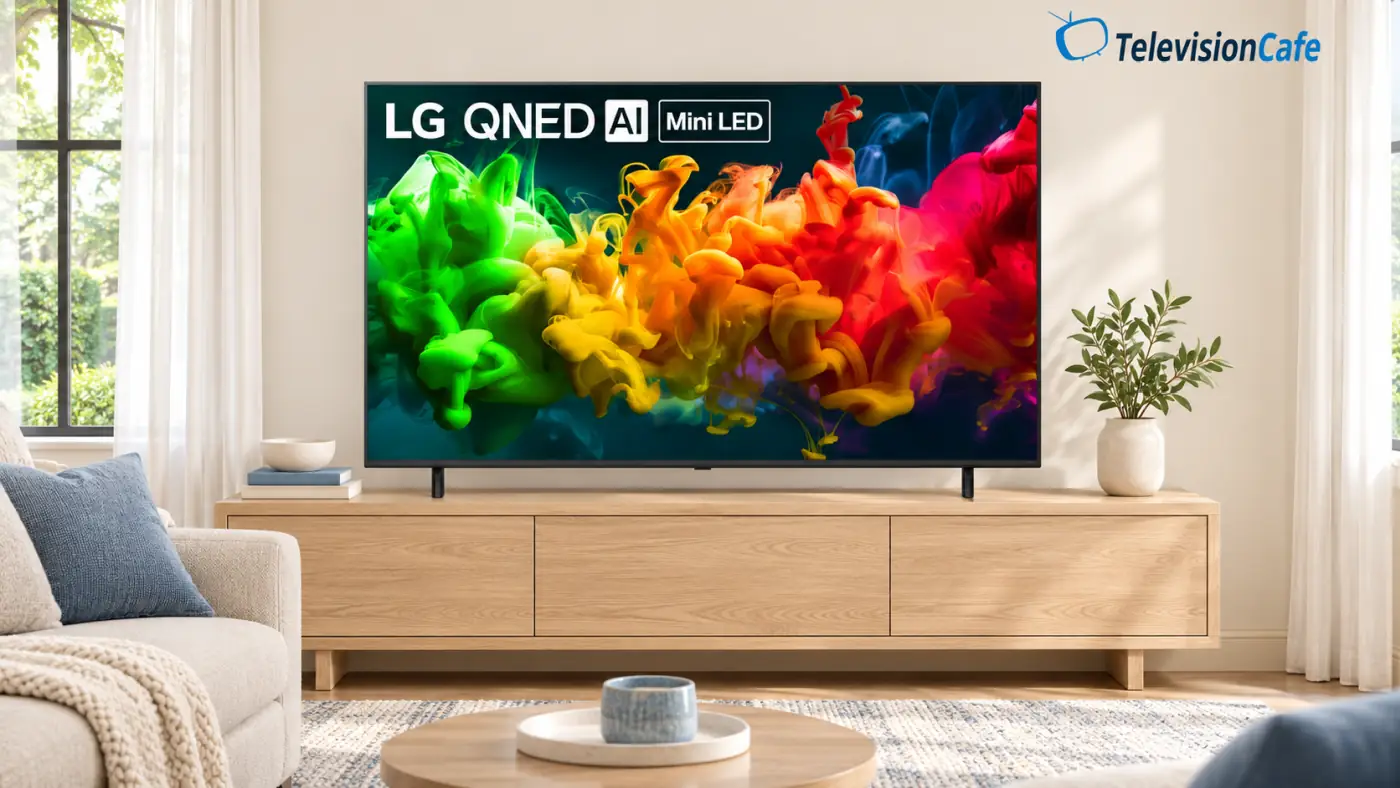
QNED92B: The Giant-Screen Model
The U.S. 115-inch QNED92B combines Mini LED, Precision Dimming Ultra, Dolby Vision, and VRR up to 165Hz. It is for a large-room installation where delivery access and mounting need as much attention as the picture specification.
QNED85B: A Better-Equipped LCD Option
The QNED85B is a model to compare for a main LCD television; the verified 65-inch version lists Precision Dimming, Dolby Vision, and 120Hz native refresh with VRR up to 144Hz. Those features give you useful reasons to compare it with the less expensive QNED models, while blooming and reflections still need independent evidence.
QNED84B: High-Refresh Gaming at a Lower Tier
The QNED84B spans more U.S. screen sizes, including a 100-inch version. Its 65-inch specification lists 120Hz native refresh and VRR up to 144Hz, but its HDR-format list is HDR10 and HLG, so don't assume it matches the QNED85B feature for feature.
QNED8MB: An LG.com-Exclusive Variant
The QNED8MB is listed as an LG.com-exclusive Mini LED option, with an Alpha 8 Gen2 processor and 120Hz native refresh on the verified 65-inch model. Check HDR support before ordering: that page's feature copy mentions Dolby Vision, while its detailed HDR-format list gives HDR10 and HLG.
QNED75B: A Broad Budget Range
The QNED75B favors affordability and size choice; the 65-inch specification lists 60Hz native refresh. LG calls it Mini LED in the marketing copy but lists “Direct” in that model's backlight field, so confirm the actual backlight and dimming implementation before paying for the badge.
QNED74B: Check Connections Before Buying
The QNED74B appears in selected U.S. sizes and is another budget-focused route into the range. The verified 50-inch model has 60Hz native refresh and two HDMI inputs, making the connection count worth checking if you use a console, player, and soundbar.
QNED7SB: The Lower-Cost QNED Route
The QNED7SB is for shoppers comparing everyday streaming TVs at the inexpensive end of the QNED lineup. The 55-inch model lists 60Hz native refresh and three HDMI inputs, so buyers seeking 4K/120Hz gaming should look elsewhere in the range.
LG Nano UHD TVs in 2026: Everyday Viewing on a Smaller Budget
LG's Nano UHD range is worth considering when you want an affordable 4K TV for streaming, broadcast channels, or a second room. Compare the exact model and screen size, though: the Nano UHD name alone doesn't tell you how well a TV handles dark scenes, reflections, or HDR.
NU70: The Basic 4K Option
The NU70 focuses on everyday viewing and built-in streaming. The U.S. 65-inch 65NU700BPUA lists direct LED backlighting, a native 60Hz refresh rate, and two HDMI inputs. That makes connections worth counting before you buy: an HDMI soundbar would leave just one input for a console, cable box, or streaming device.
NU71: Compare the Retailer Package
The NU71 is another Nano UHD family, including the U.S. 65-inch 65NU710BAUA. When comparing it with the NU70, check the retailer's included accessories, warranty coverage, and return policy alongside the price. Confirm any extended coverage in the actual offer, including who provides it and what it covers.
NU85: Screen Size Changes the Hardware
The NU85 needs a closer look because its hardware varies by size. The U.S. 65-inch 65NU850BPUA uses an Alpha 7 Gen9 processor, while the 98-inch 98NU850BPUB moves to an Alpha 8 Gen3 processor and supports refresh rates up to 144Hz with compatible gaming hardware. Those gaming features shouldn't be assumed to apply to smaller NU85 models.
For a bedroom or a straightforward streaming setup, compare the NU70 and NU71 at the size you actually need. If you're considering the 98-inch NU85, check its dimensions, installation requirements, and gaming connections separately; it deserves its own comparison with other large-screen TVs.
Other LG TVs in the 2026 Range
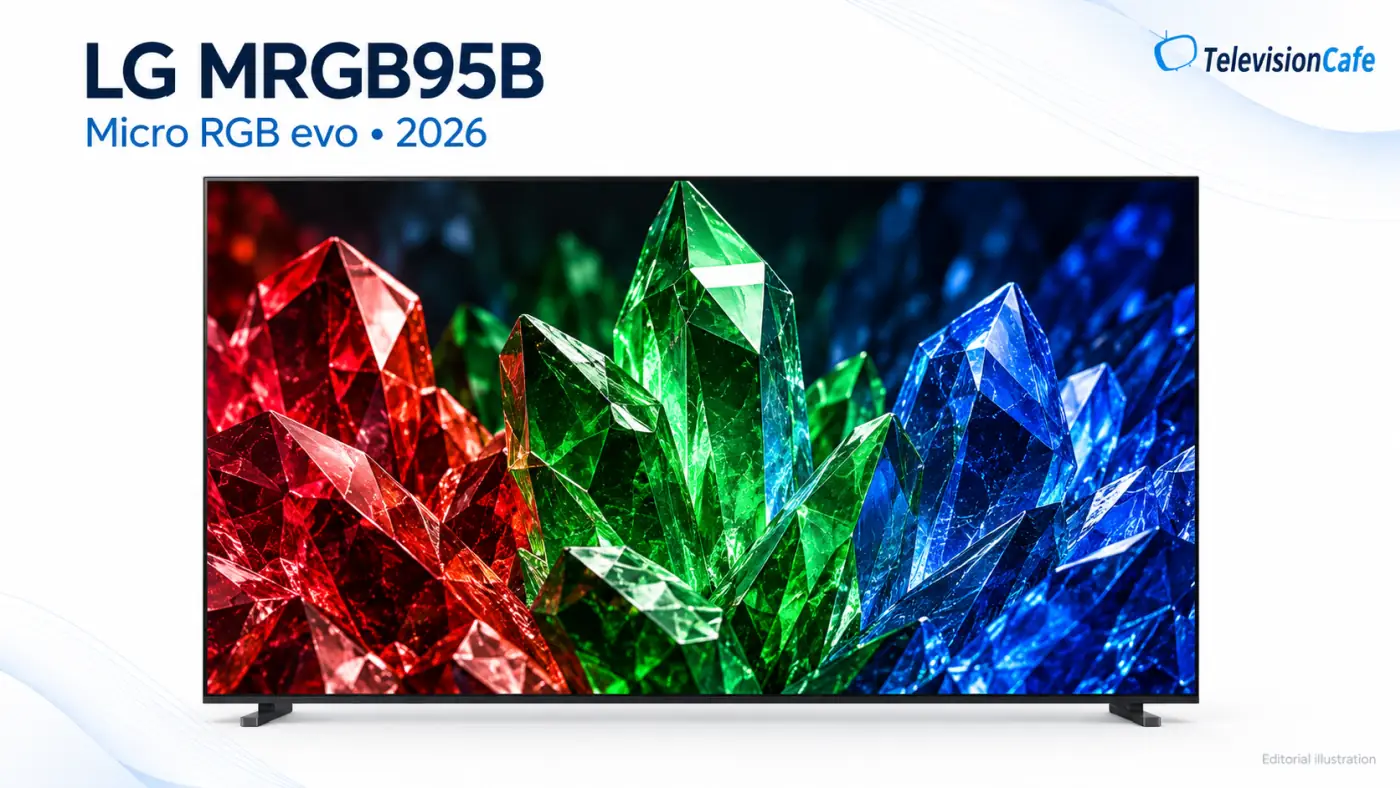
MRGB95B Micro RGB evo
The MRGB95B is LG's large-screen LCD with dedicated red, green, and blue backlighting, rather than a self-emitting MicroLED display. It is aimed at buyers comparing premium large LCDs; the verified 86-inch model lists Micro Dimming Ultra and VRR up to 165Hz.
LX7B Gallery TV
The LX7B is a framed LCD for rooms where displaying art is part of the television's job. LG's 55-inch listing includes a white frame and matte display, with 60Hz native refresh; it is a different product family from the G6 OLED despite the Gallery wording.
LB70 Full HD TVs
The LB70 covers LG's 24- and 27-inch Full HD options for spaces where a living-room television would be too large. Think kitchens and small rooms, with viewing distance deciding whether the compact screen is useful.
LB65 HD TV
The 32-inch LB65 is an HD model for a simple small-screen setup. Its lower resolution matters more if you sit close or expect to read small on-screen text.
Regional Mini RGB and QNED Announcements
LG has also announced Mini RGB evo MRGB9M and MRGB85 families globally, alongside regional QNED names such as QNED90, QNED82, QNED80, and QNED70. Treat these as additional names to investigate, rather than assuming each announced model or screen size is available in the U.S.
LG TV Price Guide: 55- and 65-Inch Examples
These are rounded examples of displayed U.S. offers at LG.com, checked November 10, 2026, before tax and optional services. They are retail-price snapshots, not launch MSRPs or editorial buying targets. Promotions and availability can change, so compare the exact model with the offer available when you buy.
| 2026 model family | 55-inch example | 65-inch example |
|---|---|---|
| G6 OLED | About $1,900 OLED55G6WUA | About $2,000 OLED65G6WUA |
| C6 OLED | About $1,000 OLED55C6PUA | About $1,400 OLED65C6PUA |
| B6 OLED | — | About $1,200 OLED65B6GUA |
| QNED85B | — | About $750 65QNED85BUA |
| QNED84B | About $550 55QNED84BUA | About $630 65QNED84BUA |
| QNED75B | About $330 55QNED75BUA | About $400 65QNED75BUA |
| QNED7SB | About $300 55QNED7SBUA | About $380 65QNED7SBUA |
| NU70 Nano UHD | About $250 55NU700BPUA | About $300 65NU700BPUA |
| LX7B Gallery TV | About $800 55LX7BPUA | About $1,000 65LX7BPUA |
A dash means a price wasn't verified for that size and variant; it doesn't mean the size cannot exist. No usable current offer price was exposed for the checked B6E and NU85 pages, so they are omitted here rather than assigned an estimated deal.
Sale pricing can narrow the gap between tiers. Compare what the upgrade adds to your room, including any separate stand, mount, or audio purchase, before choosing by the series hierarchy alone.
LG TV Model Numbers Explained
Read an LG model number in sections. Using the confirmed U.S. OLED65B6GUA as the example:
| Part | What it tells you |
|---|---|
| OLED | The television uses an OLED display. |
| 65 | The 65-inch screen-size class. |
| B | The B-Series family. In the current OLED range, B is the lower entry tier, C is the mainstream step up, and G is the premium wall-focused family. |
| 6 | The 2026 generation in this current range. LG also used B6 and C6 names in 2016, so the full code and year still matter. |
| GUA | The suffix identifying this particular version. Keep it when checking support, accessories, and the exact listing; it is not a picture-quality score. |
LCD names follow a different pattern. In 65QNED85BUA, 65 is the size and QNED85B identifies the 2026 QNED85B family. In 65NU700BPUA, 65 is the size and the NU700B portion belongs to the NU70 family. Don't read “85” as the screen size when it appears inside QNED85B.
Additional letters can identify a different branch: C6H and B6E need their own specification checks. The G in the suffix of OLED65B6GUA doesn't turn that B-Series TV into a G6.
The model number identifies a version of the TV; the serial number identifies the individual unit. Use the rear label, packaging, or the TV's information screen to check the complete code.
U.S. and International LG Model Names
The family name can stay recognizable while the full code changes. The U.S. 65-inch C6 is listed as OLED65C6PUA, the UK has OLED65C65LA, and Croatia uses a C6E name on OLED65C6ELB. These are naming examples, rather than proof that every accessory or hardware detail matches.
One confirmed difference is broadcasting support: the U.S. C6 listing uses ATSC/QAM tuning, while the UK version lists DVB terrestrial, cable, and satellite reception. Check the local model's tuner, warranty, power requirements, and supplied stand or wall mount before importing a television or borrowing overseas buying advice.
How LG Became an OLED TV Mainstay
LG Electronics began as GoldStar in 1958, produced Korea's first television in 1966, and took the LG Electronics name in 1995. Its later TV milestones included a large-screen 55-inch OLED launch in 2013.
That long OLED history helps explain the breadth of today's range: familiar B-, C-, and G-Series buying routes sit alongside Wallpaper and transparent designs. For U.S. shoppers, the useful next step is still choosing the exact television, rather than assuming every LG benefits equally from the company's OLED reputation.
Our Recommendation
Start with the C-Series when you want an LG OLED for mixed movie and gaming use. Choose a B-Series model when the saving matters more than the higher-tier display upgrade, or investigate the G-Series when its brighter-room advantages solve a problem in your setup.
For QNED and Nano UHD, decide which features you actually need before comparing prices. A less expensive 60Hz television can suit a second room, while a main gaming screen may justify a model with confirmed 4K/120Hz support. Check a discounted previous generation, too, when the package and warranty are suitable.